 Easy Tech Tuts
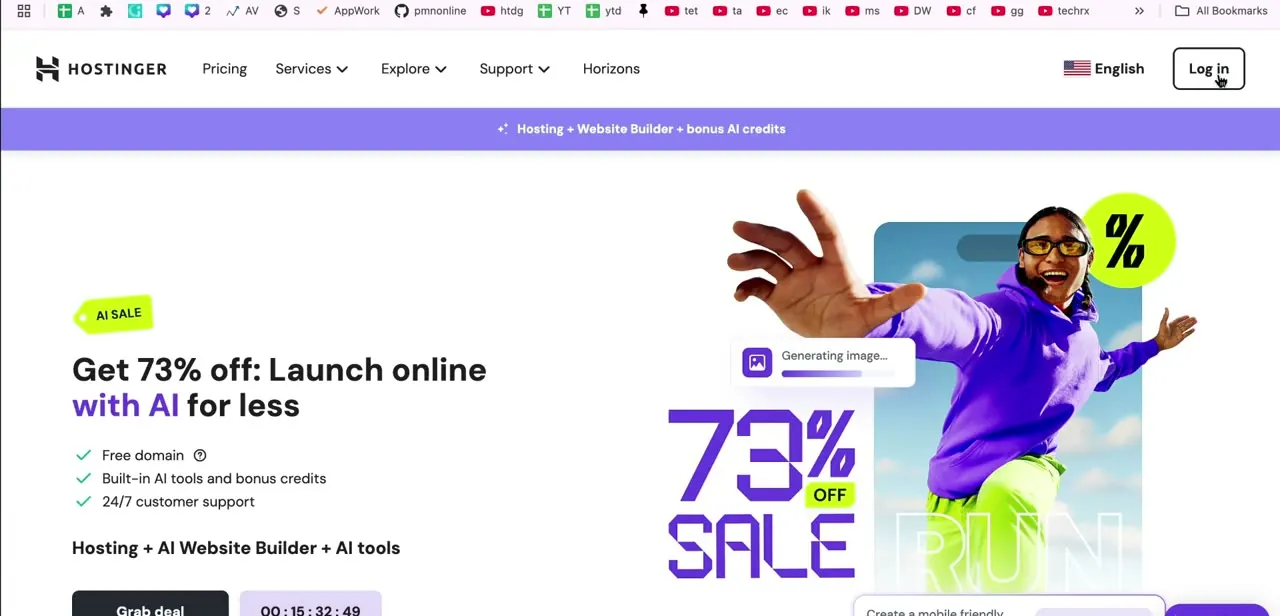
Find Your Nameservers in Hostinger (2026)
By Impran M N3 official sources
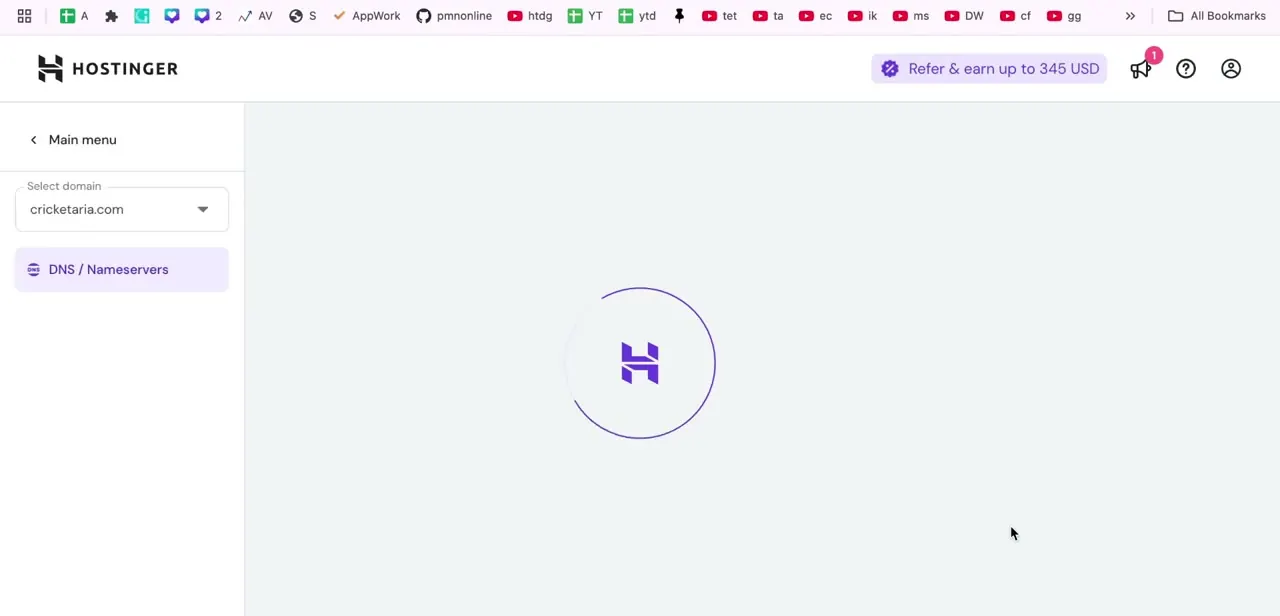
If you bought a domain through one registrar and want it pointed at hosting on Hostinger, you need two things: Hostinger's nameserver addresses, and the right screen in your…
26 free, step-by-step Hostinger guides covering setup, common tasks, fixes, and best practices — each illustrated with screenshots from the app itself.
By Impran M N3 official sources
If you bought a domain through one registrar and want it pointed at hosting on Hostinger, you need two things: Hostinger's nameserver addresses, and the right screen in your…
By Impran M N3 official sources
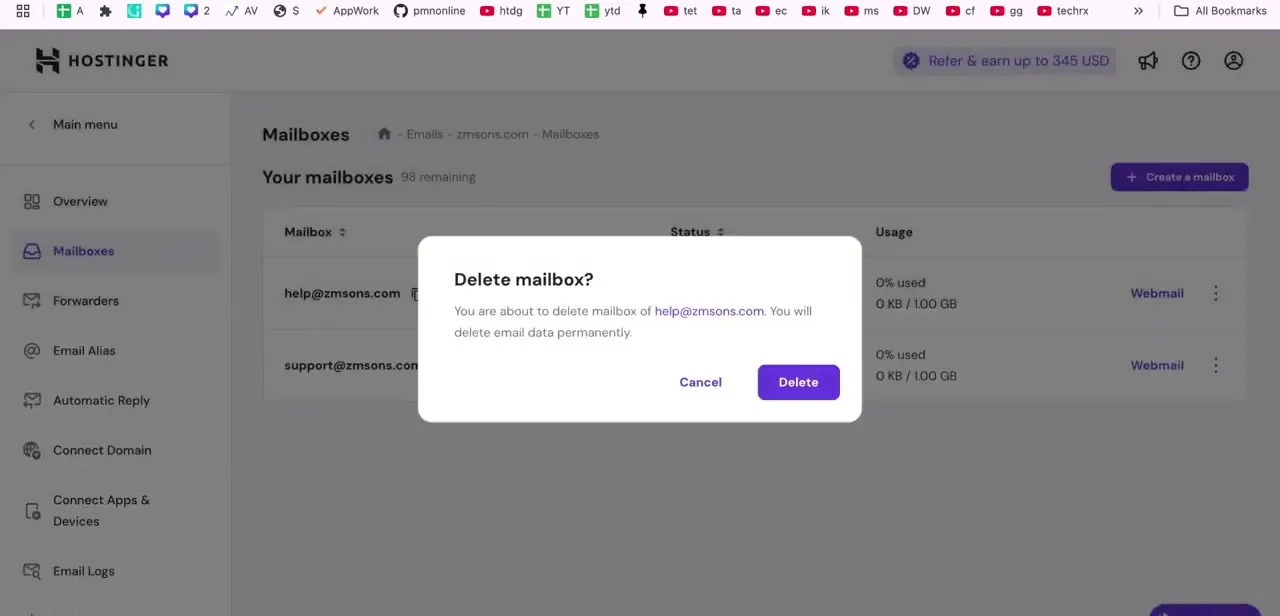
Hostinger gives you two different ways to deal with unwanted email, and mixing them up can cost you data you meant to keep. You can delete an entire mailbox from hPanel, or leave…
By Impran M N2 official sources
Hostinger's Website Builder has no dedicated calendar block. What it has is an embed code element that accepts a block of code from an outside service, and Google Calendar is the…
By Impran M N5 official sources
If you registered a domain with Hostinger but want email handled by Gmail, Zoho Mail, or another provider, the fix lives in one small form buried inside the domain's DNS settings.…
By Impran M N4 official sources
Linking a payment method is the step that turns a Hostinger website from a page people can browse into a store that can take money. The setting lives inside Store Manager's…