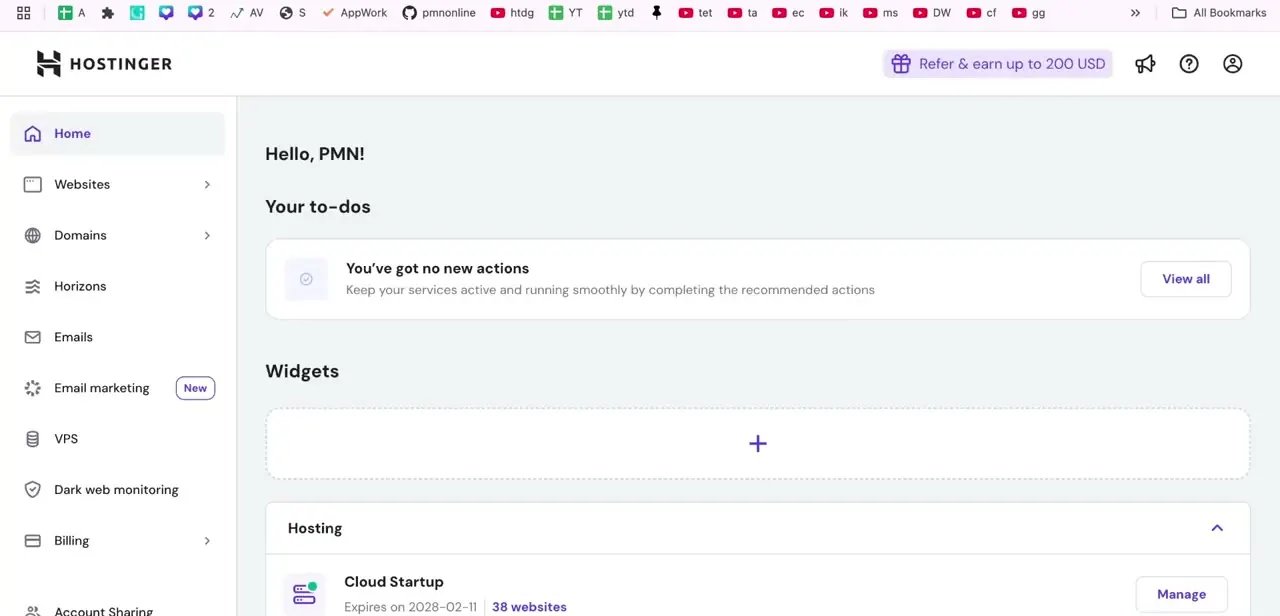
How to Find SMTP, POP & IMAP Details in Hostinger
By Impran M N
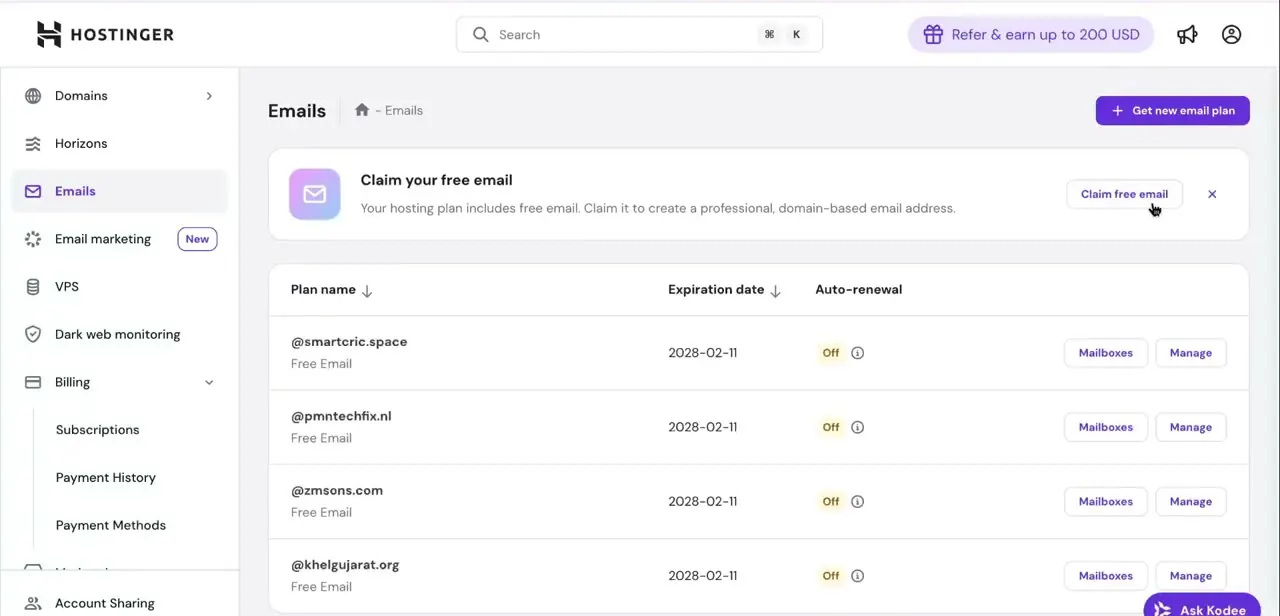
Connecting a Hostinger mailbox to Gmail, Outlook, or a custom app depends on getting four things exactly right: the server hostname, the port, the encryption type, and which…
26 free, step-by-step Hostinger guides covering setup, common tasks, fixes, and best practices — each illustrated with screenshots from the app itself.
By Impran M N
Connecting a Hostinger mailbox to Gmail, Outlook, or a custom app depends on getting four things exactly right: the server hostname, the port, the encryption type, and which…
By Impran M N
Cleaning up your Hostinger account by removing a domain you no longer use keeps your dashboard readable and makes room for new projects without old, inactive sites cluttering the…
By Impran M N
Getting a finished HTML website onto Hostinger doesn't require any coding, just Hostinger's built-in File Manager and a zipped copy of your site files. This guide walks through…
By Impran M N
The favicon is the small icon in the browser tab next to your site's name. On Hostinger's website builder there's no code involved, but the setting is filed somewhere most people…
By Impran M N
Rebranding a project or swapping a placeholder domain for the real one doesn't require a new hosting plan on Hostinger — you can point your existing website at a new domain name…