Easy Tech Tuts
Productivity & Office

Airtable tutorials

5 free, step-by-step Airtable guides covering setup, common tasks, fixes, and best practices — each illustrated with screenshots from the app itself.

How to Add a Column (Field) in Airtable

By Impran M N4 official sources

Airtable calls a column a field, and the name reflects a real difference. Every field has a type, so a column can hold attachments, a status picked from a fixed list, a link to a…
How to Integrate Airtable With SharePoint

By Impran M N2 official sources

Airtable's own Automations panel is useful for triggering actions inside Airtable or pinging apps like Slack, Gmail and Jira, but Microsoft SharePoint isn't one of its native…

How to Create Reports in Airtable

By Impran M N3 official sources

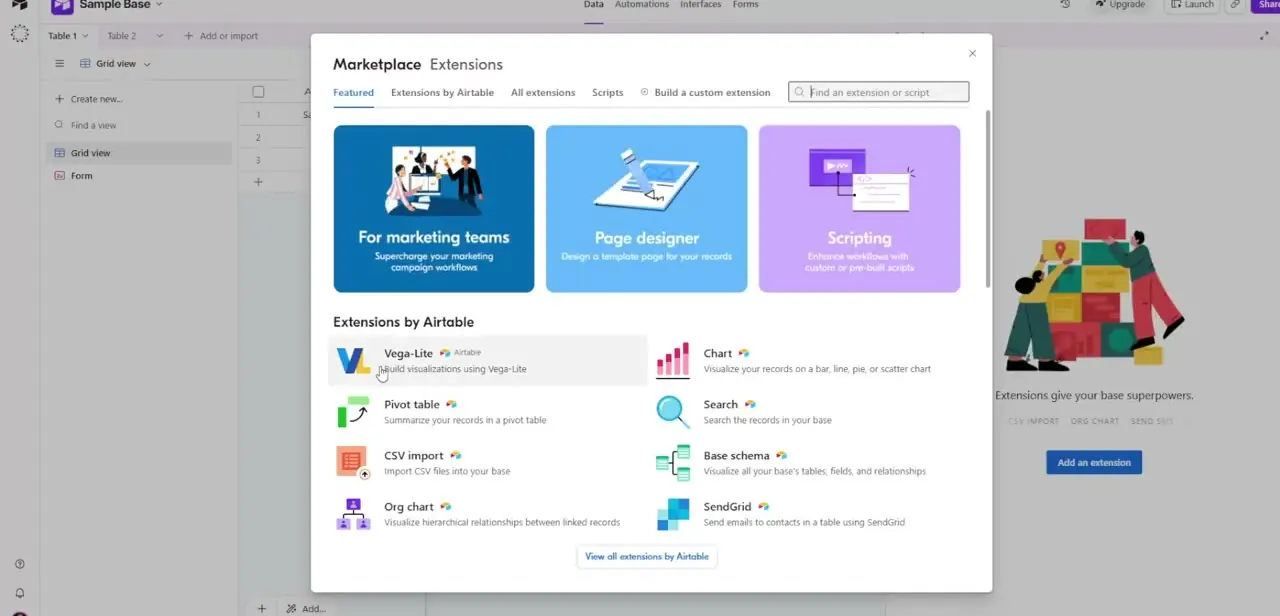
Airtable doesn't hand you a single "Reports" button. Visual reporting is spread across grid-level grouping and sorting, plus a set of extensions in the Marketplace that turn raw…

How to Create a Calendar View in Airtable

By Impran M N1 official source

A grid full of start dates and deadlines is useful, but it doesn't show your schedule the way a calendar does, bunched by week with gaps and overlaps obvious at a glance.…

How to Find Your Airtable Base ID

By Impran M N1 official source

Almost every integration that talks to Airtable, a Zapier automation, a custom script, a no-code app builder, asks for a Base ID before it can read or write your records. It's…