Easy Tech Tuts
How to Delete Domain on Hostinger 2026 Easily
By Impran M NLast checked against official docs
"Delete a domain" means two different things on Hostinger, and mixing them up is why this task confuses people. If the domain was registered through Hostinger, there's no delete button at all; Hostinger's own support pages say domain names can't be deleted from an account, full stop.
What you actually do is turn off auto-renewal and let it expire. If instead the domain is just connected to your Hostinger hosting from another registrar, that connection can be removed outright, with no effect on the domain itself. This guide covers both, and how to tell which one applies to you.
01Log in and see where domains show up in hPanel
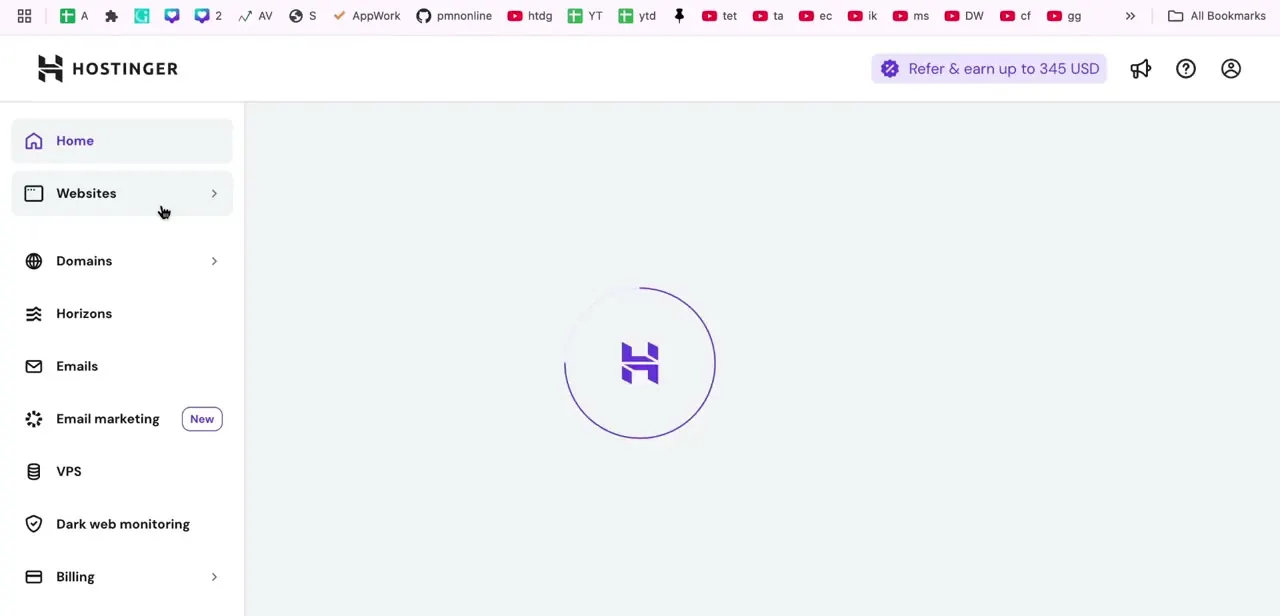
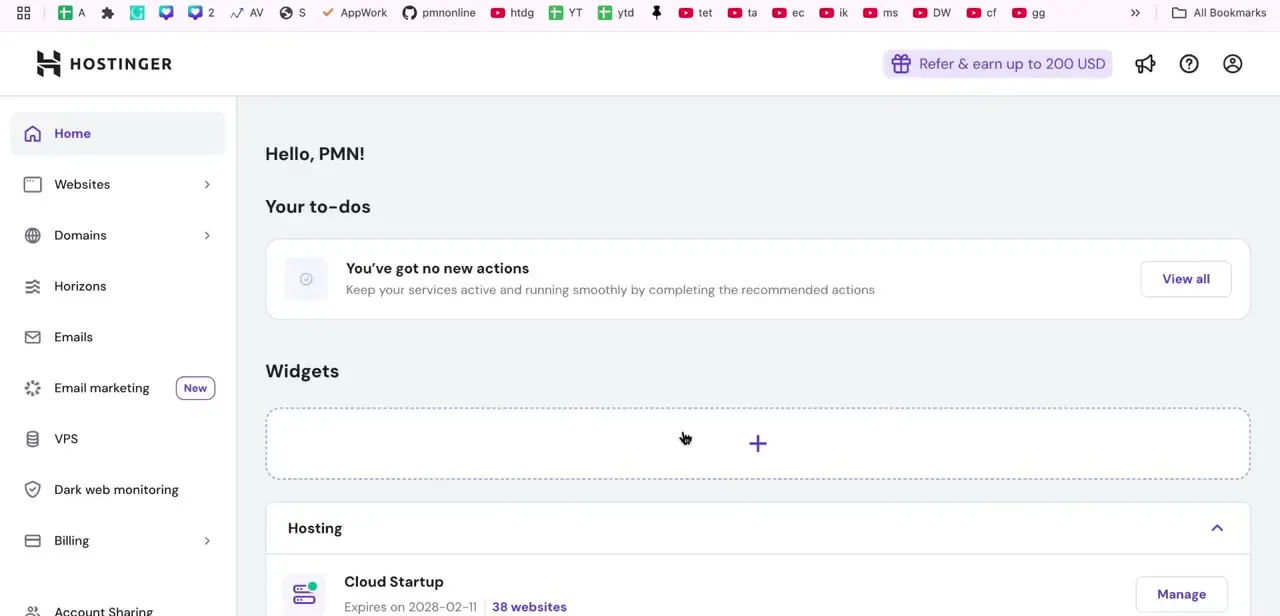
After signing in at Hostinger, you land on the hPanel home screen. The left sidebar is your main navigation for the rest of this: Home, Websites, Domains, Horizons, Emails, and more. Both Websites and Domains can lead you to a domain's settings, since a domain can be managed either as part of a hosted site or on its own under the dedicated Domains section, and which one you need depends on what you're trying to do to it.
02Open Domains for a domain-only view
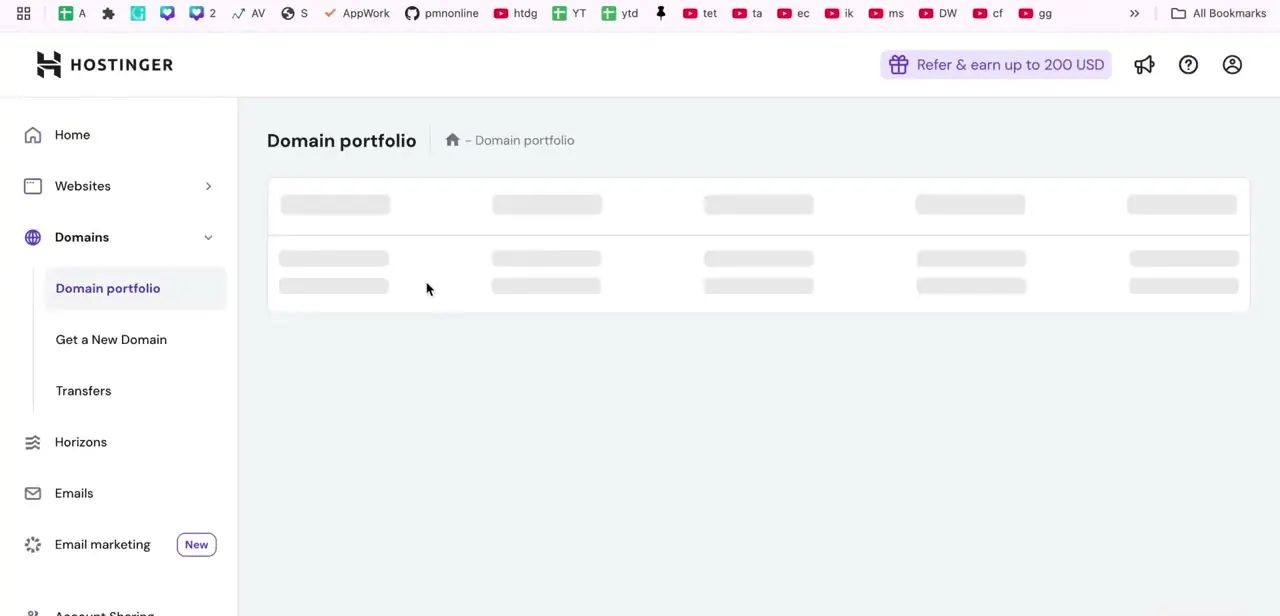
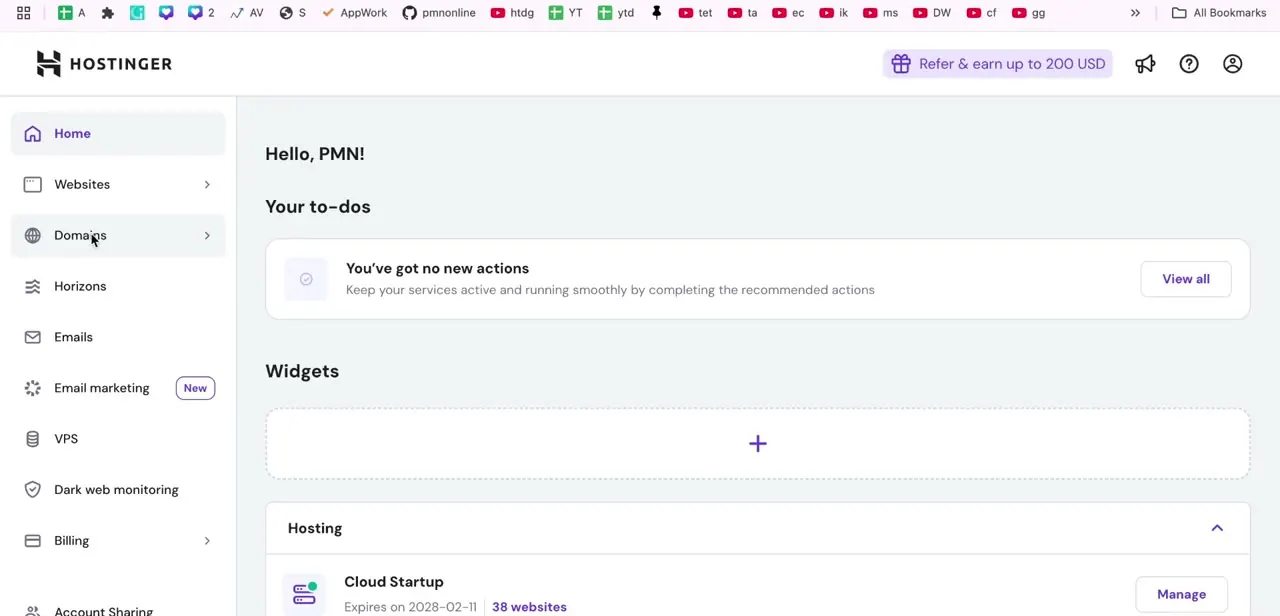
Click Domains in the sidebar rather than Websites if you want a list of just your domains and their registration details, without the hosting-plan grouping. This is the list that shows a domain's expiration date and auto-renewal status, which is what you'll need in the next step if the domain is registered through Hostinger.
03Work out which kind of removal you actually need
Hostinger's support documentation states plainly that a domain registered through it can't be deleted from the account. That rule exists for the same reason across most registrars, not just Hostinger. So there are really two different tasks hiding under "delete a domain": stopping a domain you registered through Hostinger, which means disabling auto-renewal and letting it lapse, or removing a domain that's merely connected to your Hostinger hosting but registered somewhere else, which can be unlinked immediately because Hostinger never owned that registration.
04If Hostinger registered the domain: disable auto-renewal
Open the domain's row in the Domains list and go to its Domain Overview page. Toggle off auto-renewal there.
The domain stays active until its listed expiration date, then moves into a grace period during which it can still be renewed, and is only removed from your account automatically after that period passes. There's no immediate deletion and no refund for the current term; if you want the domain gone sooner than that, Hostinger's cancellation process is the only route, and it still runs on the same expiration timeline.
05If the domain is only connected here: remove it, then check what depended on it
For a domain that's registered elsewhere and only added or pointed to your Hostinger hosting, use the three-dot menu next to its entry in the Domains list (or the Websites list, if it's attached to a site there) and choose the remove or disconnect option. This detaches it from your Hostinger account without touching the actual registration at its original registrar. Either way, check whether the domain had a website or email accounts tied to it before you finish, since disconnecting it can take those offline until you point something else at them.
When it doesn't work
There's no Delete button anywhere on the domain's page
Why: Hostinger doesn't provide one for domains registered through it. Its own support content confirms domain names can't be deleted from an account.
Fix: Use Domain Overview to disable auto-renewal instead, and let the domain lapse on its own schedule.
The domain still appears in the account after auto-renewal was turned off
Why: It remains active until the expiration date, then sits in a grace period where it can still be renewed, before Hostinger removes it automatically.
Fix: This is expected. Nothing further to do; check back after the expiration date and grace period have both passed.
A website or inbox stopped working after removing a connected domain
Why: The domain was still pointed at an active website or had email accounts using it, and removing the connection took those offline.
Fix: Reconnect the domain, or point the affected website and email accounts at a different domain, before removing it again.
Frequently asked questions
Can I actually delete a domain I registered through Hostinger?
No. Hostinger's support documentation says domain names registered through it can't be deleted from the account. You disable auto-renewal instead and let the registration expire.
Do I get a refund for turning off auto-renewal?
No. Renewal fees are non-refundable once paid. If you only just registered the domain and want a refund on that purchase, that's handled separately under Hostinger's general refund policy.
What's the difference between removing a domain and deleting a website?
Deleting a website built with Hostinger's builder doesn't delete the domain attached to it; Hostinger's documentation is explicit that the domain is only disconnected, and stays registered and available to reuse.
How long after I disable auto-renewal does the domain disappear?
It stays active through its current expiration date, then enters a grace period where it can still be renewed. It's removed from the account automatically only once that period passes, not immediately.
Is it different if the domain wasn't registered through Hostinger?
Yes. A domain that's only connected to your Hostinger hosting from another registrar can be removed from the account right away through its three-dot menu, since Hostinger never held the actual registration.
Sources and last check
Sidebar and list screens come from a walkthrough recorded in hPanel; the later steps in this guide previously described a generic Delete-plus-confirm flow that has no screenshot behind it. Checked against Hostinger's own support pages in September 2026, that flow doesn't exist for domains registered through Hostinger: its documentation states domain names can't be deleted from an account, only cancelled via auto-renewal and expiry. This rewrite corrects that and splits the task into the two cases Hostinger's docs actually describe.
About the author

Impran M N
I've been hooked on technology for as long as I can remember — especially the new tools and AI apps that seem to land every other week. Easy Tech Tuts is where I write up whatever I've just worked out: I do the task in the real product, record the screen, and turn it into the guide I wish I'd found first.