Easy Tech Tuts
How To Open Multiple Chart in Tradingview on one Window Screen for Free with Vivaldi Browser 2026
By Impran M NLast checked against official docs
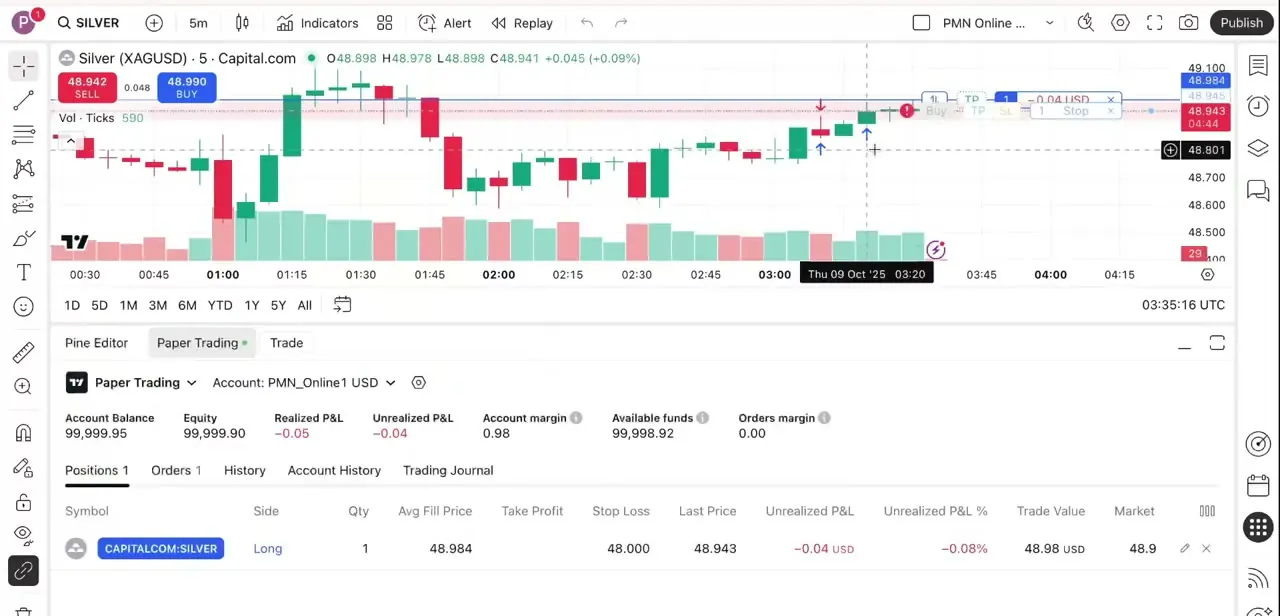
TradingView charges for multi-chart layouts: the free Basic plan shows one chart per tab, and seeing several at once normally means upgrading. Vivaldi's browser has tab tiling built in at no cost, and pointing it at a handful of separate TradingView tabs gets a similar side-by-side view without touching TradingView's own plan. This guide covers installing Vivaldi, loading independent TradingView charts into its tabs, and tiling them into one window split into panes.
01Download Vivaldi
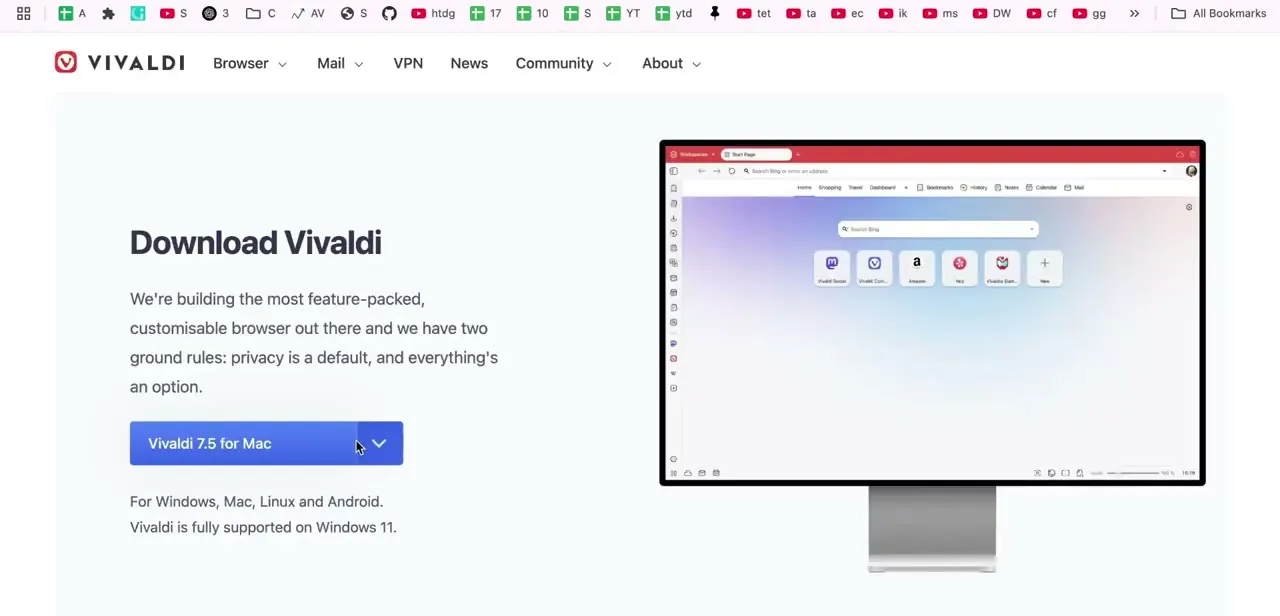
Vivaldi's download page detects your operating system and offers one build for it, with separate downloads for Windows, macOS, and Linux on desktop. Vivaldi also ships mobile apps for Android and iOS, but tab tiling is a desktop feature, so grab the desktop build.
Vivaldi is Chromium-based, so extensions, bookmarks, and autofill from Chrome carry over. Tab tiling is the feature this workflow depends on, and it's reason enough to install the browser just for this.
02Load a TradingView tab for each market
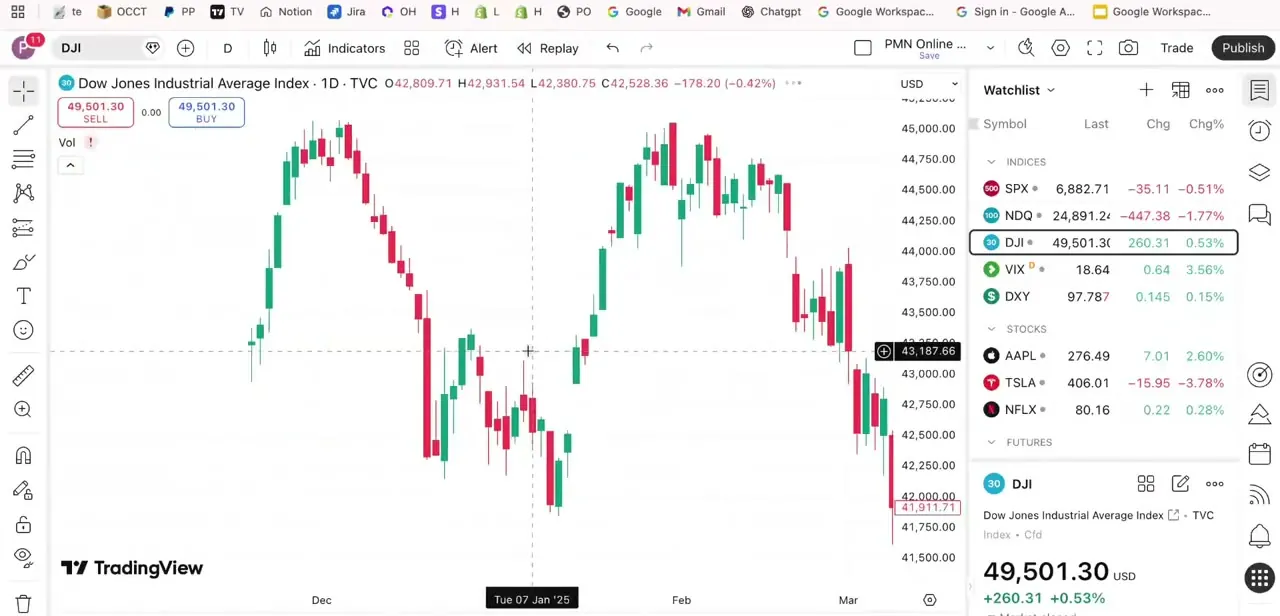
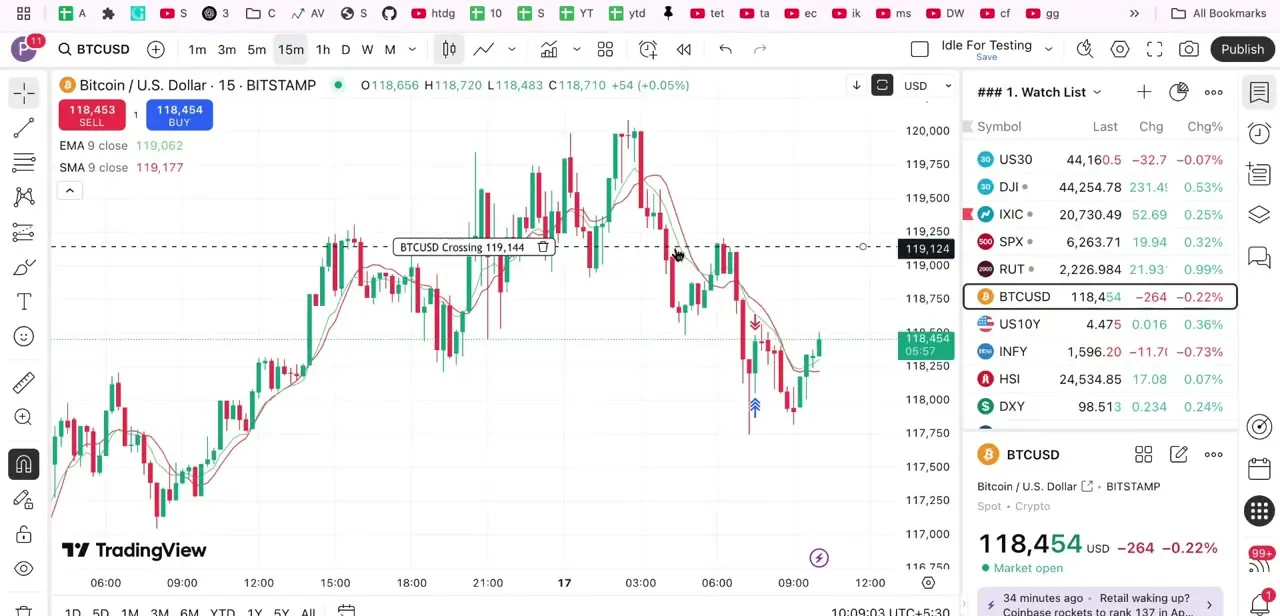
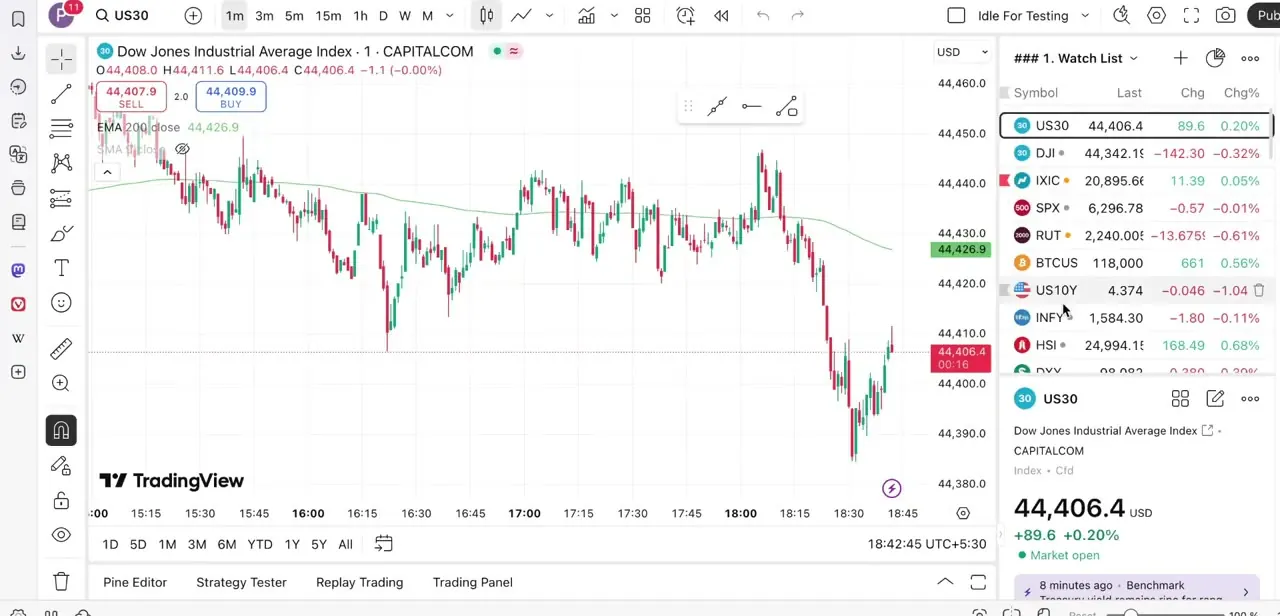
Open Vivaldi, go to TradingView, and sign in. The chart itself behaves the same as TradingView in Chrome or Firefox: same toolbar, same watch list, same symbol search.
Vivaldi adds its own slim icon rail down the left edge for panels like bookmarks and notes, but it doesn't touch the chart. For each additional market, open a new tab, load TradingView again, and search for that symbol: a stock index, a crypto pair, a bond yield, whatever runs in parallel with the others. Each tab is a fully separate TradingView session with its own timeframe, indicators, and drawing tools.
03Tile the tabs into a split-screen layout
Hold Ctrl (Cmd on Mac) and click each tab in the Tab Bar to select all the ones to tile. Then either right-click one of the selected tabs and choose Tile, or drag them into the main content area until a "Drop to tile" prompt appears.
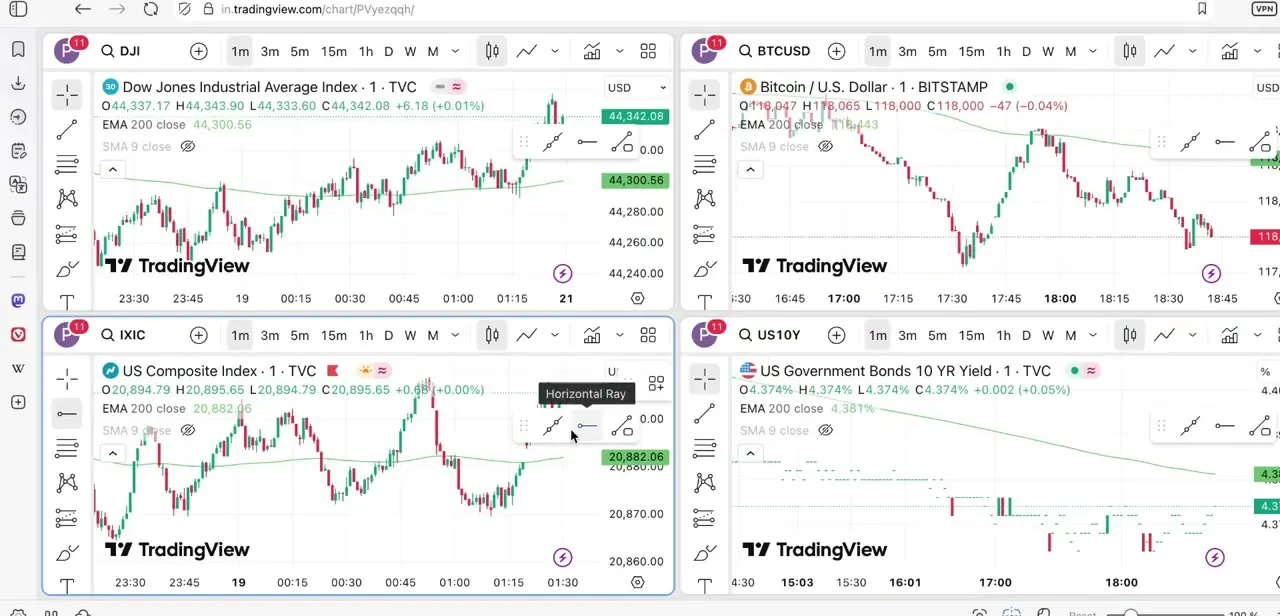
Vivaldi offers Vertical, Horizontal, and Grid layouts; Grid is what produces the four-quadrant view. The Page Tiling button on the status bar gives the same layout choices without dragging anything.
Once tiled, each pane keeps running its own live TradingView chart. In the example here, the Dow Jones, Bitcoin, the US Composite Index, and the 10-year Treasury yield update side by side, each with a fully usable toolbar and watch list.
04Fine-tune each pane
Click into each pane to set its timeframe, add whatever indicators that market needs, and confirm the feed is live and not paused. Because each pane is a separate tab underneath, changing one, say switching a 15-minute candle to hourly, doesn't touch the others. That isolation is what makes the setup useful for comparing correlated markets at different resolutions.
05Save the layout with a Vivaldi session
Vivaldi's Saved Sessions feature stores a group of tabs, including which ones were tiled, so the arrangement doesn't need rebuilding each time. Select the tiled tabs, right-click one, and choose Bookmark and Save > Save as Session, or use the Vivaldi menu > File > Save Open Tabs as a Session to capture everything open. Reopening a saved session restores the tab set and which tabs were tiled, though Vivaldi notes the exact tile proportions aren't guaranteed to come back identical, and each TradingView chart reloads fresh, so unsaved drawings or indicator tweaks from the previous session won't carry over.
| Plan | Charts per tab |
|---|---|
| Basic (free) | 1 |
| Essential | 2 |
| Plus | 4 |
| Premium | 8 |
| Ultimate | 16 |
From TradingView's own pricing page. The Vivaldi method in this guide sidesteps this limit by running separate free-plan tabs instead of TradingView's native layout.
When it doesn't work
Right-clicking a tab and choosing Tile only tiles one tab
Why: The other tabs weren't selected first. Vivaldi tiles whichever tabs are currently selected, not the whole window.
Fix: Hold Ctrl (Cmd on Mac) and click each tab you want in the layout before right-clicking to tile them.
A reopened saved session doesn't look like it did before
Why: Vivaldi's Saved Sessions preserve which tabs were tiled together but not the exact tile proportions, and each TradingView chart reloads without its previous drawings or indicator settings.
Fix: Expect to resize panes and reapply indicators after reopening; there's no way around this with Saved Sessions as they currently work.
The charts feel sluggish with four or more tiled
Why: Each pane is a full, independently rendering TradingView session, so tiling several multiplies the browser's memory and CPU use.
Fix: Close unused tabs elsewhere in Vivaldi, or drop to two or three tiled charts if the machine is older or has limited RAM.
Frequently asked questions
Is this multi-chart method really free?
Yes. It uses Vivaldi's free tab tiling instead of a paid TradingView plan, and any TradingView account, including the free Basic tier, works in each tab.
How many charts can I tile at once?
There's no TradingView-imposed cap, since each tab is its own independent session. In practice, screen size and your computer's resources set the real limit.
Does this work for crypto, forex, and stocks at the same time?
Yes. Each tab loads TradingView independently, so you can mix asset types freely across the tiled layout.
Will this slow down my computer with several charts open?
It can. Each pane is a full live chart, so more tiles use more memory and CPU; performance depends on your machine's specs.
Can I use this method in Chrome instead of Vivaldi?
Not the same way. Tab tiling is a Vivaldi-specific feature; Chrome has no built-in equivalent for tiling tabs into one window.
Can I save this layout so I don't rebuild it every session?
Yes, with Vivaldi's Saved Sessions. It remembers which tabs were tiled, though it doesn't guarantee the exact pane sizes come back the same, and each chart reloads fresh.
Sources and last check
Click path and screens come from a recorded walkthrough. Re-checked in September 2026 against Vivaldi's own Tab Tiling and Saved Sessions help pages and TradingView's pricing page: the tiling steps (Ctrl/Cmd-click to select, right-click Tile or drag to "Drop to tile") and the per-plan chart counts in the table above came from that check, and the session-saving step was corrected to name Vivaldi's actual Saved Sessions feature and its known limitation on exact tile proportions.
About the author

Impran M N
I've been hooked on technology for as long as I can remember — especially the new tools and AI apps that seem to land every other week. Easy Tech Tuts is where I write up whatever I've just worked out: I do the task in the real product, record the screen, and turn it into the guide I wish I'd found first.