Easy Tech Tuts
How to Get Nifty Futures Chart in TradingView 2026 Easily
By Impran M NLast checked against official docs
Nifty traders often mix up the spot index chart with the futures chart, and that mix-up can throw off analysis: support and resistance levels, volume, even the price itself can differ between the two. This guide shows where to look inside TradingView's symbol search to find the real NSE-listed Nifty Futures contract, how to tell a continuous chart apart from a specific monthly expiry, and which lookalike symbols send beginners to the wrong chart.
01Search for the symbol instead of trusting your watchlist
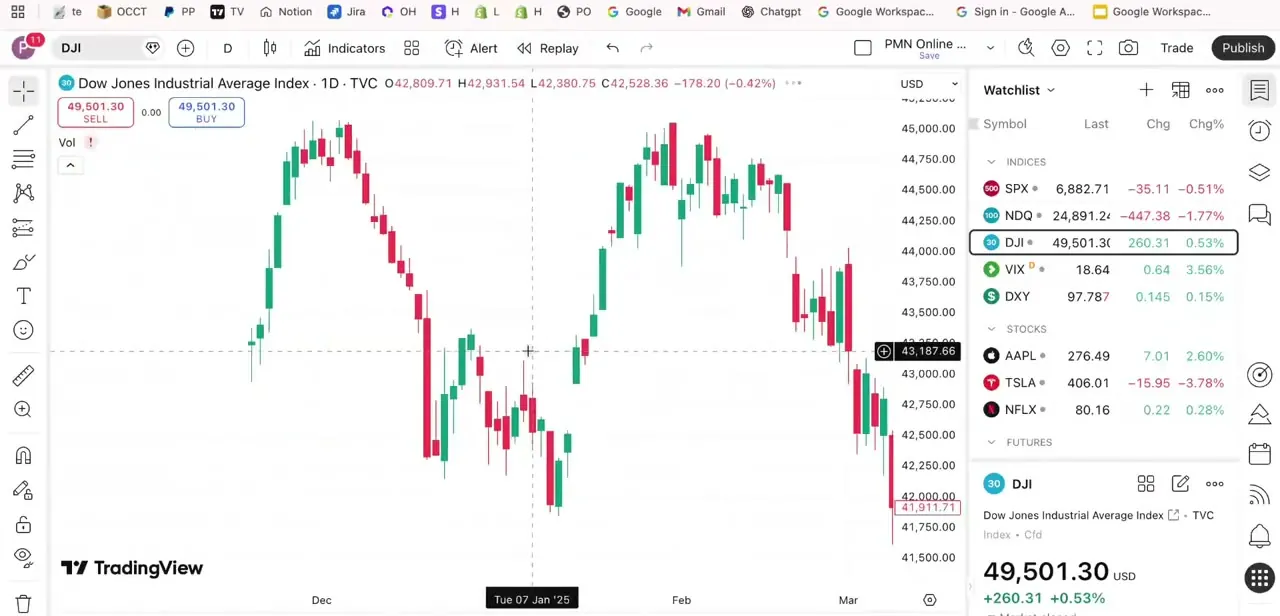
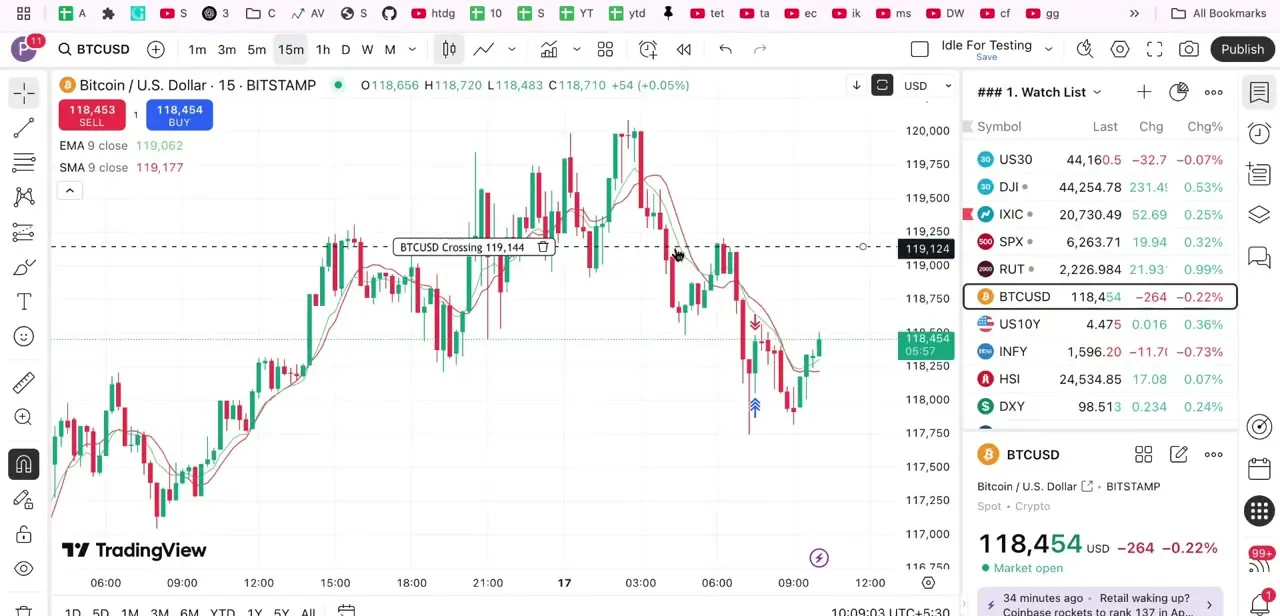
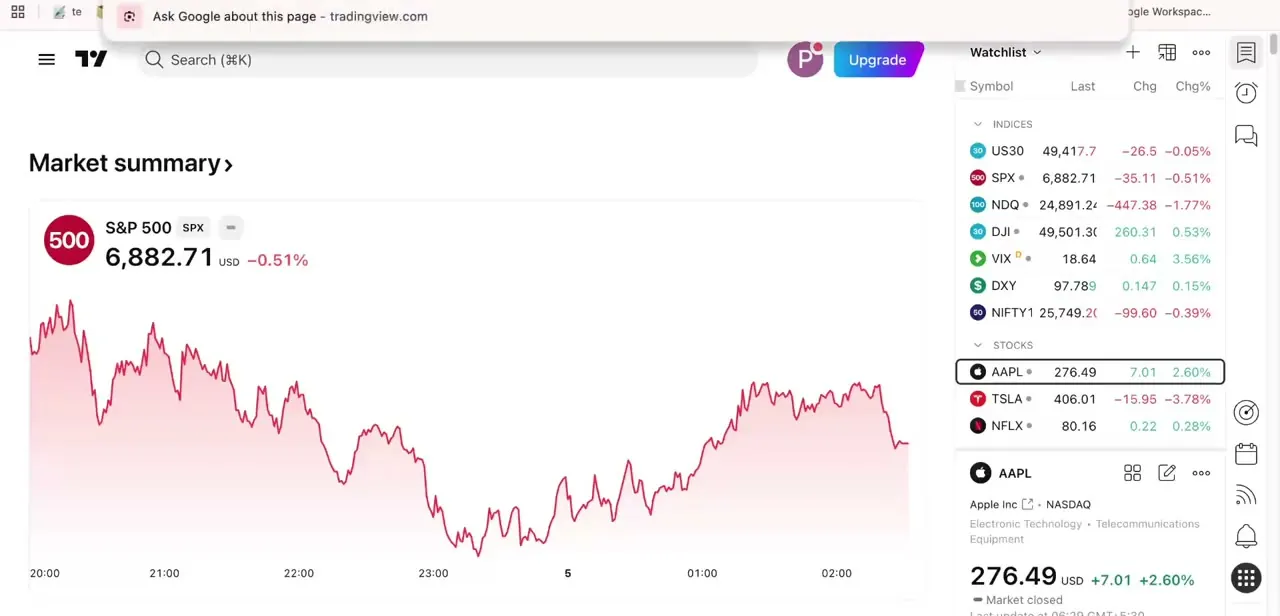
Open TradingView and you'll land on your usual workspace: a chart on the left, a watchlist on the right showing whatever indices and stocks you already track. You'll likely see NIFTY1 listed there alongside US30, SPX, and other global indices, sitting in the watchlist as just one symbol among many. That default entry is the spot index, not the futures contract, so click the search bar (or use the keyboard shortcut) and type NIFTY1 to open Symbol Search properly.
02Pick the NSE row tagged as futures
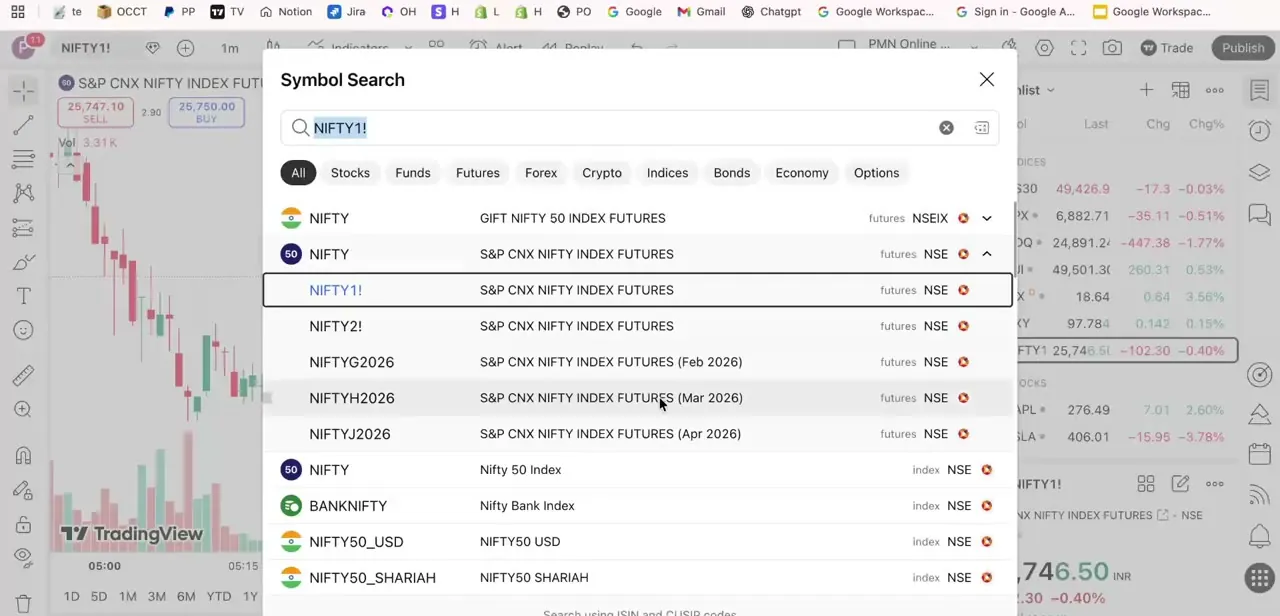
Symbol Search returns a filtered list, not a single result, and this is where most of the confusion starts: it mixes GIFT NIFTY, spot NIFTY 50 Index, BANKNIFTY, and several futures contracts together. Look for the row reading S&P CNX NIFTY INDEX FUTURES with NSE as the exchange and futures as the type.
The plain NIFTY row above it is tagged index and represents the spot value, a reference number you can't trade directly. A similarly named row, GIFT NIFTY 50 INDEX FUTURES, sits on a different exchange (NSEIX) entirely, so match both the exchange and the type tag, not just the name.
03Know why the futures price won't match spot
Nifty Spot tracks the live value of the underlying 50 stocks in real time. Nifty Futures is a separate, tradable contract that settles against that index on a future date, so it prices in time value and market expectations and trades at a premium or discount to spot, not tick for tick with it. Mix candles from the spot chart with levels drawn on the futures chart, or the reverse, and the numbers won't line up.
04Choose a continuous contract or a specific monthly one
NIFTY1! and NIFTY2! are continuous contracts that roll automatically from one expiry to the next, giving an unbroken historical chart for trend and pattern work. Below those, symbols like NIFTYG2026, NIFTYH2026, and NIFTYJ2026 are specific monthly contracts, where the letter and year identify the expiry month, and each stops updating once that contract expires.
Use a continuous chart for backtesting or spotting longer-term trends. Switch to the exact monthly contract when you're trading that expiry, since its price and open interest are what will match your broker.
05Double-check you didn't grab a lookalike symbol
The most common beginner mistake in that search list is clicking BANKNIFTY instead of NIFTY; the two sit close together and share similar naming. A close second is loading NIFTY50_USD or NIFTY50_SHARIAH, which are different index products, not the standard futures contract most Indian traders mean by "Nifty Futures." Before you analyze or place trades, glance at the symbol name in the chart header and confirm it reads S&P CNX NIFTY INDEX FUTURES on NSE.
When it doesn't work
The chart carries a "D" badge and lags behind the live market
Why: You're viewing delayed data. TradingView marks NSE futures and options as real-time only by default for non-professional accounts; professional accounts and all BSE data need an extra step (an exchange agreement or a paid package).
Fix: Check your account classification in TradingView's data settings, or budget for the relevant data package if you trade professionally.
The chart loaded is BANKNIFTY, not NIFTY
Why: The two symbols sit close together in the Symbol Search results and share similar names.
Fix: Check the ticker in the chart header reads S&P CNX NIFTY INDEX FUTURES on NSE before you start analyzing.
Two different "Nifty Futures" symbols show up: one on NSE, one on NSEIX
Why: NSEIX:NIFTY1! is GIFT NIFTY, an offshore contract traded on NSE International Exchange. It's a different product from the domestic NSE:NIFTY1! contract most Indian traders mean by Nifty Futures.
Fix: Confirm the exchange tag reads NSE, not NSEIX, unless GIFT NIFTY is what you actually want.
Frequently asked questions
Is Nifty Futures the same as Nifty Spot?
No. Nifty Spot is the plain NIFTY index row in TradingView's search results, tagged as an index — it tracks the live value of the underlying stocks but isn't directly tradable. Nifty Futures is a separate row tagged futures on the NSE exchange, and it can trade at a premium or discount to spot.
What's the difference between NIFTY1! and a symbol like NIFTYG2026?
NIFTY1! is a continuous contract that rolls automatically between expiries, giving an unbroken chart for trend analysis. NIFTYG2026 (and similar symbols like NIFTYH2026) is a specific monthly contract tied to one expiry date, useful when you want the exact price and open interest for the contract you're trading.
Why is my Nifty Futures chart marked delayed or showing a "D" badge?
TradingView gives real-time NSE futures data free to non-professional accounts by default. If your account is classified as professional, or you're looking at BSE data, real-time access needs an extra step: an exchange agreement or a paid data package.
Why does the Nifty Futures price differ slightly from Nifty Spot?
Futures prices reflect time value, interest rate expectations, and cost of carry on top of the underlying index value, so they trade at a small premium or discount to spot rather than an exact match.
How do I avoid picking the wrong Nifty symbol by accident?
In the Symbol Search results, confirm the row is labeled futures (not index), the exchange reads NSE, and the name says S&P CNX NIFTY INDEX FUTURES — not BANKNIFTY, GIFT NIFTY, or a USD/Shariah variant, which all sit nearby in the same list.
Can I trade Nifty Futures directly through TradingView?
TradingView is primarily for charting and analysis. Whether you can execute trades directly depends on whether you have a connected broker integration that supports NSE futures.
Sources and last check
Symbol names, exchange tags, and the continuous-vs-monthly contract behavior come from a walkthrough recorded in TradingView's Symbol Search. The data-delay and account-classification details were checked against TradingView's official support article in September 2026 and added as new context; the original draft didn't mention the delay at all.
About the author

Impran M N
I've been hooked on technology for as long as I can remember — especially the new tools and AI apps that seem to land every other week. Easy Tech Tuts is where I write up whatever I've just worked out: I do the task in the real product, record the screen, and turn it into the guide I wish I'd found first.