Easy Tech Tuts
How To Clear Chart In TradingView 2026, Delete Drawing & Indicators Easily
By Impran M NLast checked against official docs
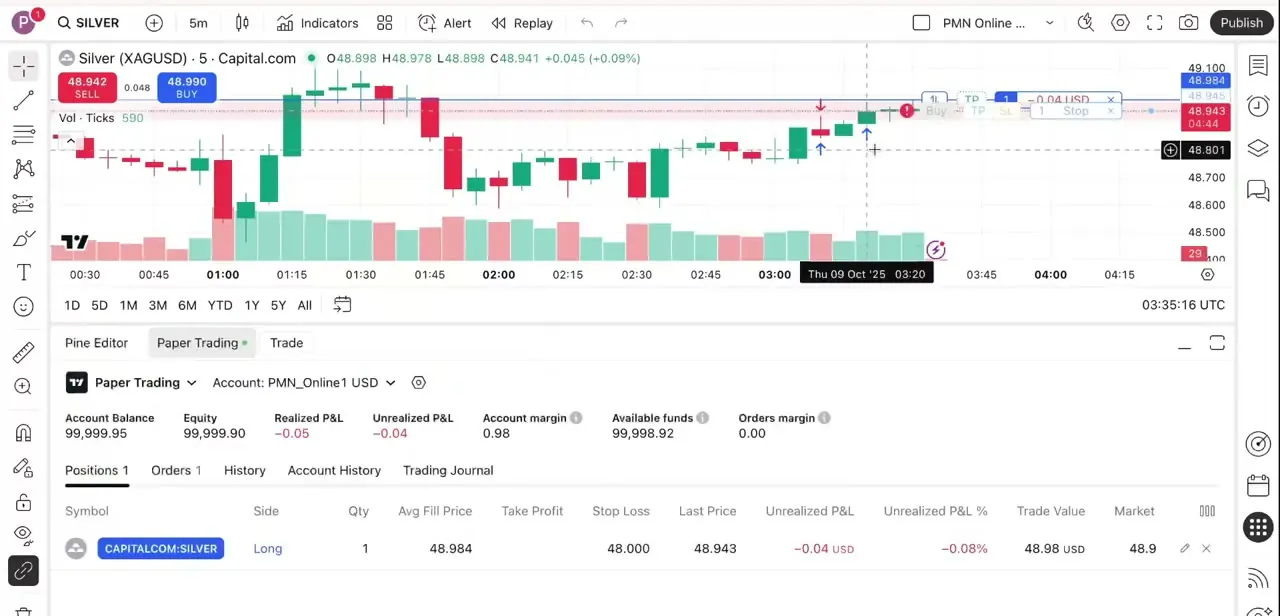
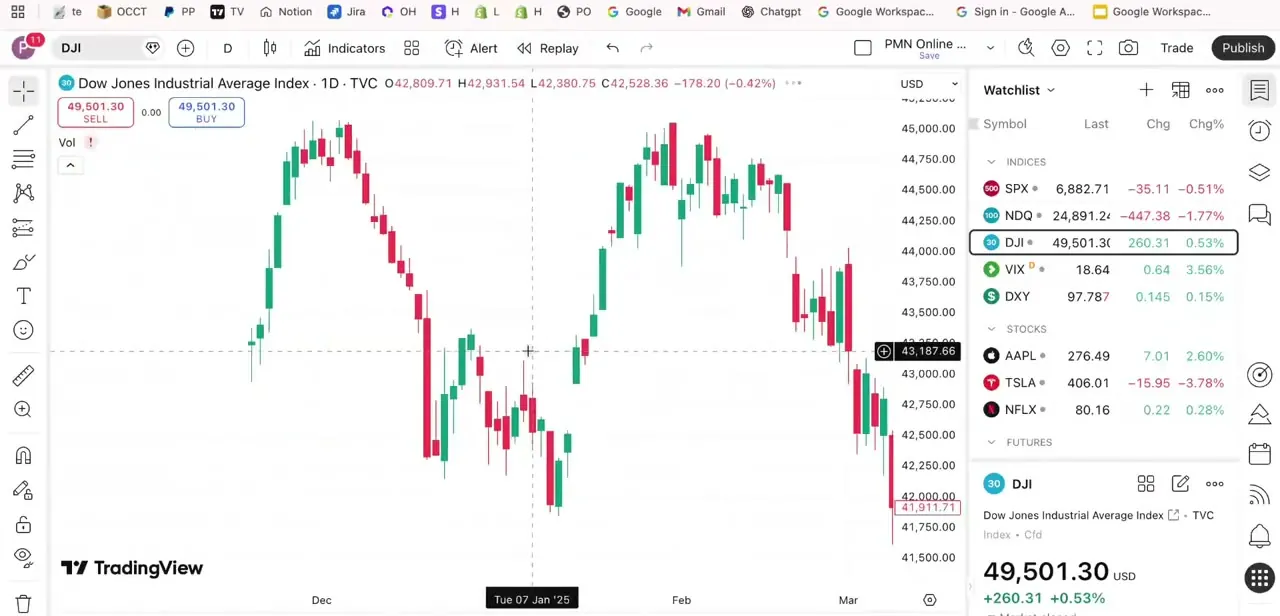
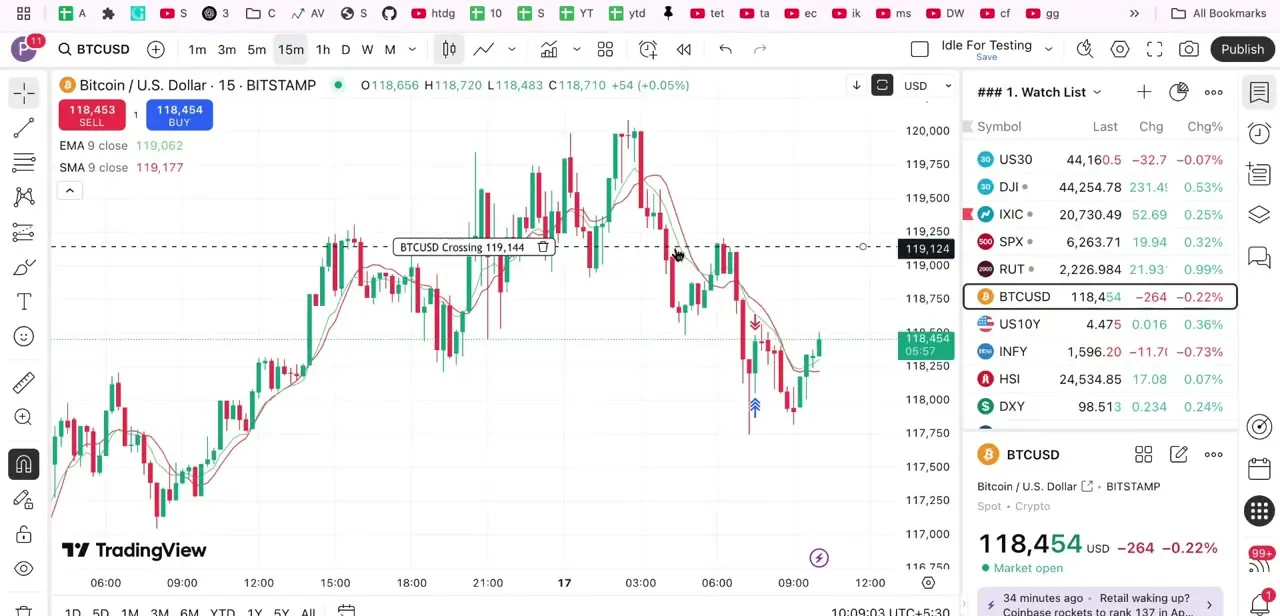
A chart accumulates junk faster than anyone expects: a trendline drawn three sessions ago, a Fibonacci retracement from a setup that never triggered, two moving averages you stopped using. Left alone it becomes genuinely harder to read price, which is the whole point of the chart.
TradingView gives you four different ways to clean it, and they are not interchangeable. One removes drawings but leaves indicators, another wipes both, and the object tree lets you pick off single items without touching anything else. This guide covers each, plus the part most tutorials skip: how to clear a chart without destroying the layout you spent time building.
01Delete one drawing at a time
For a single stray object, click it on the chart and its handles appear with a small floating toolbar, then press Delete or Backspace. Right-clicking gives the same Remove option in a context menu, next to settings, clone and lock.
If clicking grabs the wrong object, which happens when drawings overlap, press Escape to deselect and try again. Ctrl+Z (Cmd+Z on a Mac) undoes a deletion right away, so an accidental removal costs nothing as long as you notice quickly.
02Wipe every drawing from the toolbar's remove button
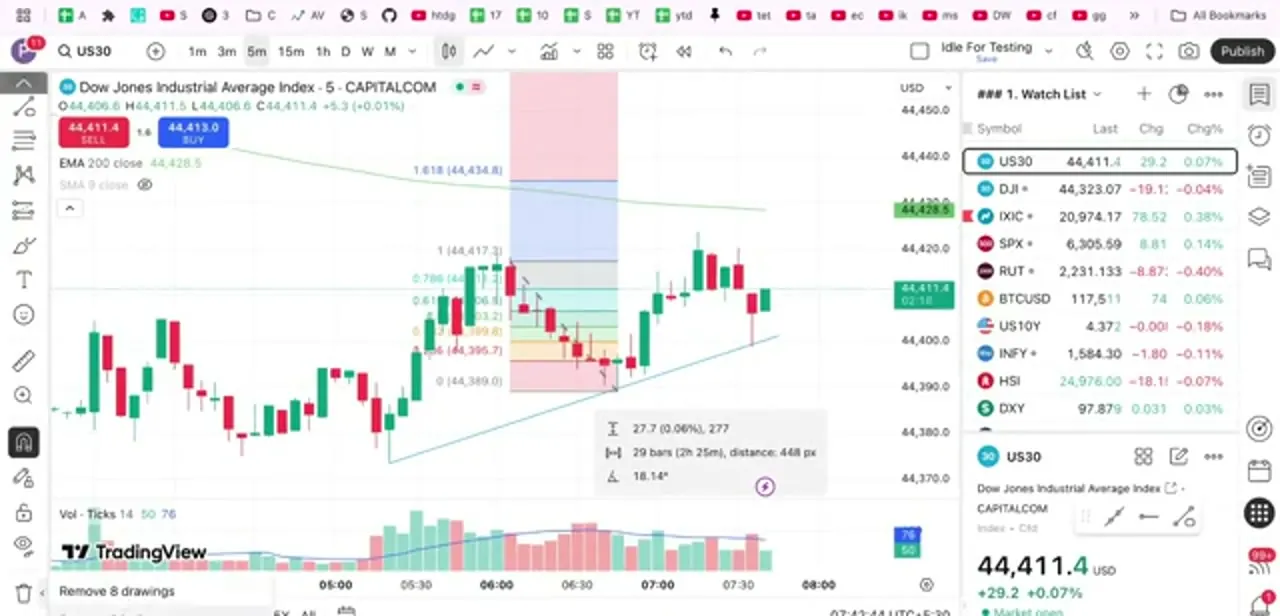
The fastest full reset sits at the bottom of the drawing toolbar on the left edge of the chart: a trash icon that opens a short menu. TradingView's own support documentation labels the combined action 'Remove Drawings & Indicators.' The menu also counts what it's about to delete, something like 'Remove 8 drawings' on a chart carrying eight objects, with separate options below for indicators alone and for both together.
Read the wording before clicking; this is the step where people wipe a set of studies they meant to keep. The count doubles as a sanity check too. If it reads 30 on a chart that looks fairly clean, objects are sitting off-screen or hidden behind the price action.
03Remove indicators from the chart legend
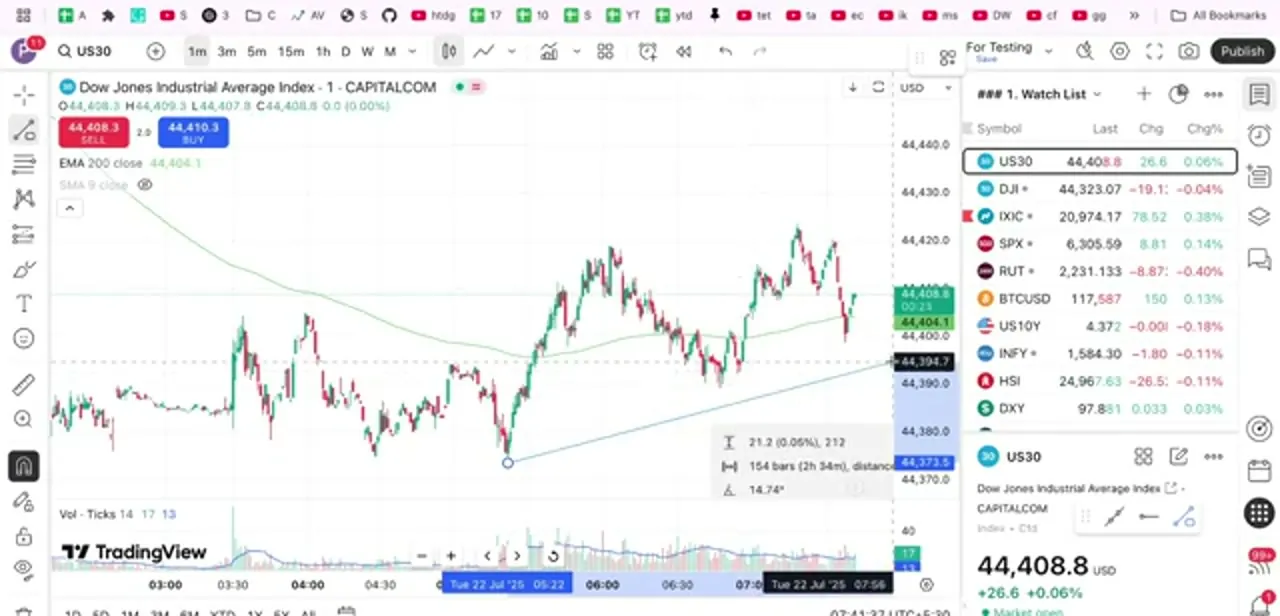
Indicators aren't drawings, and the toolbar's drawing-removal option won't touch them on its own. Each study you've added appears as its own line in the legend at the top left of the chart, labeled with its name and settings: EMA 200 close, SMA 9 close, and so on.
Hover a line and small controls appear: an eye to hide it without deleting, a gear for its settings, and a more menu with Remove. Hiding is the better first move when you're only decluttering temporarily. A hidden indicator keeps its exact parameters and comes back with a single click, while a removed one has to be re-added and reconfigured from scratch.
04Use the object tree when you need precision
The object tree, opened from the icon column on the right edge of the chart, lists everything on the chart as a structured panel: each drawing, each indicator, and which pane it belongs to. Reach for it when objects overlap so heavily that clicking the right one is guesswork, or a drawing has drifted off-screen and you can't find it at all.
From the tree you can select, hide, reorder or delete individual items, and because everything is named, you can tell a Fibonacci retracement from a trend channel without hunting for it visually. It's also the fastest way to spot duplicates: two copies of the same trendline stacked on each other is a common cause of 'I deleted it and it's still there.'
05Protect the layout before you clear it
This part deserves care. Clearing a saved chart layout changes that layout, and there's no separate confirmation asking whether you meant to.
Before a big cleanup, use the layout menu at the top of the chart to duplicate it under a new name, then clear the copy so the original setup survives intact. If you've already cleared and want the drawings back, undo repeatedly before doing anything else; once you navigate away or reload, that history is gone. For layouts worth protecting, one pristine named copy you never trade from is cheap insurance.
06Rebuild fast with templates
If you clear charts often, testing strategies, teaching, switching between instruments, set up indicator templates so a clean chart is one click from being your working chart again. Add the studies you want, configure them, then save the set as a named template from the indicators menu; applying it later restores the whole group with your settings.
Pair that with two saved layouts, one clean and one loaded, and clearing stops being destructive since you're just switching views. The same clearing options exist in the TradingView mobile app through the drawing toolbar and the indicator list, though the object tree is more comfortable on a desktop screen.
When it doesn't work
Remove Drawings & Indicators wiped a saved layout I meant to keep parts of
Why: The action clears the layout you're currently working in, and there's no separate confirmation step.
Fix: Undo immediately with Ctrl+Z (Cmd+Z) before navigating away or reloading, or duplicate the layout under a new name before a big cleanup next time.
An indicator hidden with the eye icon seems to have disappeared entirely
Why: A hidden indicator stays listed in the legend and the object tree, it just doesn't render on the chart, and it's easy to forget it's still there.
Fix: Open the object tree from the right-hand icon column, where hidden items are listed and can be shown again with one click.
The 'Remove X drawings' count is much higher than what's visible
Why: Objects can sit off-screen or hidden behind price action and still count toward the total.
Fix: Open the object tree first to see every item by name, so you know exactly what will go before clearing everything.
Frequently asked questions
Can I clear my whole chart with one click?
Yes. The trash icon at the bottom of the left drawing toolbar opens a menu TradingView calls 'Remove Drawings & Indicators,' with options to remove all drawings, all indicators, or both at once, and the top entry counts how many objects will be deleted.
Does removing drawings also remove my indicators?
No. Drawings and indicators are cleared separately. The remove menu has a distinct option for each, plus a combined one if you want the chart completely bare.
How do I remove a single indicator?
Hover its line in the legend at the top left of the chart and use the more menu to remove it, or click the eye icon to hide it instead, which keeps its settings for later.
What is the object tree for?
It lists every drawing and indicator on the chart in one panel, so you can select and delete specific items precisely, invaluable when objects overlap or a drawing has scrolled off-screen.
Will clearing the chart destroy my saved layout?
It changes the layout you're working in, so duplicate it under a new name before a big cleanup if you want the original preserved. Ctrl+Z undoes a clear immediately, but only before you reload or switch layouts.
Is there a confirmation step before everything gets deleted?
No. There's no extra dialog asking you to confirm. The only real safety net is Ctrl+Z right afterward, or a duplicated layout made beforehand.
Sources and last check
Click paths and both screenshots come from a walkthrough recorded in 2025. The combined removal option's exact label was re-checked against TradingView's own support article in September 2026. Nothing in the original draft was factually wrong; the changes here are precision, a citation, and de-templated prose.
About the author

Impran M N
I've been hooked on technology for as long as I can remember — especially the new tools and AI apps that seem to land every other week. Easy Tech Tuts is where I write up whatever I've just worked out: I do the task in the real product, record the screen, and turn it into the guide I wish I'd found first.