Easy Tech Tuts
How to Add Pair Watermark on Tradingview, Add Stock Ticker as Background 2026 Easily
By Impran M NLast checked against official docs
A watermark stamps the symbol and timeframe you're viewing as a large, low-opacity label sitting behind your candles, so a screenshot or recording identifies itself without anyone hunting for the small legend text in the corner. Most people go looking for it in the Symbol tab of Chart settings, since that's where the rest of the symbol display options live.
It's filed under Canvas instead. This guide covers the right tab, what the watermark shows, and how to make it stick across new charts.
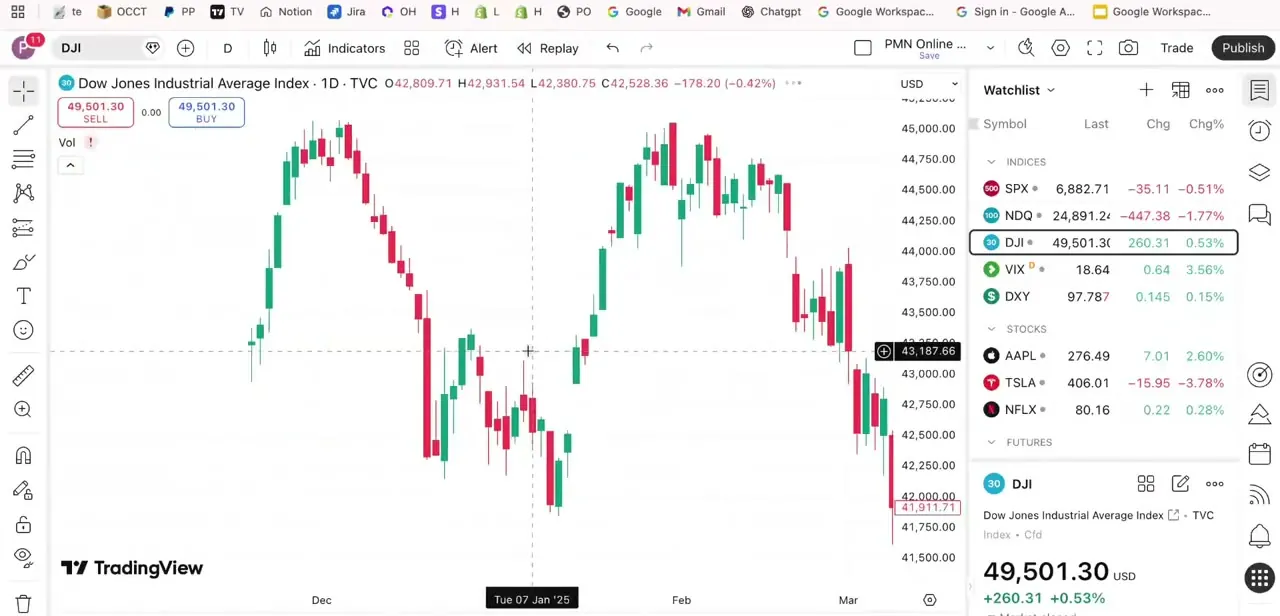
01Start from a plain chart so you can compare
Before turning anything on, look at your chart in its default state: candles, moving averages, a watchlist down the side, and nothing marking the symbol except the small legend text top-left. Once the watermark is on, the difference is immediate. It's sized to be visible from across a room, not just readable up close like the legend text.
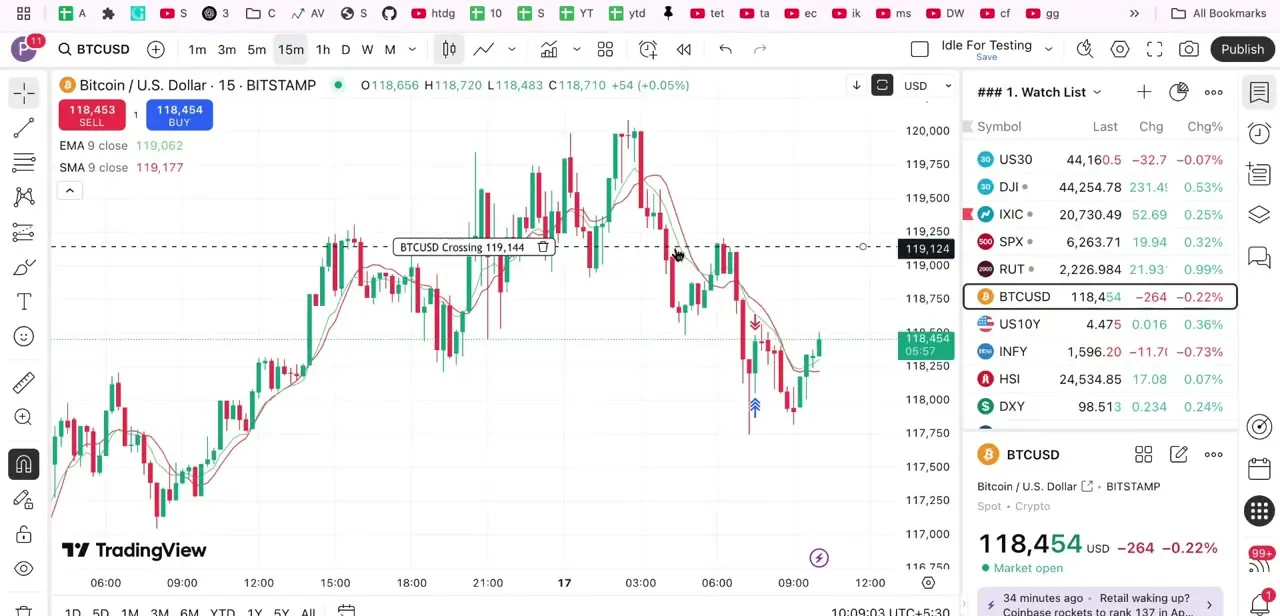
02Open Chart settings: the watermark isn't where it looks like it should be
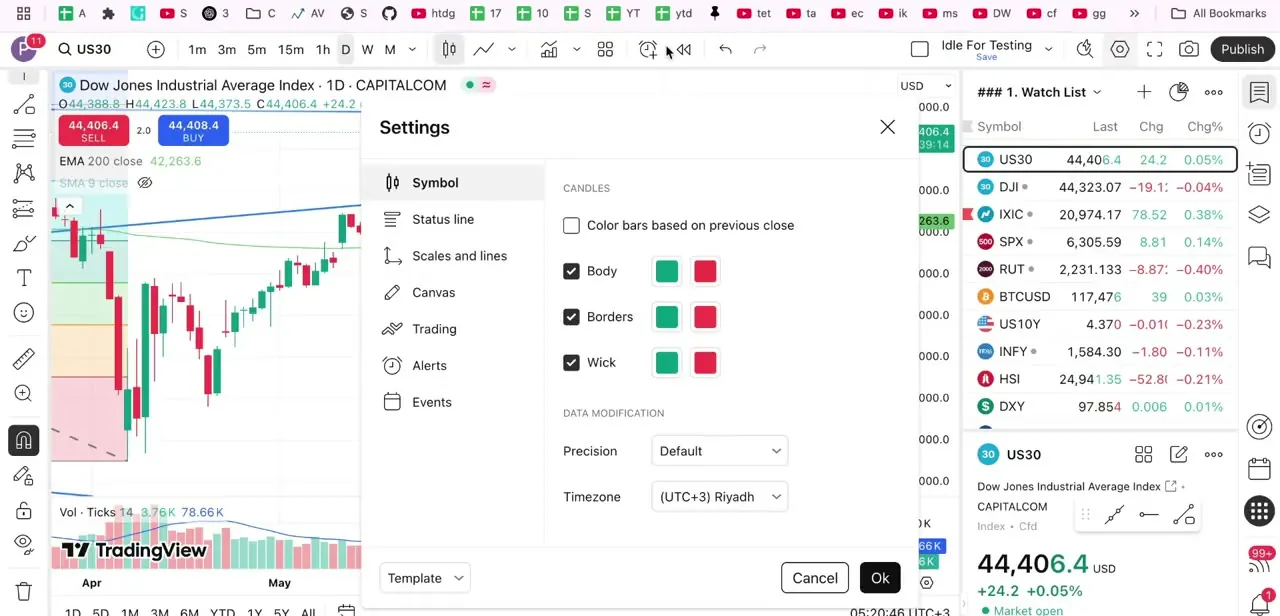
Click the gear icon in the chart's top toolbar. Settings opens on the Symbol tab by default, with more tabs down the left: Status line, Scales and lines, Canvas, Trading, Alerts, and Events.
The Symbol tab controls candle body, border, and wick colors, whether bars are colored against the previous close, and data modification settings like price precision and timezone. None of that is the watermark. The watermark toggle sits in the Canvas tab, further down that same list, grouped with the chart's background styling, not with anything to do with the symbol.
03Turn on the watermark from the Canvas tab
Open the Canvas tab and find Watermark under Chart basic styles. Enabling it renders a large, low-opacity label across the plot area, positioned behind your candles.
TradingView's own support documentation describes it as showing the chosen symbol and the current time interval together, so a watermark on a 1-hour chart reads differently from the same symbol on a daily chart. Click the color swatch next to the toggle to pick both a color and an opacity. Keep it low enough that the text reads as background texture, not something competing with your price action for attention.
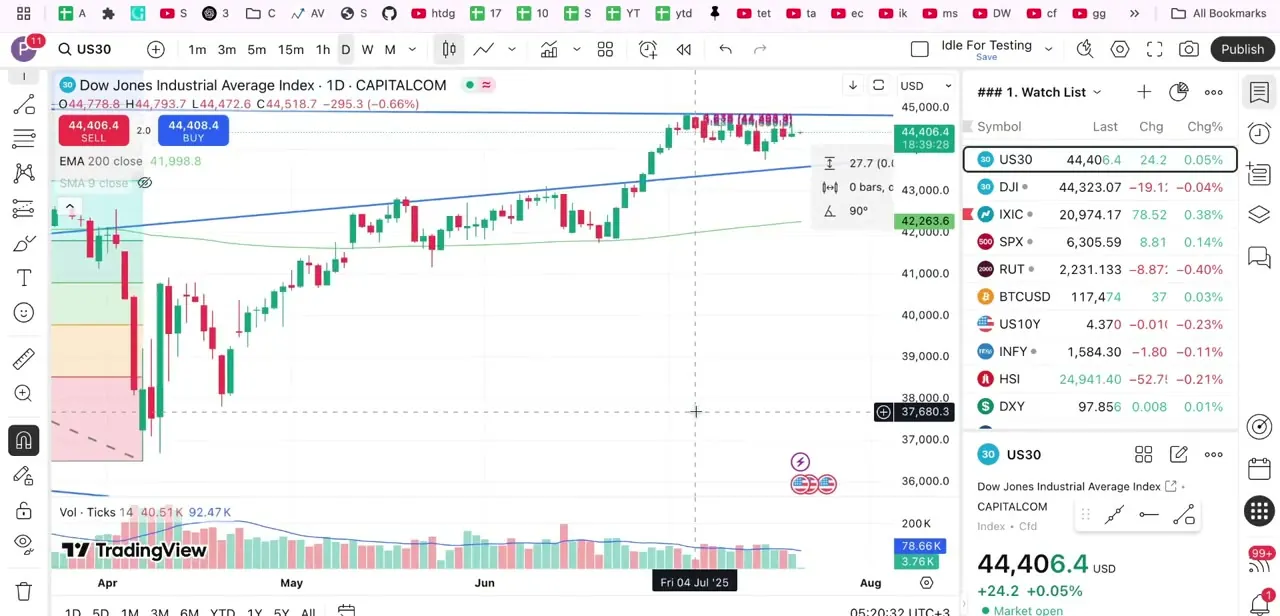
04Scales and lines is worth a glance too
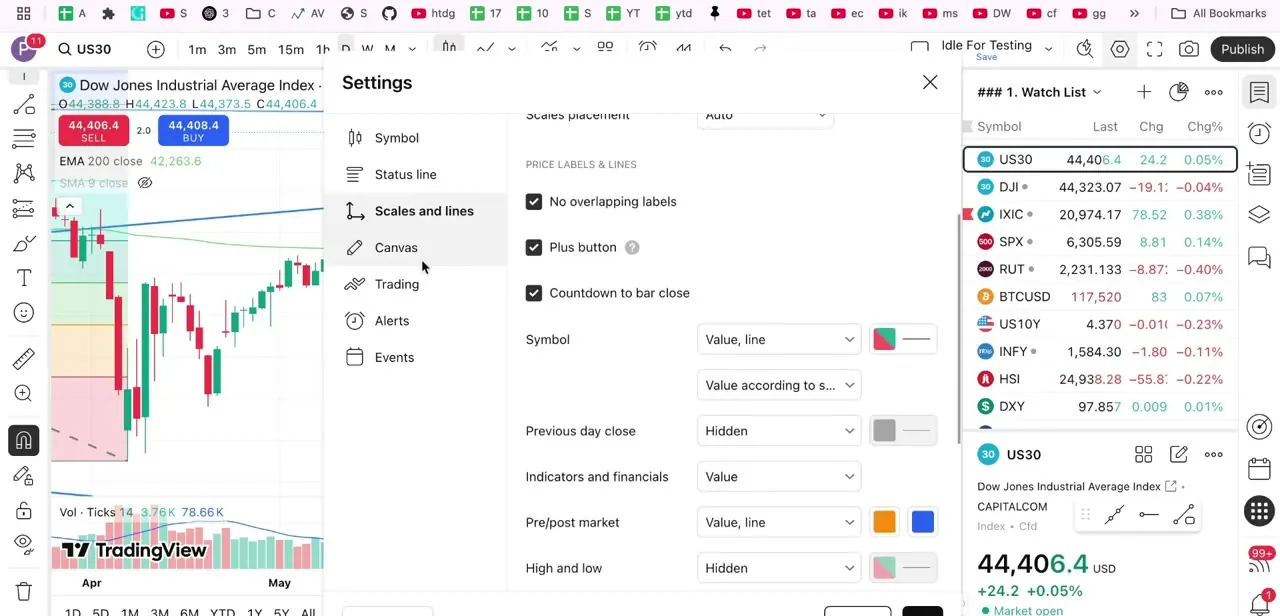
This tab doesn't touch the watermark directly, but it controls other things sharing the same visual space: whether currency and unit stay always visible, how price labels avoid overlapping, and whether a countdown to the next bar's close shows up. On a chart that's already busy with a watermark, these settings decide whether the final result looks clean or cluttered.
05It behaves the same across asset types
The watermark isn't tied to one market. Switching the chart's symbol from a stock to a forex pair, an index, or a crypto pair keeps the same watermark active; only the text updates to match whatever's loaded. That's what makes it useful across a multi-asset watchlist review: there's no need to re-enable it every time the symbol changes.
06Save it to a template, and know how to turn it off
Once the color, opacity, and position look right, save the layout as a template instead of counting on TradingView to remember it. Templates carry your whole chart setup, colors, indicators, and the watermark together, so applying one to a new chart restores the same look in a click.
For day-to-day analysis, though, the watermark can be more distraction than help. Switch it off in the same Canvas tab for active trading, and back on only when capturing a chart for someone else to see. Disabling it takes exactly as long as turning it on did.
When it doesn't work
Looked in the Symbol tab and there's no watermark option
Why: The Symbol tab only holds candle colors and data modification settings. The watermark toggle is filed under the Canvas tab instead.
Fix: Open Chart settings, click Canvas, and look for Watermark under Chart basic styles.
The watermark is barely visible, or it dominates the chart
Why: The color swatch next to the Watermark toggle also sets opacity, and it's easy to leave it at an extreme.
Fix: Click the swatch and adjust the opacity slider until the text reads as a background element, not a second focal point.
The watermark disappears on a new chart or symbol
Why: A setting changed inside the Settings dialog applies only to the current chart layout unless it's saved.
Fix: Save the layout as a template from the Template dropdown at the bottom of the Settings panel, then apply that template to new charts.
Frequently asked questions
Where is the watermark setting in TradingView?
In Chart settings, under the Canvas tab, not the Symbol tab most people check first. Look for Watermark under Chart basic styles.
What does the watermark show?
The chosen symbol and the current time interval together, so the same ticker looks different on an hourly chart than on a daily one.
Can I adjust the watermark's color and opacity?
Yes. Clicking the color swatch next to the Watermark toggle opens both a color picker and an opacity control.
Does the watermark work the same for stocks, forex, and crypto?
Yes. It's a chart-level display setting, not tied to a specific market, and it updates automatically when the symbol changes.
Why did my watermark disappear on a different chart?
Settings changed in the Settings dialog apply to that chart layout only. Save the layout as a template to carry the watermark, and the rest of your setup, to new charts.
Sources and last check
The original draft placed the watermark toggle under the Symbol tab; TradingView's own Supercharts configuration guide and Charting Library documentation, both re-checked in September 2026, place it under Canvas instead, and describe it as showing the symbol together with the time interval, not just the ticker. Both corrections are reflected throughout the steps and FAQ. The Symbol-tab and Scales-and-lines screenshots are genuine frames from the recording; no screenshot of the Canvas panel itself was available, which is why that step carries no image.
About the author

Impran M N
I've been hooked on technology for as long as I can remember — especially the new tools and AI apps that seem to land every other week. Easy Tech Tuts is where I write up whatever I've just worked out: I do the task in the real product, record the screen, and turn it into the guide I wish I'd found first.