Easy Tech Tuts
How to Create Stripe Sandbox Account & Test Account Easily 2026
By Impran M NLast checked against official docs
Testing payments before going live is standard practice for developers and store owners, and Stripe's sandbox tools make that possible without touching real money. This guide covers registering for a free Stripe account, landing in your sandbox dashboard, and generating the test keys and test cards you need to build a payment flow safely. It also covers two things that catch people out: a country setting you effectively can't undo, and a hard cap on how many sandboxes one account gets.
01Start from the Stripe sign-in page
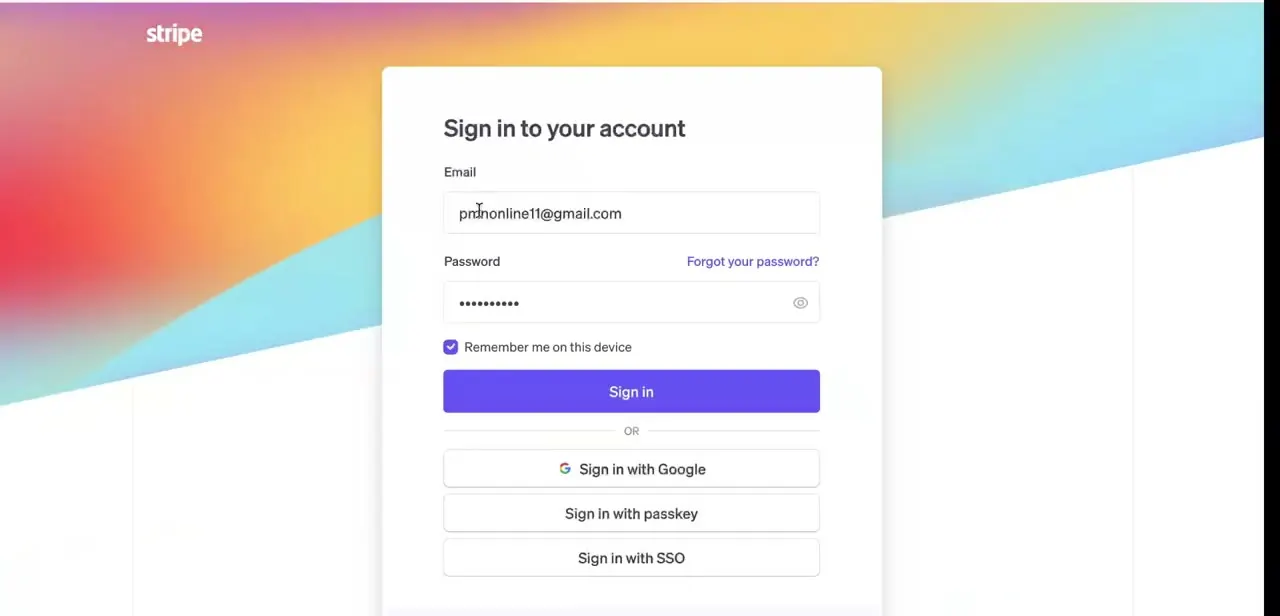
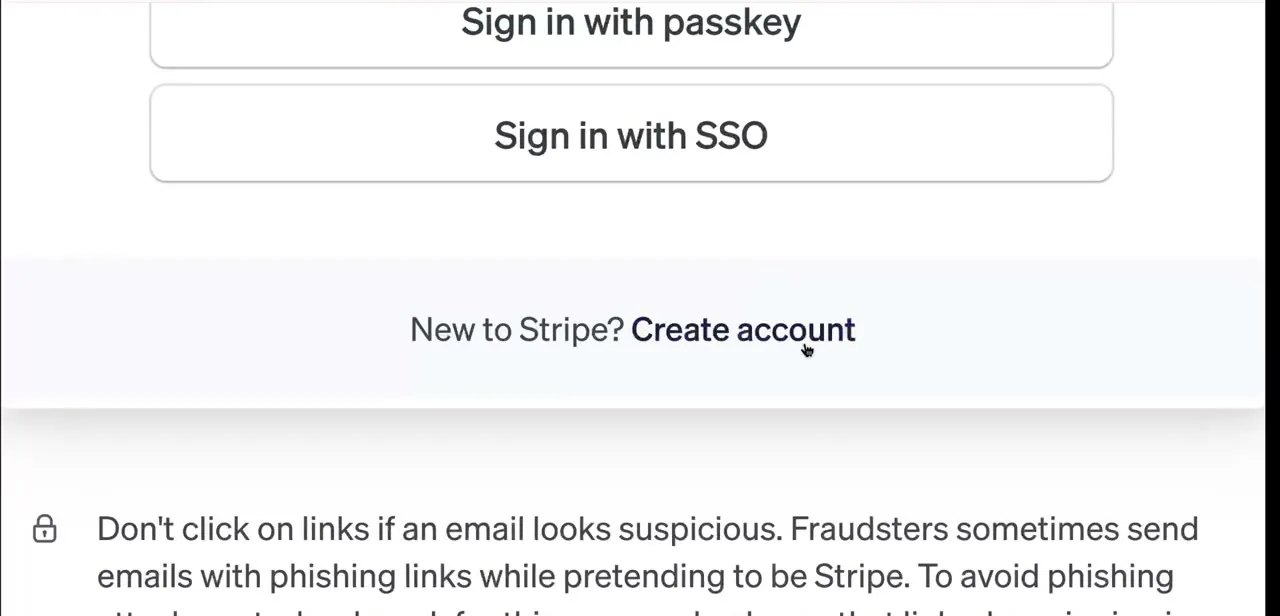
Go to stripe.com and click through to sign in. If you've never used Stripe before, don't hunt for a separate registration page — the sign-in screen itself offers passkey and SSO options up top, and beneath them a plain link reading "New to Stripe? Create account." That link is your entry point into the whole setup.
02Fill out the account creation form
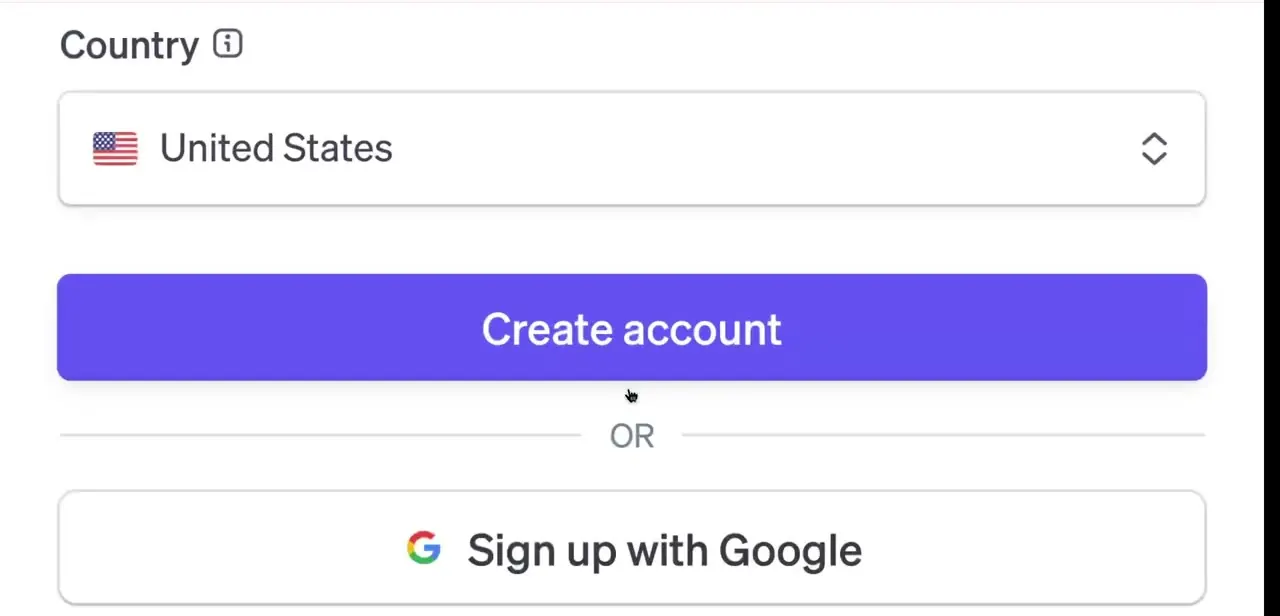
The signup form asks for your country before anything else, since Stripe's available features and payout rules vary by region. Get this right the first time: once the account is activated — meaning it's processed a live charge, shares a legal entity with another account, or has an Atlas application submitted — Stripe locks the country permanently, and its own support documentation says the only fix at that point is opening a new account.
From there you can either fill in an email and password directly or use the "Sign up with Google" shortcut. Either path creates a free account with no payment details required up front.
03Confirm your email and skip the business details for now
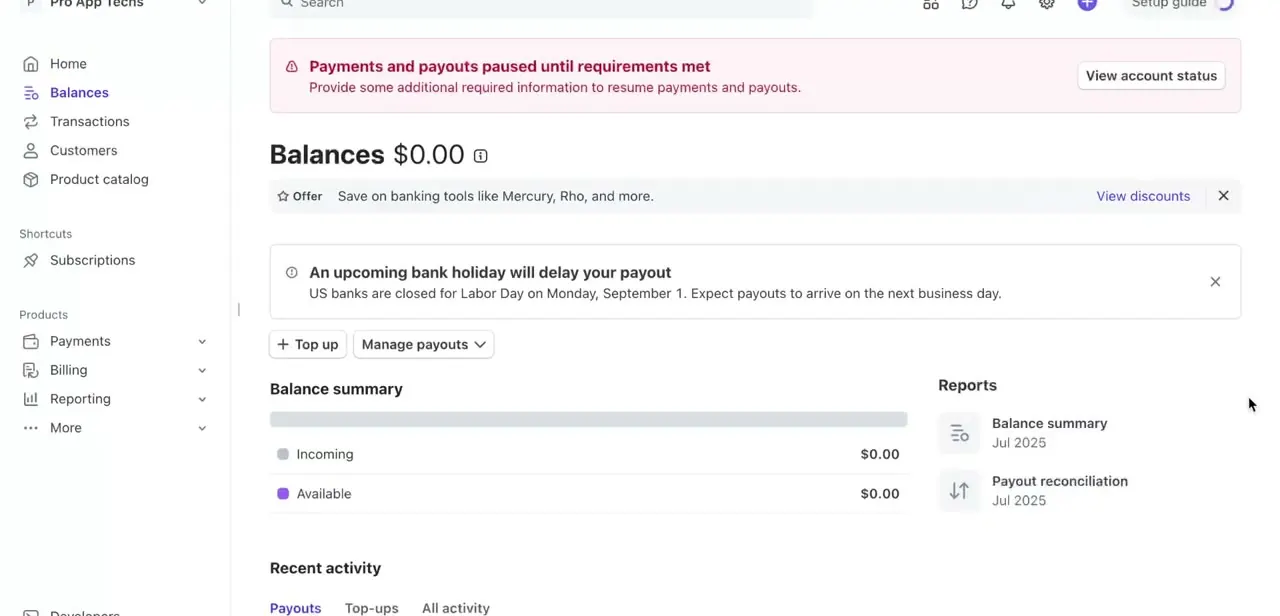
Stripe sends a verification email immediately after signup, and clicking it activates the account. You'll also be prompted for business details like a legal entity name and bank account — none of that is required to start testing, so it's fine to dismiss or defer those prompts until you're actually ready to accept real payments. Everything covered in the rest of this guide works on an account that hasn't finished business verification.
04Land in your sandbox dashboard
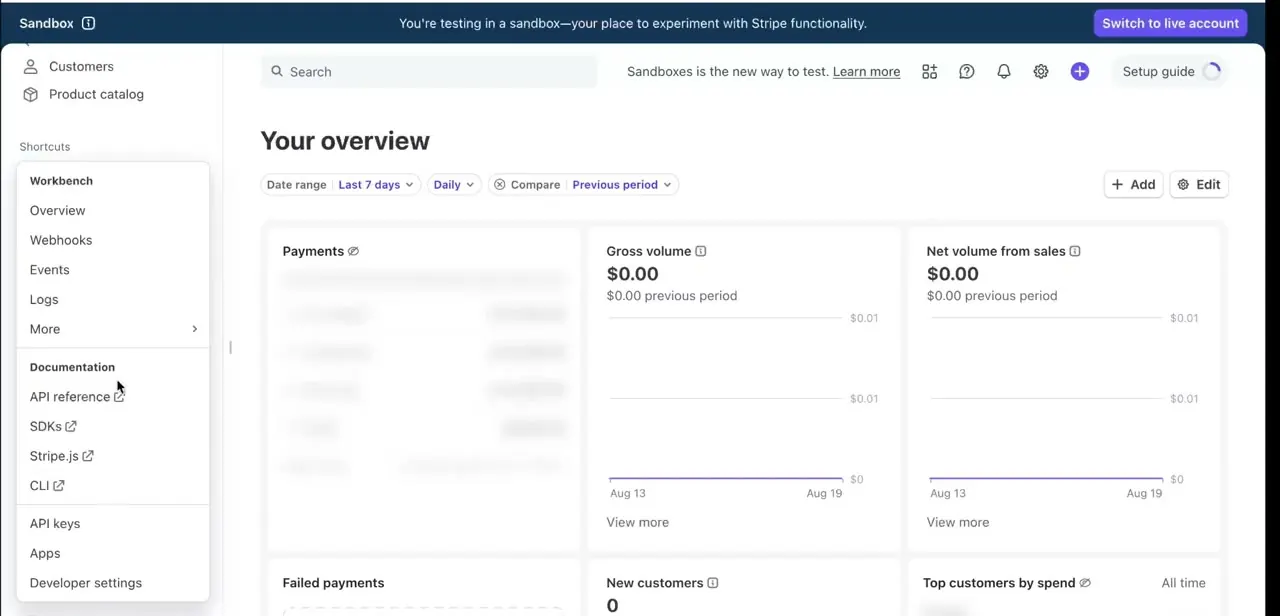
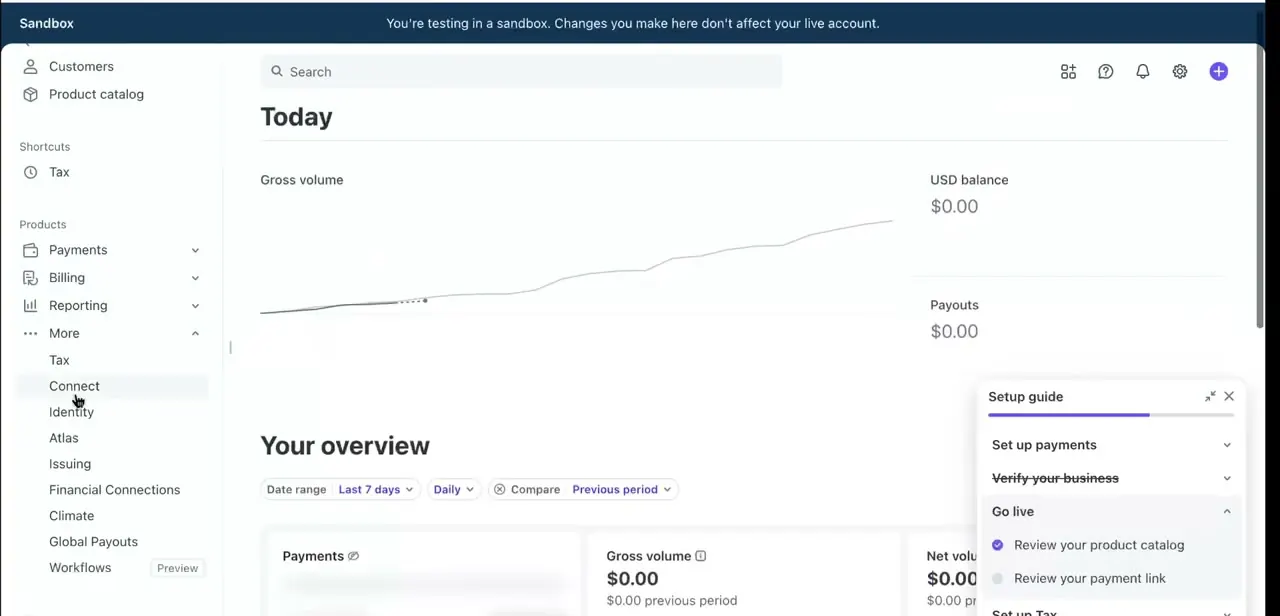
Once you're in, the dashboard makes it obvious you're not touching real money: a banner across the top reads "You're testing in a sandbox. Changes you make here don't affect your live account." The left-hand menu is the same one you'll use in production — Payments, Billing, Reporting, and a More section holding Connect, Identity, Atlas, Issuing, and other add-on products — so anything you learn to navigate here transfers directly once you go live.
A Setup guide panel sits in the corner, walking through Set up payments, Verify your business, and Go live as sequential checklist sections. One limit worth knowing early: an account can hold up to five sandboxes total, so if you're setting one up per teammate rather than sharing a single sandbox, that cap will eventually matter.
05Generate test API keys
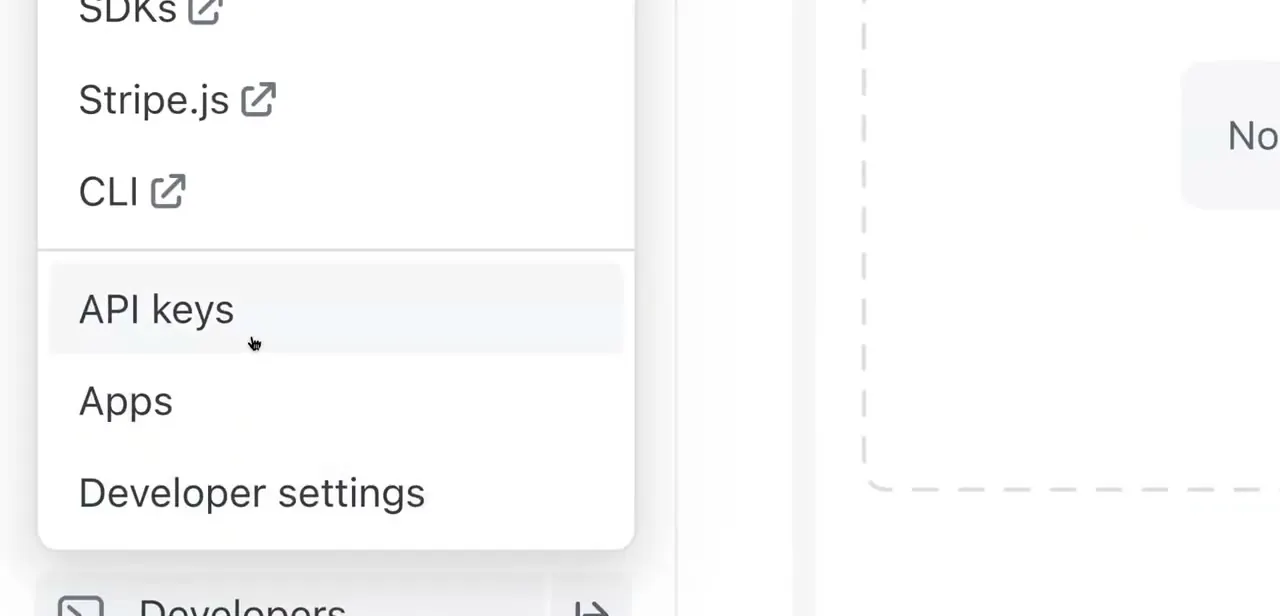
Under Developers in the dashboard, Stripe issues a separate pair of publishable and secret keys specifically for the sandbox environment — these are the keys your code should use while building. They start with pk_test_ and sk_test_ prefixes, which makes it hard to accidentally wire a test key into a production deploy. Keep them out of version control the same way you would live keys, even though no real charges can happen with them.
06Create a test product and run a sample charge
Add a product under Product catalog exactly as you would for a real item, then charge it with one of Stripe's published test card numbers. 4242 4242 4242 4242 simulates a clean successful charge with any future expiry date and any 3-digit CVC; other numbers simulate a decline, insufficient funds, or a card that forces 3D Secure authentication, so you can confirm your checkout handles each case before a real customer hits it. A handful of common ones are in the table below — Stripe's testing documentation has the full set, including brand-specific and dispute scenarios. Any transaction here shows up in the sandbox's own Gross volume chart, separate from live figures.
07Move to Go live when you're ready
The same Setup guide panel that tracked your sandbox progress has a Go live section — that's where you complete business verification and switch your main account over to accepting real payments. Nothing you built in the sandbox needs to be redone; the same product catalog structure and integration code carry over, you're just pointing your app at live keys instead of test ones once this final section is checked off. The sandbox itself doesn't merge into the live account or disappear — it stays available afterward as your ongoing test environment.
| Scenario | Card number | Notes |
|---|---|---|
| Successful Visa charge | 4242 4242 4242 4242 | Any future expiry date, any 3-digit CVC |
| Generic decline | 4000 0000 0000 0002 | Returns a card_declined error |
| Insufficient funds decline | 4000 0000 0000 9995 | Returns card_declined with an insufficient_funds code |
| Requires 3D Secure authentication | 4000 0027 6000 3184 | Forces the authentication step on every charge |
These are a handful of the most commonly used numbers. Stripe's own testing documentation lists the full set, including per-brand cards, fraud-review scenarios, and dispute simulations.
When it doesn't work
Picked the wrong country during signup and now can't change it
Why: Stripe locks an account's country permanently once it's activated — triggered by a live charge, a shared legal entity, an Atlas application, or being a connected account without full Dashboard access.
Fix: If none of those have happened yet, correct the country immediately. If one already has, Stripe's own support guidance is to open a new account rather than try to edit the existing one.
Need more than one isolated test environment, e.g. one per teammate
Why: A single account can hold up to five sandboxes total, and creating one requires the Sandbox Administrator, Administrator, Developer, or Sandbox User role.
Fix: Create additional sandboxes from the account picker instead of sharing one sandbox's keys across a team, choosing "Copy your account" if you want current settings mirrored into the new one.
Deleted a sandbox and the test data or a teammate's access disappeared
Why: Deleting a sandbox is permanent — it removes all data inside it and revokes access for anyone else who was using it.
Fix: There's no undo. Recreate the sandbox and rebuild whatever test data or product setup you need.
Frequently asked questions
Is a Stripe sandbox account free to create?
Yes. Registering for Stripe and using its sandbox environment costs nothing, and no payment details are required to start testing.
Can I test payments without using real money?
Yes. The sandbox dashboard and test API keys let you simulate transactions using Stripe's published test card numbers instead of real funds.
How do I switch from testing to accepting real payments?
Complete the Go live section in the dashboard's Setup guide, which includes business verification, then swap your test API keys for live ones in your integration.
Do test transactions show up in my real Stripe balance?
No. The sandbox environment is fully isolated — its Gross volume, balance, and payouts never mix with your live account's figures.
Can I change my account's country after signing up?
Only before the account is activated. Once it's processed a live charge, shares a legal entity, or has an Atlas application submitted, Stripe locks the country and the only fix is opening a new account.
Sources and last check
Click path and screens come from an existing walkthrough recording, and the sandbox terminology it shows matches Stripe's current documentation — sandboxes are now the default testing environment for new accounts, distinct from the older test-mode toggle. The five-sandbox cap, the roles required to create one, the exact country-lock triggers, and the specific test card numbers were checked against Stripe's official docs and support pages in September 2026 and added to the article; none of them were present before this pass, and the country warning was previously vague ("not trivial to change") rather than the precise, documented lock-out rule.
About the author

Impran M N
I've been hooked on technology for as long as I can remember — especially the new tools and AI apps that seem to land every other week. Easy Tech Tuts is where I write up whatever I've just worked out: I do the task in the real product, record the screen, and turn it into the guide I wish I'd found first.