Easy Tech Tuts
How to Change Domain Name in Squarespace, Add New Website URL Easily 2026
By Impran M NLast checked against official docs
Changing the web address on a Squarespace site is less about the domain itself and more about knowing which of two paths you're on: buying a fresh domain from Squarespace, or connecting one you already bought somewhere else. The two look similar and behave very differently; one is instant, the other depends on DNS records at your existing registrar.
Squarespace also moved domain management out of each site's own Settings menu into a single account-level Domains dashboard, which trips up anyone following an older guide. This walkthrough starts from that dashboard, explains what each option does, and covers the part most tutorials skip: making the new address primary so visitors and search engines land on it instead of your old URL.
01Open your account's Domains dashboard
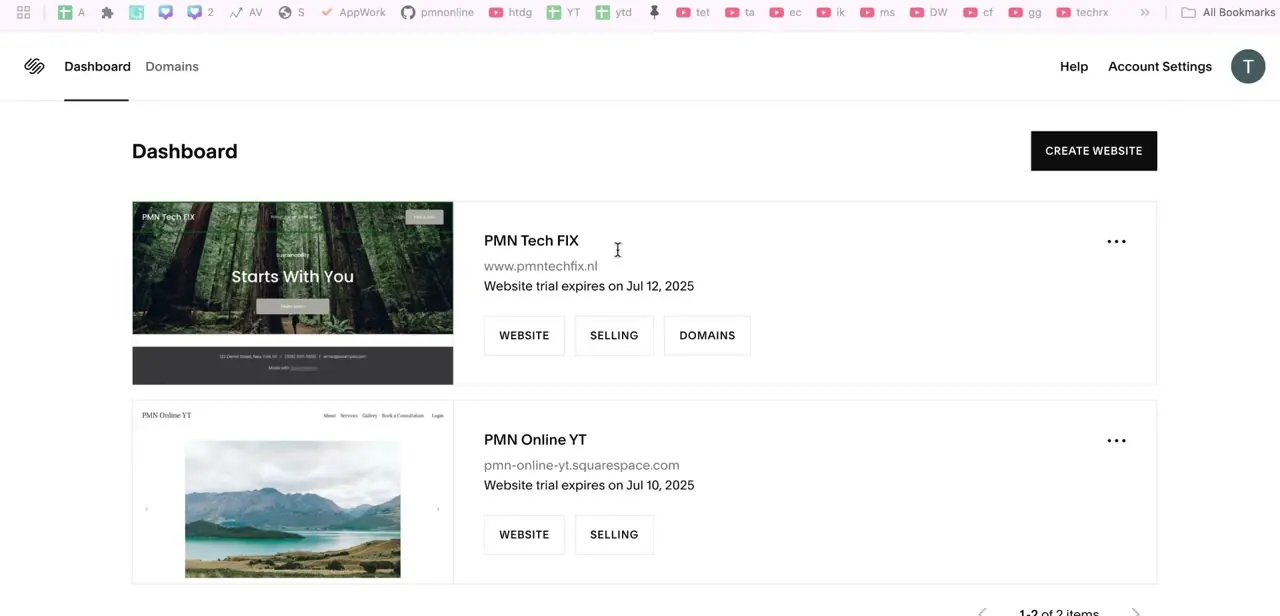
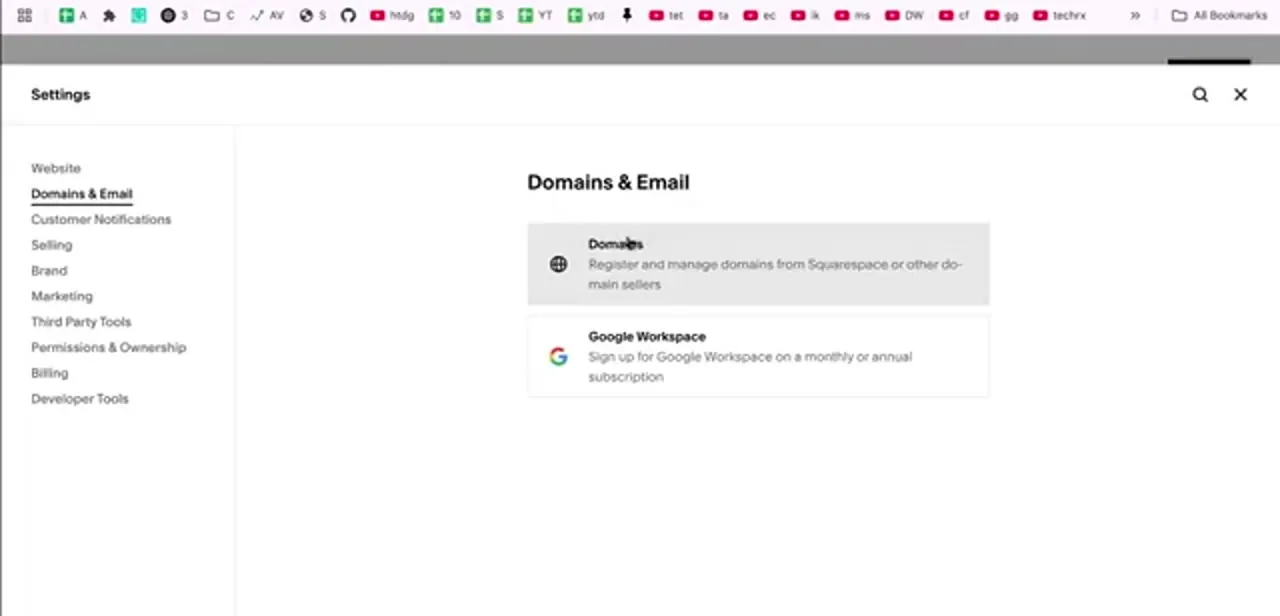
Sign in at squarespace.com. Domain management now lives at the account level, not inside an individual site's Settings, so instead of hunting through a site's menu, click your profile icon and choose Domains, or go straight to account.squarespace.com/domains.
That page lists every domain across all your sites, whether registered through Squarespace or connected from elsewhere, and it's a single stop even if you manage more than one site. Domain changes are an account-owner action; a contributor invited only to edit pages won't see this dashboard.
02Choose between buying a domain and connecting one you own
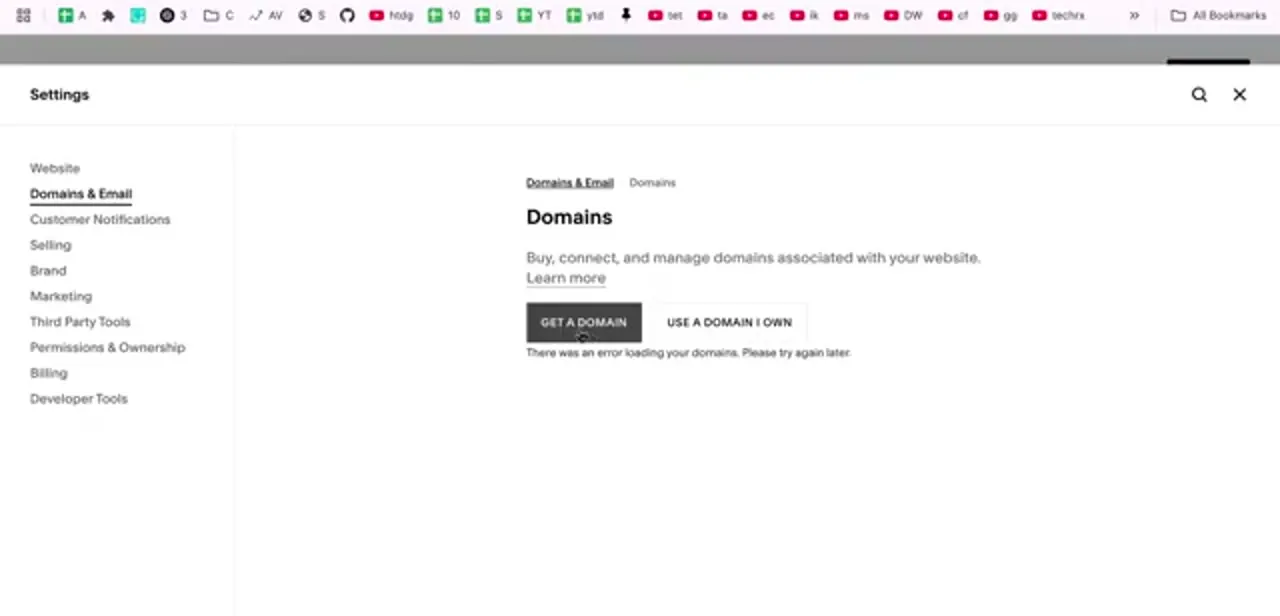
The dashboard's two starting buttons are Get a Domain and Use a Domain I Own. Get a Domain runs a search inside Squarespace and registers the name for you; pricing varies by extension, and a .com costs more than most alternatives.
Use a Domain I Own is for a name already registered at GoDaddy, Namecheap, Cloudflare, or anywhere else. Squarespace verifies it and then either offers to connect it by DNS or walks you through transferring the registration outright. Pick the second path only if you genuinely control the domain's DNS settings at its current registrar, since that's where the real work happens.
03Connect an existing domain
Click Use a Domain I Own, type the domain, and pick your provider from the dropdown (or Other if it isn't listed). Squarespace gives you a set of DNS records to add at your registrar: four A records, all with host @, pointing to Squarespace's IP addresses, plus two CNAME records, one for www pointing to ext.cust.squarespace.com and one carrying a verification code Squarespace generates for you.
That's six records total, not the single CNAME older guides sometimes mention. Propagation typically takes 24 to 48 hours, and the Domains panel shows a green "Connected" label once it's done. Resist the urge to keep editing records while you wait; conflicting edits are the main reason connections fail to finish.
04Set the new domain as primary
Adding a domain and making it your site's address are two separate things. A site can have several domains attached at once, but only one is primary: the address shown in the browser bar and treated as canonical.
In the Domains panel, click the ... next to the domain and choose Set as primary domain (for a third-party domain, open it and choose the same option under Actions). Every other attached domain then redirects to it. This is the step people miss when they say a new domain "isn't working" even though it loads the site; it loads, but the old address is still the one search engines and browsers treat as canonical.
05Check SSL and clean up the old address
Open the connected domain's details to see its SSL certificate status. Squarespace issues certificates automatically, but only after DNS resolves correctly, so a pending or failed state usually means the DNS side isn't finished, not that anything is wrong with the certificate itself.
Once the padlock is live, test the address with and without www to confirm both reach the site. Finally, update your old URL anywhere it's published: social profiles, email signatures, business listings. Squarespace's redirect keeps visitors from hitting a dead link, but it won't update those other places for you.
| Type | Host | Points to |
|---|---|---|
| A | @ | 198.185.159.144 |
| A | @ | 198.185.159.145 |
| A | @ | 198.49.23.144 |
| A | @ | 198.49.23.145 |
| CNAME | www | ext.cust.squarespace.com |
| CNAME | verification host (given by Squarespace) | verify.squarespace.com |
Add all six at your domain's current registrar, not in Squarespace. Squarespace's Connect a third-party domain article is the source; check it directly if your registrar's DNS editor behaves differently.
Frequently asked questions
Can I use a domain I bought from GoDaddy or Namecheap with Squarespace?
Yes. Use the Use a Domain I Own button in the account-level Domains dashboard. Squarespace will either connect automatically with supported registrars or give you DNS records to add yourself.
Where did the Domains & Email menu in Settings go?
Squarespace moved domain management out of each site's Settings and into a single account-level Domains dashboard, reached from the profile icon or at account.squarespace.com/domains. Older screenshots and guides that point to Settings > Domains & Email are describing the previous layout.
How long does a connected domain take to start working?
DNS changes usually resolve within a few hours but can take up to 48. Until then the domain may load intermittently. That's expected, not a sign something's misconfigured.
Will changing my domain break my existing pages?
No. The domain is only the address pointing at your site; your pages, design, and content are untouched. Links to the old domain redirect once it stays attached to the account.
Do I need to buy SSL separately for the new domain?
No. Squarespace issues an SSL certificate automatically once DNS resolves. Check its status from the domain's detail page in the Domains dashboard.
Sources and last check
Click path and screens come from a recorded walkthrough. Re-checked directly against three of Squarespace's own help articles in September 2026, which corrected two things: domain management has moved from each site's Settings > Domains & Email into an account-level Domains dashboard, and connecting a third-party domain needs six DNS records (four A records plus two CNAMEs), not the single CNAME earlier guidance implied. The primary-domain click path and SSL behavior were confirmed as accurate against the same documentation.
About the author

Impran M N
I've been hooked on technology for as long as I can remember — especially the new tools and AI apps that seem to land every other week. Easy Tech Tuts is where I write up whatever I've just worked out: I do the task in the real product, record the screen, and turn it into the guide I wish I'd found first.