Easy Tech Tuts
How To Fix "We Stopped This Payment To Keep You Safe" Error Solution" PayPal
By Impran M NLast checked against official docs
PayPal's "We stopped this payment to keep you safe" message is a security hold, not a permanent block. It appears when PayPal's fraud system flags a transaction before it completes, and in most cases it clears on its own within a day.
This guide covers what the screen looks like when it hits you, what PayPal's own help pages say actually triggers it, and the concrete places inside your account to check while you wait. It also covers what to do if the block keeps recurring across several attempts.
01Recognize the error for what it is
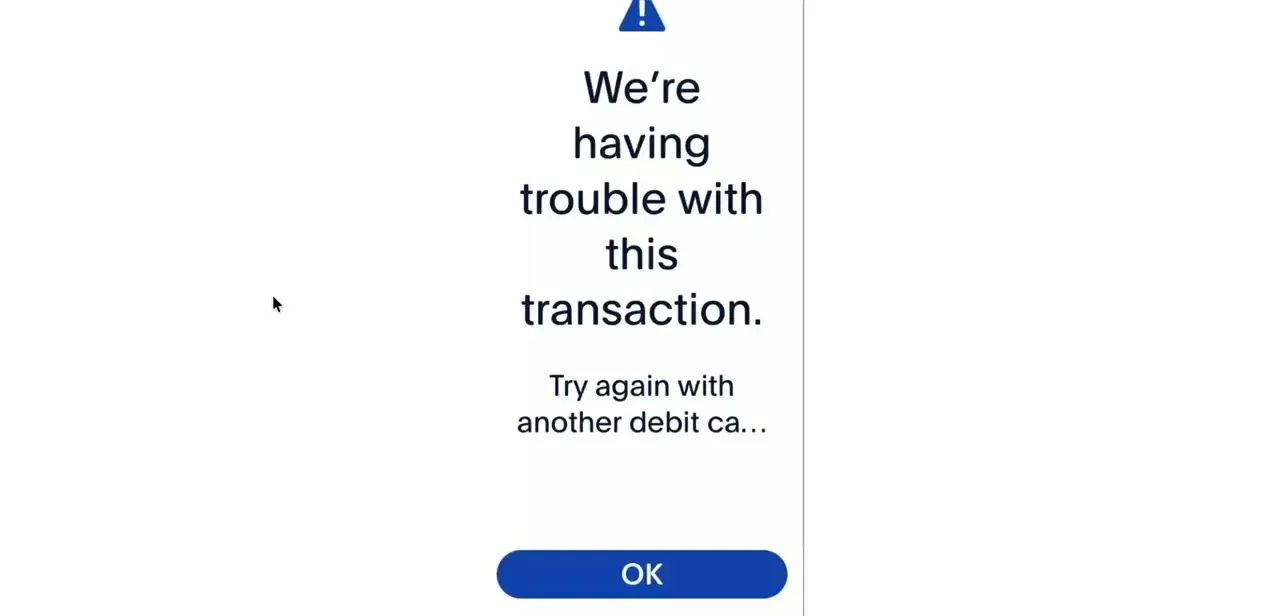
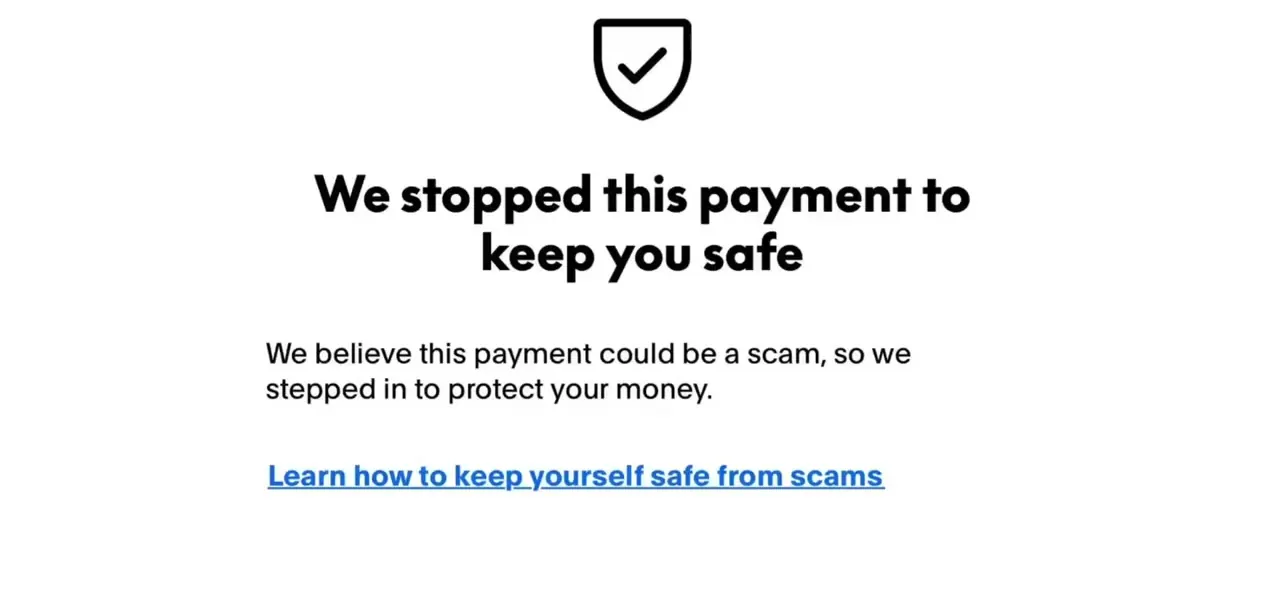
This is the exact screen PayPal shows when its fraud system intervenes: a shield icon, a bolded headline, and a short line explaining that PayPal believes the payment could be a scam and stepped in to protect your money. It is an automated hold, not a manual review of your specific transaction by a person, and it can fire on a completely legitimate payment if the pattern resembles known scam activity. The message links out to PayPal's scam-safety guidance, which is worth a skim, but it will not tell you the specific reason your payment was flagged.
02Know what actually causes it
PayPal's own help articles point to the sender's account and sending pattern, not the recipient's account. According to PayPal's support page on held payments, a sent payment can be put on hold for up to 24 hours as a security check simply because you have not sent money in a while, or because you are paying someone new.
PayPal states plainly that "you don't need to do anything" while that check runs; if nothing looks wrong, the payment completes on its own. A payment can also be declined outright rather than merely held.
PayPal's help page on declined payments lists the concrete causes: the card issuer rejected it (PayPal is not told why), the card's expiry date or billing address is out of date, the account carries an unresolved limitation, PayPal needs identity confirmation, or the linked email or bank account was never confirmed. None of these depend on anything the person you are paying has done.
03Check your own account and payment method
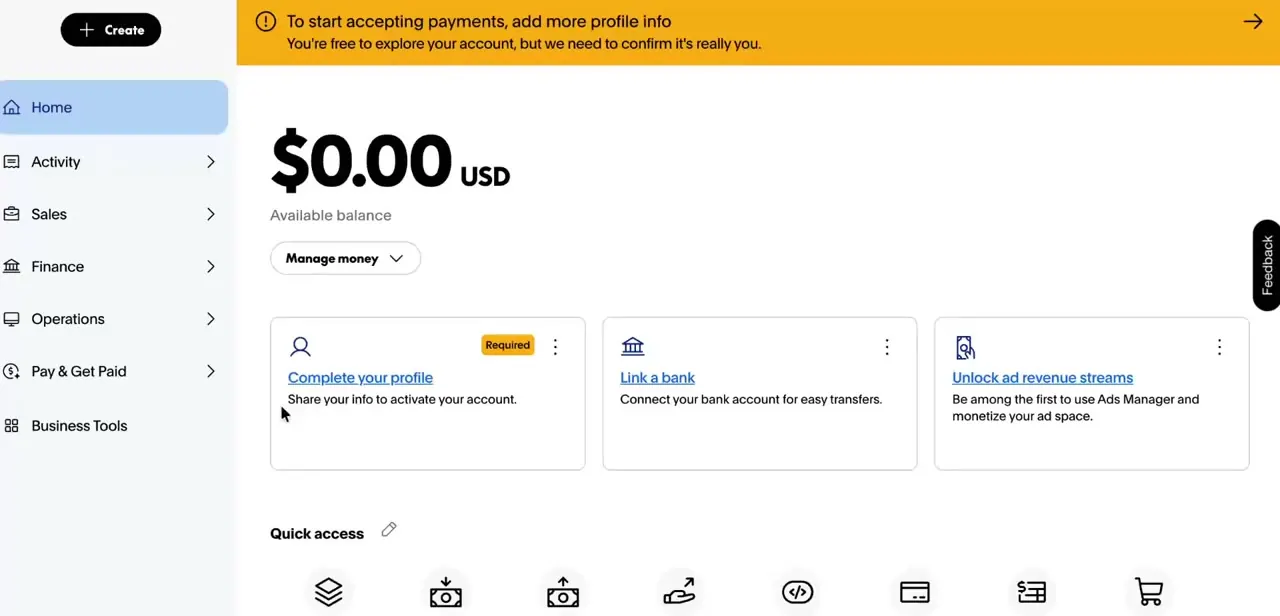
Log into PayPal and look for a notification banner about identity verification or an account limitation; both block payments until they are cleared. Separately, open the card or bank account attached to the payment and confirm the expiry date and billing address still match what is on file with PayPal, since a mismatch is one of the listed reasons a payment gets declined rather than just delayed. If your email address or bank account was never confirmed, PayPal will not let a payment through until you do that from your account settings.
04Give it time, then escalate if it's stuck
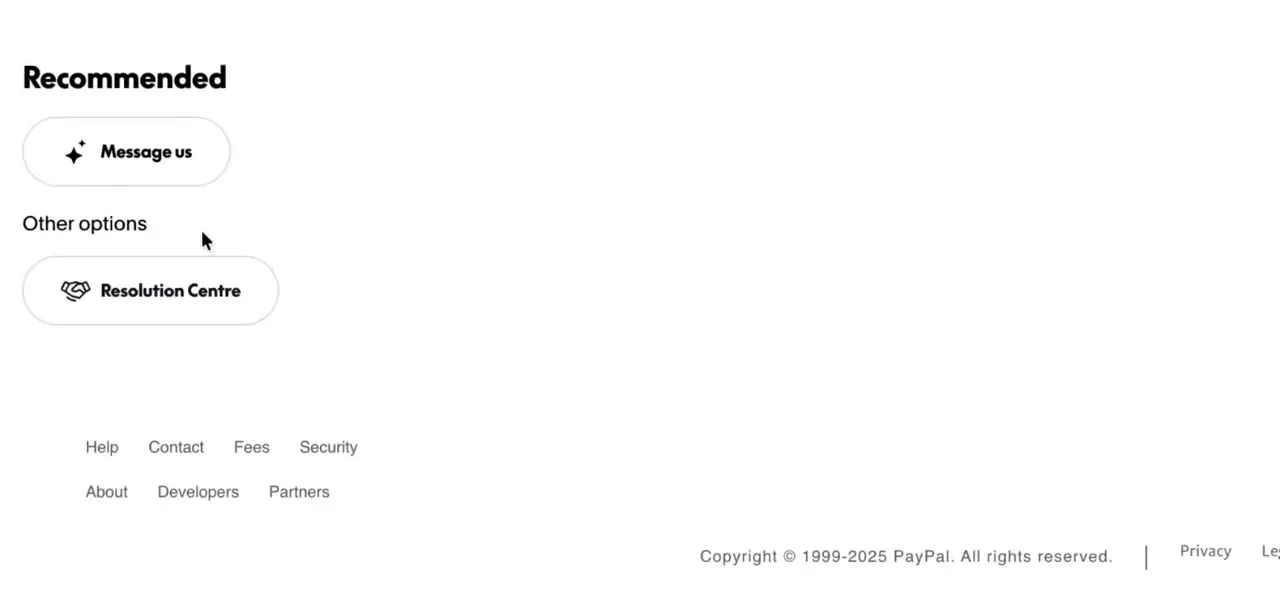
If this is the 24-hour security hold rather than an outright decline, waiting is the actual fix; PayPal resolves most of these automatically once its check finishes. If the block is still there after that window, or a Resolution Centre notice is sitting unresolved, PayPal's support surfaces two paths: the Message us assistant for a quick automated back-and-forth, and the Resolution Centre for anything tied to a specific flagged transaction. The Resolution Centre is the better starting point when a notification is already waiting there, since it routes you to the exact verification step PayPal needs.
05Test with a different recipient to isolate the cause
A fast way to tell whether this is a broad restriction on your account or something specific to this one payment is to send a small amount to a different PayPal user. If that goes through, the original block was tied to that particular transaction, most likely because it was a first payment to that person or came after a stretch of not sending money, rather than a limitation sitting on your account generally. If the second payment also gets stopped, the account itself has an open item worth checking in step three.
When it doesn't work
The payment is blocked the first time you pay someone, or after not sending money for a while
Why: PayPal holds these payments for up to 24 hours as a routine security check, by its own description, not because anything is wrong with either account.
Fix: Wait. PayPal states no action is needed; a legitimate payment completes automatically once the check clears.
The payment is declined immediately instead of held
Why: An outdated card expiry date or billing address, an unconfirmed email or bank account, or a limitation on the account are the specific reasons PayPal's help page lists for a decline.
Fix: Check your account for a limitation notice, confirm your email and bank account if either shows as unconfirmed, and update the card's billing details.
The same payment keeps getting stopped on every retry
Why: Resubmitting an identical payment right after a block repeats the same pattern PayPal already flagged.
Fix: Wait rather than resend immediately, and use the Resolution Centre or Message us assistant if it is still blocked after 24 hours.
Frequently asked questions
Why does PayPal say it stopped my payment to keep me safe?
It is PayPal's automated fraud check intervening before the payment completes. PayPal's own help pages tie this to the sender's account and sending pattern, such as paying someone new or a card detail that no longer matches, not to the recipient.
Is this usually a problem with the recipient's account?
PayPal's help articles do not describe it that way. The listed causes, a security hold on new or infrequent payments, an outdated card, an unconfirmed email or bank account, or an account limitation, all sit on the sender's side.
Does using a VPN trigger this error?
It can. A sudden change in IP address or location is a plausible factor in fraud-risk checks generally, though PayPal's help pages on this specific message do not name it directly.
How long does the hold actually last?
PayPal's help page on held payments states up to 24 hours. If it is still blocked after that, the issue is more likely an outright decline than a hold, and worth checking against the reasons in step three.
What should I do if this keeps happening on every payment I send?
Check your own account for an identity verification request or a limitation notice, and confirm your card's billing details are current. If everything checks out and it still recurs, contact PayPal through the Resolution Centre.
Sources and last check
Screens and click path come from a walkthrough PayPal published in December 2025. The claim that this block usually traces to the recipient's account was checked against PayPal's official help articles on held and declined payments in September 2026 and corrected: PayPal describes both causes as sitting on the sender's side, tied to sending pattern or the sender's own account and payment method.
About the author

Impran M N
I've been hooked on technology for as long as I can remember — especially the new tools and AI apps that seem to land every other week. Easy Tech Tuts is where I write up whatever I've just worked out: I do the task in the real product, record the screen, and turn it into the guide I wish I'd found first.