Easy Tech Tuts
How to Transfer Domain from Namecheap to GoDaddy 2026 Easily
By Impran M NLast checked against official docs
Moving a domain between registrars is really three steps in sequence: unlock it at the old registrar, hand the new one an authorization code, and approve a confirmation email. Namecheap to GoDaddy is a common move, usually driven by GoDaddy's hosting bundles or a transfer promotion.
It takes several days end to end because of a mandatory hold period that ICANN requires of every registrar, and your site and email keep working throughout since none of this touches your DNS or hosting. This guide walks the real screens on the Namecheap side, where the option is easy to miss because it isn't under the tab you'd expect, then covers what happens once you hand GoDaddy the code.
Before you start
- The domain must be at least 60 days past its original registration or its last transfer between registrars (ICANN's minimum, and Namecheap enforces it)
- You need access to the registrant email address on the domain, since that's the only place Namecheap sends the Auth Code
01Unlock the domain in Namecheap
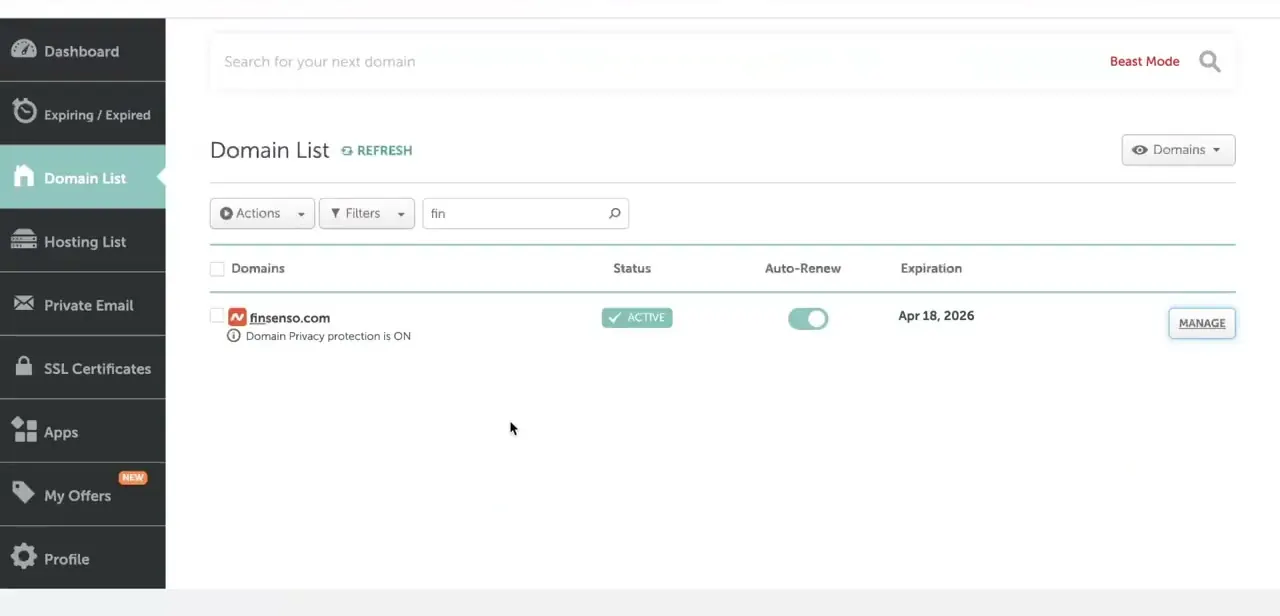
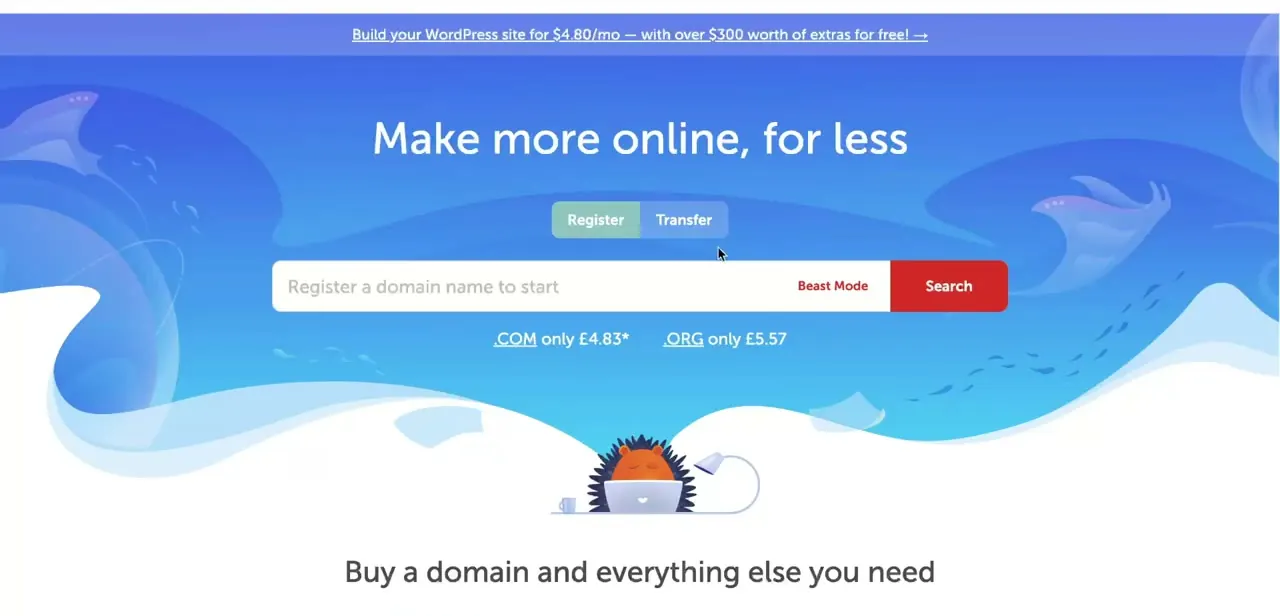
Sign in to Namecheap and open Domain List, then click Manage next to the domain you're moving. The unlock option isn't under a tab called Transfer Out on its own; it's inside Sharing & Transfer, in a Transfer Out section further down the page.
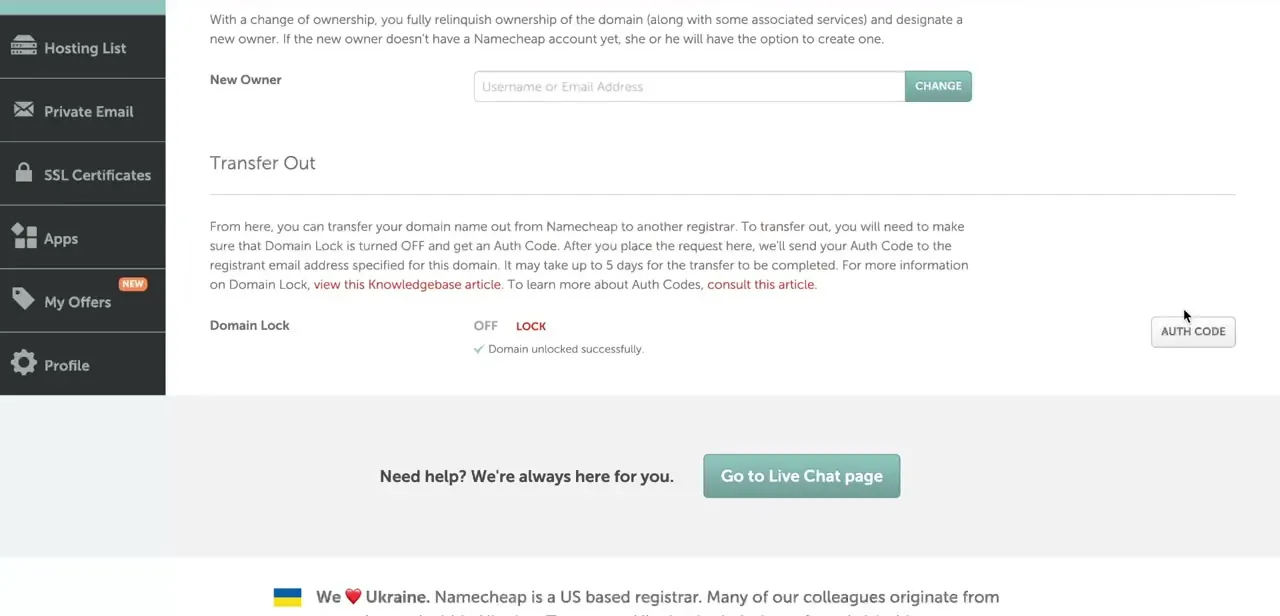
Toggle Domain Lock from ON to OFF and wait for the page to confirm it's unlocked. Requesting an Auth Code while the domain is still locked won't work.
02Request the Auth Code and wait for it to arrive
Once Domain Lock shows off, click the Auth Code button in the same Transfer Out section. Namecheap sends the code to the domain's registrant email, not to whatever address you're logged in with, and not displayed on screen.
If that inbox is an old one you no longer check, update the registrant contact information in Namecheap before requesting the code, not after. Unlocking and the code arriving aren't always instant, so give it a few minutes and check spam before assuming something failed. Save the code exactly as sent; GoDaddy will ask for it verbatim.
03Start the transfer request in GoDaddy
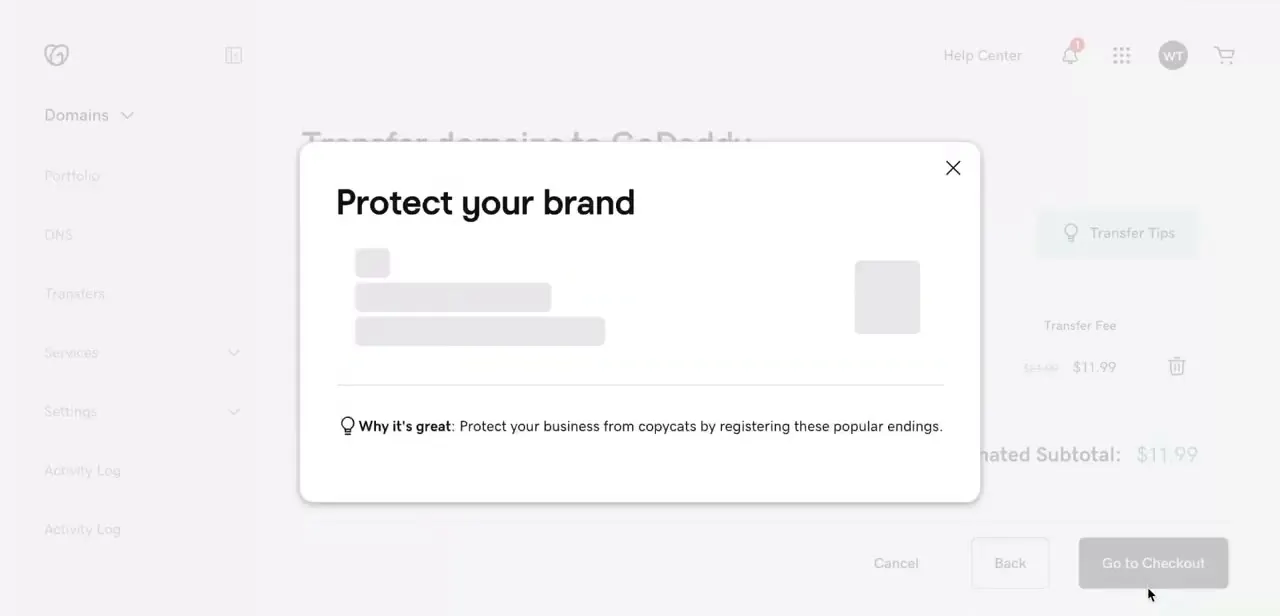
Log in to GoDaddy and begin a domain transfer, entering the domain name and the Auth Code from Namecheap. Partway through, GoDaddy typically shows an upsell screen suggesting you also register related domain endings to stop copycats from grabbing them. It's optional and unrelated to whether your core transfer succeeds, so skip it unless you want the extra domains, and continue to the order summary.
04Pay the transfer fee and confirm by email
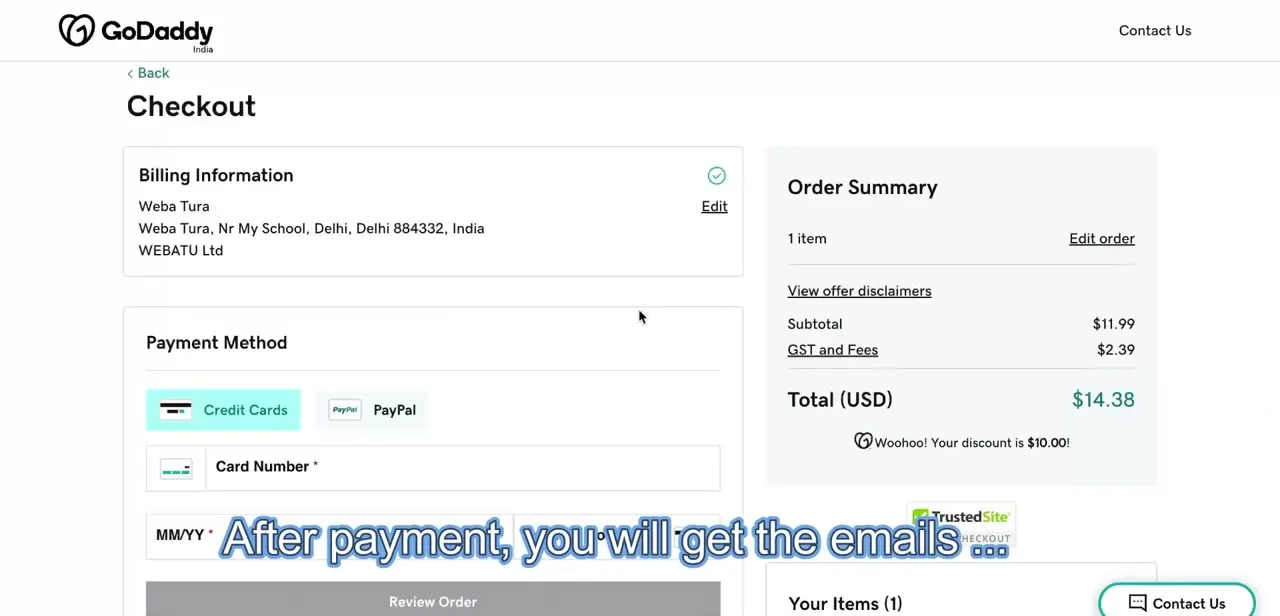
GoDaddy's checkout for a transfer asks for billing information and a payment method, then shows an order summary with the transfer fee plus any tax. This fee is standard across registrars and close to a normal one-year renewal price, since most transfers extend the registration by a year as part of the process. After checkout, GoDaddy sends a confirmation request, usually by email, that you need to approve before the transfer starts moving.
05Wait out the hold period and watch the status
From here it's a waiting game. Transfers commonly finish within five to seven days because Namecheap, like any losing registrar, has up to five days under ICANN policy to release the domain, and GoDaddy's own processing adds a little more.
Check progress from GoDaddy's transfer status page in the meantime instead of resubmitting anything. Your website and email keep working normally throughout, since a registrar transfer only changes who manages the domain record, not where it's hosted or where mail is delivered.
When it doesn't work
GoDaddy says the Auth Code is invalid
Why: The code was requested while Domain Lock was still on, it was copied with an extra space or missing character, or Namecheap issued a newer code after this one was generated.
Fix: Confirm the domain shows unlocked in Namecheap, request a fresh Auth Code, and paste it directly from the email instead of retyping it.
The Auth Code email never shows up
Why: Namecheap sends it only to the registrant email on file for the domain, which may be an address you no longer check, or it landed in spam.
Fix: Check spam first. If the registrant email is outdated, update the domain's contact information in Namecheap, then request the code again.
The transfer request is rejected before it starts
Why: The domain is still inside its 60-day post-registration or post-transfer lock, which every registrar enforces under ICANN rules.
Fix: Check the domain's registration or last-transfer date in Namecheap and wait out the remainder of the 60 days before trying again.
Frequently asked questions
Can I transfer a domain right after registering it?
No. ICANN requires a domain to have been registered, or last transferred, for at least 60 days before it can move to a new registrar, and Namecheap enforces this on its side too.
Where exactly do I find the unlock and Auth Code option in Namecheap?
Domain List, then Manage next to the domain, then the Sharing & Transfer tab. The Transfer Out section inside that tab has both the Domain Lock toggle and the Auth Code button.
What happens if I don't approve the GoDaddy confirmation email in time?
The transfer request can stall or expire, so check the inbox tied to the domain and approve it promptly once GoDaddy sends the confirmation.
Does transferring change my domain's expiration date?
Usually yes. Most registrar transfers, including this one, add a year to the registration as part of the transfer fee, though exact terms can vary by TLD.
Will my website or email go down during the transfer?
No. A domain transfer only changes which registrar manages the domain record. As long as you don't also change DNS or hosting at the same time, your site and email keep working throughout.
Sources and last check
Click path and screens on the Namecheap side come from a recorded walkthrough and were re-checked directly against Namecheap's own support article on transferring out, September 2026. That check corrected which tab the unlock and Auth Code option sit under (Sharing & Transfer, not a standalone Transfer Out tab) and confirmed the 60-day minimum age and 5-day release window. GoDaddy's own help pages blocked automated fetching each time they were tried in this session (HTTP 403), so the GoDaddy-side steps here reflect the original recording plus widely corroborated public information about auth-code entry, checkout, and the 5-7 day timeline, instead of a direct read of GoDaddy's current documentation.
About the author

Impran M N
I've been hooked on technology for as long as I can remember — especially the new tools and AI apps that seem to land every other week. Easy Tech Tuts is where I write up whatever I've just worked out: I do the task in the real product, record the screen, and turn it into the guide I wish I'd found first.