Easy Tech Tuts
(2026 Update) How to Delete Namecheap Account, Permanently Delete & Cancel it Easily
By Impran M NLast checked against official docs
Namecheap doesn't let you delete your own account from a settings page. Closure goes through Customer Support, and only after every active domain, hosting plan, or other live service on the account has been cleared out first. This guide covers what needs to be resolved before you ask, and exactly what to send so the request goes through without back-and-forth.
Before you start
- A Namecheap account with no domains you still want to keep at Namecheap
- Your account username and Support PIN, both needed to verify the closure request
01Log in and review what's active on the account
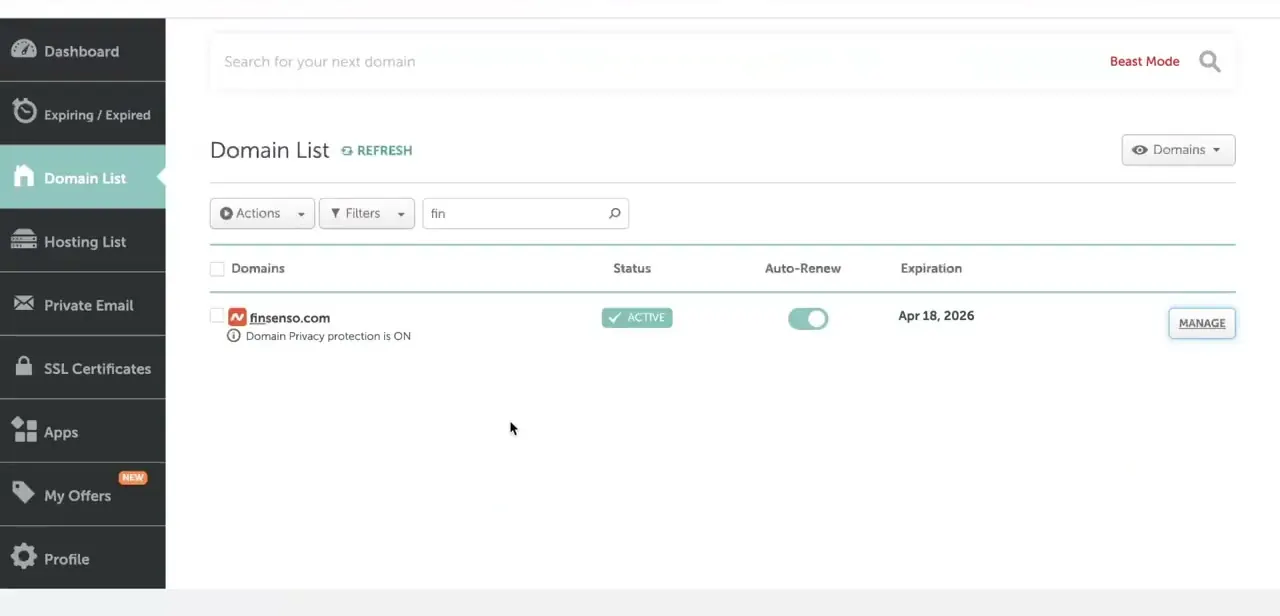
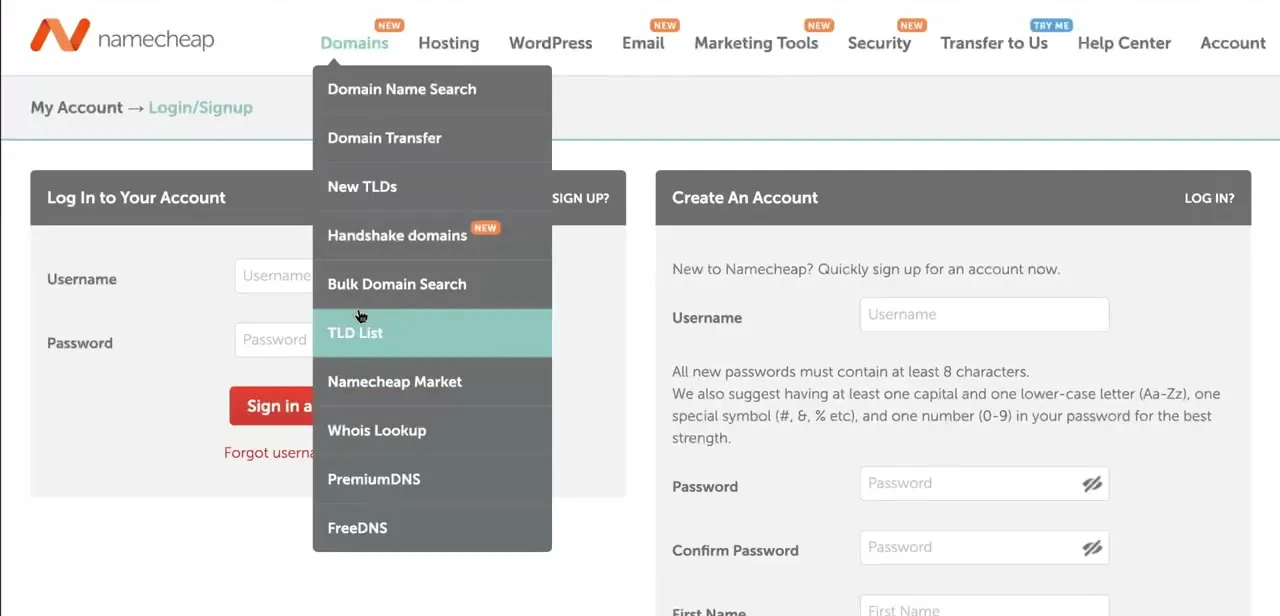
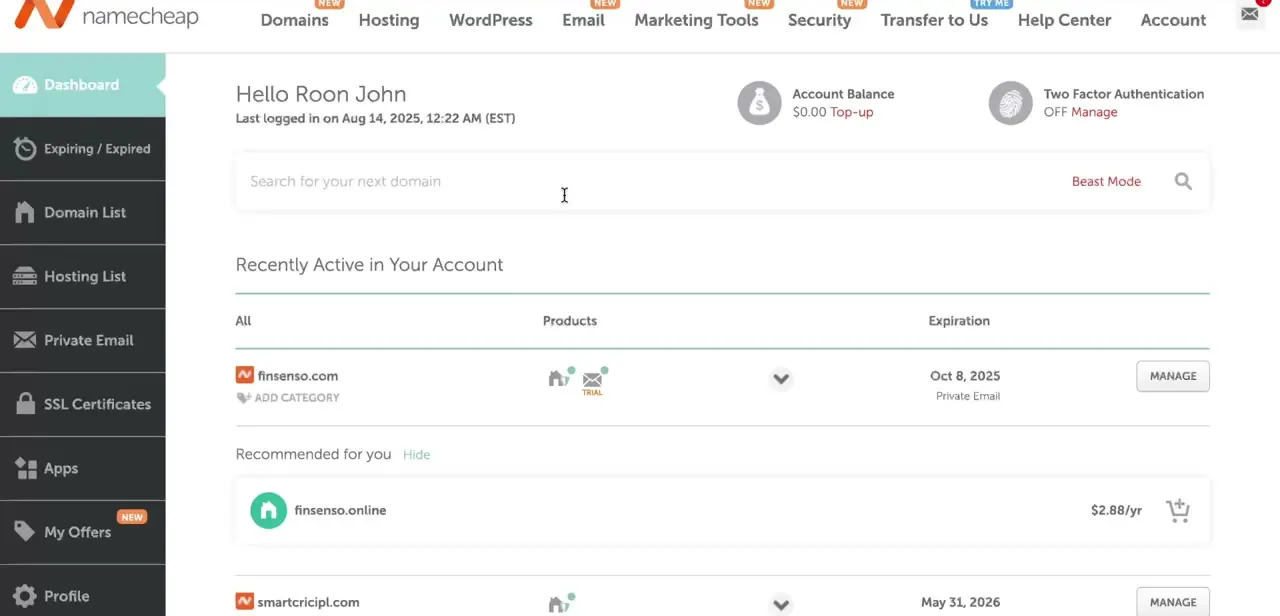
Sign in at Namecheap's login page, then check the Dashboard, which lists everything Recently Active in Your Account: each domain, its attached products such as hosting or email, and its expiration date. Namecheap will not close an account with active services still attached, so this list is the starting point, not an optional check.
02Confirm nothing is left to clear
Before moving on, scan the Dashboard list one more time. Anything still showing an active status, a domain, hosting, an SSL certificate, needs to be handled in the next step; an account with nothing left running is the one that closes without friction.
03Clear every active domain and service
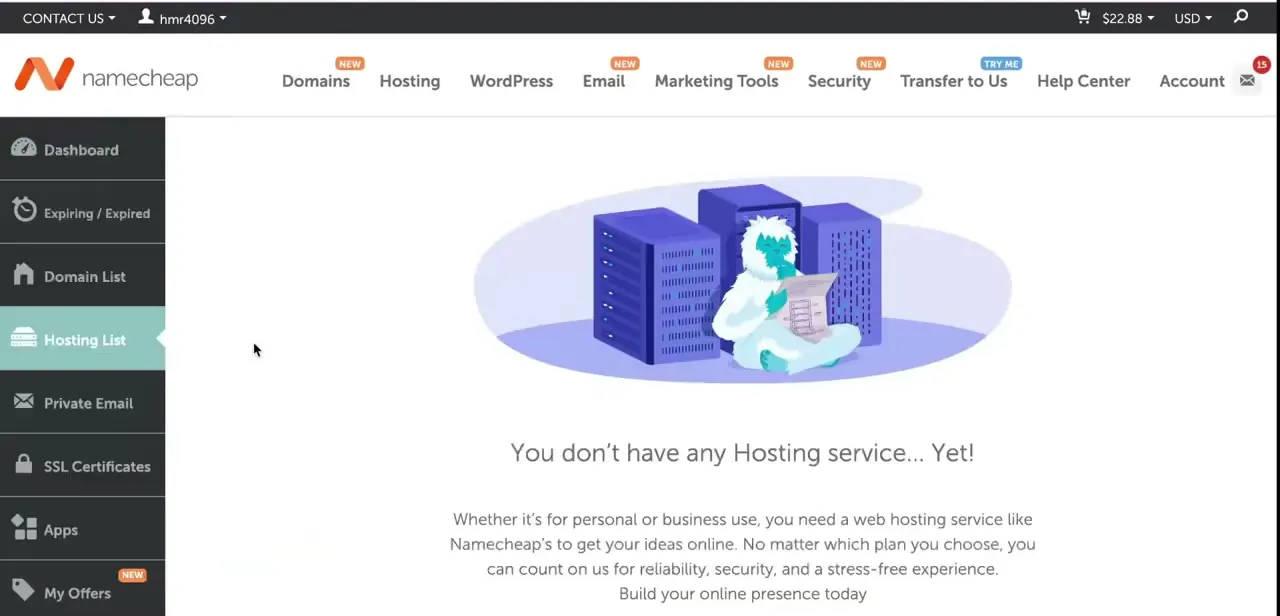
For a domain you want to keep, push it to another Namecheap account or transfer it to a different registrar (which needs the domain unlocked and its EPP/Auth code beforehand); for one you don't need, just let it lapse; there's no direct way to delete a domain outright. Cancel any hosting, SSL certificates, or privacy protection you no longer need from their own management pages. App subscriptions get cancelled without a refund and their data isn't recoverable once the account closes, so pull anything you need before requesting closure, not after.
04Find your username and Support PIN
Both are required in the closure request. The username is what you log in with; the Support PIN sits in your profile security settings and exists specifically to verify support requests like this one without you having to prove identity over email.
05Email Customer Support to request closure
Send a message from your registered email address to domainsupport@namecheap.com with your username, your Support PIN, and the reason you want the account closed. There is no in-dashboard "Account Deletion" button; this email is the entire mechanism. If the account is currently suspended, it has to be reinstated first, which requires a government ID, before a closure request can even be processed.
06Understand what happens after closure
Once closed, the account cannot be re-established and you will not have access to it again. You can't reuse the same username on a new account later.
Your personal data isn't erased outright. It moves into a deactivated state and stays there for a period set by Namecheap's own legal retention obligations, per their privacy policy. Domains and services still on the account when it closes don't survive the closure, so this step should only follow, never precede, step two.
When it doesn't work
Support won't process the closure request
Why: An active domain, hosting plan, SSL certificate, or other live service is still attached to the account. Namecheap will not close an account in that state.
Fix: Go back to the Dashboard, confirm every item under Recently Active has been transferred, cancelled, or allowed to lapse, then re-send the request.
The account is suspended and closure is refused
Why: Namecheap requires a suspended account to be reinstated before it can be closed.
Fix: Contact support to reinstate the account first, which requires a government ID, then submit the closure request separately.
Frequently asked questions
Is there a self-service button to delete a Namecheap account?
No. Closure has to go through Customer Support by email; there's no Account Deletion control inside the dashboard itself.
Can I delete my Namecheap account if I still have active domains?
No. Namecheap will not close an account with active domains or services attached. Transfer or push out anything you want to keep, and let the rest lapse, before requesting closure.
What do I need to send support to close the account?
Your username, your Support PIN, and the reason for closure, sent from the email address on the account to domainsupport@namecheap.com.
Is deleting a Namecheap account reversible?
No. Once closed, the account can't be re-established and the username can't be reused on a new one.
Does closing the account delete my personal data right away?
Not immediately. Your data moves to a deactivated state and is retained for a period set by Namecheap's privacy policy and legal obligations; it isn't erased the moment the account closes.
Sources and last check
Click path and screens come from a walkthrough recorded in July 2025. Re-checked against Namecheap's official knowledge base in September 2026: the earlier draft described an in-dashboard Profile → Security → Account Deletion option, which does not exist. Namecheap closes accounts only through a Customer Support email request with your username and Support PIN, and only once every active service has been cleared; that correction runs through this whole version.
About the author

Impran M N
I've been hooked on technology for as long as I can remember — especially the new tools and AI apps that seem to land every other week. Easy Tech Tuts is where I write up whatever I've just worked out: I do the task in the real product, record the screen, and turn it into the guide I wish I'd found first.