Easy Tech Tuts
How to Move Ticket to Backlog in Jira Easily 2026
By Impran M NLast checked against official docs
Not every ticket that lands in a sprint belongs there for the full sprint. Priorities shift, scope gets cut, and sometimes a story isn't ready to be worked on yet.
Jira lets you send an issue back to the backlog instead of leaving it stuck in a sprint it won't get done in, but the option sits inside a menu that isn't obvious if you've only ever dragged cards between board columns. This guide covers where tickets live on the board, the exact click path (Jira calls it Remove from sprint, not "move to backlog", despite what most people search for), and when pulling something back to the backlog is the right call versus just reprioritizing it in place.
Before you start
- A Scrum project with sprints enabled. Kanban boards don't have a Backlog tab in the same sense; there, a card's position maps to a workflow status instead of a sprint field.
- Edit permission on the project, since removing an issue from a sprint changes one of its fields.
01Open your project's board
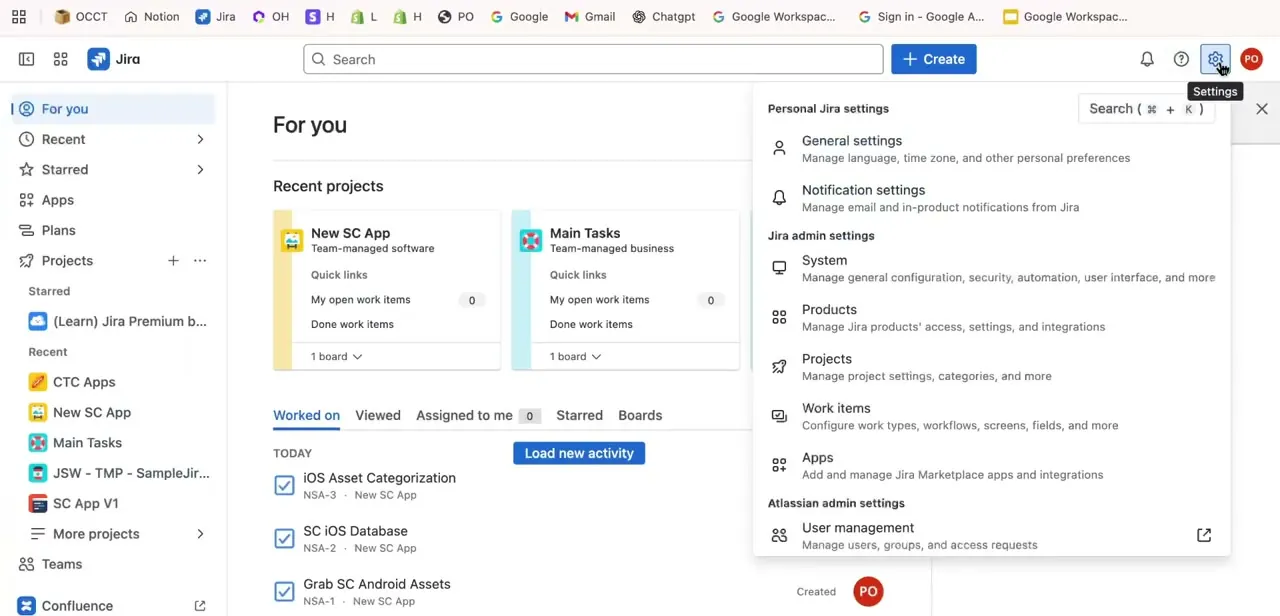
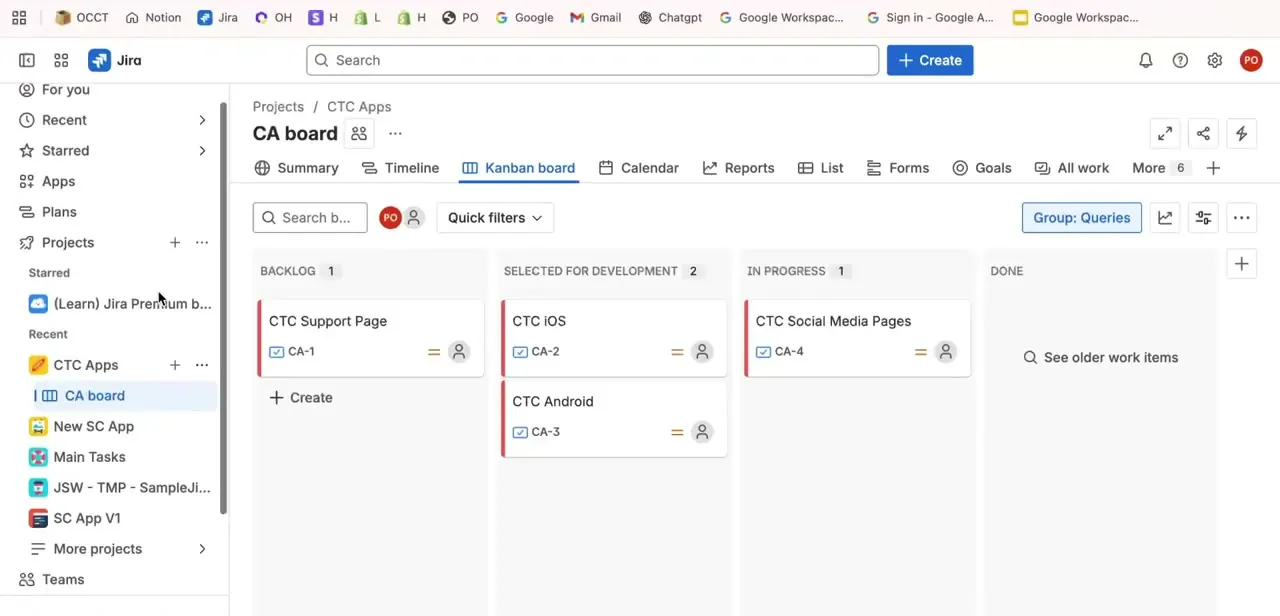
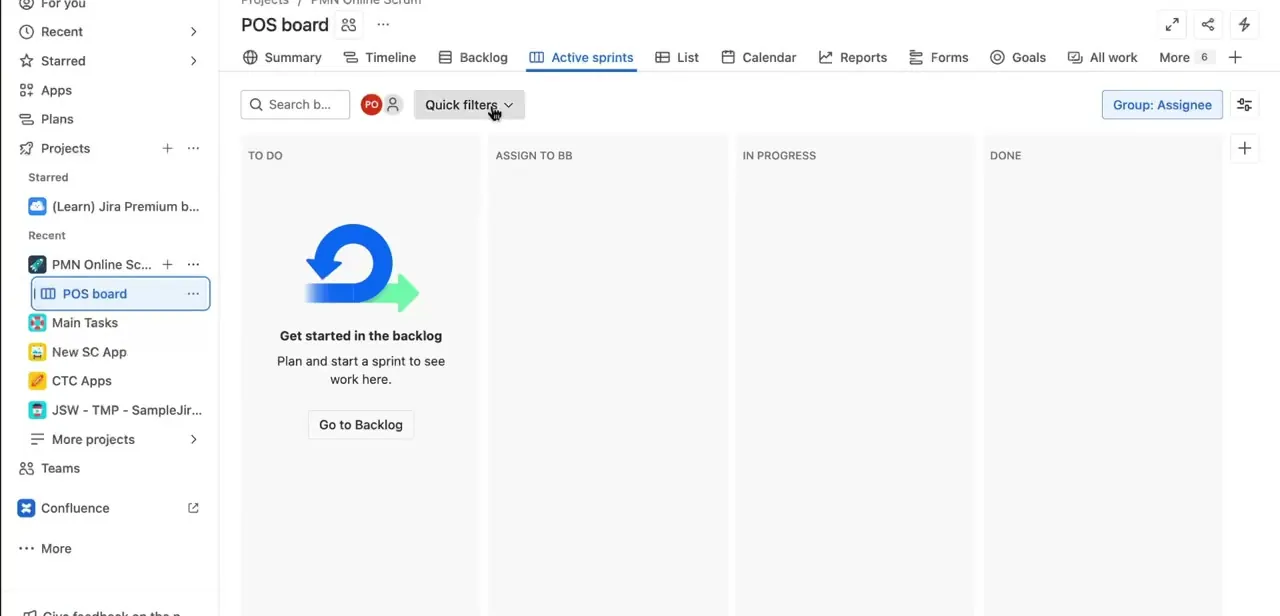
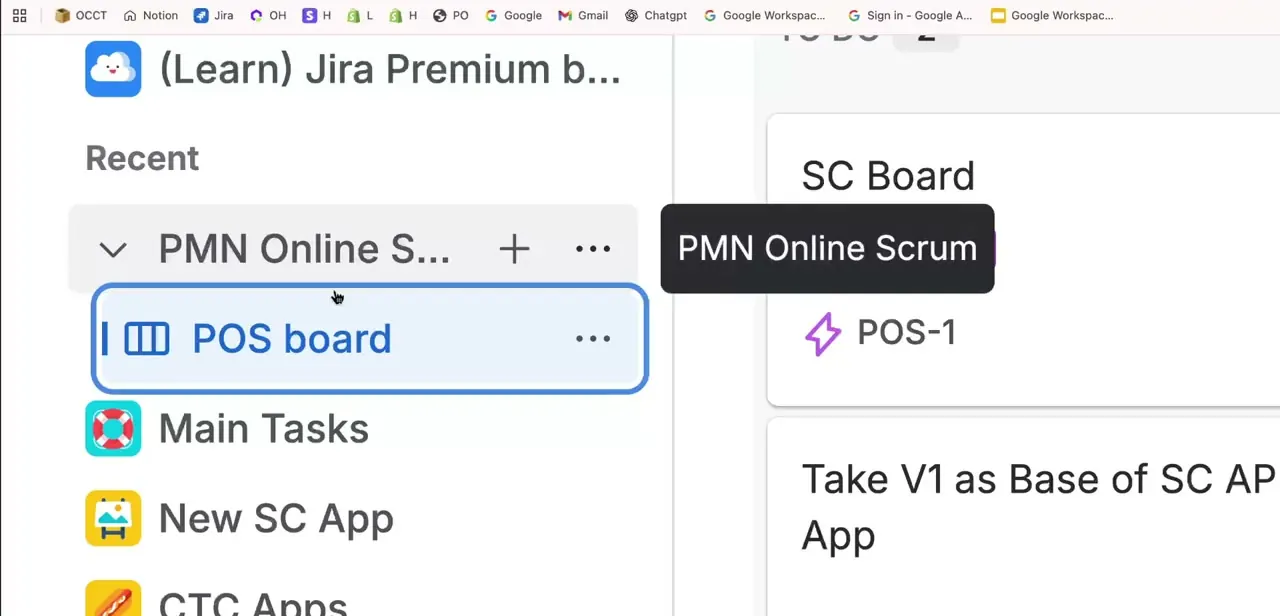
From the Jira sidebar, select your project and open its board. In a scrum project you land on a board with tabs for Summary, Timeline, Backlog, and Active sprints along the top. Opening the project through the sidebar switcher first shows a preview of the board's sprints and top issues, a quick way to confirm you're in the right project if you manage more than one.
02Go to the Backlog tab and find the ticket
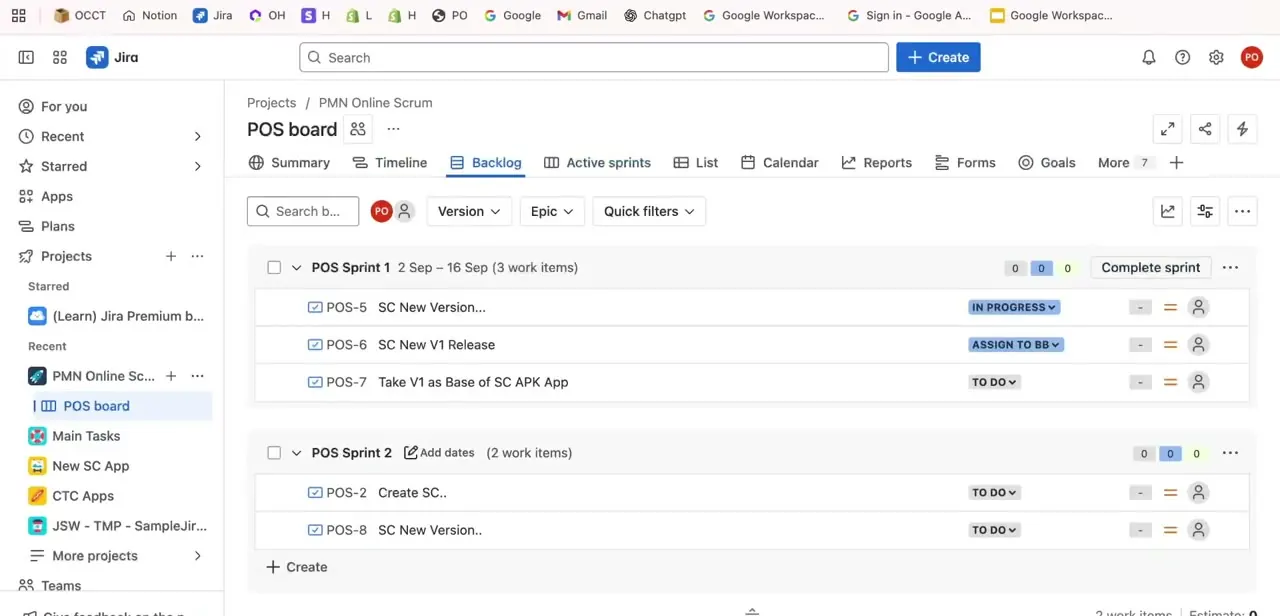
Click the Backlog tab to see your sprints laid out with their issues underneath. Each sprint shows its date range and a running count of work items by status.
Active sprints appear at the top with a Complete sprint button; unstarted sprints sit below. If the sprint has more than a handful of items, search by the ticket's key (POS-6, for example) using the search bar above the list instead of scrolling for it.
03Remove the ticket from its sprint
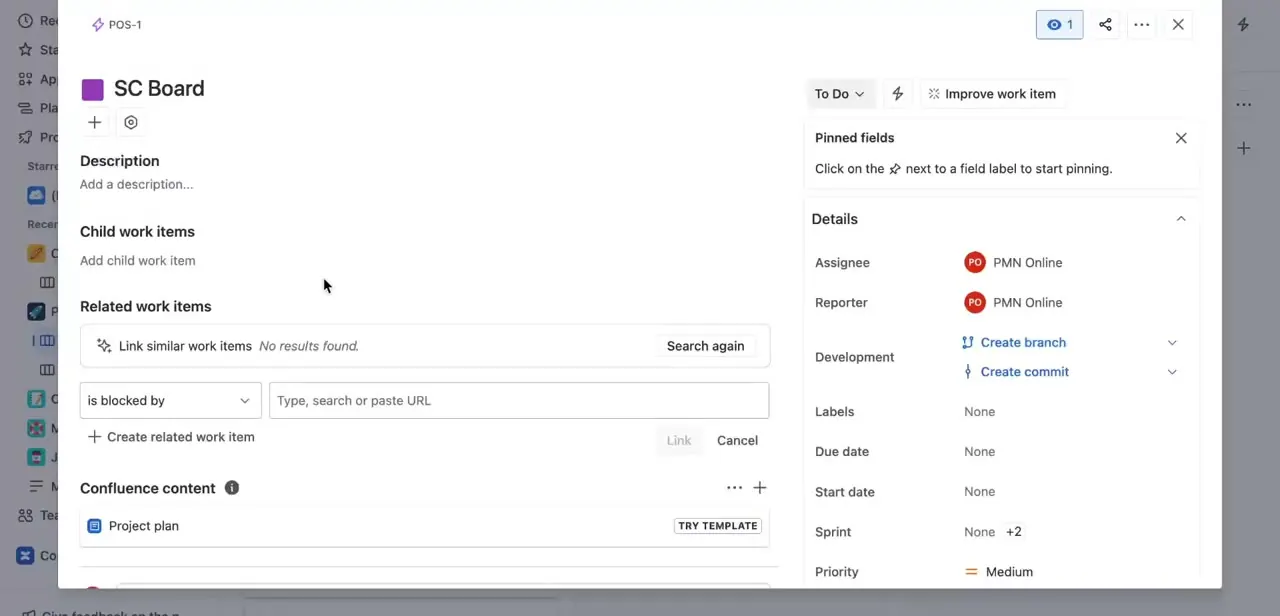
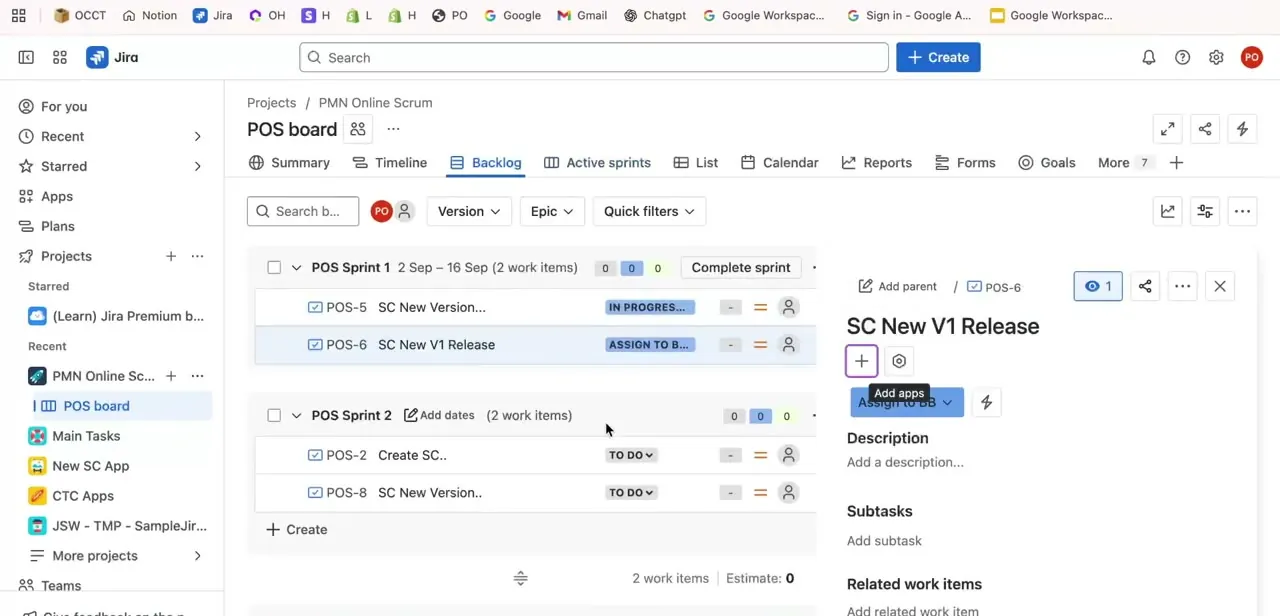
Click the ticket to open its detail panel on the right side of the screen, without leaving the board. Near the top of that panel is a three-dot more-actions menu.
Atlassian's own documentation names the option there Remove from sprint, not "move to backlog": the exact wording matters, because it's easy to go looking for a button labeled the other way and miss this one. Selecting Remove from sprint pulls the ticket out of whatever sprint it's assigned to and drops it into the unscheduled backlog list, with its status, comments, and subtasks intact. You can select several tickets first with Ctrl-click or Cmd-click and remove them from the sprint together.
04Alternative: drag the ticket directly on the board
In the Backlog view, not the Active sprints tab, where dragging moves issues between status columns instead, you can drag a ticket's row from its sprint section down into the Backlog section beneath it. This is faster when you're clearing several items out of a sprint that's about to close. Both routes land the ticket in the same place: it loses its sprint assignment and returns to the unscheduled backlog.
When it doesn't work
Remove from sprint doesn't show up in the menu
Why: The board is a Kanban board, where issues don't carry a sprint field, or the account doesn't have edit permission on the project.
Fix: Confirm you're working in a Scrum project's Backlog or Active sprints view, and check with your Jira admin that you have Edit Issues permission.
The ticket is stuck in a sprint that's already closed
Why: Once a sprint closes, Jira keeps its old sprint value as history, so Remove from sprint isn't offered on a closed sprint's issues the way it is on an active one.
Fix: Reopen the closed sprint, move the ticket, and close the sprint again. Or run a JQL bulk-edit search and clear the Sprint field directly. Either way, the old sprint stays in the issue's history.
Dragging the ticket doesn't do anything
Why: Dragging behaves differently depending on the tab: in Backlog view it moves issues between the backlog and a sprint, but on the Active sprints board it moves issues between status columns instead.
Fix: Do the drag from the Backlog tab, not the board's Active sprints tab.
Frequently asked questions
Does moving a ticket to the backlog delete its progress or comments?
No. The ticket keeps its full history, comments, subtasks, and status. Removing it from the sprint changes only the Sprint field, nothing else about the issue.
Can I move multiple tickets to the backlog at once?
Yes. Select several tickets in the Backlog or Active sprints view with Ctrl-click or Cmd-click, then use the more-actions menu (or Bulk change) and choose Remove from sprint to move them all together instead of one at a time.
What's the difference between the backlog and an active sprint?
An active sprint is a time-boxed set of work your team has committed to for the current cycle. The backlog is everything else: unscheduled, unprioritized, or deprioritized work waiting to be pulled into a future sprint.
Should I move a blocked ticket to the backlog or just flag it?
Move it to the backlog when it genuinely isn't ready: blocked on a dependency, missing acceptance criteria, or deprioritized for this sprint. If the block will likely clear within the sprint, flag it and talk about it in standup instead, since items pulled into the backlog can sit unaddressed for a long time once they're out of active view.
What happens to a ticket after it's back in the backlog?
Nothing automatically. It needs periodic grooming: your team reviewing backlog items, re-prioritizing them, and either scheduling them into a future sprint or closing them out if they're no longer relevant. Skipping that step is how backlogs end up with hundreds of stale tickets nobody trusts.
Will moving a ticket back to the backlog affect sprint reports?
It can. If a ticket is pulled from an active sprint before it's completed, most sprint reports flag it as removed from the sprint. That's different from being completed or carried over, worth knowing if you track scope-change metrics.
Does this work the same way on a Kanban board?
Not quite. Kanban boards don't have sprints, so there's no Remove from sprint option. There, the backlog corresponds to a workflow status, so sending a card back to the backlog means changing its status, not clearing a sprint field.
Sources and last check
Click path and screens come from a walkthrough recorded in 2026. The sprint-removal terminology, the Kanban-versus-Scrum distinction, and the closed-sprint behavior were re-checked against Atlassian's official Jira Cloud documentation in September 2026, which corrected this guide's earlier "Move to Backlog" label to Jira's actual menu option, Remove from sprint.
About the author

Impran M N
I've been hooked on technology for as long as I can remember — especially the new tools and AI apps that seem to land every other week. Easy Tech Tuts is where I write up whatever I've just worked out: I do the task in the real product, record the screen, and turn it into the guide I wish I'd found first.