Easy Tech Tuts
Instagram Ineligible Country or Region Error Fix (2026) – Step-by-Step Guide
By Impran M NLast checked against official docs
The "Ineligible Country or Region" error can block Boost Post, ads, or monetization, and the message itself gives almost no detail about what's wrong. Instagram ties these features to a location that has to agree across several places at once: the Instagram account's own settings, the linked Facebook Page, and the Ads Manager account behind any boosted post.
When any of those disagree, or a business detail like a payment method doesn't match the country being advertised from, Instagram tends to surface this one generic message instead of pointing at the specific mismatch. Most cases are a mismatch, not a ban, which means most are fixable without contacting support. This guide walks through the checks worth running in order, from the account's own settings through to the Facebook Page and Ads connection behind it, and covers the cases where it's a real country-level restriction instead of a settings problem.
01Confirm your Instagram account is set to Professional
Boost Post, ads, and most monetization tools only work on Professional accounts, Business or Creator, so confirm the account is actually set up that way and not a personal account. If it was recently switched from personal to Professional, eligibility settings don't always carry over cleanly. Re-confirming the business category and contact details after a switch can resolve the error by itself.
02Check the business address on the account
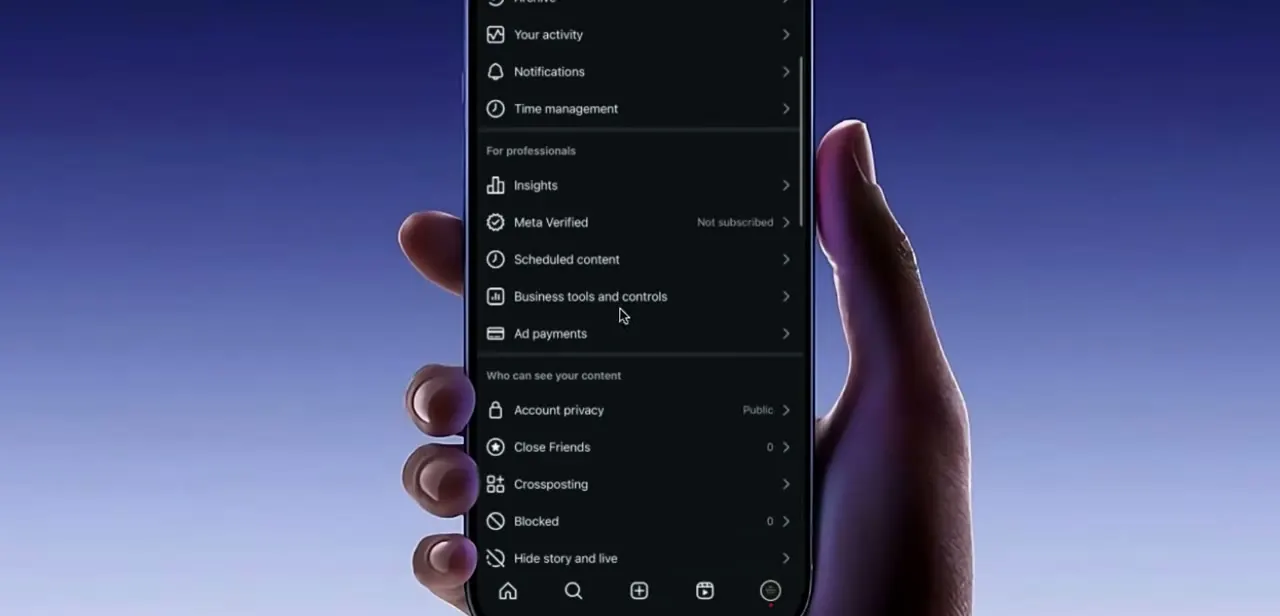
Instagram doesn't have one single "region" toggle for a Professional account. What's editable directly is the business address under Edit profile > Contact options, which should match the country the account is actually operating and advertising from.
An address left over from an earlier setup, or entered while connecting from a different country, is a common source of this specific error. It's the first thing worth checking before touching anything on the Facebook side, though updating it doesn't always fully resolve a mismatch if the underlying problem is on the linked Facebook Page or Ad Account instead.
03Reconnect the correct Facebook Page and Ad Account
Boosting a post or running ads from Instagram routes through a linked Facebook Page and the Ads Manager account behind it. If that Page is linked to the wrong Ad Account, or the Ad Account's country doesn't match the Instagram account's, this error appears even when everything on Instagram itself looks fine. In the linked accounts settings, unlink the mismatched Page or Ad Account if needed, then reconnect the correct one so both sides agree on the same country.
04Review payment and business billing details
Ads Manager checks a payment method's billing country against the ad account's own country, so a card billed to a different country than the one set for the business can trigger the same message even when the Instagram side is correct. Open the payment settings in Ads Manager and confirm the billing address on file matches the country the account is configured for, adjusting whichever one is out of step.
05Refresh the app after making a change
Changes don't always reflect immediately inside the Instagram app, which can cache account and eligibility data locally. Force-close and reopen the app, or log out and back in, before retrying Boost Post or the ads flow. Testing again right after a settings change is a common reason people assume a fix didn't work when it just hadn't refreshed yet.
06Check whether it's a country policy restriction instead
If every setting checks out, matching address, correctly linked Page and Ad Account, consistent billing, and the error persists, the country may genuinely not be supported for the specific feature rather than there being a fixable mismatch. Ads, in-stream monetization, and Stars each maintain their own list of supported countries, and in-stream ads specifically also require the Page to clear follower and watch-time minimums on top of being in an eligible country: at least 5,000 followers and 60,000 minutes viewed in the last 60 days for on-demand video, or 10,000 followers and 600,000 minutes viewed (at least 60,000 of them from live video) to qualify through live content. A Page short of those numbers can be blocked from in-stream ads even from a fully eligible country, which looks identical to a settings problem until it's checked against the actual thresholds.
| Content type | Minimum followers | Minimum minutes viewed (last 60 days) |
|---|---|---|
| On-demand video | 5,000 | 60,000 total |
| Live video | 10,000 | 600,000 total, including at least 60,000 from live video |
These apply on top of being in a country Meta lists as eligible for in-stream ads; a Page can meet the country requirement and still be blocked for falling short of these numbers.
When it doesn't work
Every setting matches and the error still won't clear
Why: The country may not be on Meta's supported list for that specific feature, which is a policy limit rather than a settings mismatch.
Fix: Check the current eligible-countries list for the exact feature involved (ads, in-stream monetization, or Stars) instead of continuing to hunt for a local setting to change.
In-stream ads stay blocked even though the country is supported
Why: In-stream ads also require follower and watch-time minimums separate from country eligibility.
Fix: Check the Page's follower count and 60-day watch-time minutes against the thresholds before assuming it's a region issue.
A setting was just corrected but the error still appears
Why: The app can cache account and eligibility data locally.
Fix: Force-close and reopen the app, or log out and back in, before trying again.
Frequently asked questions
What causes the Ineligible Country or Region error on Instagram?
Usually a mismatch between the Instagram account, the linked Facebook Page, the Ads Manager account, or the payment method's billing country, rather than an outright ban.
Can I fix this myself, or is it always a policy restriction?
Many cases are fixable by correcting the business address, reconnecting the Facebook Page and Ad Account, or updating payment details. Some restrictions are genuinely policy-based per country and aren't fixable through settings.
Does this error affect monetization too?
Yes. It can block Boost Post, ads, and monetization features like in-stream ads or Stars, depending on account and country settings.
What should I check first if I see this error?
Confirm the account is set to Professional, then check the business address in Contact options, then confirm the linked Facebook Page and Ad Account use the same country.
Why doesn't the fix take effect right after I change my settings?
The app can cache account and eligibility data locally, so force-closing and reopening it, or logging out and back in, is often needed before a change takes effect.
Why would in-stream ads stay blocked even in a supported country?
The Page also needs to clear follower and watch-time minimums, at least 5,000 followers and 60,000 minutes viewed in 60 days for on-demand video, or 10,000 followers and 600,000 minutes for live video. Falling short of those looks like a region problem but isn't one.
Sources and last check
This guide reflects general troubleshooting patterns for the error rather than a single vendor document, since Meta doesn't publish one page describing it directly. This session attempted to verify the account, Facebook Page, and payment mismatch details against Meta's Business Help Center and Instagram Help Center, but those pages render through JavaScript and returned no readable article content across several pages tried in September 2026. One official Meta page did load fully, creators.facebook.com's in-stream ads tool, and its follower and watch-time thresholds are now cited directly in this guide since they weren't mentioned in the earlier version.
About the author

Impran M N
I've been hooked on technology for as long as I can remember — especially the new tools and AI apps that seem to land every other week. Easy Tech Tuts is where I write up whatever I've just worked out: I do the task in the real product, record the screen, and turn it into the guide I wish I'd found first.