Easy Tech Tuts
How To Fix This Song Isn't Available In Your Country Instagram Error 2026
By Impran M NLast checked against official docs
Two different things produce this message, and only one of them looks like your country's fault. Instagram licenses its music library country by country, so a track cleared in one market may have no clearance in another.
Separately, Meta's own documentation states that certain business accounts and certain post types have no access to the licensed library at all. An account in that second group hits restrictions constantly and reads them as regional problems.
This guide sorts the two apart. It covers where the failure shows up in the Reels music picker, the account setting that quietly removes most of the library, and the royalty-free collection Meta provides for exactly this situation.
Some of these blocks lift in two taps. Others are a licensing wall, and the useful skill is recognising one quickly and routing around it.
01Find where the track fails in the music picker
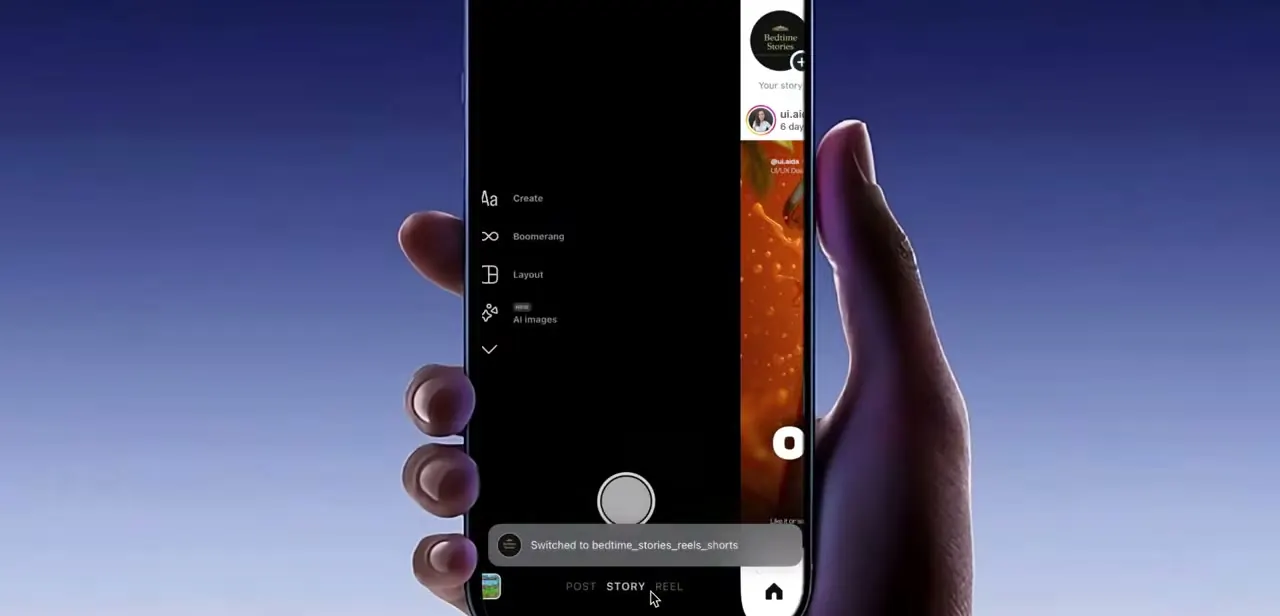
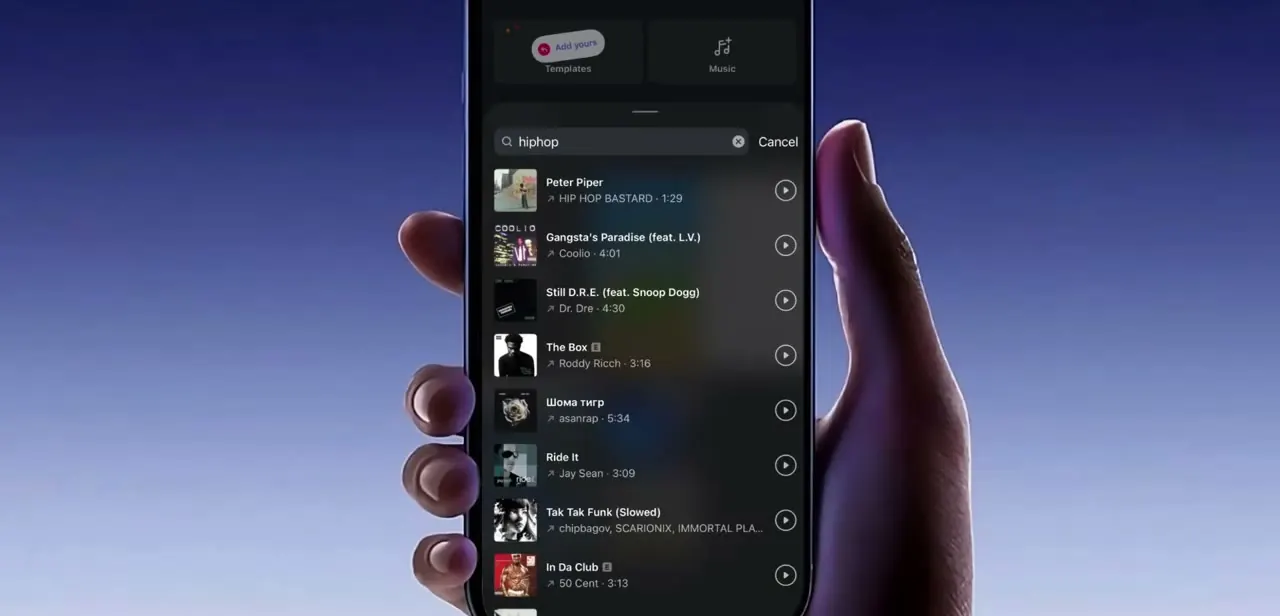
The error appears while you are adding audio to a Reel or Story. Tap into the music picker and search a song by name or artist, and results come back as a scrollable list with the artist and running time beside each thumbnail, plus a play button for previewing.
Nothing in that list marks a track as unavailable to you. Clearance is resolved when you try to attach the song, not when it is listed, which is why the message arrives with no warning. Preview playing normally means nothing either; previewing and attaching are governed separately.
02Rule out a one-off failure before assuming a block
A failed attach often drops you back on an empty search box. That is the same screen you started from, so run the search again from there before concluding anything.
Then force-close Instagram, reopen it, and try once more. A stale session holding an old configuration produces the same symptom as a genuine restriction, and this takes about twenty seconds to eliminate.
If you are behind on app versions, update while you are here. Once a song has failed a fresh search in a freshly launched app, stop treating it as a glitch and start working through the two real causes below.
03Check whether you are posting from a business account
This is the cause most guides get backwards. Meta's help documentation on the licensed music library states plainly that certain business accounts and certain post types do not have access to that library.
Personal and creator accounts are not the restricted category. Business accounts are.
The reason is commercial licensing. Meta's agreements with rights holders cover personal, non-commercial use, and business posting sits outside that.
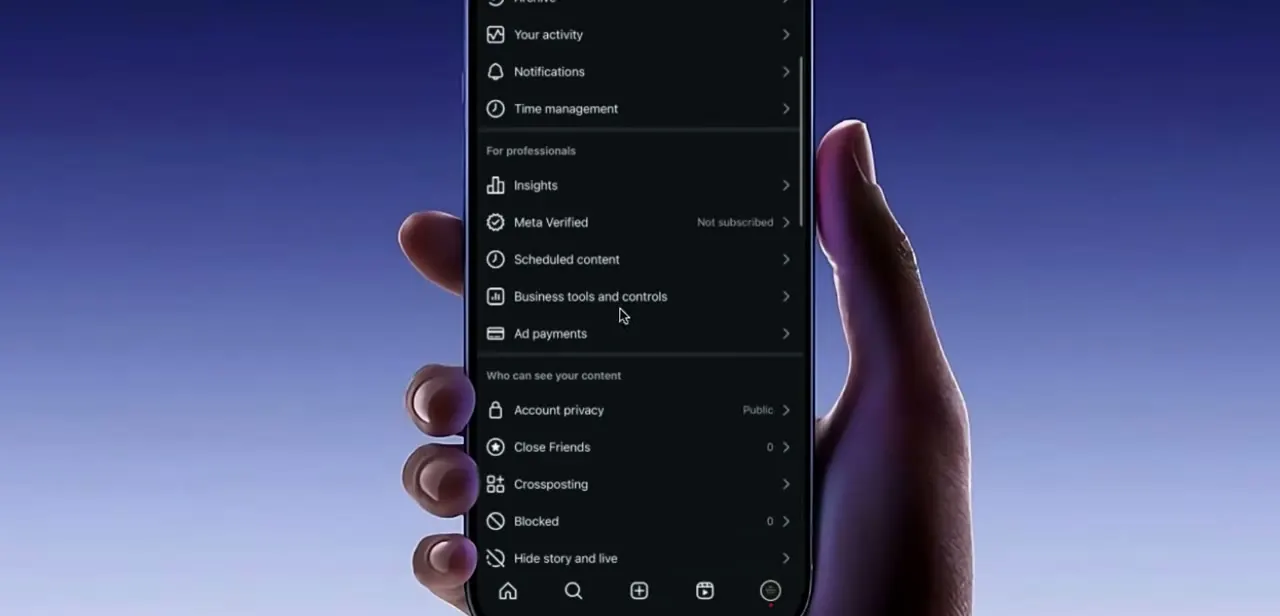
If your library looks thin, if familiar tracks are absent instead of merely refusing, or if restrictions are constant instead of occasional, check Settings, then Account type and tools, and see what the account is currently set to. Moving from a business account to a creator account restores access to the licensed library. Do this with your eyes open: the account type also governs which analytics and promotion tools you get, so it is a trade, not a free fix.
04Use the Sound Collection when you need music that always clears
Meta provides a royalty-free alternative for exactly this case, and the article you are reading is not the first to skip it. The Sound Collection holds more than 14,000 songs and sounds, it is royalty free, and Meta's documentation states it can be used in Reels and Stories including for commercial purposes such as advertising.
For a business account, this is the answer instead of a workaround. Nothing in the Sound Collection carries the country-by-country clearance problem, so a track chosen from it plays for viewers everywhere and will not be muted later if a label pulls a territory.
The trade-off is recognition. These are not chart records, so a Reel leaning on trending audio for reach will not get that from the Sound Collection.
05Substitute the track, and recognise a permanent block
If your account is not a business account and the song still fails after a fresh search and a restart, treat it as a real licensing restriction. Instagram's own guidance notes that music has launched in more than 90 countries but is not available everywhere, and clearance is negotiated per song, per rights holder, per market.
Two tracks by the same artist can behave completely differently for the same account, and no setting on your side changes that. Major-label chart hits are the usual casualties, since they are licensed market by market and can be added or withdrawn without notice.
Look for a cover, a different track by the same artist, or a trending sound in the same genre. Recording original audio in the Reel is the other reliable route: original sound sits outside the music licensing system entirely and plays for every viewer wherever they are. One point worth carrying over from Meta's guidelines while you edit: videos should have a real visual component, and stacking full-length recorded tracks makes a video more likely to be limited, so shorter clips of music are the safer build.
When it doesn't work
Most of the music library is missing, not just one song
Why: The account is a business account. Meta's documentation states certain business accounts have no access to the licensed music library, because those agreements cover personal, non-commercial use.
Fix: Switch to a creator account in Settings > Account type and tools, or use the Sound Collection, which Meta licenses for commercial use.
A song that worked in an older post is now silent
Why: Rights holders can withdraw a territory after the fact, and Instagram will mute or block affected video when that happens.
Fix: Replace the audio on the affected post. To avoid a repeat on anything important, build with Sound Collection tracks or original audio.
The song previews fine but will not attach
Why: Previewing and attaching are handled separately, so a preview playing is not evidence that the track is cleared for your account and market.
Fix: Re-run the search once after a force-close. If it still refuses, the clearance is genuinely absent and a substitute track is the only route.
Frequently asked questions
Why can't I use certain songs on Instagram in my country?
Music rights are licensed market by market, so a track cleared where the label negotiated a deal has no clearance elsewhere. Instagram's own guidance says music has launched in more than 90 countries but is not available in every place.
Does my account type affect which music I can use?
Yes, and in one direction only. Meta's help documentation says certain business accounts and certain post types have no access to the licensed music library. Personal and creator accounts are not the restricted group, so switching a personal account to creator will not add anything.
Can a VPN unlock the song?
It is not a dependable fix. A VPN changes the network location you appear to connect from, but the licence that matters is the one attached to your account and the track. The documented levers are account type, the Sound Collection, and choosing a different song.
What can a business account use instead?
Meta's Sound Collection, which holds over 14,000 royalty-free songs and sounds and is cleared for Reels and Stories including commercial use such as advertising. Original audio recorded in the Reel also sits outside music licensing entirely.
Sources and last check
The music picker screens come from a walkthrough recording. The licensing and account-type claims were re-checked in September 2026 against Meta's help page on access to the licensed music library and Instagram's published guidelines for including music in video. That check reversed the advice this guide previously gave: it suggested switching a personal account to creator, when the documented restriction applies to business accounts. The Sound Collection, which Meta documents as royalty free and cleared for commercial use, was missing from the guide entirely and has been added.
About the author

Impran M N
I've been hooked on technology for as long as I can remember — especially the new tools and AI apps that seem to land every other week. Easy Tech Tuts is where I write up whatever I've just worked out: I do the task in the real product, record the screen, and turn it into the guide I wish I'd found first.