Easy Tech Tuts
How to Fix Unable to Join Chat Try Again Later on Instagram Error 2026 Easy Guide
By Impran M NLast checked against official docs
"Unable to Join Chat, Try Again Later" appears the moment you tap into a group chat or a creator's broadcast channel, and the app tells you nothing about which of several very different problems you have hit. Four things produce that message.
Instagram is having a bad hour. The channel has an entry rule you have not met.
Your local copy of the app is holding stale data. Or your account has picked up a messaging restriction.
The order below sorts them cheapest first, so you are not clearing caches to fix an outage. One correction before you start: the cache-clearing advice repeated in most versions of this fix is Android-only. iOS has no per-app clear-cache button, and the iPhone equivalent is a different control in a different place. Step three covers both.
01Separate an Instagram problem from an account problem
Two checks take under a minute between them and decide whether the rest of this guide applies to you. First, outages.
Instagram has been rolling out notices in the Activity Feed when it is having technical trouble, so glance there before you assume the fault is yours. A wave of "Instagram down" reports at the same moment points the same way.
Server-side, the error clears on its own once the platform recovers. Second, restrictions.
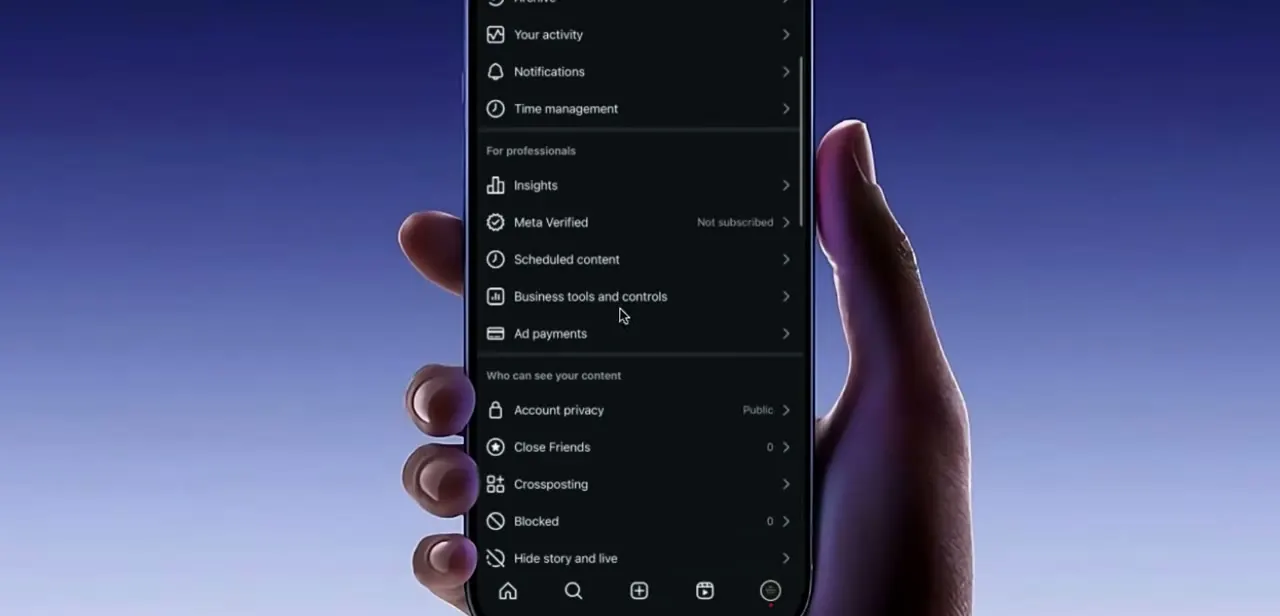
Instagram publishes an Account Status tool at Settings, then Account, then Account Status. It shows whether features on your account have been limited for a Community Guidelines or Terms issue, and it offers a request for additional review if you disagree. If Account Status reports a restriction, no amount of cache clearing will move it.
02Check the chat's own entry rules
Broadcast channels have joining conditions that group chats do not, and failing one of them is a common reason the join simply will not complete. You have to follow the creator.
Instagram's own announcement of the feature says people who are not yet following get prompted to follow first. Some channels are narrower still: creators who run Instagram Subscriptions can limit a channel to paying subscribers, so an open-looking link may lead somewhere your account is not eligible to enter.
Channels are also mobile-only. Trying to open one from the web version of Instagram is not going to work no matter what you clear.
For ordinary group chats the equivalent question is who invited you. If your message controls restrict who can add you to groups, an invite from someone outside that circle can stall. Settings, then Messages and story replies, then Message controls, is where those choices live.
03Clear the app's local data, the right way for your phone
Stale local data left over from a chat that half-loaded is a genuine cause of this error, but the fix is not the same on both platforms. On Android, open Settings and search for Instagram to jump straight to its app info page, where Storage sits alongside Permissions and Force stop.
Google draws a sharp line between the two buttons you will see there: clearing cache "deletes temporary data" and may make the app slow to open once, while clearing storage "permanently deletes all app data". Use cache.
Clearing storage signs you out. Force stop afterwards so the app restarts cleanly instead of resuming the session that failed.
On iPhone there is no clear-cache button, and no force stop either. Apple's storage controls live at Settings, General, iPhone Storage, and offer two actions per app: Offload App, which "frees up storage used by the app, but keeps its documents and data", and Delete App, which "removes the app and its related data".
Offload Instagram, then tap its icon to reinstall it. You stay signed in and the app comes back with a fresh copy of its files. To force-quit instead, swipe up from the bottom of the screen and flick the Instagram card away.
04Update Instagram before you test again
Messaging is one of the parts of Instagram that changes most often, and an old build is a dull but frequent cause of chat errors. Check the version listed on the app info page against the current one in the App Store or Play Store, install any update, and relaunch.
Do this before retrying the chat. Testing on the old build and then updating is how people end up repeating the cache steps twice and concluding nothing helped.
05Retry, and read what the result tells you
Open your Direct inbox first. If normal one-to-one messages send and receive without trouble, messaging as a whole is fine and the problem is scoped to that one group or channel, which points back at step two.
Now reopen the chat that threw the error. If it loads, you are done.
If it still refuses while your DMs work and Account Status shows nothing wrong, the remaining likely cause is a temporary limit on joining new group threads, which lifts on its own after a quiet spell. Report it from inside the app so the complaint is attached to your account.
| Platform | Control | What it removes | Signed out? |
|---|---|---|---|
| Android | Clear cache | Temporary data only | No |
| Android | Clear storage | All app data, permanently | Yes |
| iPhone / iPad | Offload App | The app, keeping its documents and data | No |
| iPhone / iPad | Delete App | The app and its related data | Yes |
Wording for the Android controls is Google's; wording for the iOS controls is Apple's. iOS has no per-app clear-cache option, so Offload App is the nearest equivalent.
When it doesn't work
There is no Clear cache option on your iPhone
Why: iOS does not expose per-app caches. Guides that tell you to clear Instagram's cache in Settings are describing Android.
Fix: Use Settings, General, iPhone Storage, then Offload App, and reinstall from the Home Screen icon. Your login and data survive.
The join link for a creator's channel does nothing
Why: You are not following the creator yet, the channel is limited to paid subscribers, or you opened the link on desktop. Broadcast channels are mobile-only.
Fix: Follow the account first, open the link on your phone, and check the creator's profile for whether the channel is subscriber-only.
You cleared storage and got signed out
Why: Clear storage is the destructive Android option; it wipes all app data, not just temporary files.
Fix: Sign back in. Next time use Clear cache, which Google describes as deleting temporary data only.
Nothing works and DMs are fine too
Why: A restriction on the account rather than the app, or a temporary limit on joining new group threads.
Fix: Open Settings, Account, Account Status. If it lists a restriction, request an additional review there. If it lists nothing, leave the chat alone for a day before trying again.
Frequently asked questions
Why does Instagram say "Unable to Join Chat, Try Again Later"?
It covers several causes at once: a platform outage, an entry rule on the chat you have not met, stale data in your local copy of the app, or a restriction on your account. The message is deliberately vague, which is why the checks have to be worked through in order.
Do I have to follow someone to join their broadcast channel?
Yes. Instagram's announcement of broadcast channels states that people who do not already follow the creator are prompted to follow first. Creators with Instagram Subscriptions can also restrict a channel to paying subscribers.
How do I clear Instagram's cache on an iPhone?
You cannot. iOS has no per-app cache control. The closest equivalent is Settings, General, iPhone Storage, then Offload App, which Apple describes as freeing the storage the app uses while keeping its documents and data. Tapping the icon afterwards reinstalls it.
Is clearing storage on Android the same as clearing cache?
No, and the difference matters. Google describes clear cache as deleting temporary data, and clear storage as permanently deleting all app data. Clearing storage logs you out of Instagram.
Is this error more common on new accounts?
New accounts and accounts that have joined or created a burst of group threads in a short window are more likely to run into limits on joining new chats, even while ordinary DMs keep working. Check Settings, Account, Account Status to see whether a restriction is on record.
Can I join a broadcast channel from a computer?
No. Instagram describes broadcast channels as accessible on mobile only, so the link needs to be opened in the app on a phone.
Sources and last check
The screens and click path come from a walkthrough recorded on Android. In September 2026 the fix was re-checked against Instagram's official posts on broadcast channels and on outages and Account Status, Google's Android Help page on clearing app cache versus storage, and Apple's storage page for iPhone and iPad. That check corrected two things this guide previously got wrong: it presented the clear-cache route as identical on iOS and Android when iOS has no such control, and it omitted the follow-first and subscriber-only conditions on broadcast channels. Instagram's own Help Center articles on group chats were not readable as plain pages at the time of checking, so nothing here is sourced from them.
About the author

Impran M N
I've been hooked on technology for as long as I can remember — especially the new tools and AI apps that seem to land every other week. Easy Tech Tuts is where I write up whatever I've just worked out: I do the task in the real product, record the screen, and turn it into the guide I wish I'd found first.