Easy Tech Tuts
How To Fix Instagram Unlike Problem, Not Showing Like Bug Error 2026 Solved
By Impran M NLast checked against official docs
It's a small but maddening glitch: you tap the heart on a post, it fills in, and a second later it's back to an outline, as if you never liked it at all. Instagram treats this as a device or app-level sync issue, not an account problem, which is good news, since it means the fix lives entirely on your phone.
Instagram's own troubleshooting article puts these fixes in a specific order for a reason: cheapest and fastest first. This guide follows that order, adds the one step almost every unofficial list skips, and covers what to do if none of it clears the glitch.
Before you start
- Instagram's help center says to confirm you're on the latest version of the app and your phone's operating system before trying anything else below
01Recognize what the unlike bug looks like
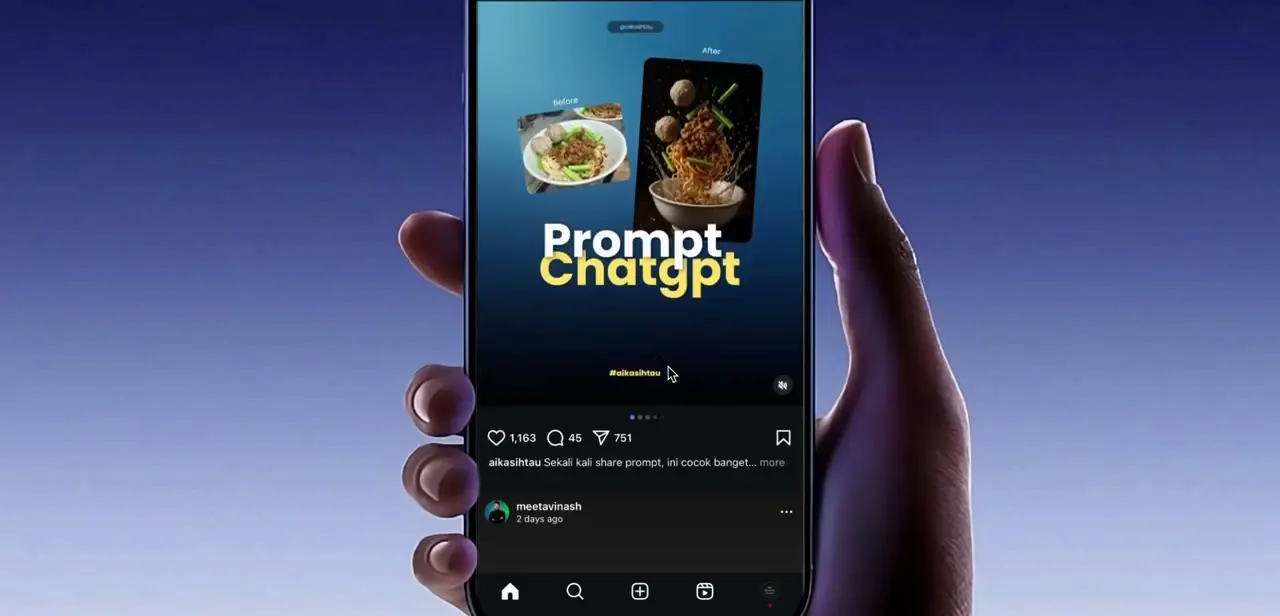
The symptom is consistent across reports: you double-tap or tap the heart icon under a post, the like registers for a moment (the icon fills red and the count ticks up), then it silently reverts to unliked without you touching anything. It's reported most often on Reels and other video posts, where the like button sits in the same bottom cluster alongside the comment and share icons. Because the action visually completes before reverting, it's easy to assume you imagined tapping it, but the behavior is reproducible and isn't tied to any particular post or account.
02Restart your phone or tablet
Instagram's own troubleshooting page lists this first, before checking your connection or touching the app at all: restart the device. It clears out whatever background state might be interfering with the app, and it costs nothing to try before anything more involved.
03Check your internet connection on both Wi-Fi and mobile data
If restarting doesn't fix it, Instagram's guidance is to try the app on both Wi-Fi and mobile data to see whether one connection is the problem. A weak signal or a Wi-Fi network dropping packets can let a like request appear to succeed locally before it fails to reach Instagram's servers. Switch connections, close and reopen Instagram instead of resuming a session that started on the bad one, and try liking the same post again.
04Force close and reopen Instagram
This isn't one of Instagram's own listed steps, but it's a common and harmless one worth trying before reinstalling anything: fully close Instagram from your recent apps (not just background it) and relaunch it. Give the feed a few seconds to load fully before testing a like again, since testing mid-load can produce the same false-positive-then-revert behavior.
05Log out and back in if the issue continues
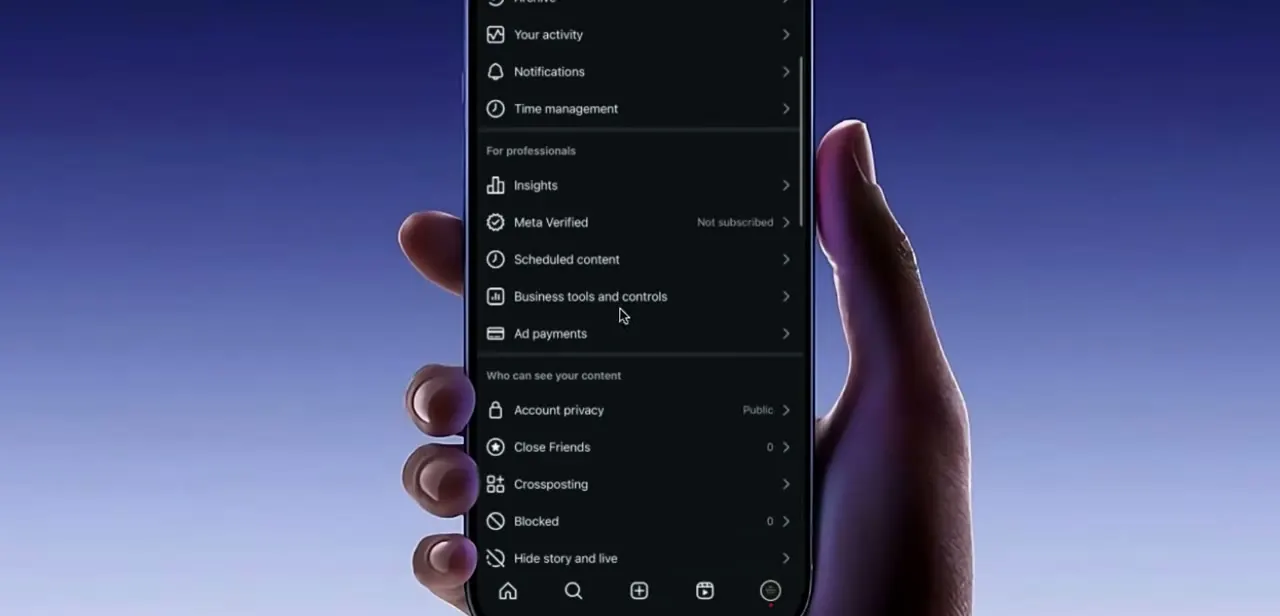
Also not on Instagram's official list, but a full sign-out and sign-in forces the app to re-sync your account state from a clean session, which some users report clears the glitch when a stale local cache is the cause. Go to your profile, open the menu, and log out completely instead of switching accounts if you use more than one. Log back in, let the feed load, and test a post you haven't interacted with recently.
06Uninstall and reinstall Instagram
Instagram's help center lists this as the step after restarting and checking your connection, ahead of anything else. On iPhone or iPad: touch and hold the Instagram icon, tap Remove App, then reinstall from the App Store and log back in.
On Android: go to Settings > Apps, tap Instagram, tap Uninstall, then reinstall from the Google Play Store and log back in. Instagram notes your photos and profile info are saved on their end either way, so removing the app doesn't touch your account data.
07Report it as a bug if nothing above works
If the glitch survives a restart, a connection check, and a full reinstall, Instagram's own guidance is to treat it as a bug or broken feature and report it through the app instead of repeating the same fixes. This also covers the case where a feature genuinely isn't rolled out to your account yet, which can look identical to a bug from the outside.
Frequently asked questions
Why does my Instagram like disappear right after I tap it?
Almost always a sync issue between the app and Instagram's servers, usually tied to a dropped connection, a stuck local cache, or an outdated app or phone OS, not a problem with your account or the post itself.
Does this unlike bug affect all posts or just certain ones?
It's most commonly reported on Reels and video posts, but it can happen on any post type when the underlying cause is a connection drop or an outdated app build.
Will updating or reinstalling Instagram delete my saved posts or followers?
No. Instagram's own troubleshooting page notes that your photos and profile info are saved on their servers, not your device, so updating or fully reinstalling the app doesn't touch your likes, follows, saved posts, or messages.
What's the first thing I should try, before checking my connection or updating the app?
Restart your phone or tablet. It's the first step in Instagram's own troubleshooting order, ahead of checking your connection or reinstalling anything.
I've restarted, checked my connection, and reinstalled, and it's still happening. What now?
Instagram's guidance at that point is to report it as a bug through the app. It's also possible the feature genuinely hasn't rolled out to your account yet, which can look the same as a bug from your side.
Is the unlike glitch the same as the 'Try Again Later' error?
No. "Try Again Later" is usually a temporary rate limit or server-side block on an action, while the unlike glitch is a like that appears to succeed and then silently reverts. They can share some of the same fixes, but they're different symptoms.
Sources and last check
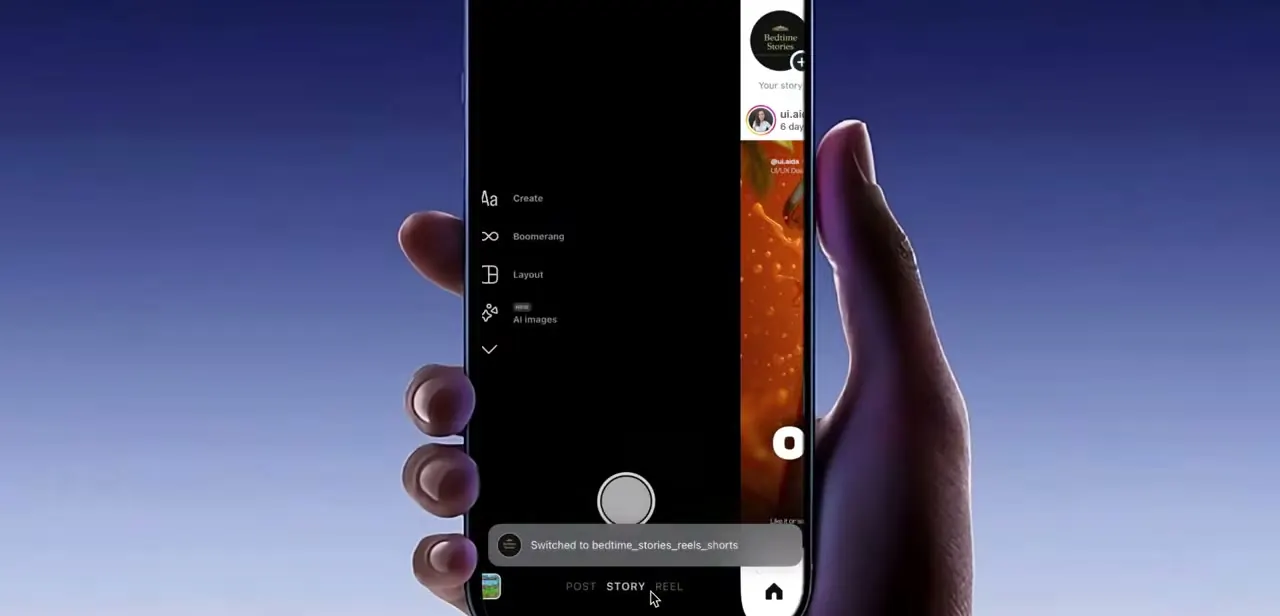
The bug description and screenshots come from a recorded walkthrough. The fix order was re-checked against Instagram's own Troubleshooting help page in September 2026, which lists restart device, then check connection on Wi-Fi and mobile data, then uninstall/reinstall, then report a bug, in that order. This pass added the restart-device step (missing from the earlier version entirely), reordered the remaining fixes to match Instagram's sequence, and added the bug-report step for cases nothing else clears. Instagram's own page does not mention force-closing the app or logging out and back in; those two steps are kept as commonly reported extra fixes and labeled as such, not as Instagram's own guidance.
About the author

Impran M N
I've been hooked on technology for as long as I can remember — especially the new tools and AI apps that seem to land every other week. Easy Tech Tuts is where I write up whatever I've just worked out: I do the task in the real product, record the screen, and turn it into the guide I wish I'd found first.