Easy Tech Tuts
How to Fix Disabled Accounts Can't be contacted Instagram 2026, its meaning, Blocked or Deactivated?
By Impran M NLast checked against official docs
Seeing "Disabled accounts can't be contacted" at the bottom of a chat usually means the account was disabled or deactivated, but the confusing part is that the message can keep showing up even after the person has logged back in and reactivated. Instagram doesn't publish an official fix for this specific message: it's a client-side state that doesn't always refresh on its own. This guide walks through the fixes worth trying in order, from the least disruptive to the most, so you can get the conversation working again without losing your follow history if you don't have to.
01Confirm you're looking at the right error
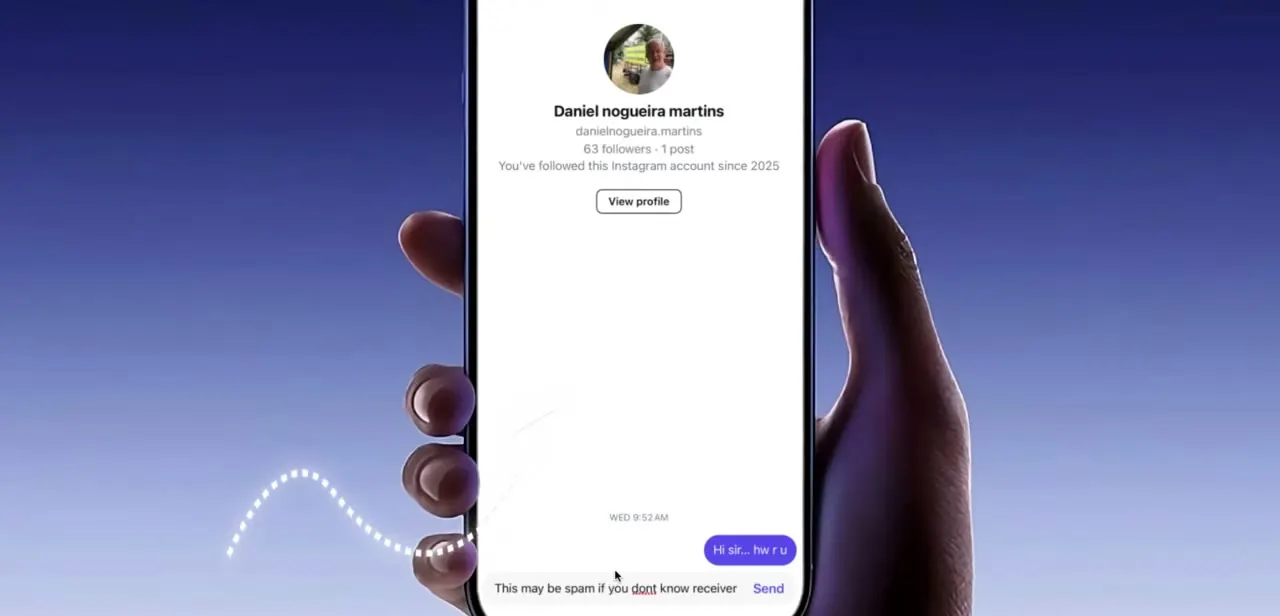
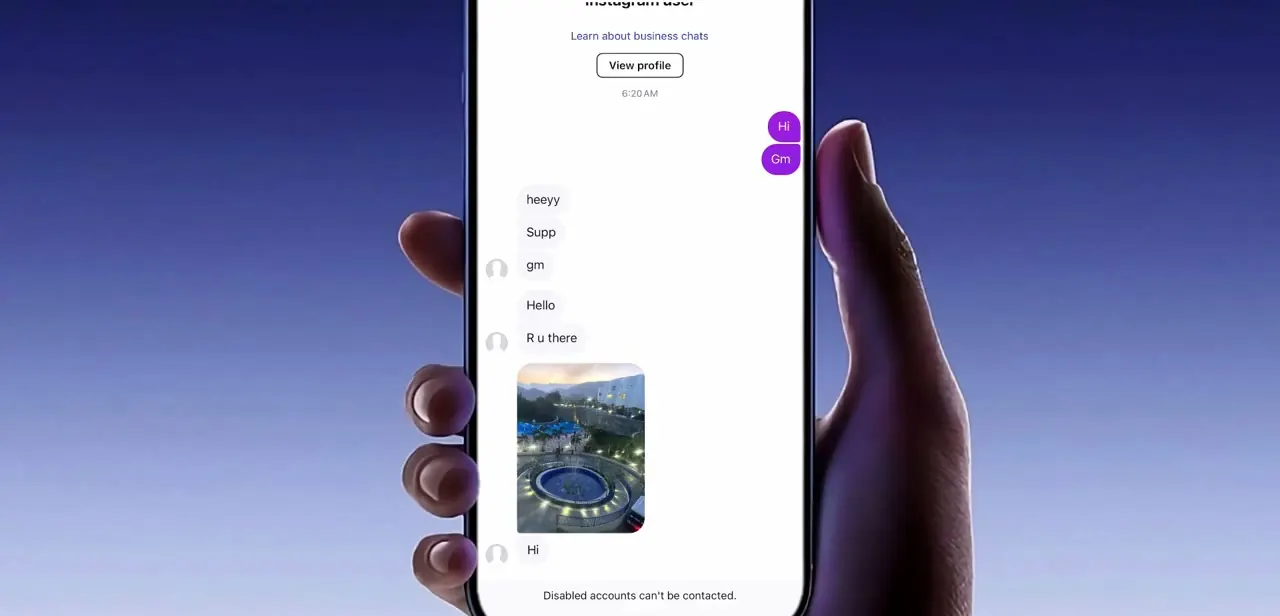
Before troubleshooting, make sure you're looking at the right thing: the message appears as a small line of text directly under the message box in an existing conversation, reading exactly "Disabled accounts can't be contacted." It shows up whether you're trying to send a fresh message or continue an old thread, and it blocks the send action outright instead of just warning you. If you see this on a conversation with someone you know is active elsewhere on Instagram, that mismatch is exactly the scenario this guide covers.
02Restrict, then unrestrict the account
Open the conversation and tap the person's name at the top to reach their profile from within the chat. Tap the Options icon in the top right and select Restrict.
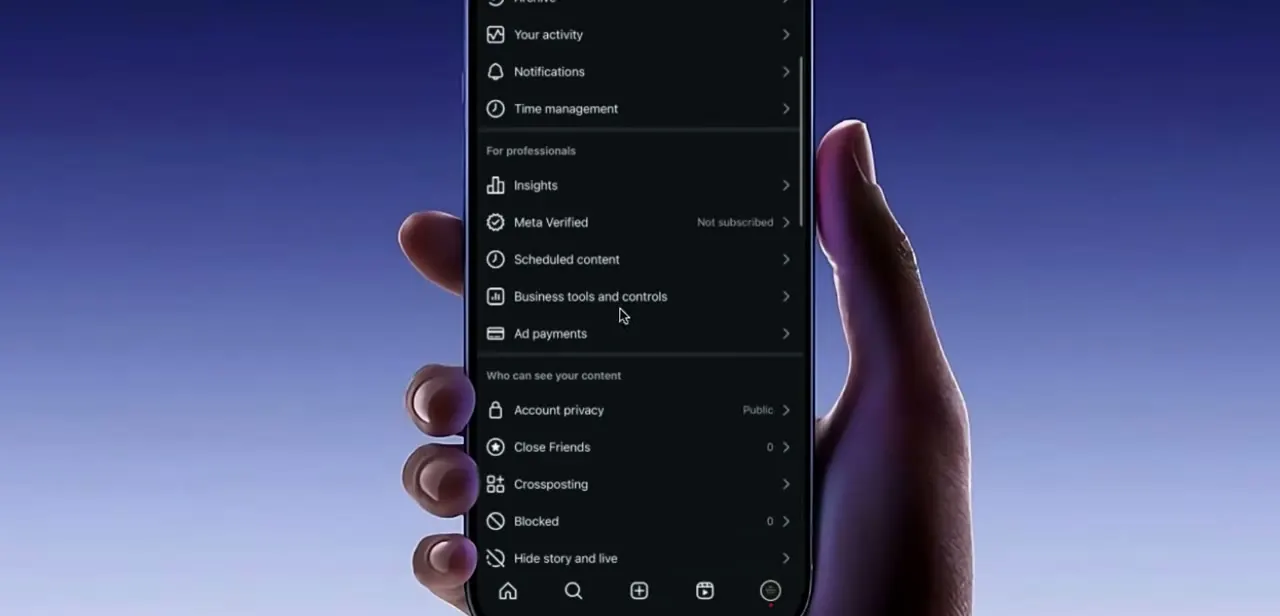
To reverse it, go to your profile, tap the menu icon, and under "How others can interact with you" tap Restricted, then search for the account and tap Unrestrict. This forces Instagram to re-evaluate the relationship between your two accounts, which is often enough to clear a stuck disabled-account flag that's a stale client-side state, not an actual block.
03Block and unblock as a stronger reset
If restricting and unrestricting didn't clear the message, a block and unblock cycle is a more forceful version of the same idea. Block the account from their profile or from the chat's Information panel, wait a moment, then unblock it and return to the conversation to try sending a message again. This step resets more of the connection state between the two accounts than restricting does, which is why it works in cases where the lighter fix doesn't.
04Delete the chat and follow the person again
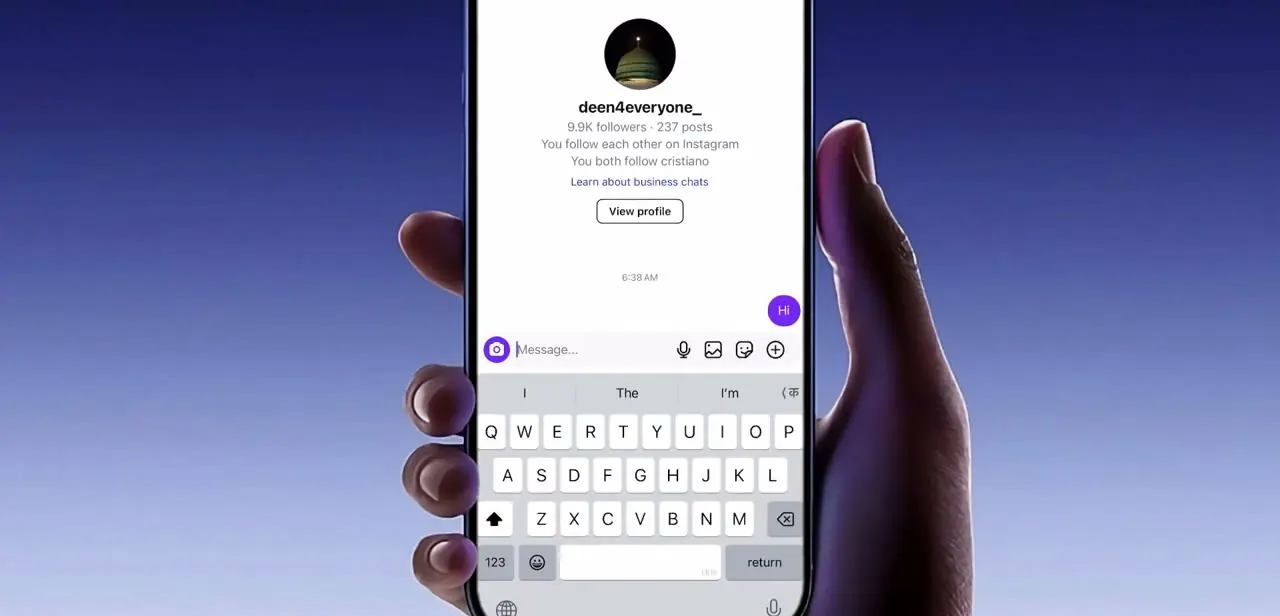
When neither of the above clears it, the more thorough fix is to delete the entire conversation, unfollow the account, and then follow them again. Once you're both following each other, open a brand-new chat instead of trying to revive the old one. The message compose field with the keyboard ready is the same one you'd use for a normal message, and a fresh thread avoids whatever cached state was attached to the deleted conversation.
05Check the chat's own options for anything unusual
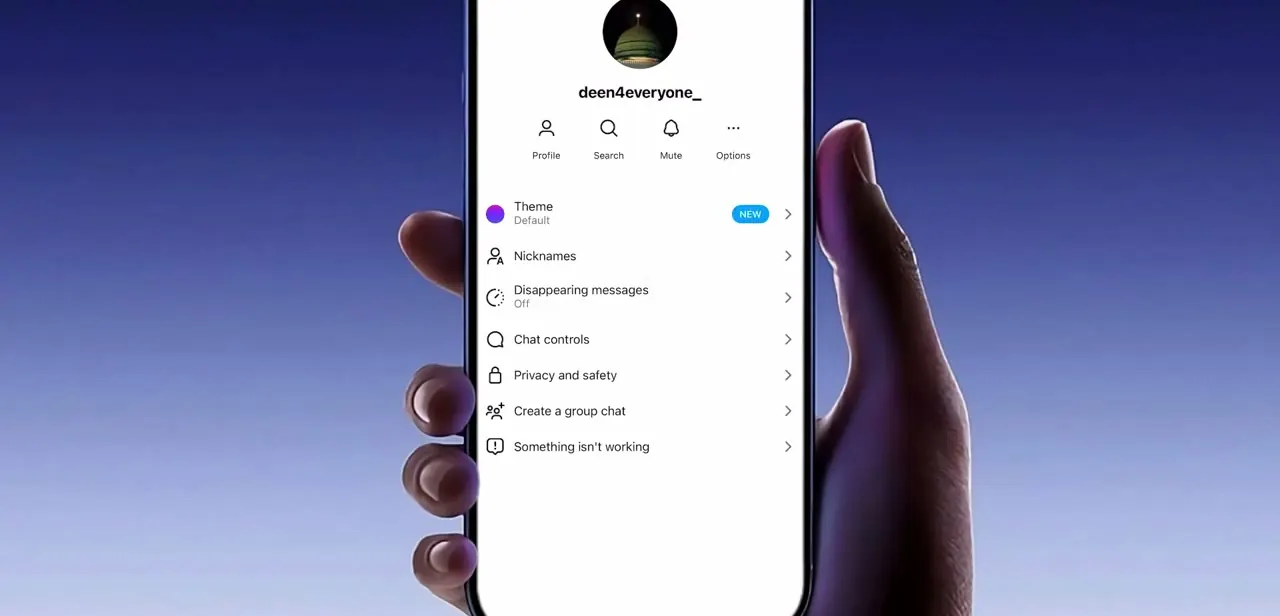
Instagram's per-chat options menu, reached from the three dots at the top of a conversation, includes Theme, Nicknames, Disappearing messages, Chat controls, Privacy and safety, and a "Something isn't working" entry for reporting chat problems specifically. If the fixes above haven't worked, check Privacy and safety for anything unexpected on that thread, and use "Something isn't working" to flag the issue to Instagram directly if it persists.
06Update or reinstall the app as a last resort
If the message still won't go away after trying every account-level fix, the problem may be local to your copy of the app instead of the account relationship. Make sure Instagram is updated to the latest version from your app store, since these error states are sometimes tied to bugs fixed in later releases. If updating doesn't help, uninstalling and reinstalling clears any corrupted local cache that might be holding onto the stale disabled-account state.
Frequently asked questions
Does this error always mean the account is deactivated?
Usually yes, but the message can persist even after the person has reactivated their account. Instagram's own help pages confirm that a deactivated profile's content stays hidden only until the owner logs back in, so a message that still blocks sends after that point is a stuck client state rather than a real deactivation.
Can I message someone who has temporarily deactivated Instagram?
No. Instagram's help pages state that a deactivated profile's photos, comments and likes stay hidden until the owner reactivates by logging back in, and messaging is blocked for the same reason.
Will blocking and unblocking someone affect my relationship with them on Instagram?
Blocking and quickly unblocking is a troubleshooting step and shouldn't meaningfully change your follow status once resolved, though you may need to re-follow if you also deleted the chat.
What if none of these steps fix the error?
Try updating Instagram to the latest version or uninstalling and reinstalling the app to clear any hidden issues, and use the "Something isn't working" option in the chat's settings to report it directly.
Where do I find the option to report that a chat isn't working?
Open the conversation, tap the three-dot options menu, and look for "Something isn't working" near the bottom of the list alongside Chat controls and Privacy and safety.
Does Instagram publish an official explanation for this exact message?
No. Instagram's Help Center documents Restrict, Block and Deactivate as separate features, but nothing there addresses the "Disabled accounts can't be contacted" wording directly or why it can outlast a reactivation. The fixes in this guide come from what resets the account relationship according to those official pages, not from an Instagram article about this specific message.
Sources and last check
Click paths for Restrict and Block were re-checked against Instagram's official Help Center in September 2026 and matched what this guide describes (Restrict via the chat's Options menu or profile settings; Block via a profile or a chat's Information panel). Instagram's Help Center has no article addressing the "Disabled accounts can't be contacted" message itself, so the deactivation claim was checked instead against Instagram's official page on temporarily deactivating a profile, which confirms content stays hidden until the owner logs back in. No factual correction was needed to the original steps; wording was tightened and two references were added.
About the author

Impran M N
I've been hooked on technology for as long as I can remember — especially the new tools and AI apps that seem to land every other week. Easy Tech Tuts is where I write up whatever I've just worked out: I do the task in the real product, record the screen, and turn it into the guide I wish I'd found first.