Easy Tech Tuts
FIX: Why Can't I Go Live on Instagram, Not Being Able To Go Live Solution 2026
By Impran M NLast checked against official docs
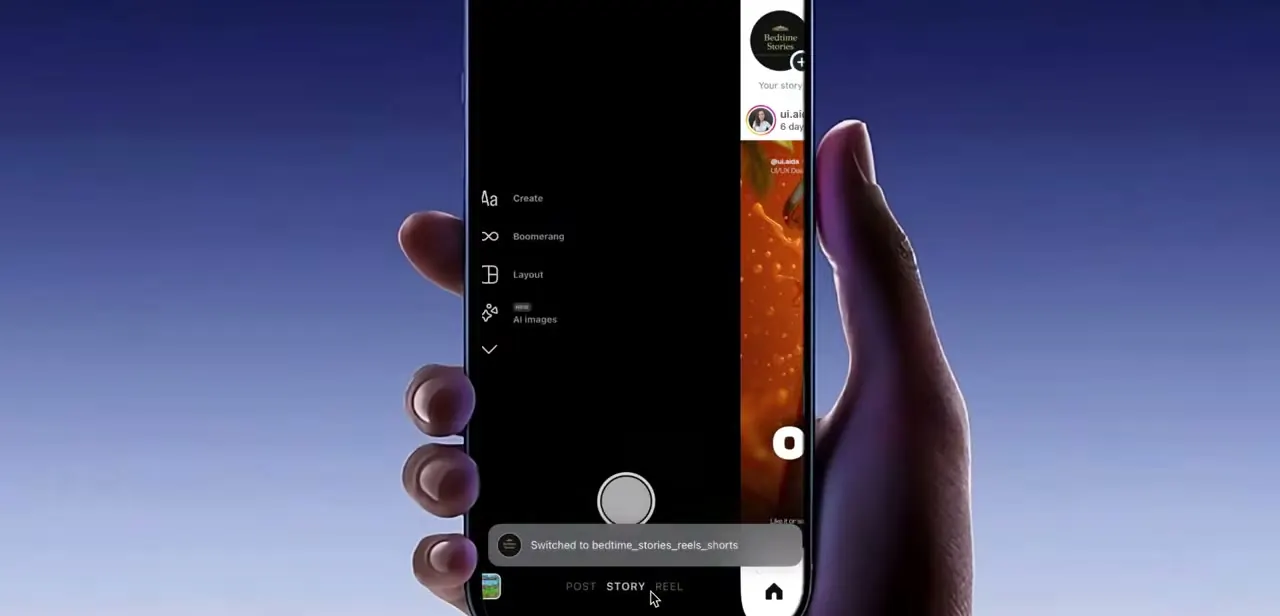
Tapping the plus button and finding no Live option, or watching it fail the moment you start, is one of the more frustrating Instagram problems, because the app rarely explains why. Instagram also quietly raised the bar for who can go Live at all, so an account that had the feature before can lose it without doing anything wrong. This guide checks that new requirement first, then works through account restrictions, an outdated app, missing camera or microphone permissions, a weak connection, and a corrupted local cache, in the order that finds the real answer fastest.
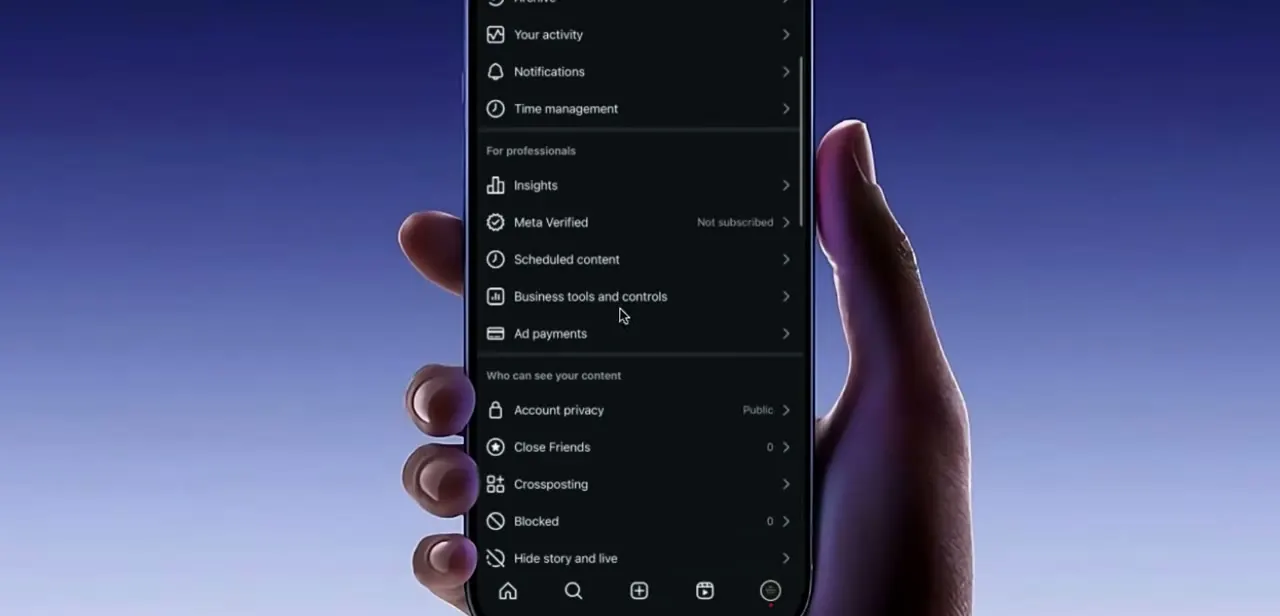
01Start from your profile and open Settings
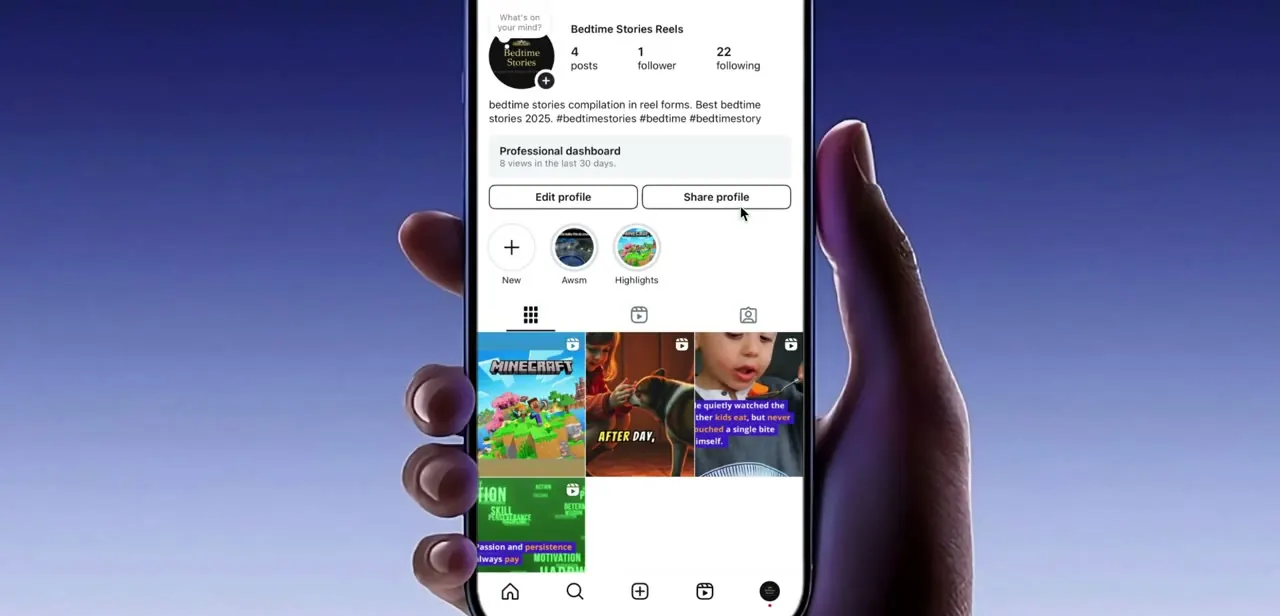
Everything here starts on your own profile tab, the one with your posts, follower count, and the Edit profile and Share profile buttons. A creator or business account also shows a Professional dashboard panel here, and account warnings sometimes surface in it first.
Note whether Live appears at all when you tap the plus button: an option that's missing entirely points to an eligibility or account problem, covered next, while one that appears but fails when tapped points to permissions or connectivity further down this guide. Open the menu at the top right to reach Settings, which is where every check below starts.
02Check the two hard eligibility requirements
Instagram tightened who can use Live at all. Meta confirmed to TechCrunch that, since August 2025, an account needs to be public and have at least 1,000 followers to start a Live video; accounts under that bar see the option greyed out or missing, with an in-app notice reading "Only public accounts with 1,000 followers or more will be able to create live videos." There's no workaround beyond switching to public and building the follower count.
Separately, Instagram turns Live off by default for anyone under 16 on a Teen Account; a parent or guardian has to grant permission through Teen Account supervision before it becomes available, while 16- and 17-year-olds get Live without that step but still have content-safety filters applied. If either of these applies to you, nothing later in this guide brings Live back.
03Check Account Status for a content violation
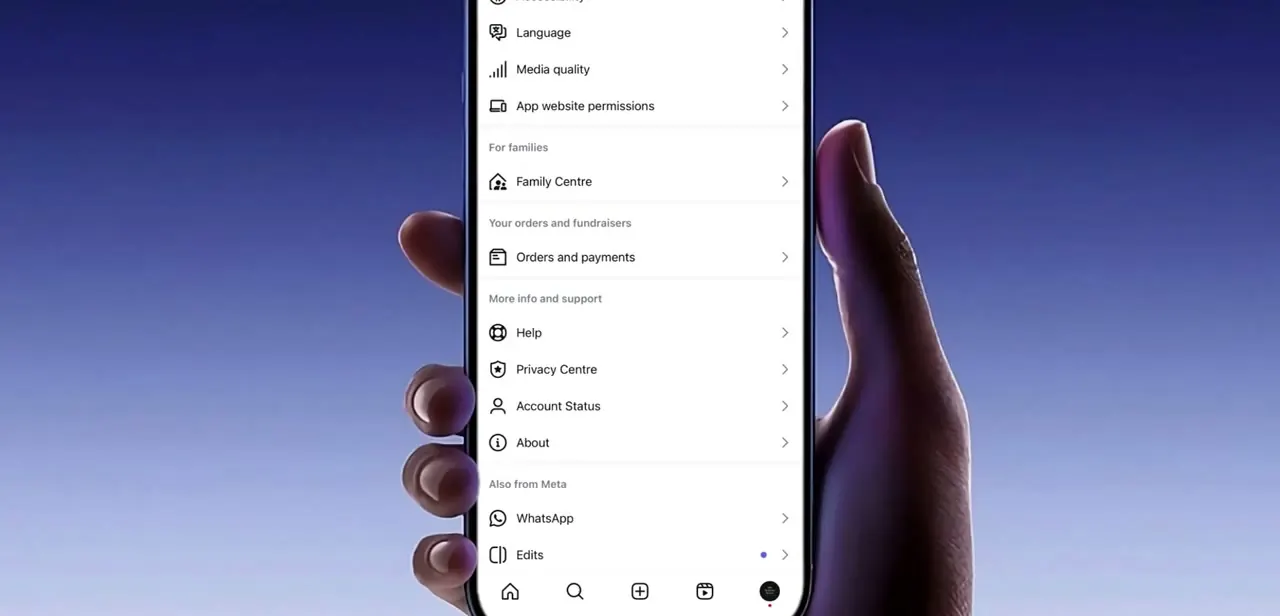
If both eligibility checks above are clear, open Settings, tap Account, then tap Account Status. It sits there now, not under a general "More info and support" menu; older instructions that send you looking there are describing an earlier layout.
Account Status shows whether Instagram has removed any of your content, which features are restricted, and whether your account currently qualifies for recommendations and features like Live. A community-guideline strike will often disable Live with no separate notification, so people spend hours on other fixes when the answer was already on this page. If Account Status shows a violation, use the Request a Review link there; a successful appeal can take a little time to take effect before Live comes back.
04Update the app and confirm camera and microphone access
If Account Status is clean, update Instagram from the App Store or Play Store; Instagram changes Live regularly, and an old build can lose the feature or crash when a stream starts. Restart the app fully afterward by swiping it out of the recent apps list instead of just returning to the home screen.
Then confirm Live's two permissions are genuinely granted: on Android, go to Settings, then Apps, then Instagram, then Permissions, and check that Camera and Microphone are allowed; on iPhone, open Settings and scroll to Instagram in the app list for the same two toggles. If they're already on, turn them off and back on. A stale permission grant occasionally needs resetting before the app notices it.
05Rule out the connection
Live streaming needs sustained upload bandwidth, not just a connection that technically works. A Wi-Fi network that loads Reels fine can still be too slow upstream to hold a broadcast, which is why Live sometimes starts and then drops after a few seconds.
Switch from Wi-Fi to mobile data, or the reverse, and try again; that single swap resolves a good share of cases. Turning airplane mode on for a few seconds and back off also forces a fresh network handshake, which helps when the phone is holding onto a weak signal.
06Clear the cache or reinstall as a last resort
If Live still won't start, the app's local data is the last thing left to reset. On Android, go to Settings, then Apps, then Instagram, then Storage, and tap Clear cache; this removes temporary files without touching your login or content.
On iPhone there's no cache button, so the equivalent is deleting Instagram and installing it again, which wipes the same local state. Neither action deletes your account, posts, followers or messages, since all of that lives on Instagram's servers, not your phone. Log back in, open your profile, and try Live once more.
| Requirement | What Instagram requires |
|---|---|
| Account type | Public. Private accounts cannot go Live. |
| Follower count | 1,000 or more, confirmed by Meta to TechCrunch in August 2025. |
| Age | 16+ to go Live without help; under 16 needs a guardian to approve it via Teen Account supervision. |
Checked against Meta's own reporting to TechCrunch and Meta's April 2025 Teen Accounts announcement in September 2026. Meta has not published a standalone help-center page listing these as a combined checklist.
When it doesn't work
Live vanished from the plus-button menu with no explanation
Why: Instagram now requires a public account with 1,000 or more followers to use Live; accounts below that threshold lose the option outright, even if they used it before.
Fix: Switch the account to public and build past 1,000 followers. There's no bypass. If real-time contact matters more than the follower count, a Reel or a video call is the closer substitute for now.
Live is greyed out on a teenager's account
Why: Instagram turns Live off by default for anyone under 16 on a Teen Account.
Fix: Have a parent or guardian set up Teen Account supervision and approve the Live permission from their side.
Account Status shows a violation and Live still hasn't returned after appealing
Why: Eligibility takes a little time to update once a review clears.
Fix: Wait and re-check Account Status; there's no faster path inside the app.
Frequently asked questions
Why did Live disappear even though I used it before?
Instagram now requires a public account with at least 1,000 followers to go Live, a change Meta confirmed in August 2025. Accounts that fall under that bar lose the option even if they had it earlier, with an on-screen notice explaining the new requirement.
How do I check if Instagram restricted my account?
Open your profile, tap the menu, go into Settings, then Account, then Account Status. It lists any violations, which content caused them, and whether your account currently qualifies for features like Live.
Do I need a minimum number of followers to go live on Instagram?
Yes. As of the August 2025 policy change, you need a public account and at least 1,000 followers. This is a hard requirement, not a soft recommendation.
Can teenagers go live on Instagram?
16- and 17-year-olds can, with content-safety filters applied. Anyone under 16 has Live turned off by default and needs a parent or guardian to approve it through Teen Account supervision first.
Does reinstalling Instagram delete my posts or followers?
No. Reinstalling clears only the app's local cache and settings on your phone. Your account, posts, followers, saved items and messages are stored on Instagram's servers and return when you log in again.
Instagram Live starts and then cuts out after a few seconds, what's wrong?
That pattern almost always points at upload bandwidth, not the app. Switch between Wi-Fi and mobile data, move closer to your router, and try again; a connection can load your feed fine and still be too slow to sustain a broadcast.
Sources and last check
Click paths, screenshots and the original list of causes come from a walkthrough recorded in July 2025. The Account Status navigation path and the two Live-eligibility gates, the 1,000-follower public-account minimum and the under-16 guardian requirement, were checked against Instagram's own Account Status page, Meta's April 2025 Teen Accounts announcement and Meta's confirmation to TechCrunch of the August 2025 change, in September 2026. Both eligibility gates were missing from the previous draft; they're now the first thing this guide checks, and the Account Status path itself moved from a general support menu to Settings > Account > Account Status.
- Instagram (About Instagram): Understanding Instagram Outages & Account Status (official)
- TechCrunch: Instagram now requires users to have at least 1,000 followers to go live, confirmed by Meta
- Meta: Working With Parents to Enroll Teens Into Teen Accounts (official, covers the under-16 Live restriction)
About the author

Impran M N
I've been hooked on technology for as long as I can remember — especially the new tools and AI apps that seem to land every other week. Easy Tech Tuts is where I write up whatever I've just worked out: I do the task in the real product, record the screen, and turn it into the guide I wish I'd found first.