Easy Tech Tuts
FIX Instagram Message Unavailable Problem, Due to Deleted Content or Hidden Privacy Issues 2026
By Impran M NLast checked against official docs
A greyed-out "Message Unavailable" bubble in Instagram DMs gives almost no clue what happened. It can mean the shared post was deleted, the sender's account went private or was deactivated, you've been blocked, or the app is just glitching on a sync. This guide walks through how to tell those causes apart, what to do about each, and the two device-level fixes worth trying when the account and content both check out fine.
01Recognize the pattern
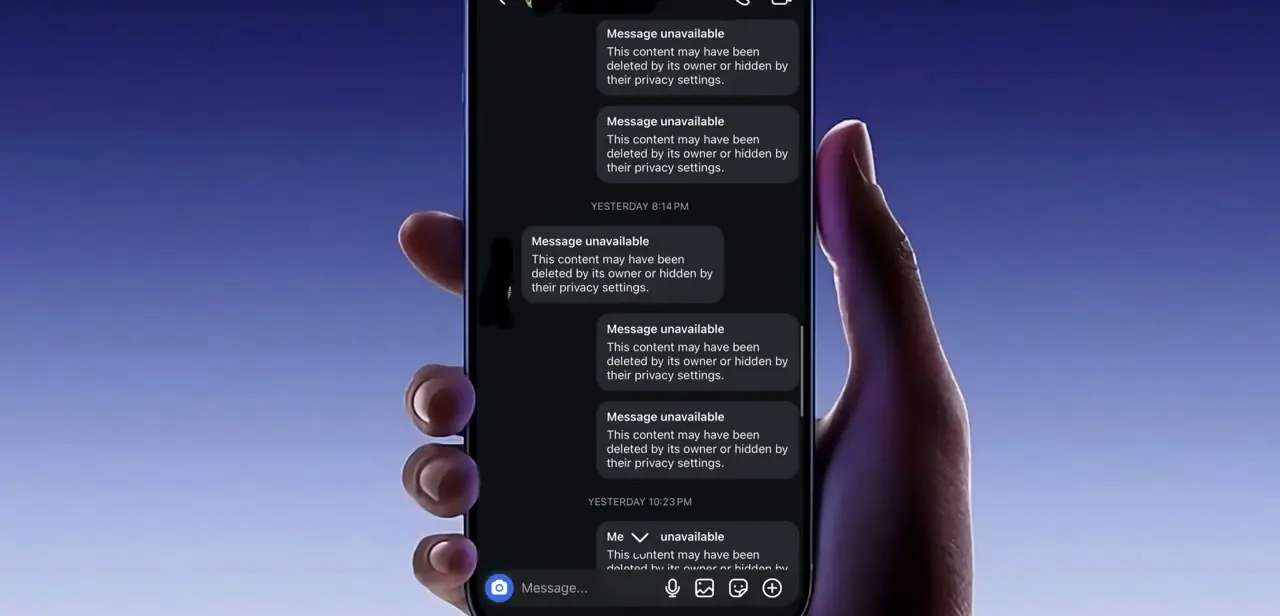
In the thread itself, the error replaces normal message bubbles with a bold "Message unavailable" label and a note that the content may have been deleted by its owner or hidden by their privacy settings. It's common to see this across several messages at once in an older conversation, not just one. Note the pattern before troubleshooting: a single unavailable message points to one deleted post, while a whole thread going grey at once usually points to something bigger, like a block or a deactivated account.
02Work through the likely causes in order
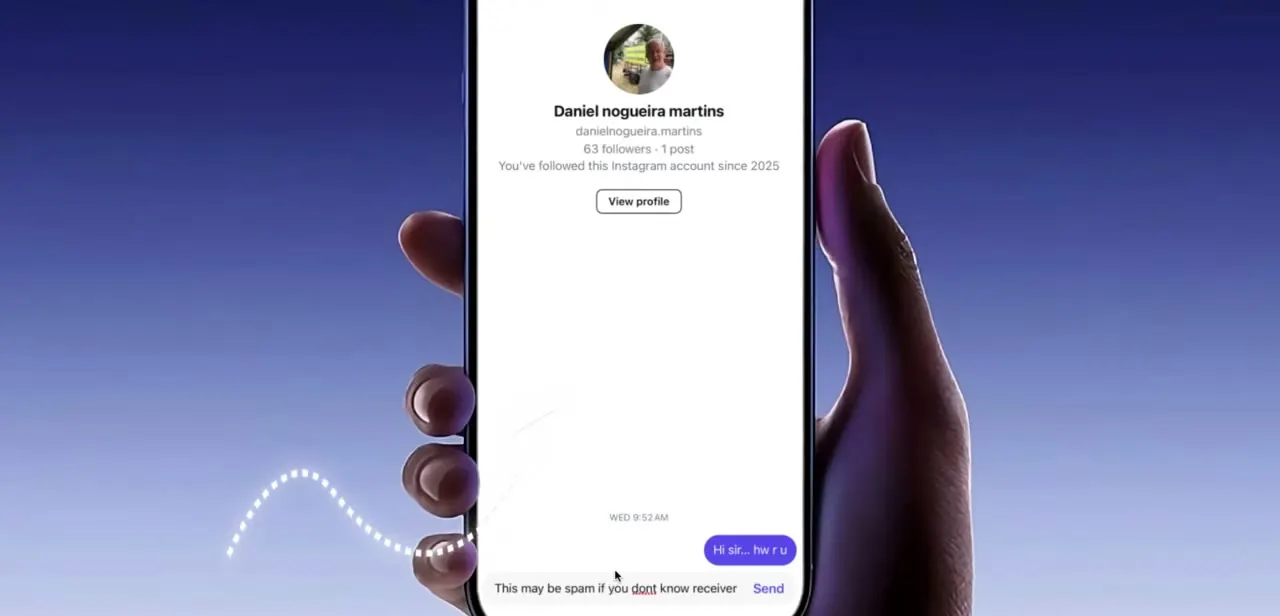
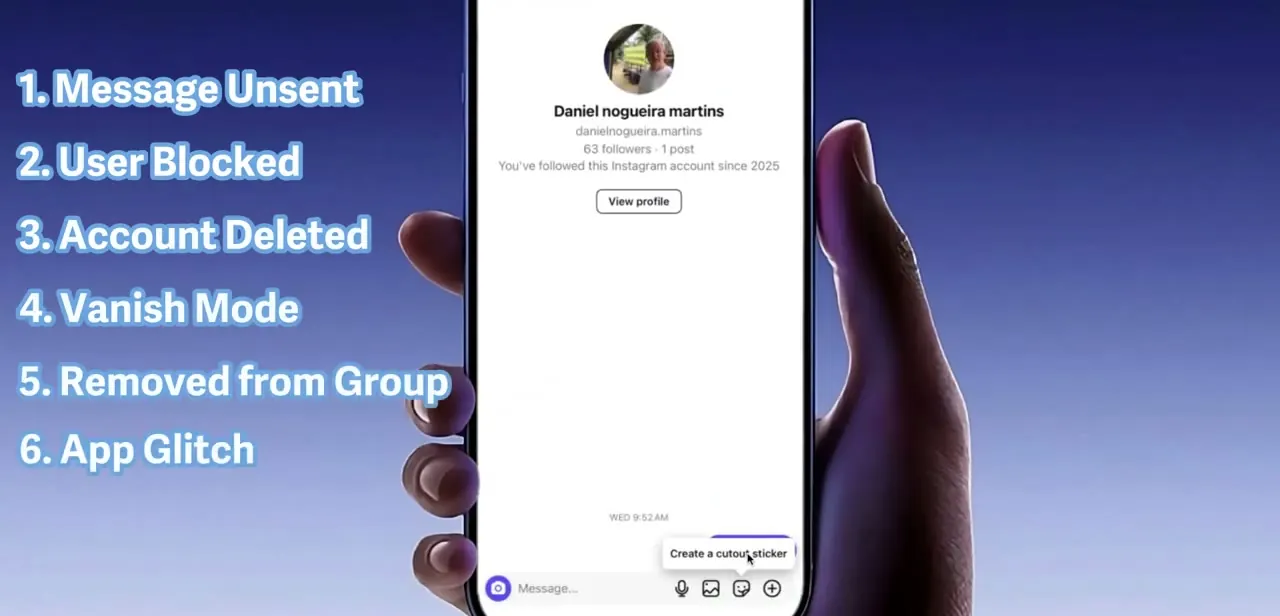
A handful of things produce this exact error: the message was unsent by the sender, you've been blocked, their account was deleted or deactivated, they sent it in vanish mode, you were removed from a group thread, or it's a plain app glitch. Vanish mode only exists in one-on-one chats, so rule it out immediately in a group thread. Check the sender's profile first; a profile that still loads normally with a follower count and a working View profile button rules out blocking and deletion, narrowing things down to an unsent message, vanish mode, or a glitch.
03Confirm whether it's a block or a deactivated account
If tapping the sender's name won't open a profile at all, or opens one with no posts, no bio, and a generic photo, that's the signature of a block, or of the account being deleted or deactivated. According to Instagram's own Help Center, someone you've blocked can't see your profile, posts, or stories, can't find you in search, and any DM thread with you disappears from their inbox entirely, with no notification sent either way.
Search for the username directly instead of relying on the thread link; a blocked profile sometimes still turns up in search with limited information, while a deleted one won't appear at all. Neither case has a fix on your end.
04Rule out a recent privacy change
If the sender's account is visible and active but the shared post specifically shows unavailable, they likely switched their profile, or just that post, from public to private after sending it. Anyone who isn't an approved follower loses access retroactively, so a post you could see fine last week can suddenly go grey in the same thread. This is the most common and least alarming cause, and it usually resolves on its own if the account goes public again or your follow request is accepted.
05Clear the app's cache to rule out a loading glitch
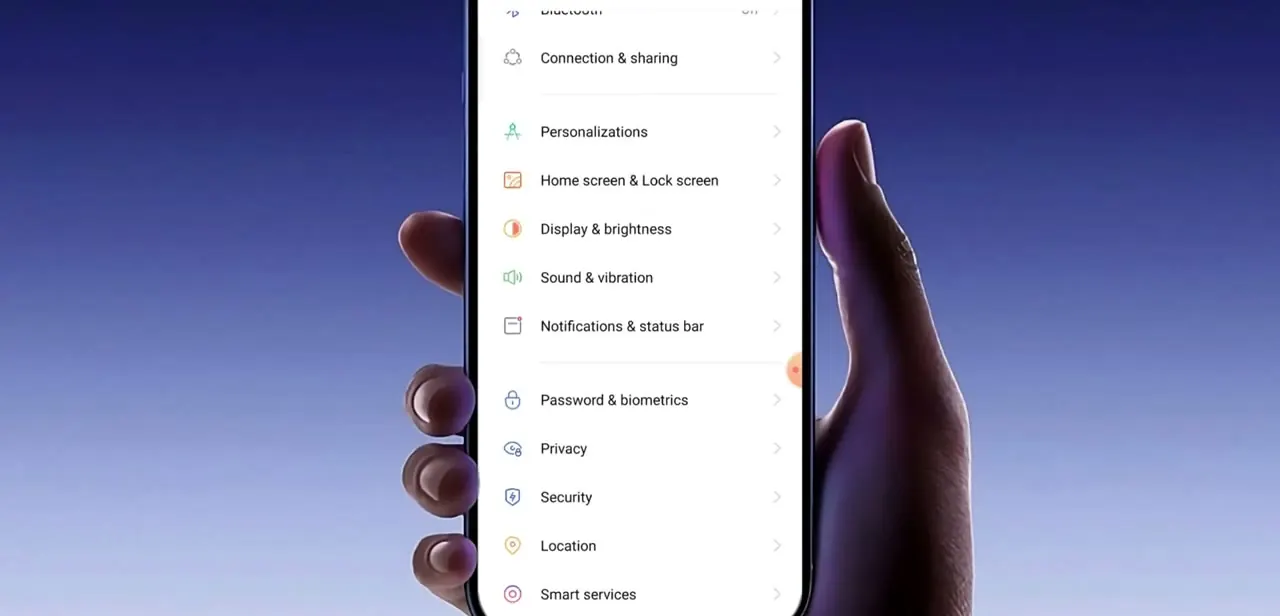
When the sender's account and content both check out but messages still show unavailable, the problem is more likely a stuck local cache than anything on Instagram's servers. On both iPhone and Android, this means going into your phone's own Settings, not Instagram's in-app menu: look for the app's storage or connection settings, force-stop or clear the cache, and reopen Instagram. This only deletes temporary local files, not your account data, and it resolves a fair number of "unavailable" errors that turn out to be nothing more than a corrupted sync.
06Recover message text with Export your information
If you need the actual text of a message that's now unavailable, for a dispute, a record, or just to remember what was said, Instagram's data-export tool can pull it. Meta has folded this into Accounts Center: go to Settings, then Accounts Center, then Your information and permissions, then Export your information.
Choose JSON for a computer-readable file or HTML to browse it like a webpage. It isn't instant; Instagram can take up to 48 hours to package the file and emails you when it's ready. This gives you the underlying text even after the thread shows it as gone, but it won't restore anything inside the live thread itself.
When it doesn't work
A whole thread goes grey at once, not just one message
Why: This usually points to a block or an account deletion, not a single deleted post.
Fix: Check whether the sender's profile still opens. If it won't load at all, there's nothing to fix on your end.
You exported your information, but the thread still shows unavailable in the app
Why: The export is a private data file, separate from the live thread; it doesn't change what's rendered inside the app.
Fix: Use the exported JSON or HTML file as your record instead of expecting the in-app thread to update.
Clearing the cache didn't fix anything
Why: If the sender blocked you, deactivated, or deleted their account, the content is genuinely gone or hidden on their end, and no local cache clear changes that.
Fix: Re-check the sender's profile status first before spending more time on your own device.
Frequently asked questions
Why does a message show as unavailable in my DMs?
Usually one of a handful of things: the sender unsent it, you've been blocked, their account was deleted or deactivated, it was sent in vanish mode, you were removed from a group, or it's a temporary app glitch.
Can I recover a message marked unavailable?
You can use Instagram's Export your information tool, under Accounts Center, to pull message text from your own account data, though it arrives as a downloadable file instead of restoring the thread itself, and can take up to 48 hours to generate.
Does being blocked cause this error?
Yes. Instagram's Help Center confirms that a blocked profile typically won't open at all, or opens with no posts and no bio, when you try to view it from the thread.
Will clearing my phone's cache fix this?
Only when the account and content both check out fine and the issue is a local sync glitch. Clear it through your phone's own Settings app, not Instagram's in-app menu, then reopen Instagram.
How do I tell a privacy change apart from a block?
If the sender's profile still opens with a visible follower count and a working View profile button, it's most likely a privacy change on one post, not a block. Blocks and deletions usually stop the profile from opening at all.
Sources and last check
Click path and screens come from a walkthrough recorded in July 2025. The blocking behavior, vanish mode's one-on-one-only scope, and the data-export tool were corroborated against Instagram's official Help Center in September 2026; the previous version of this guide called the export tool "Download Your Information" and gave no processing estimate, which has been corrected to its current name, Export your information under Accounts Center, and its typical processing time of up to 48 hours.
About the author

Impran M N
I've been hooked on technology for as long as I can remember — especially the new tools and AI apps that seem to land every other week. Easy Tech Tuts is where I write up whatever I've just worked out: I do the task in the real product, record the screen, and turn it into the guide I wish I'd found first.