Easy Tech Tuts
How To Upload PHP Project in Hostinger Hosting Easily 2026
By Impran M NLast checked against official docs
Getting a PHP project onto Hostinger comes down to two things: putting your files in the directory your domain serves, and connecting a database if your code needs one. Hostinger's hPanel gives you a browser-based File Manager that handles both jobs without installing anything locally, which is the fastest route for most beginners. This guide walks through the real hPanel screens, from the hosting dashboard down to the public_html folder, and corrects a couple of assumptions that trip people up: the database fields you fill in yourself versus what Hostinger fills in for you, and which archive formats File Manager will actually unpack.
Before you start
- An active Hostinger hosting plan with your domain already pointed to it
- Your PHP project's files, zipped into a single archive if there are many of them
01Open your hosting from hPanel
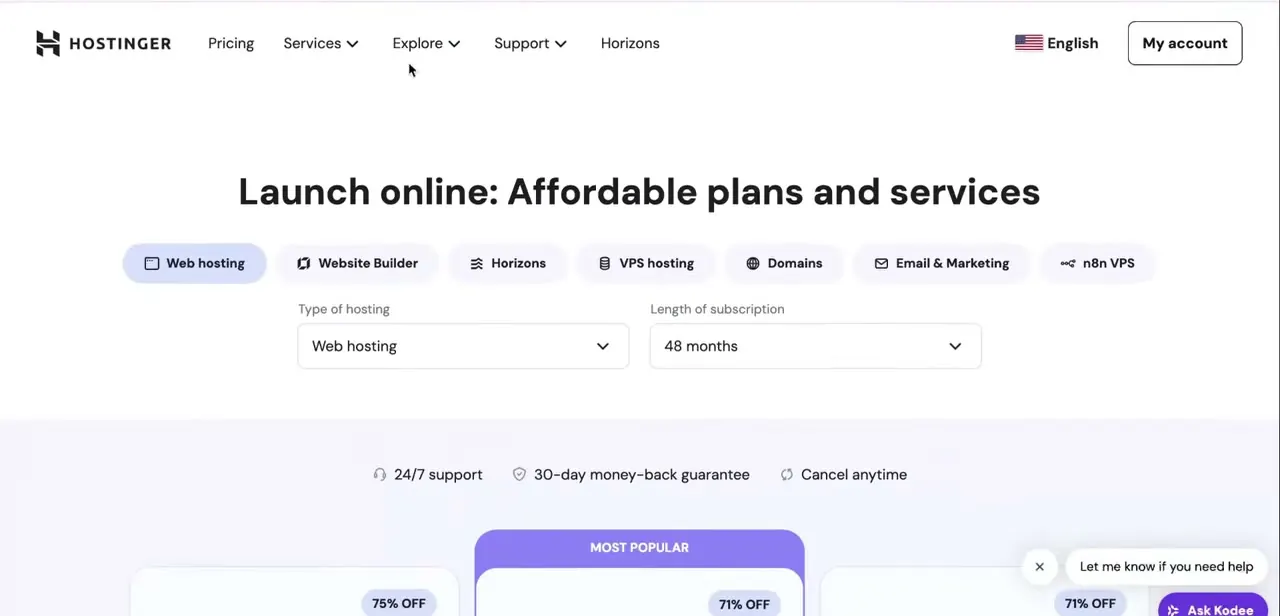
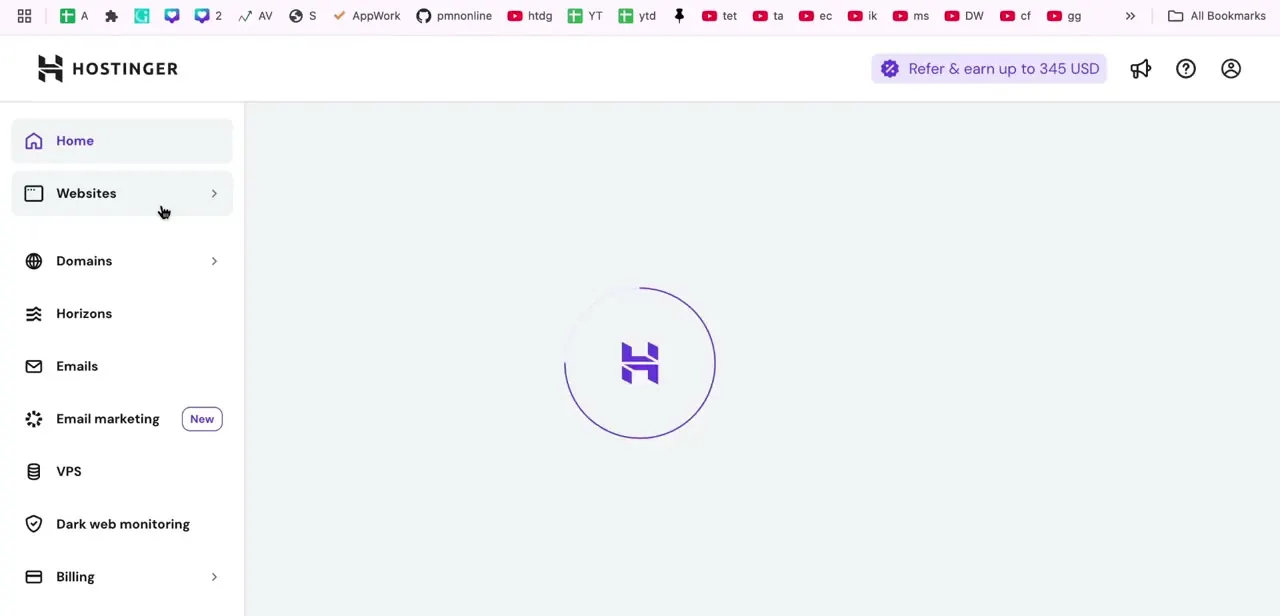
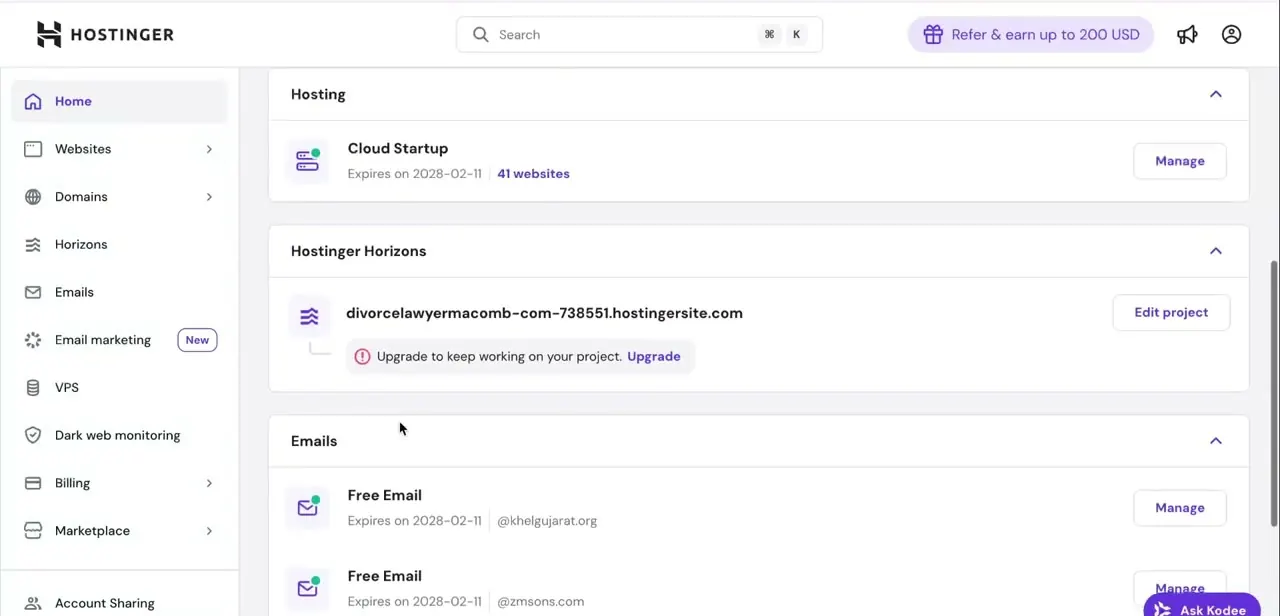
Log in at hostinger.com to reach hPanel, Hostinger's control panel for every hosting plan, domain, and email account on your profile. The home screen lists each active service as its own card: your hosting plan, any Horizons projects, your email addresses, and backup status.
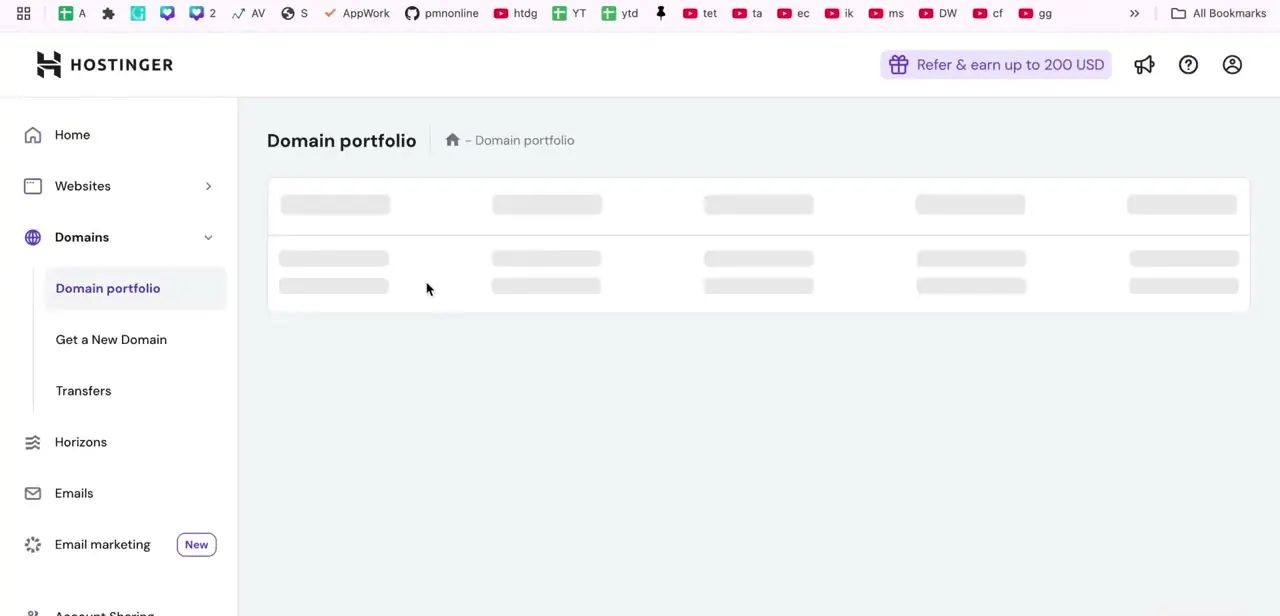
Find the Hosting card for the plan your domain runs on and click Manage. From the left-hand menu that opens, Websites is the entry point to File Manager. If you run multiple sites, confirm you're in the right plan here; uploading to the wrong one means your project won't be reachable at the domain you expect.
02Open File Manager and locate public_html
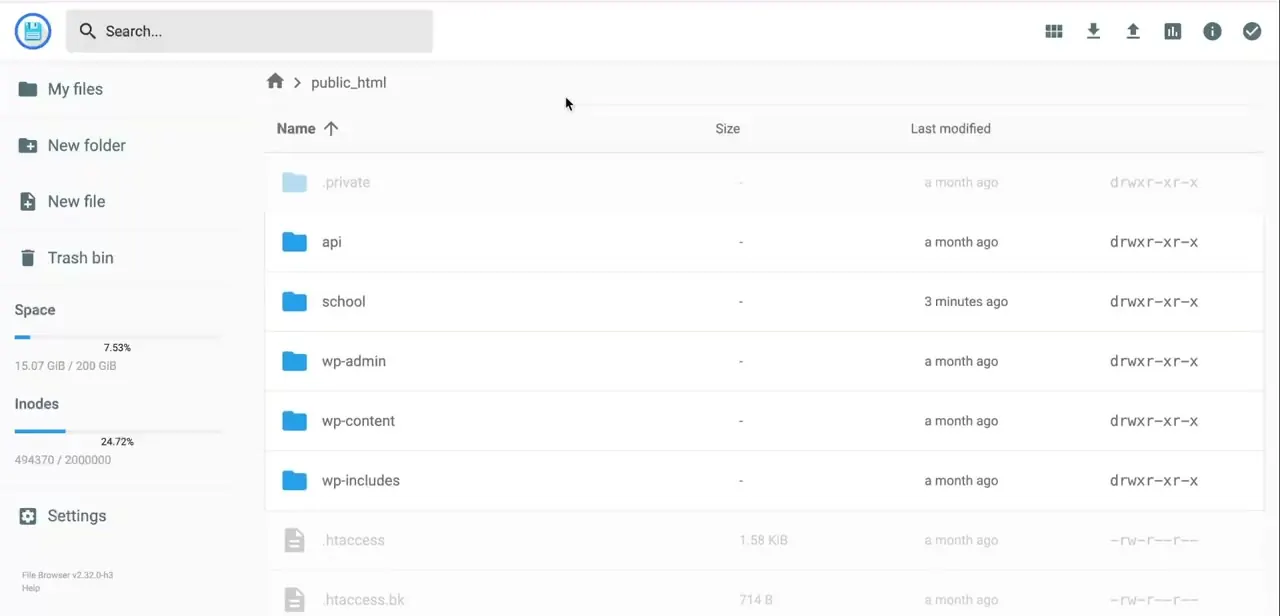
File Manager opens to a folder tree, and public_html is the one that matters: it's the web root Hostinger serves when someone visits your domain. Anything placed directly inside public_html becomes reachable at yourdomain.com, while a subfolder like public_html/myapp becomes yourdomain.com/myapp.
If you're replacing an existing site, check what's already there; a WordPress install, for instance, leaves folders like wp-admin and wp-content you don't want to overwrite by accident. Create a dedicated folder for your PHP project if you want it isolated from anything else on the same hosting account.
03Upload and extract your PHP files
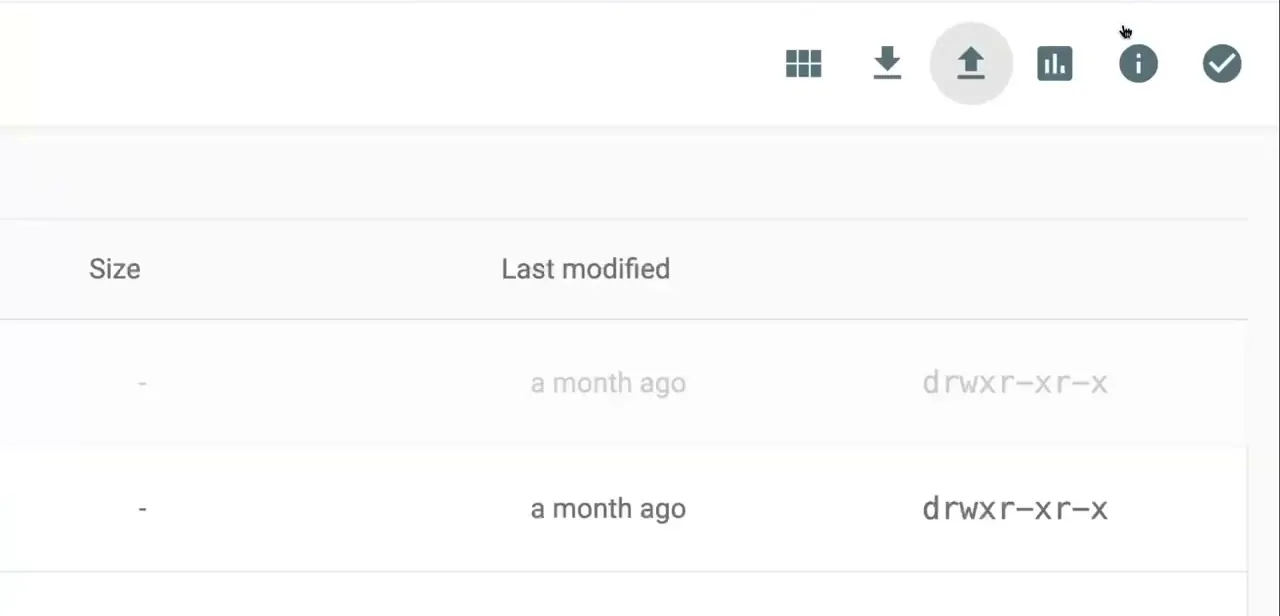
With public_html (or your chosen subfolder) open, use the upload icon in the top toolbar to select your files. For a project with many files, zip everything locally first, upload the single archive, then right-click it and choose Extract instead of uploading file by file.
Hostinger's File Manager unpacks .zip, .tar, .tar.gz, .tar.bz2, .tar.xz, .tar.lz4, and .tar.sz; it does not support .rar, so re-compress in one of those formats first if that's what you have. Once extracted, check that your entry file, usually index.php, sits at the top level of the folder you're serving from.
A nested extra folder from the zip is one of the most common reasons a fresh upload doesn't load. If a large archive stalls partway through, it's likely hitting your plan's PHP upload size limit rather than a connection problem; that's covered below.
04Create a database if your project needs one
If your PHP code connects to MySQL, create the database from hPanel's Databases section before you test the site; most projects throw a connection error until it exists. You type in the database name, username, and password yourself.
Hostinger doesn't generate these for you, but it does prepend a fixed account prefix, something like u123456789_, to both the name and username, and that prefix can't be removed or changed. The password needs at least 8 characters, with one number, one uppercase letter, and one lowercase letter, or Hostinger rejects it at creation.
Copy the full name and username, prefix included, into your project's config file exactly as they appear in hPanel; the host is normally localhost. Note that each database can only have one user on shared hosting; a second user for the same database needs a VPS plan. Some projects also expect a starting .sql file imported through phpMyAdmin, linked from the same Databases page.
05Check file permissions if something won't load
PHP projects occasionally fail after upload because a folder or file has permissions too restrictive for the web server to read or write to it, commonly directories meant for caching, uploads, or logs. In File Manager, right-click the affected folder and use the Permissions option to adjust it.
Hostinger's own documentation doesn't publish a specific default; 755 for directories and 644 for files is the general convention most PHP applications expect, so use that unless your project's own documentation says otherwise. This is also a good point to double check you extracted into the correct directory, since a misplaced folder produces the same blank-page symptoms as a permissions problem.
06Confirm the site is live
Visit your domain in a fresh browser tab, ideally in a private or incognito window so you're not looking at a cached version. If your project pulls data from the database, click through to a page that depends on it to confirm the connection details actually work end to end, not just that the homepage renders. A blank page or a visible PHP error at this stage almost always traces back to the wrong upload directory or a database credential mismatch, both covered above.
| Format | Extension |
|---|---|
| ZIP | .zip |
| TAR | .tar |
| Gzip-compressed TAR | .tar.gz |
| Bzip2-compressed TAR | .tar.bz2 |
| XZ-compressed TAR | .tar.xz |
| LZ4-compressed TAR | .tar.lz4 |
| Snappy-compressed TAR | .tar.sz |
RAR is not on this list; re-compress as one of the above first. From Hostinger's official File Manager documentation, checked September 2026.
When it doesn't work
The zip upload fails or stalls partway through
Why: The file is larger than the PHP upload_max_filesize value configured for your plan.
Fix: Raise it in hPanel under Hosting > Advanced > PHP Configuration > PHP Options (uploadMaxFilesize), or add php_value lines for upload_max_filesize and post_max_size to public_html/.htaccess, keeping post_max_size larger than upload_max_filesize.
Right-clicking my archive doesn't offer Extract
Why: The archive is in a format File Manager can't unpack, most often .rar.
Fix: Re-compress the same files as .zip, or one of the supported tar variants, on your computer and upload that instead.
My PHP code can't connect even though the credentials look right
Why: Hostinger prepends a fixed account prefix, like u123456789_, to both the database name and username, and it's easy to paste the un-prefixed name into a config file by mistake.
Fix: Copy the full database name and username exactly as hPanel's Databases list shows them, prefix included.
Hostinger won't accept the database password I typed
Why: Database passwords must be at least 8 characters and include one number, one uppercase letter, and one lowercase letter.
Fix: Choose a password meeting all four rules; anything shorter or all-lowercase gets rejected at creation.
Frequently asked questions
Should I use File Manager or FTP to upload a PHP project?
Either works. File Manager is quicker for smaller projects directly in the browser, while an FTP client like FileZilla tends to suit larger projects with many individual files better.
Do I need a database for every PHP project on Hostinger?
No. Only projects that rely on stored data need a database set up; simpler PHP scripts can run without one.
Does Hostinger generate my database name and username for me?
No. You type both in yourself. Hostinger only adds a fixed, unremovable account prefix in front of whatever you choose.
Can a Hostinger database have more than one user?
Not on shared hosting; each database is limited to one user there. A second user for the same database requires upgrading to a VPS plan.
Why isn't my PHP site loading after upload?
Most often a wrong upload directory or a file permissions issue. Check that your files sit directly in public_html (or your chosen subfolder) and that folder permissions haven't been left too restrictive.
How long does it take to get a PHP project live on Hostinger?
With files already zipped and ready, uploading through File Manager and extracting on the server typically takes a few minutes, plus a bit more if you also need to create and connect a database.
Sources and last check
Click path and screens come from a walkthrough recorded in 2026. Database field behavior, archive format support, and upload size limits were re-checked against Hostinger's official documentation in September 2026. That check corrected the original claim that Hostinger auto-generates the database name and username (it only adds a fixed prefix you can't change), added the password's character requirements, added the one-user-per-database limit on shared hosting, and confirmed .rar archives are not supported for extraction. The 755/644 permissions guidance is a general PHP hosting convention, not a value Hostinger's own documentation states as a default, and is now described that way.
About the author

Impran M N
I've been hooked on technology for as long as I can remember — especially the new tools and AI apps that seem to land every other week. Easy Tech Tuts is where I write up whatever I've just worked out: I do the task in the real product, record the screen, and turn it into the guide I wish I'd found first.