 Easy Tech Tuts
How to Renew Hostinger Domain, Price of Renewal Expired Domains 2026 Easily
By Impran M NLast checked against official docs
A domain that quietly expires can take your whole site offline, and the renewal price you pay is rarely the number you first saw advertised. This guide follows the Hostinger dashboard the way the video does: starting from the account home screen, checking what's registered under Domains, and following a renewal through to the checkout page, where the real costs (billing period, ICANN fee, tax) show up. If you've only ever seen the flashy "$0.99 domain" banner, the order summary is the screen that actually matters.
01Start from your Hostinger account home
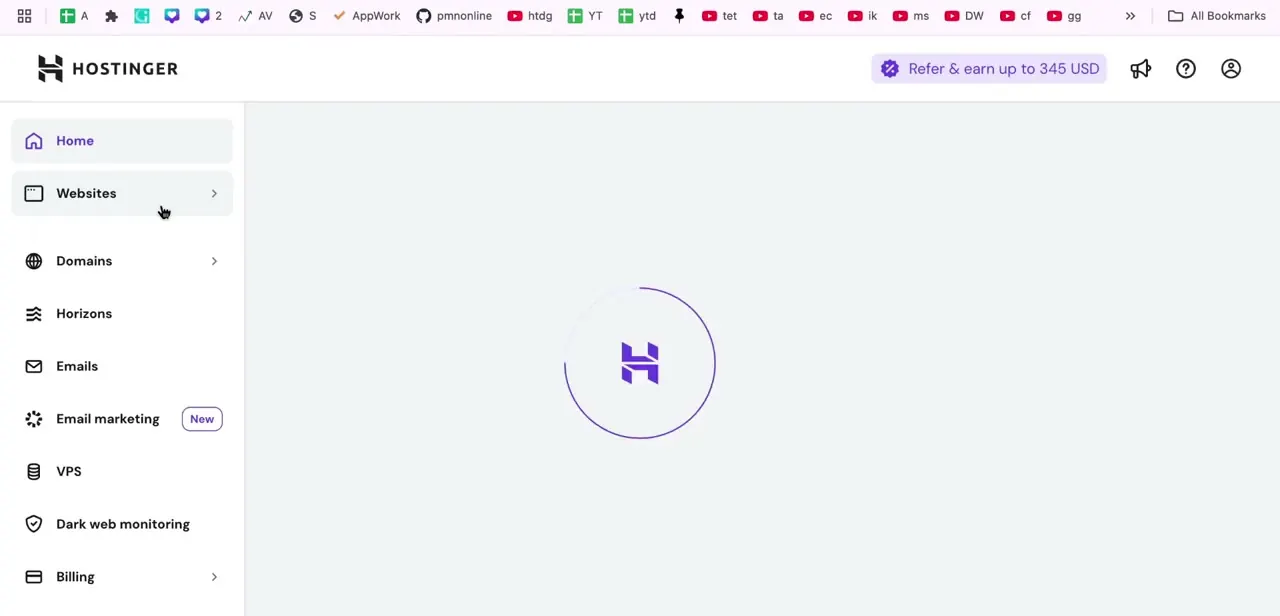
Everything begins at the hPanel home screen after you log in. The left-hand sidebar lists Websites, Domains, Horizons, Emails, VPS, and Billing, with a "Your to-dos" panel up top that flags anything needing attention, including services close to expiring.
The Hosting widget on this page shows each plan's status and expiry date directly. In the video's account, a Cloud Startup plan is listed with its renewal date right next to the Manage button. This is the fastest place to notice an upcoming expiry before it becomes a problem, since Hostinger surfaces it without you digging into a separate billing page.

02Open Domains to see what's registered
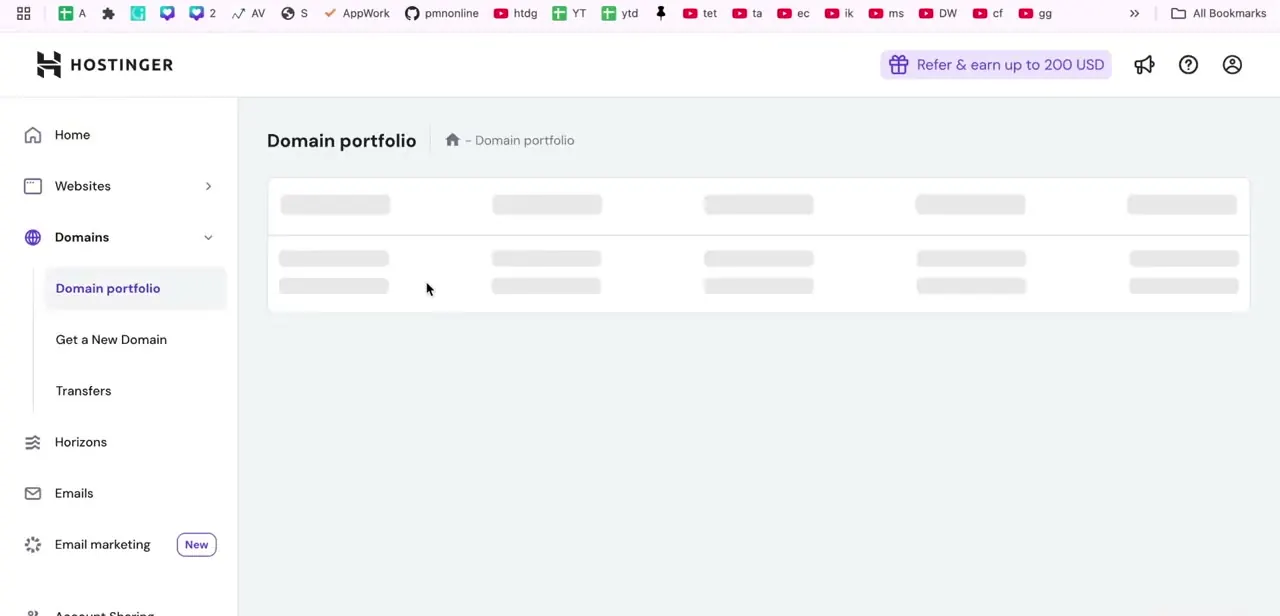
Click Domains in the sidebar and then Domain portfolio to see every domain tied to the account in one list, alongside options to get a new domain or transfer one in. This is also where an existing domain's renewal status and expiry countdown would normally appear once it's registered here.
If the account has no domains registered directly, as in this example, where the portfolio is empty and only external domains are listed separately, you'll need to either register through Hostinger or manage the renewal from wherever the domain actually lives. That distinction matters: a domain bought elsewhere and just pointed at Hostinger hosting won't renew from this screen at all.

03Choose a billing period at checkout
Whether you're renewing an existing domain or registering one to bring it under Hostinger's management, the checkout screen is where the real pricing lives. It presents billing periods side by side, typically 1, 2, and 3 years, each showing a struck-through list price next to the discounted rate you'll actually pay for that term.
Longer terms usually carry a lower effective yearly rate, worth comparing before you commit if you're renewing a domain you plan to keep for years anyway. A toggle for WHOIS/domain privacy protection sits just below the term selector; Hostinger includes it free on domain extensions that support it, and it's worth leaving on by default.

04Review the full order summary before paying
The final payment screen is where the advertised price and the actual price reconcile. The Order Summary panel on the right itemizes the domain charge for the billing period you picked, WHOIS privacy protection (commonly free), a separate ICANN fee, and applicable tax (GST in this example) before landing on a total.
The ICANN fee scales with the term you choose: it's charged per year of registration, so a three-year renewal carries three years' worth of the fee, not one flat charge. This breakdown is worth noting if you're budgeting renewal costs for multiple domains, since the ICANN fee and tax are easy to forget when comparing headline renewal prices between registrars.

05Understand grace and redemption periods for expired domains
If a domain has already lapsed instead of being renewed on time, it typically doesn't disappear immediately. Hostinger holds it in a grace period during which reactivating it costs only the standard renewal fee; some TLDs skip this stage entirely and move straight to redemption.
Miss the grace period and the domain enters redemption, where Hostinger's own recovery policy charges an $80 USD fee for most TLDs (more for a few, including .com.co, .frl, .store and .ws) on top of the renewal fee and VAT, and the original owner can only redeem it up to day 74 after expiration. After that the domain moves to Pending Deletion, and Hostinger's documentation is explicit that a domain in that stage can no longer be renewed at all; the only way back is to wait for it to drop and register it again once it's available. Hostinger recommends turning on auto-renewal for exactly this reason.
| Domain group | Redemption fee (plus renewal fee and VAT) |
|---|---|
| Most TLDs | $80.00 USD |
| .com.co | $180.00 USD |
| .frl | $150.00 USD |
| .store, .ws | $120.00 USD |
The original registrant can redeem the domain up to day 74 from expiration. Source: Hostinger's Expired Registration Recovery Policy.
When it doesn't work
The ICANN fee on a multi-year renewal looks bigger than expected
Why: The fee is charged per year of the term, not once per order, so a three-year renewal shows three years' worth of it.
Fix: Check the fee against the number of years you selected instead of expecting a flat one-year charge.
Payment went through but the domain isn't working yet
Why: For a domain renewed out of redemption, Hostinger's own instructions say reactivation can take up to 24 hours after payment.
Fix: Wait 24 hours before assuming the renewal failed, and only contact support if it's still down after that.
The Renew button no longer works on a long-expired domain
Why: The domain has passed the 74-day redemption window and entered Pending Deletion, a stage Hostinger's documentation says can't be renewed.
Fix: Wait for the domain to fully drop and register it again if it's still available, then turn on auto-renewal to prevent a repeat.
Frequently asked questions
What happens if my Hostinger domain expires?
It usually enters a grace period during which you can still renew it at the normal price. Miss that window too and it moves into redemption, where Hostinger's recovery policy adds an $80 USD fee for most TLDs on top of the renewal fee, up until day 74 after expiration.
Can I renew a domain before it expires?
Yes. Renewing early through Domains, Domain portfolio avoids any service interruption and locks in whatever billing period and rate is being offered at the time.
Why does the total at checkout look higher than the advertised price?
The order summary adds a separate ICANN fee and applicable tax on top of the domain charge, and the headline renewal price usually doesn't include either. The ICANN fee also scales with the term: a three-year renewal shows three years of the fee, not one flat charge.
Does a longer billing term reduce the renewal price?
Often, yes. Two-year and three-year terms tend to show a lower effective yearly rate than a single one-year renewal, so it's worth comparing all three before paying.
What if my domain isn't listed in Hostinger's Domain portfolio?
It's registered elsewhere and only connected to Hostinger for hosting. Manage its renewal through whichever registrar actually holds it, not through hPanel.
What happens once a domain is past redemption?
It enters Pending Deletion. Hostinger's documentation states a domain at that stage can't be renewed by anyone; it has to fully drop before it becomes available to register again, by you or anyone else.
Sources and last check
Click path and screens come from a walkthrough recorded in July 2025. Grace-period, redemption, and Pending Deletion mechanics were re-checked in September 2026 against Hostinger's own domain life-cycle and expired-domain-renewal support articles, and the redemption fee amounts and 74-day window came from Hostinger's official Expired Registration Recovery Policy, none of which the article previously cited. The ICANN fee claim was corrected: it scales per year of the renewal term rather than being a flat annual charge regardless of term length.
About the author

Impran M N
I've been hooked on technology for as long as I can remember — especially the new tools and AI apps that seem to land every other week. Easy Tech Tuts is where I write up whatever I've just worked out: I do the task in the real product, record the screen, and turn it into the guide I wish I'd found first.