Easy Tech Tuts
How to Check Hostinger Hosting Expiry Date, Get 20% off Coupon for Renewal 2026 Easily
By Impran M NLast checked against official docs
Losing track of a Hostinger renewal date is an easy way to end up paying full price at the last minute, or worse, watching a site go dark because auto-renewal was switched off. Every subscription detail you need, expiration date, renewal cost, and whether it will renew automatically, lives in one panel inside your hPanel dashboard, just a couple of clicks from the sidebar. This guide walks through exactly where that panel is, what it tells you, and where a cheaper renewal price really comes from, since it's not the coupon field most people go looking for.
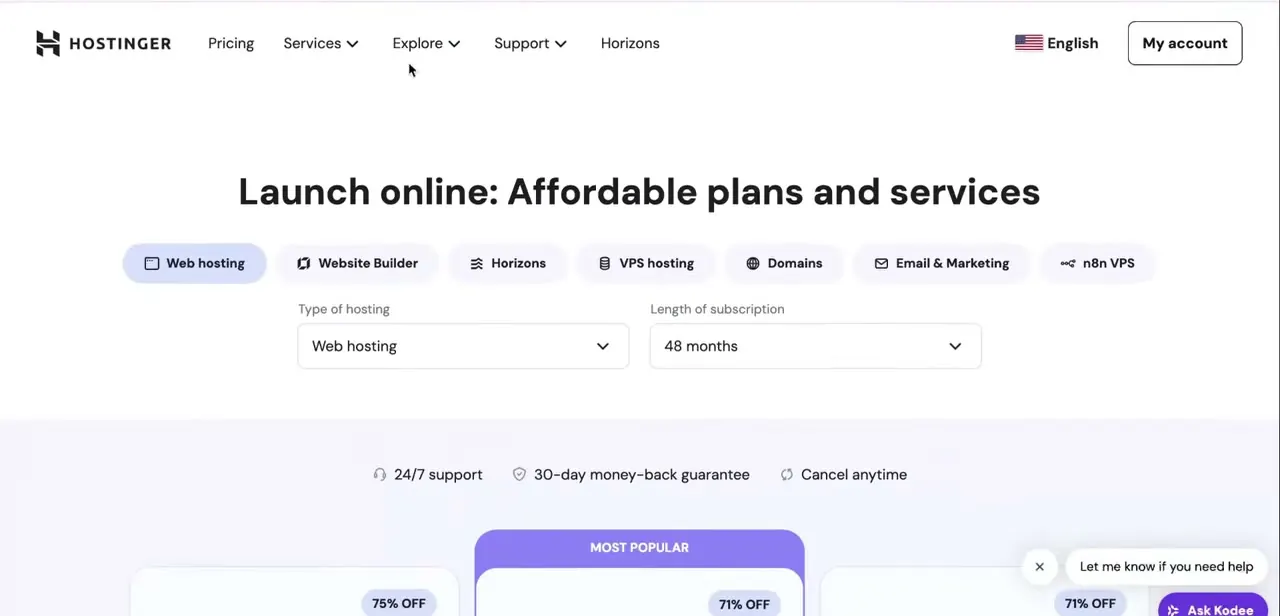
01Log into your Hostinger account
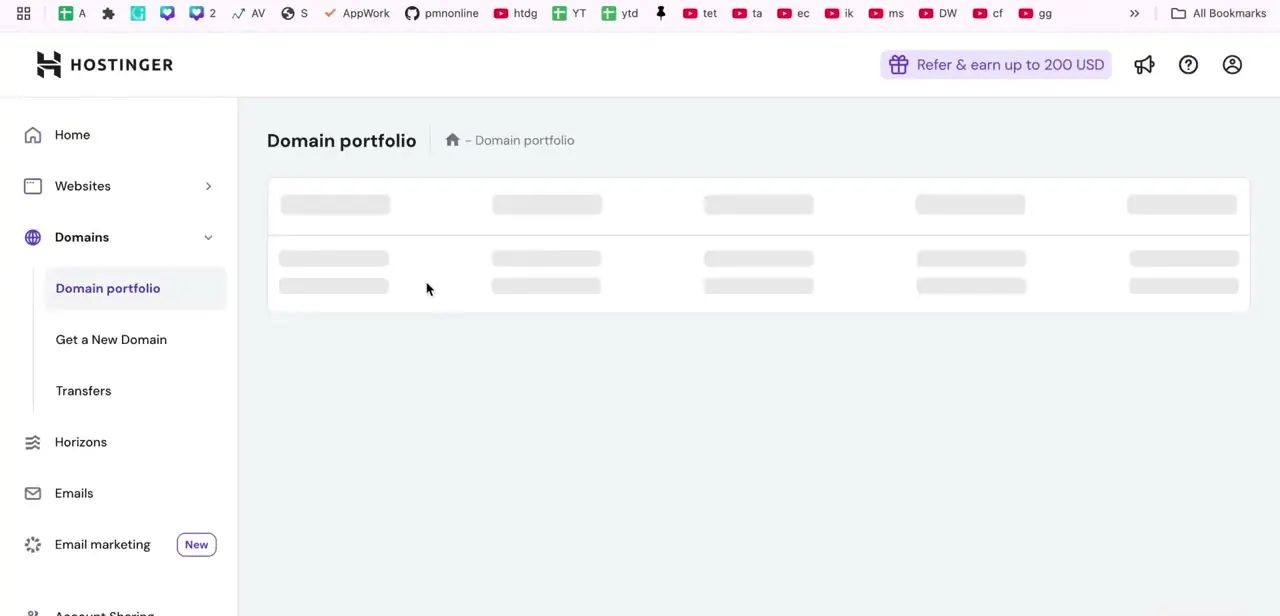
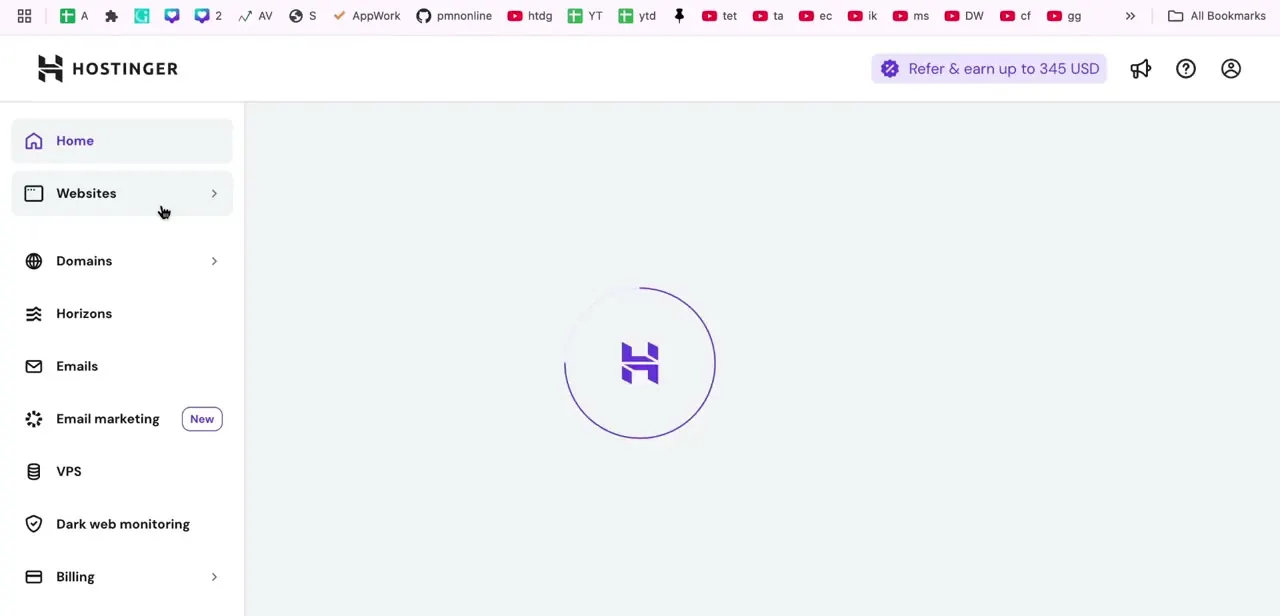
Sign in at hostinger.com and you'll land in hPanel, Hostinger's account dashboard. The left-hand sidebar is your main navigation for the whole account: Home, Websites, Domains, Horizons, Emails, VPS, Dark web monitoring, and further down, Billing. If you manage more than one website or domain under the same account, hPanel groups everything by account instead of by site, so the billing information you're about to check covers every subscription tied to that login, not just one project.
02Open Billing from the sidebar
Scroll down the left sidebar until you reach the Billing icon and click it to expand the section, then choose Subscriptions. This is the page that lists every active service on the account: domains, hosting plans, VPS instances, add-ons, each as its own row. It's easy to miss on a first pass because it sits below more frequently used items like Websites and Domains, so if you don't see it immediately, keep scrolling instead of assuming it's somewhere else.
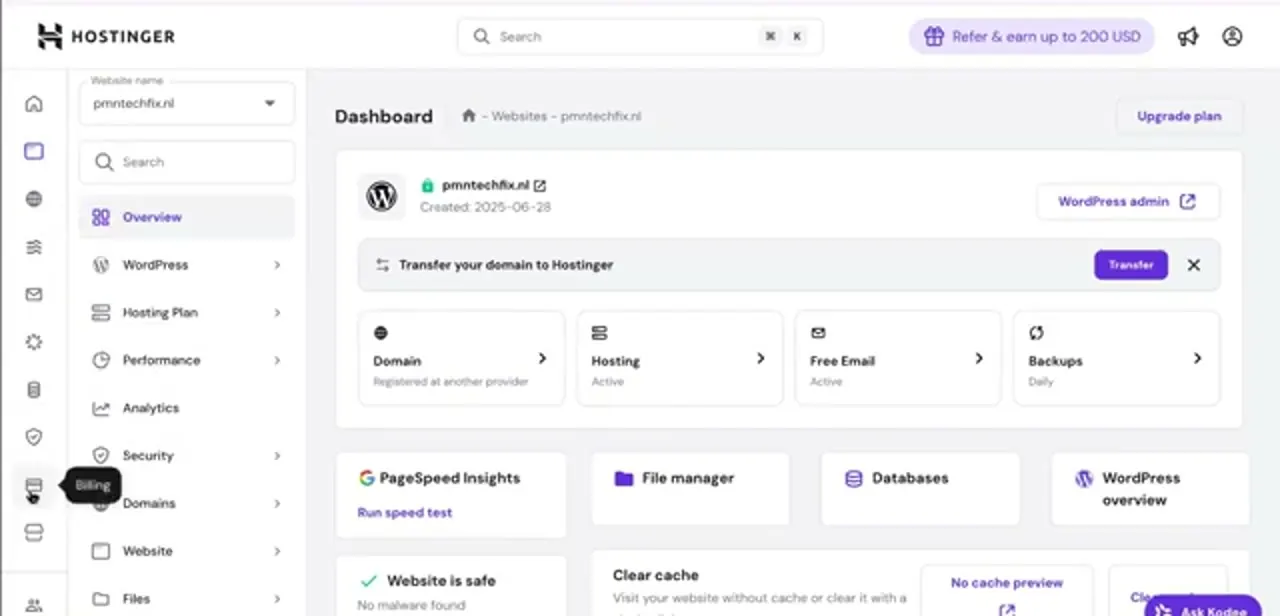
03Click a subscription to see its expiration date
The Subscriptions table shows each plan with a Subscription and Expiration date column, but clicking directly into one opens a fuller Subscription details panel on the right. In this example, a Cloud Startup plan shows Status as Active, an Expiration date of 2028-02-11, a Renewal price including tax, and a Subscription ID you can reference if you ever need to contact support about that specific plan. That expiration date is the number to write down or calendar: it's the exact day the clock runs out on that service.
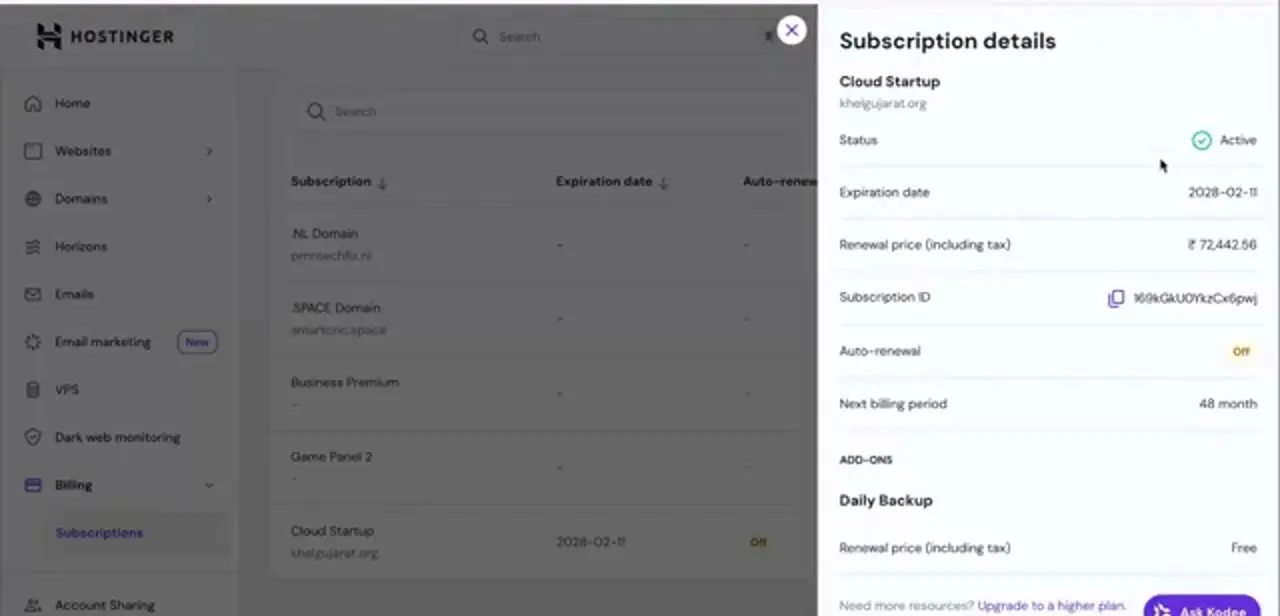
04Check whether auto-renewal is on or off
Just below the renewal price sits an Auto-renewal toggle. Check it for every subscription individually, since Hostinger sets it per plan instead of account-wide.
If it reads Off, as it does in this example, the plan won't renew itself and you'll need to pay manually before the expiration date or the service lapses. If it's On, Hostinger charges your saved payment method automatically ahead of the date: 27 days ahead for domains, 14 days ahead for yearly hosting plans, and 1 day ahead for monthly ones. That timing matters if you're hoping to catch a renewal discount first, since the automatic charge can fire before you'd otherwise think to check.
05Check hPanel itself for a renewal discount
Hostinger's own support pages are direct about this: renewal discounts are personalized, not a public code to look up. They show up directly in hPanel, in a renewal reminder email, or through live chat, and plans closest to their expiration date tend to carry the best offers.
A generic Hostinger discount code from the promotions page is worth keeping for a new order, but Hostinger's own coupons FAQ states plainly that those codes are for opening a new hosting plan, not for renewing one you already have. Treat any site promising a universal renewal code with suspicion. If hPanel isn't showing a discount and the price matters enough, opening a fresh plan and migrating your site is the realistic option, not hunting for a renewal code that doesn't exist.
06Renew, with or without a discount
Click Renew, either from Billing → Subscriptions or from the site's own dashboard. If hPanel has already surfaced a personalized discount, the reduced total shows on the payment screen automatically; there's no code to type in.
If Hostinger sent a personalized offer by email or live chat, follow the link or instructions in that message instead of hunting for a generic coupon field in the panel, since renewal payment screens generally don't have one. Confirm the total before submitting payment either way, and keep the confirmation email as your record. Renewing a few days ahead of the expiration date, instead of on the day itself, gives you a buffer if a payment needs to be retried.
When it doesn't work
A coupon code that worked at signup doesn't work at renewal
Why: Hostinger's discount codes are scoped to new hosting orders; the renewal payment screen doesn't have a code field for them.
Fix: Check hPanel and your email for a personalized renewal offer instead. If none exists and the price matters enough, compare it against opening a new plan and migrating your site.
Auto-renewal charged the card before a discount could be applied
Why: Hostinger charges automatically ahead of the expiration date (27 days for domains, 14 for yearly plans, 1 for monthly), which can happen before any renewal offer would have appeared.
Fix: Turn off auto-renewal on the subscription in advance if you want to shop the renewal price yourself, then renew manually before the expiration date.
Frequently asked questions
Where do I find my Hostinger hosting expiry date?
Go to Billing → Subscriptions in the hPanel sidebar, then click into the specific plan. The Subscription details panel shows its exact Expiration date near the top.
Can I get a discount on a Hostinger renewal?
Sometimes. Hostinger shows personalized renewal discounts directly in hPanel, or sends them by email or live chat, especially as a plan nears its expiration date. Hostinger's own coupons FAQ confirms its general discount codes are for opening a new hosting plan, not for renewing an existing one, so a code that worked at signup generally won't work at the renewal screen.
Why didn't my coupon code work when I tried to renew?
Because Hostinger's discount codes are built for new hosting orders. Renewing an existing plan doesn't have a code field in the normal payment flow; any discount there comes from a personalized offer Hostinger already applied in hPanel, or sent by email or live chat.
Does this apply to VPS and cloud plans too?
Yes, the same Billing → Subscriptions page lists domains, shared hosting, cloud, and VPS plans together, each with its own expiration date and auto-renewal toggle.
What happens if I miss my renewal date?
If auto-renewal is off and you miss the expiration date, the service can lapse, which may cause downtime. Checking the Auto-renewal status on each subscription tells you whether you need to act manually.
Is auto-renewal set for my whole account or per plan?
Per plan. Each subscription in the Billing section has its own Auto-renewal toggle, so check every service individually instead of assuming they all match.
Sources and last check
Click path and screens come from a walkthrough recorded in 2025. Re-checked against Hostinger's own coupons page and its official renewal and billing support articles in September 2026. That check corrected the article's central claim: Hostinger's renewal payment screen doesn't have a coupon-code field, and Hostinger's own FAQ states its discount codes are for new hosting orders, not renewals. The earlier version told readers to find a code and enter it at checkout; it now describes where a real renewal discount comes from, plus the auto-renewal charge timing (27/14/1 days ahead) confirmed against the same support pages.
About the author

Impran M N
I've been hooked on technology for as long as I can remember — especially the new tools and AI apps that seem to land every other week. Easy Tech Tuts is where I write up whatever I've just worked out: I do the task in the real product, record the screen, and turn it into the guide I wish I'd found first.