Easy Tech Tuts
How to Permanently Delete Google Workspace Account 2026 Easily
By Impran M NLast checked against official docs
Permanently deleting a Google Workspace account removes every user, every email, and every Drive file tied to it, so it's worth doing in the right order. Most guides describe the final click, but Google's own documentation puts the real point of no return earlier than that: cancelling your subscription is what starts deleting user data, not the account-deletion step people brace for. This guide follows Google's actual sequence: what to save before you touch anything, cancelling billing, clearing the apps and Cloud projects Google requires you to remove, and where account deletion itself finally lives in the console.
Before you start
- Admin rights on the Workspace domain
- A completed export of any Gmail, Drive, Calendar, or Chat data you want to keep
- Saved copies of billing receipts and invoices
01Back up your data before you cancel anything
Deletion is permanent, but the real cutoff comes earlier than most people assume. Google's documentation states that once you cancel your Workspace subscription, your users' data is deleted and can't be restored; that happens at cancellation, not at the later account-deletion step. Export everything you or your team need first, using Google Takeout or the Admin console's Data Export tool for a full copy of Gmail, Drive, Calendar, and Chat.
02Sign in and open the Admin console
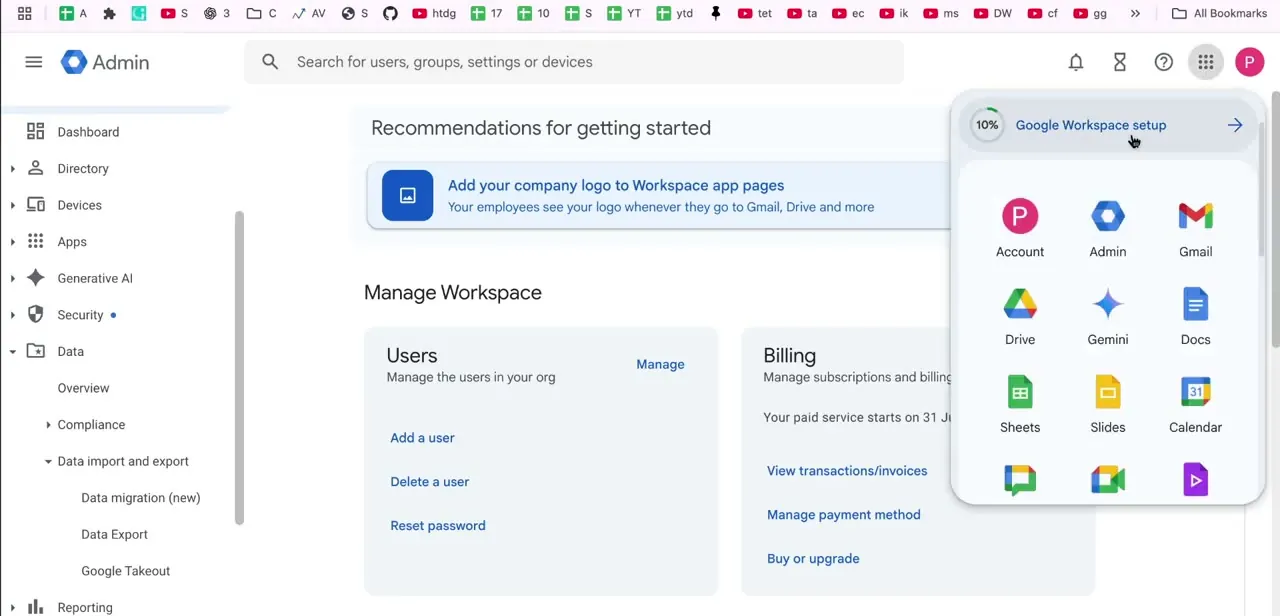
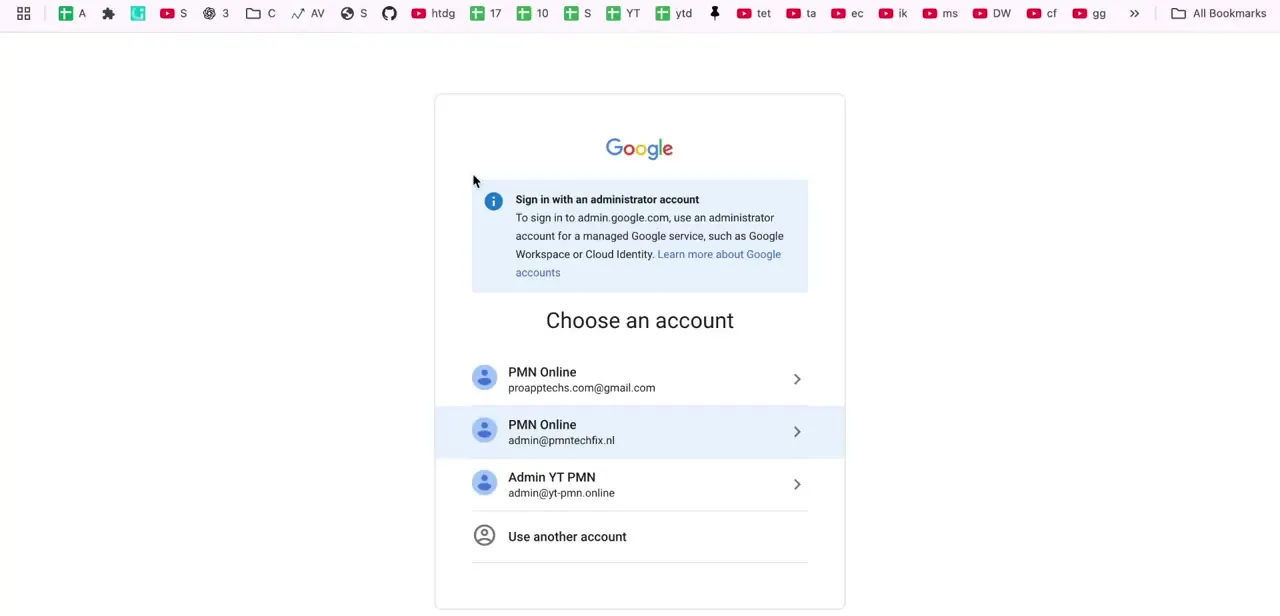
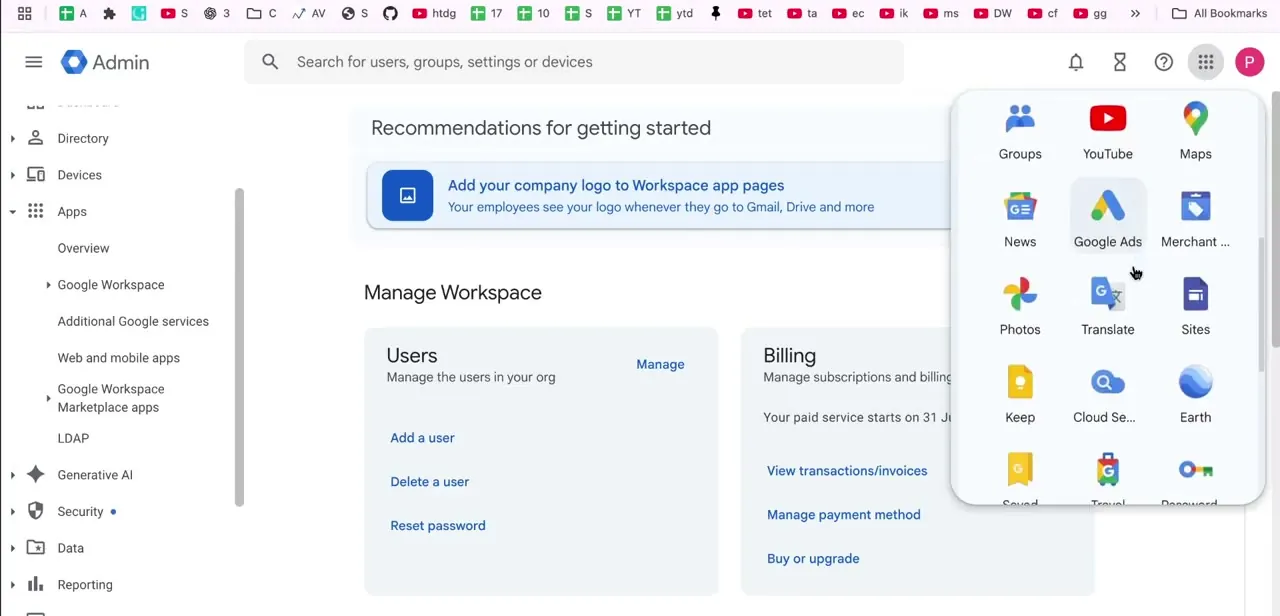
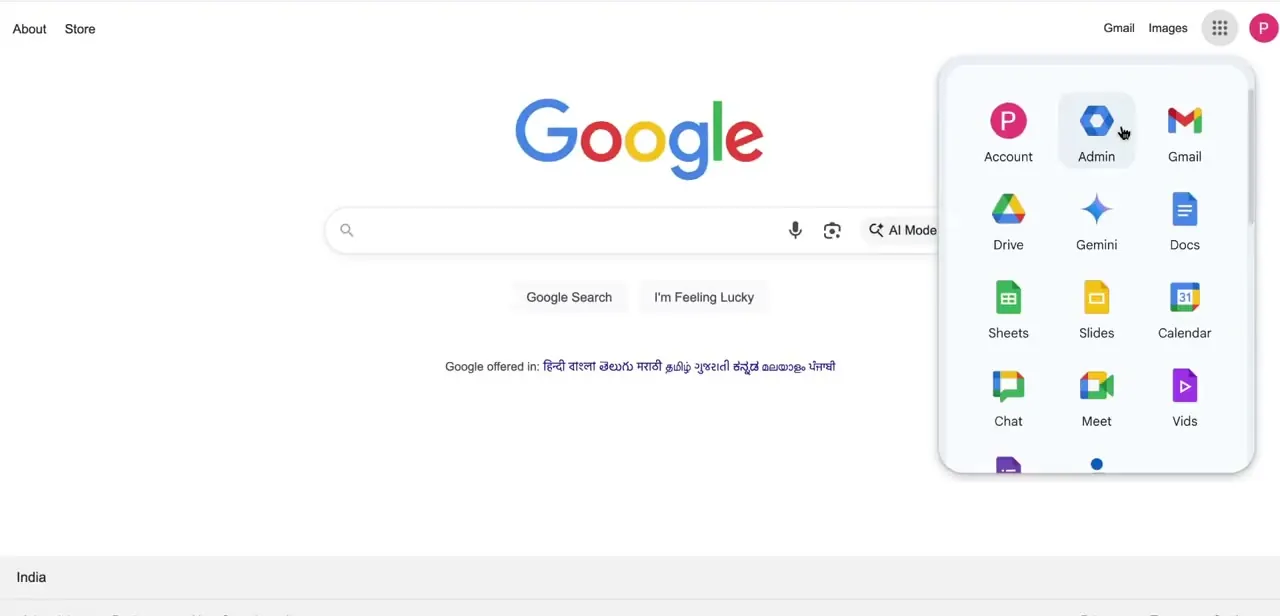
From any Google page, open the app grid in the top right and choose Admin. Every account-level setting, including billing and deletion, lives inside this console. You need an account with admin rights on the domain to get in; a standard user account has no access to it at all.
03Save your billing records
Print receipts and save monthly invoices before you go further. Google's documentation is specific about this: once the account is deleted, billing records aren't accessible any more, and there's no separate export for them the way there is for Gmail or Drive.
04Cancel your Workspace subscription
From the Admin console home, open the Billing card, select your active subscription, then More, then Cancel Subscription. Pick a reason, review the alternatives Google offers, tick the confirmation box, enter your email, and click Cancel My Subscription. This step is what starts removing user data, so it belongs after your backups are done, not before.
05Remove installed apps and Google Cloud resources
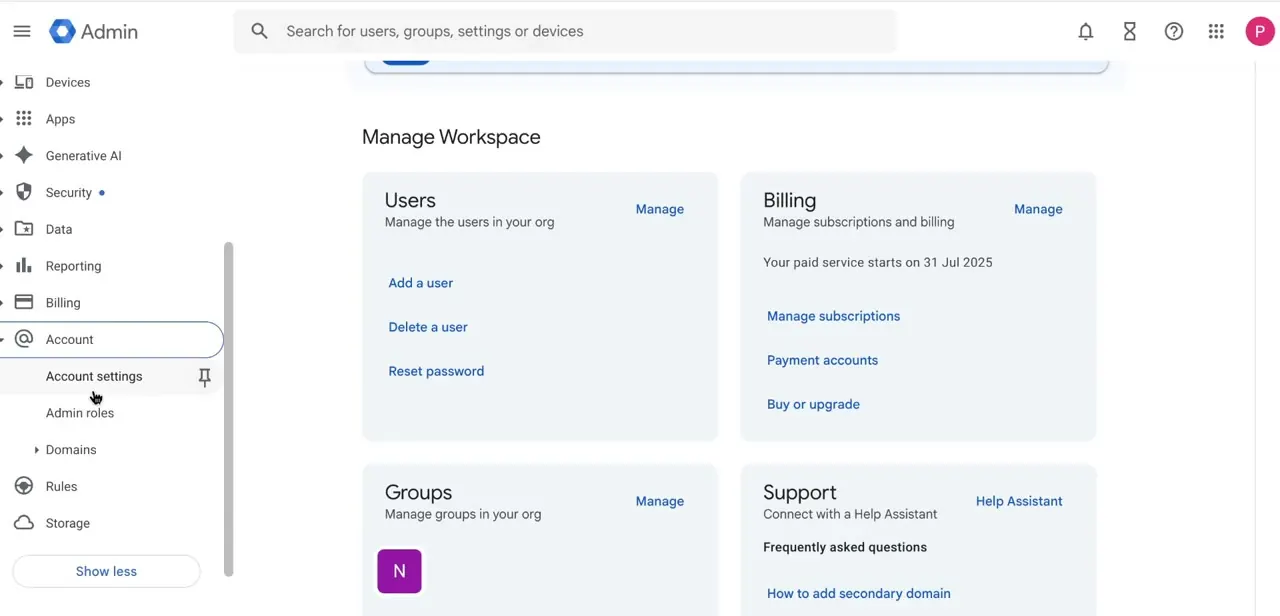
Go to Apps, then Google Workspace Marketplace apps, and uninstall anything listed there. Delete any Google Cloud projects or folders tied to the account too, along with any Apps Script projects. Google's account-deletion documentation lists these as required cleanup: the final deletion step won't complete while any of them are still attached.
06Find account deletion under Account settings
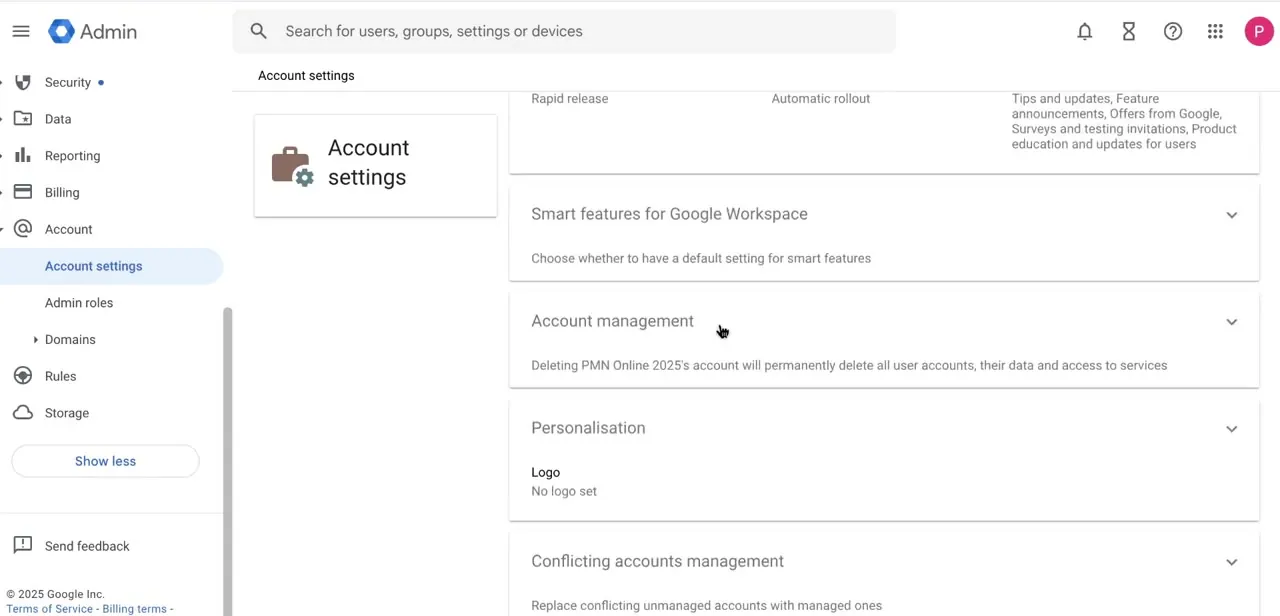
Go to Account, then Account settings, then scroll to Account management. This section states plainly what deletion removes: all user accounts, their data, and access to every connected service. Click Delete Account and read the warning fully; it's the last checkpoint before anything is final.
07What happens next
If the process fails partway through, it's almost always one of the items above still attached: a subscription that wasn't fully cancelled, a Marketplace app, or a Cloud project. Clear whichever the error names and try again. Once deletion completes, your domain becomes available for a new Google account within 24 hours.
When it doesn't work
Deletion won't complete, or an error blocks the final step
Why: A subscription, Marketplace app, or Google Cloud project is still attached to the account. Google requires all three cleared first.
Fix: Cancel the subscription under Billing, remove apps under Apps, then Google Workspace Marketplace apps, delete any linked Cloud projects, and try again.
You need an old invoice after the account is already deleted
Why: Billing records aren't accessible once the account is deleted, and there's no export for them afterward.
Fix: Print receipts and save invoices before you start the deletion process, not after.
Data is already gone before you meant to delete the account
Why: Cancelling the subscription, an earlier step than final deletion, is what removes user data.
Fix: Finish exporting everything you need before you cancel the subscription, not just before you click Delete Account.
Frequently asked questions
Can I recover my Google Workspace account after deletion?
No. Once the account is deleted, it and its data can't be recovered, which is why backing up beforehand matters.
What actually deletes my data: cancelling the subscription or deleting the account?
Cancelling the subscription. Google's documentation states user data is deleted at that point and can't be restored, before the final account-deletion step even happens.
Why did my account deletion fail?
Usually because a subscription, a Google Workspace Marketplace app, or a Google Cloud project is still attached. Clear each of those and retry.
Do I need to remove my domain before deleting the account?
No. There's no separate domain-removal step; the domain frees itself automatically, within 24 hours of deletion completing.
How long does the whole process take?
The final deletion typically resolves within 24 hours once billing, apps, and Cloud projects are cleared, though the cleanup itself can take longer depending on how much is attached.
Can I get old invoices after the account is deleted?
No. Billing records aren't accessible after deletion, so save receipts and invoices before you start.
Sources and last check
Click path and screens come from a recorded walkthrough. The deletion sequence, the data-loss timing, and the 24-hour domain-release window were checked against Google's official Workspace Help documentation in September 2026. That check removed a domain-removal step this guide previously described, which isn't a real requirement, and added the Marketplace-app and Cloud-project cleanup Google's docs actually require, along with the fact that data loss begins at subscription cancellation instead of final deletion.
About the author

Impran M N
I've been hooked on technology for as long as I can remember — especially the new tools and AI apps that seem to land every other week. Easy Tech Tuts is where I write up whatever I've just worked out: I do the task in the real product, record the screen, and turn it into the guide I wish I'd found first.