Easy Tech Tuts
How to Host Website on Google Workspace with Google Sites Blank Site or Templates 2026 Easily
By Impran M NLast checked against official docs
Google Sites gives Workspace users a straightforward way to build and host a website without separate hosting or coding skills, starting from the same account already used for Gmail and Drive. This guide covers signing in, landing on the Sites start screen, choosing between a blank page and a template, and the one step that works differently on a Workspace account than on a personal Google one: connecting a custom domain.
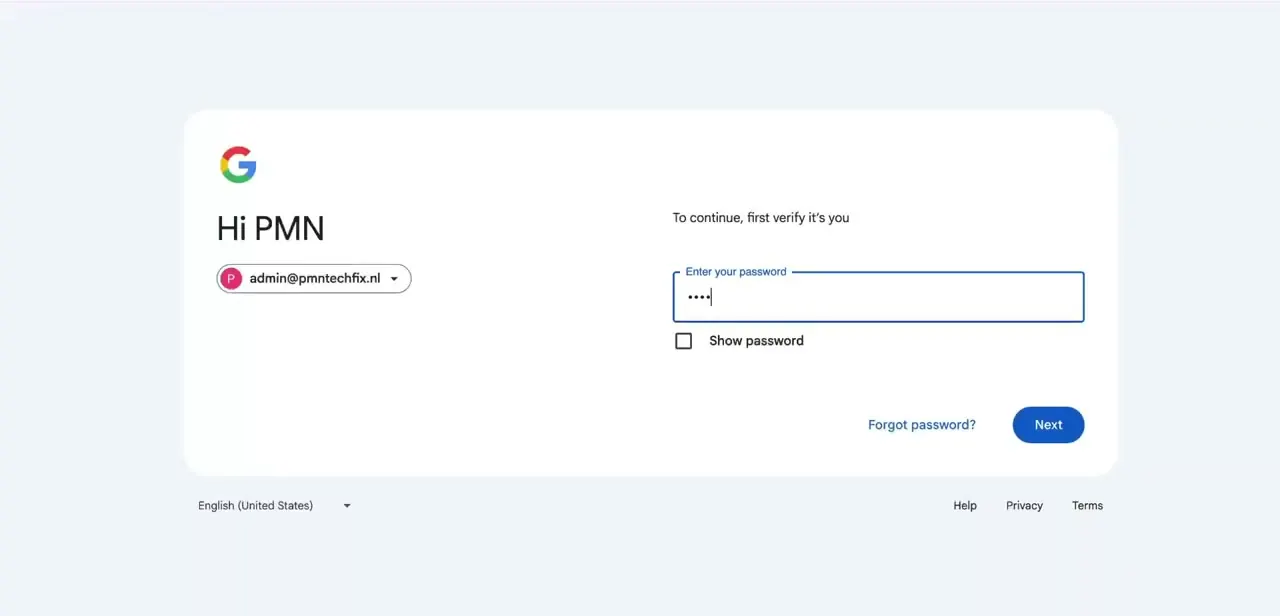
01Sign in to your Google Workspace account
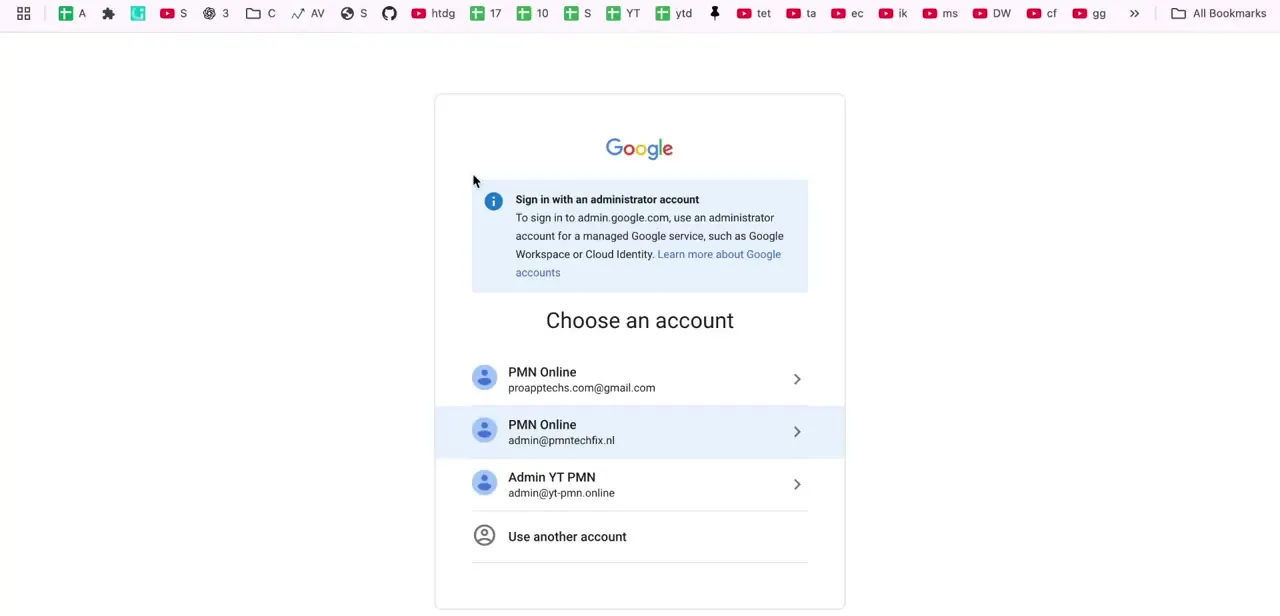
Go to your Workspace login and enter the credentials for the account tied to your organization's domain. A business account looks the same as a personal Gmail login, just with your own domain in place of gmail.com. If several Google accounts are signed in on the same browser, check which one you're entering a password for: a site created under the wrong account won't inherit your Workspace's storage, sharing permissions, or domain settings.
02Open Google Sites from your Workspace apps
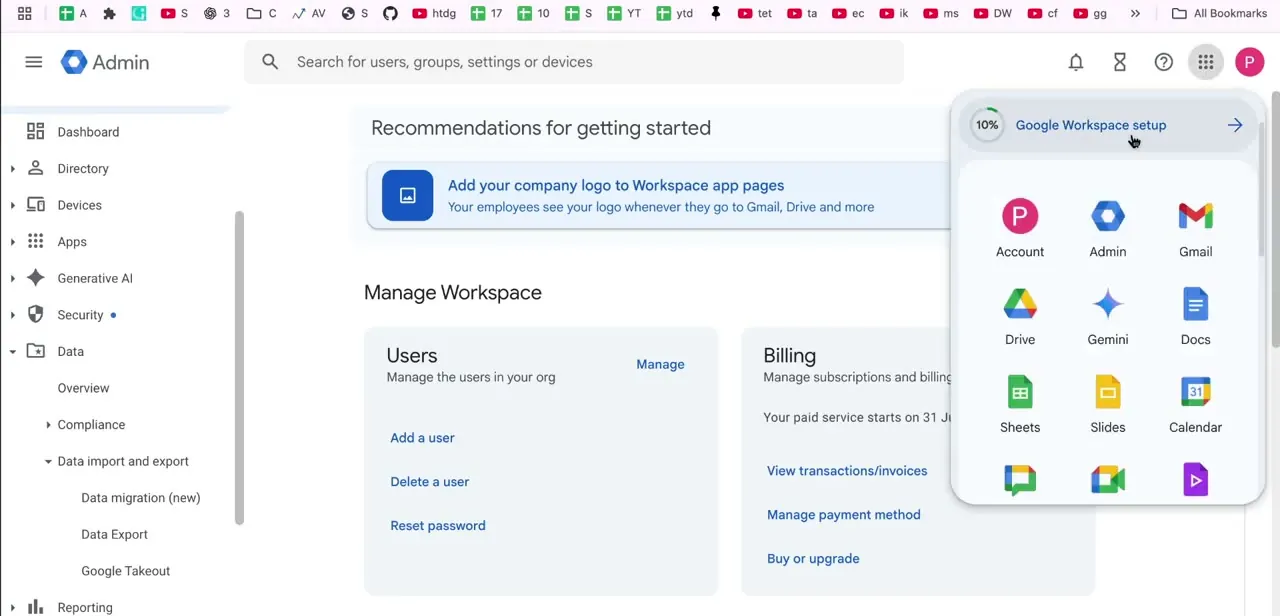
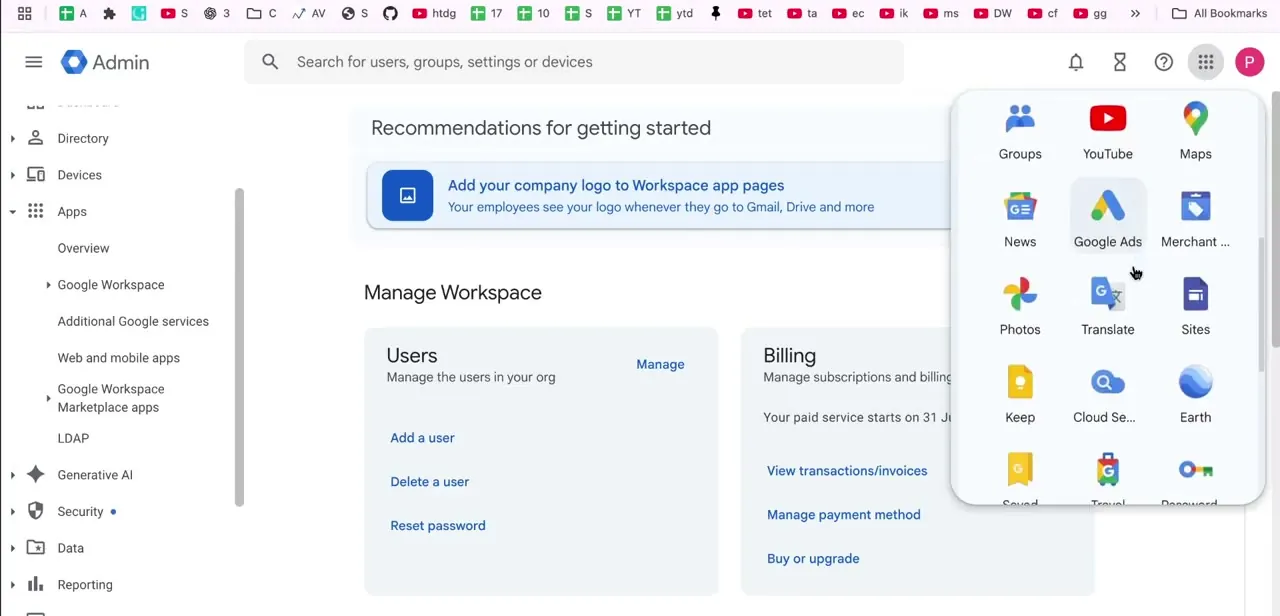
Once signed in, open the Google apps grid (the nine-dot icon) from any Google service and look for Sites, or go directly to sites.google.com. Because it's a native Workspace app, anything built here is stored in the same Drive as your documents and spreadsheets, and it inherits your organization's sharing defaults automatically, which matters if more than one person on the team needs editing access.
03Choose blank or start from a template
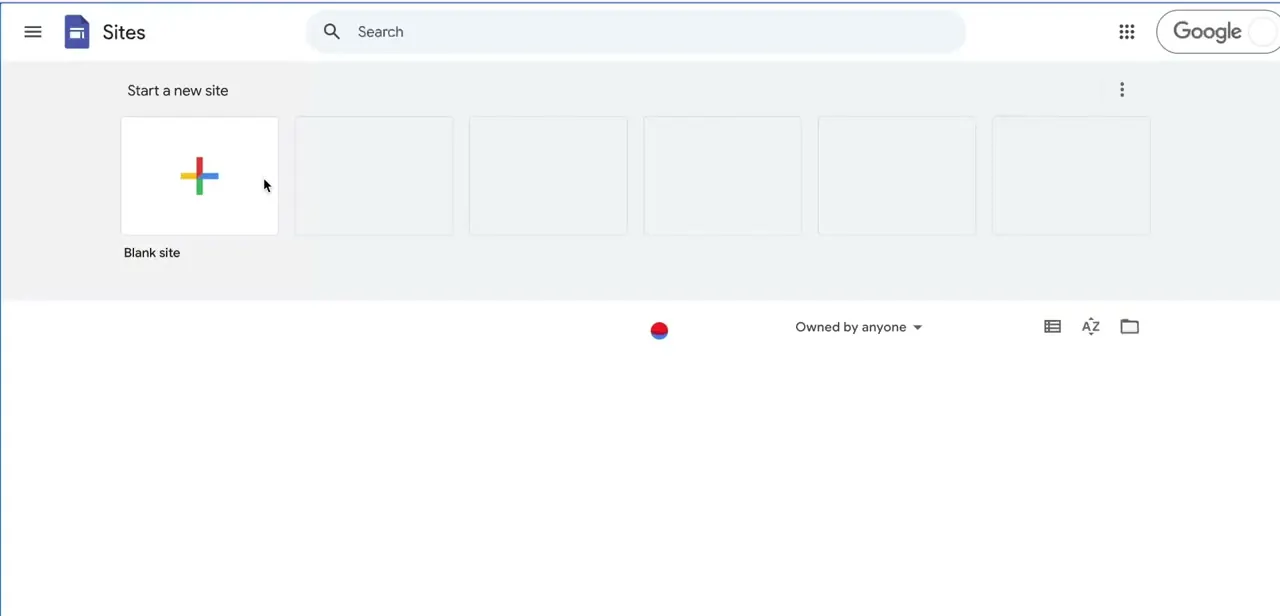
The Sites home screen opens on "Start a new site," with a Blank site tile marked by a colored plus icon sitting first in a row of starting points. Blank site drops you into an empty canvas with no pre-built sections, the right call for full control over layout from page one. The tiles next to it are templates: pre-arranged pages and sections you customize instead of building from nothing, which saves time if adjusting an existing layout beats designing one from scratch.
04Build out your pages
Whichever starting point you pick, the Sites editor works the same way: a right-hand panel for adding text boxes, images, embeds, and layout blocks, and a Pages tab for adding new pages and arranging them into your site's navigation. Keep the number of top-level pages manageable. A visitor should see the whole site's structure in the navigation bar without scrolling a long dropdown, so group related content under one page with sections instead of creating a new page for every topic.
05Preview, publish, and connect a domain the right way
Use Preview in the editor's top bar to see the site as a visitor would, mobile layout included, before every publish, not just the first one. A layout that looks fine on a wide editor window can crowd or overlap on a phone.
When it looks right, click Publish. By default the site gets a Google-hosted address ending in sites.google.com.
For a custom domain, don't look in the site's own Settings; that panel is the personal-account flow and, for a Workspace account, only tells you to contact your administrator. A super admin instead maps it from the Admin console: Apps → Google Workspace → Sites → Custom URL → Add, choosing a domain already verified on the account, then pointing a CNAME record at the destination Google specifies for the site's current sites.google.com address. The site owner's email needs to be on that same domain, and DNS changes can take up to 24 hours to resolve.
When it doesn't work
There's no working "Custom domains" option inside the site's own Settings
Why: That panel is the personal-account flow. A Workspace account is told to contact its administrator instead.
Fix: Have a super admin map the URL from the Admin console (Apps → Google Workspace → Sites → Custom URL) rather than from inside Sites.
Mapping the custom URL fails or can't find a valid site owner
Why: Google requires the site owner's email address to be on the domain being mapped. A secondary domain needs the owner to already have an account there.
Fix: Use a site owned by someone with an address on that domain, or transfer ownership before mapping.
The custom address still doesn't resolve after setup
Why: DNS propagation for the CNAME record can take up to 24 hours.
Fix: Wait out that window before assuming the mapping failed, and double-check the CNAME record matches what the Admin console specified.
Frequently asked questions
Is Google Sites free with Google Workspace?
It's included with Workspace plans at no extra cost, though storage for a site's images and files draws from the organization's overall Workspace storage.
Can I use my own domain with a Google Sites website on Workspace?
Yes, but not from the site's own settings. A super admin maps it from the Admin console under Apps, Google Workspace, Sites, Custom URL, using a domain already verified on the account.
Is it better to start with a blank site or a template?
A template saves time with a pre-arranged layout to customize. A blank site suits anyone who wants full control over the structure from the first page.
Can multiple people in my organization edit the same site?
Yes. As a native Workspace app, Sites inherits the organization's sharing defaults, so teammates with the right permissions can edit it together like any shared Drive file.
How long does a custom domain take to start working?
Google notes DNS changes for the CNAME record can take up to 24 hours to take effect after the Admin console mapping is set up.
Sources and last check
Click path and screens come from a recorded walkthrough. The custom-domain step was re-checked against Google's official documentation in September 2026 and rewritten: the original draft described the personal-account Settings flow, but a Workspace account's own Sites settings explicitly defer to an administrator, and mapping actually happens in the Admin console with a verified domain and a CNAME record, taking up to 24 hours. The sign-in, blank-site-versus-template, and page-building steps matched the recorded screens and were left as described.
About the author

Impran M N
I've been hooked on technology for as long as I can remember — especially the new tools and AI apps that seem to land every other week. Easy Tech Tuts is where I write up whatever I've just worked out: I do the task in the real product, record the screen, and turn it into the guide I wish I'd found first.