 Easy Tech Tuts
How to Get Google Workspace Certification with Google Cloud Easily 2026
By Impran M NLast checked against official docs
A Google Workspace certification gives IT professionals, admins, and educators a recognized credential for skills they may already use daily inside the Admin Console. The path runs through Google Cloud's own certification hub, not a third-party testing company, which makes registration predictable once you know where to look.
One thing to know before you search: Google retired its old Professional-level Workspace Administrator exam at the end of 2024, so the certification now sits at the associate level only, under the full name Associate Google Workspace Administrator. This guide follows the real navigation: signing into an admin account, finding the certification page, and seeing exactly where that exam sits among Google Cloud's other role-based tracks.
Before you start
- No mandatory prerequisites are listed by Google
- Recommended, not required: roughly six months of hands-on Google Workspace Super Admin experience, plus familiarity with Business Plus and Enterprise edition features
01Sign in with the right Google account
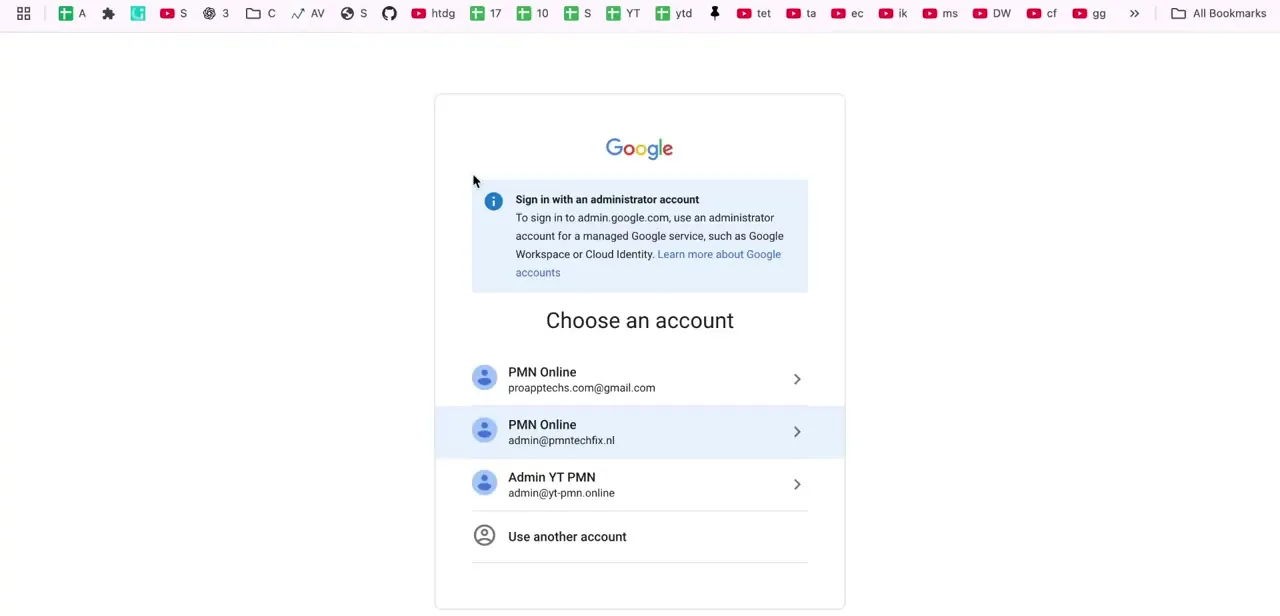
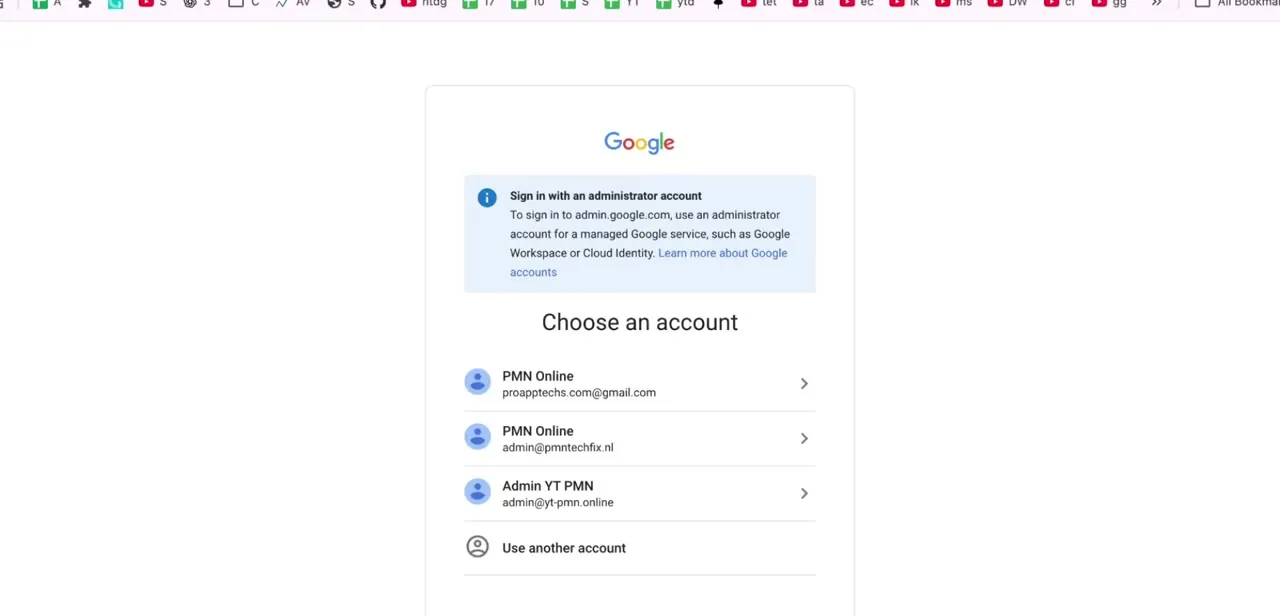
Certification registration and the Admin Console both expect you to be signed into the correct Google account. If you manage more than one Workspace domain, you may see several accounts to choose from on the sign-in screen. Google flags that admin.google.com wants an administrator account for a managed Google service, so pick the one tied to the Workspace or Cloud Identity domain you administer, not a personal Gmail address.
02Get familiar with the Admin Console before you test
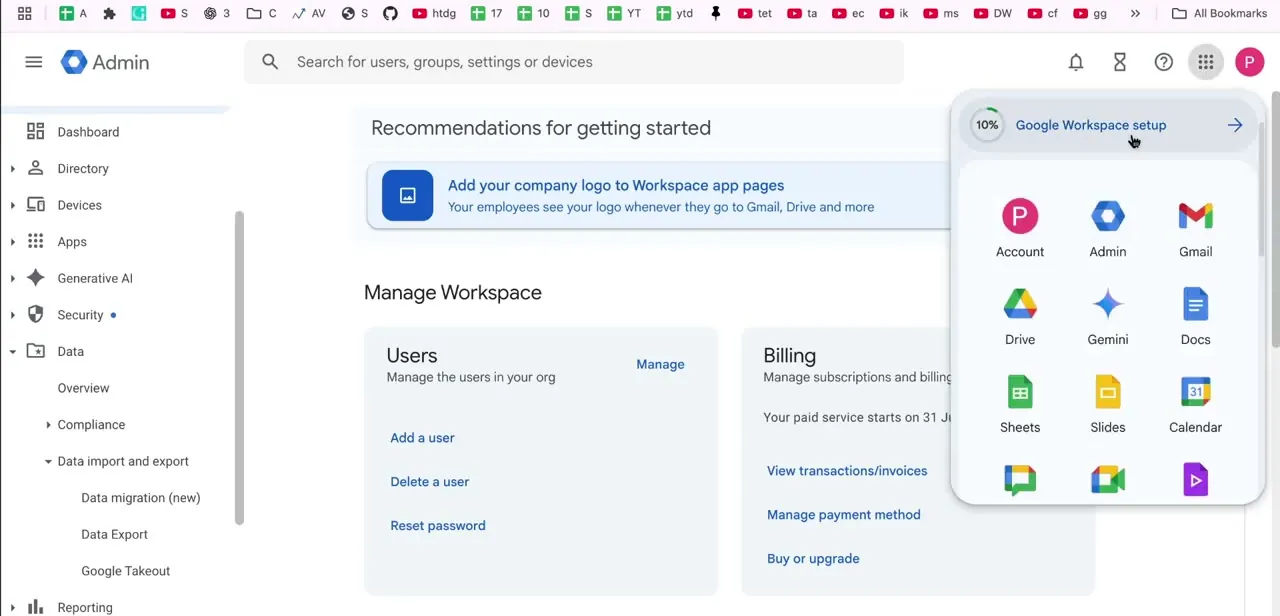
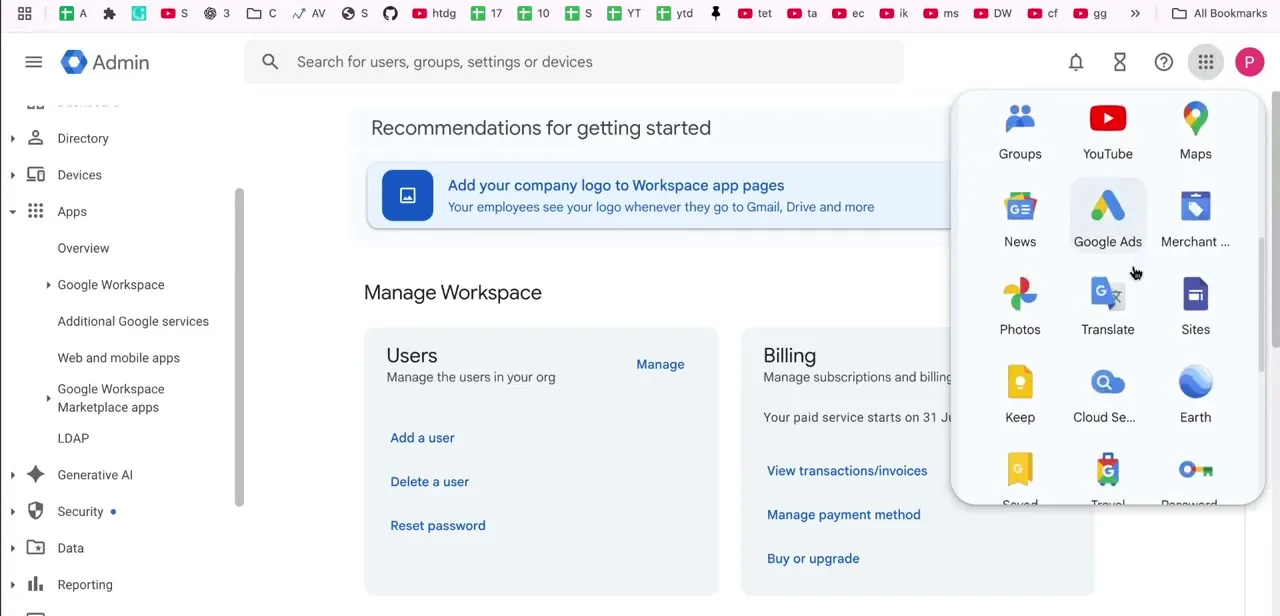
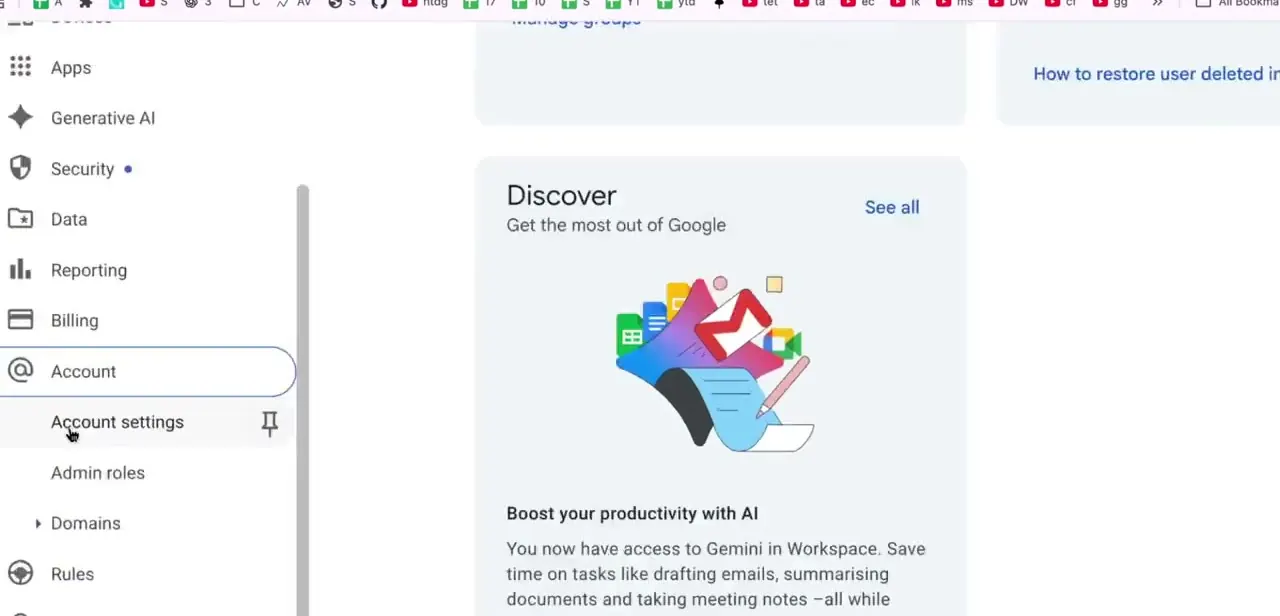
The exam leans on real hands-on knowledge of the Admin Console, so spend time in the left-hand navigation, covering Apps, Generative AI, Security, Data, Reporting, Billing, Account, and Domains, instead of only studying it in the abstract. Google surfaces productivity updates like Gemini in Workspace right on the console home screen, and staying current matters because exam content gets refreshed as the product does.
03Find the certification page on Google Cloud
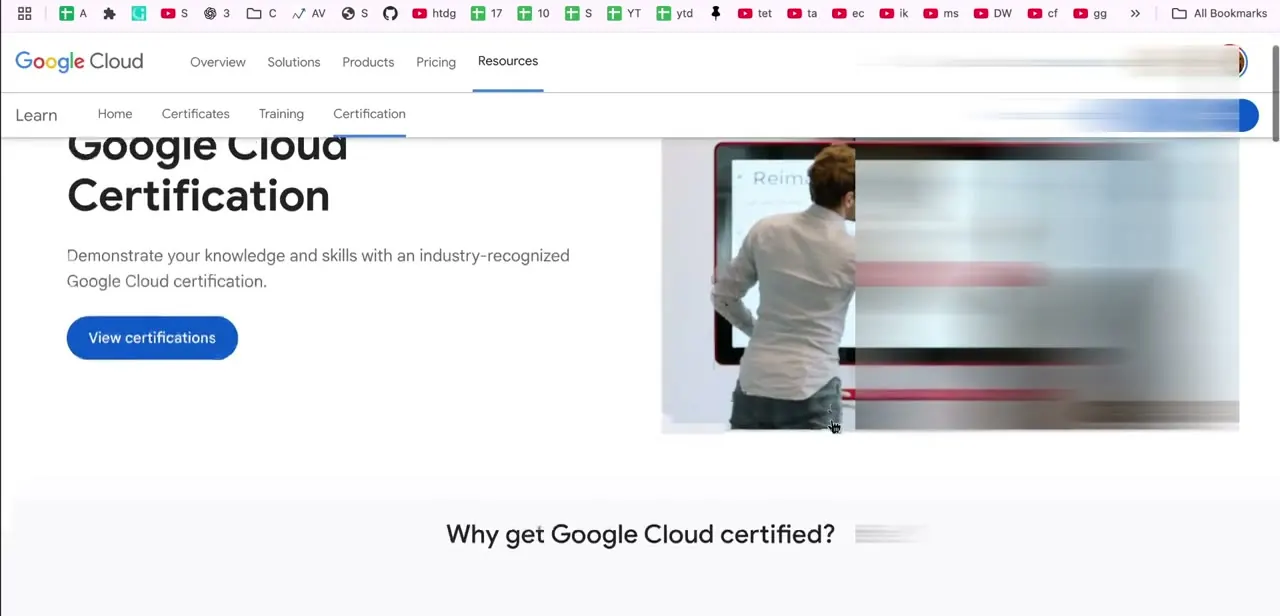
Registration lives on Google Cloud's own site under the Resources menu, listed there as Certifications, not on a separate testing vendor's portal. The landing page states the goal plainly: "Demonstrate your knowledge and skills with an industry-recognized Google Cloud certification," with a "View certifications" button that opens the full catalog and each exam's prerequisites.
04Locate the Workspace exam among the role tracks
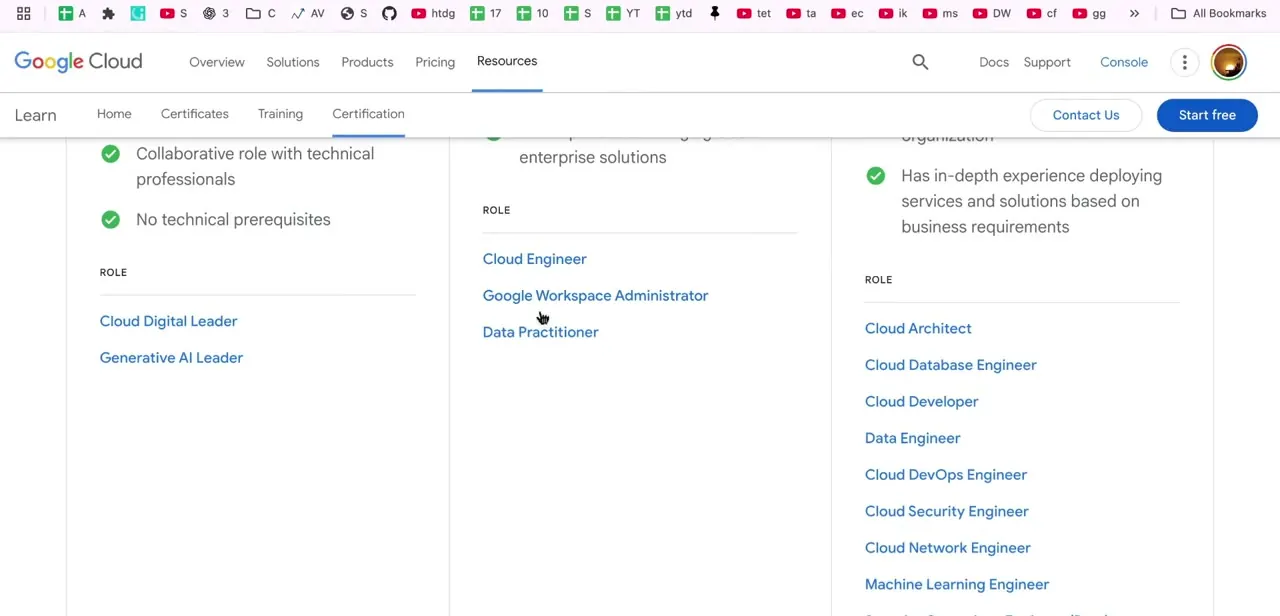
Google Cloud organizes certifications by role. Google Workspace Administrator sits in the associate tier alongside Cloud Engineer and Data Practitioner, roles aimed at day-to-day operations, not the deeper professional-level tracks like Cloud Architect or Cloud Security Engineer.
Its full name on the registration page is Associate Google Workspace Administrator. Older guides and PDFs sometimes reference a Professional Google Workspace Administrator exam; Google retired that version on December 31, 2024, so if that's what you find while searching, register for the associate exam instead.
05Use official training resources to prepare
Google Cloud publishes free documentation, quickstarts, and a dedicated learning path through the same Resources menu that hosts the certification page, so start there before paying for third-party material. Google states there are no mandatory prerequisites for this exam, but recommends around six months of hands-on Super Admin experience and familiarity with Business Plus or Enterprise edition features. Practicing inside the Admin Console itself, managing real users, groups, and security settings instead of just reading about them, is what closes the gap between passing a multiple-choice exam and doing the job.
06Register, sit the exam, and add the credential once you pass
The exam runs two hours, with 50 to 60 multiple-choice and multiple-select questions, offered in English or Japanese, and delivered either online-proctored from home or onsite at a partner testing center. After passing, Google Cloud issues a digital credential you can add to LinkedIn and reference on a resume.
The certification is valid for three years; the renewal window opens 180 days before it expires, and Google emails a 50%-off renewal code when you first certify. Keep that email; it saves hunting for the code later.
| Detail | Value |
|---|---|
| Registration fee | $125 USD plus applicable tax |
| Length | 2 hours |
| Format | 50-60 multiple-choice and multiple-select questions |
| Languages | English, Japanese |
| Delivery | Online-proctored (remote) or onsite at a testing center |
| Prerequisites | None required |
| Recommended experience | About 6 months of hands-on Workspace Super Admin work |
| Validity | 3 years, with the renewal window opening 180 days before expiry |
Figures per Google Cloud's certification page and Cloud Certification Help center, current as of September 2026.
When it doesn't work
Search results point to a "Professional Google Workspace Administrator" exam that isn't on Google's current catalog
Why: Google retired the professional-level version of this certification on December 31, 2024. Workspace Administrator is now offered only at the associate level.
Fix: Register for Associate Google Workspace Administrator instead; treat any prep material written for the old professional exam guide as outdated.
Unsure whether to book the online or onsite option
Why: Google offers both an online-proctored exam from a remote location and an onsite-proctored exam at a partner testing center, with different technical requirements for each.
Fix: Review Google's online testing requirements before choosing remote, particularly the room and equipment checks, or search for a nearby test center if you'd rather not deal with proctoring software.
Certification expired before renewal was completed
Why: The renewal window opens 180 days before the certification's inactive date, and renewing more than 30 days after that date means retaking the full standard exam at full price instead of a discounted renewal.
Fix: Renew inside the 180-day window using the emailed discount code. If more than 30 days have already passed since expiry, budget for the full exam fee again.
Frequently asked questions
How much does the Google Workspace certification exam cost?
$125 USD plus applicable tax, per Google Cloud's own certification page.
Do I need prior work experience or another certification first?
No formal prerequisites are listed. Google recommends roughly six months of hands-on Workspace Super Admin experience, but the exam is open to anyone who prepares.
Is Google Workspace Administrator an associate or professional certification?
Associate only. Google retired the separate Professional Google Workspace Administrator exam at the end of 2024, so the associate-level exam is the current version.
How long is the certification valid?
Three years from the pass date. The renewal window opens 180 days before it expires.
What languages is the exam offered in?
English and Japanese.
Can I take the exam remotely?
Yes, as an online-proctored exam from home, or you can book an onsite session at a partner testing center instead.
Sources and last check
Click path and screens come from a walkthrough recorded in July 2025. Exam name, fee, format, prerequisites, and renewal terms were re-checked against Google Cloud's official certification page and Cloud Certification Help center in September 2026. That check added the exam fee, length, and validity period (none of which the original version stated), and corrected the certification's full name and tier after finding that the old Professional-level Workspace Administrator exam Google once offered was retired on December 31, 2024.
About the author

Impran M N
I've been hooked on technology for as long as I can remember — especially the new tools and AI apps that seem to land every other week. Easy Tech Tuts is where I write up whatever I've just worked out: I do the task in the real product, record the screen, and turn it into the guide I wish I'd found first.