Easy Tech Tuts
How to Change Payment Plan Google Workspace to Annual Plan 2026 Easily
By Impran M NLast checked against official docs
Google Workspace bills most new subscriptions on a flexible, pay-monthly plan by default, which is convenient early on but costs more per user over a year than the Annual/Fixed-Term plan. Switching is self-serve from the Admin console, no need to contact sales, but the option is nested a few screens deep inside Billing, and it changes billing for every licensed user on the subscription at once. This guide covers finding the setting, comparing the plans, and completing the switch, plus a detail that trips people up: "annual" describes the length of the commitment, not automatically a single yearly charge.
Before you start
- Admin console access with billing permissions — not every admin role includes this
- An active Google Workspace subscription currently on the Flexible payment plan
01Open Billing in the Admin console
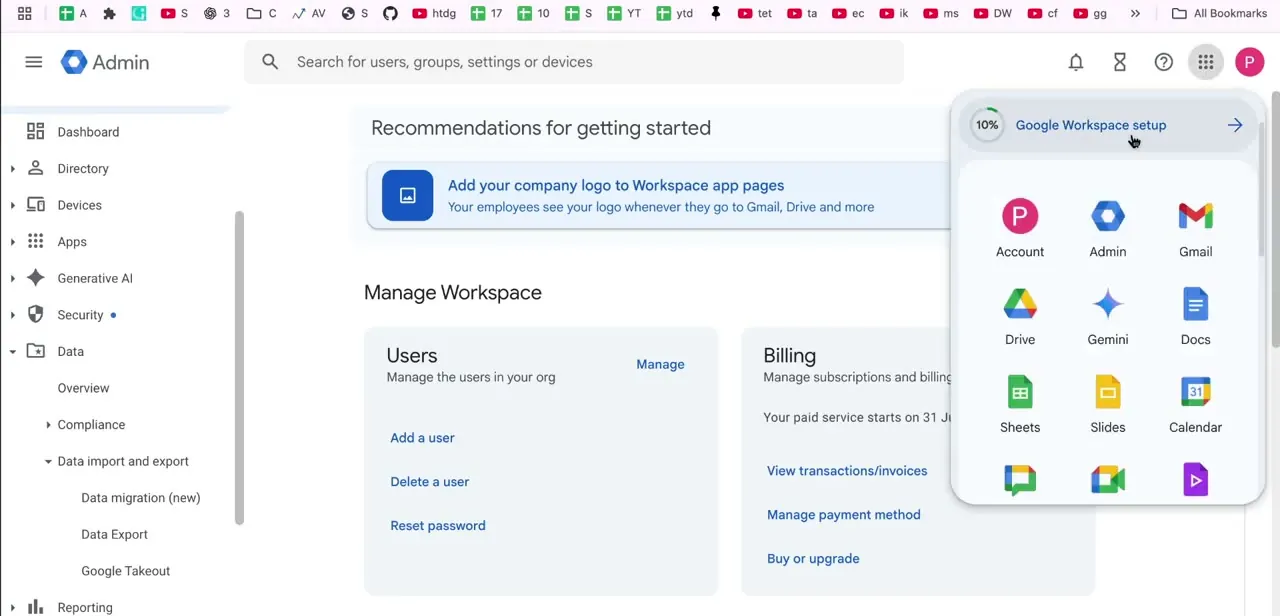
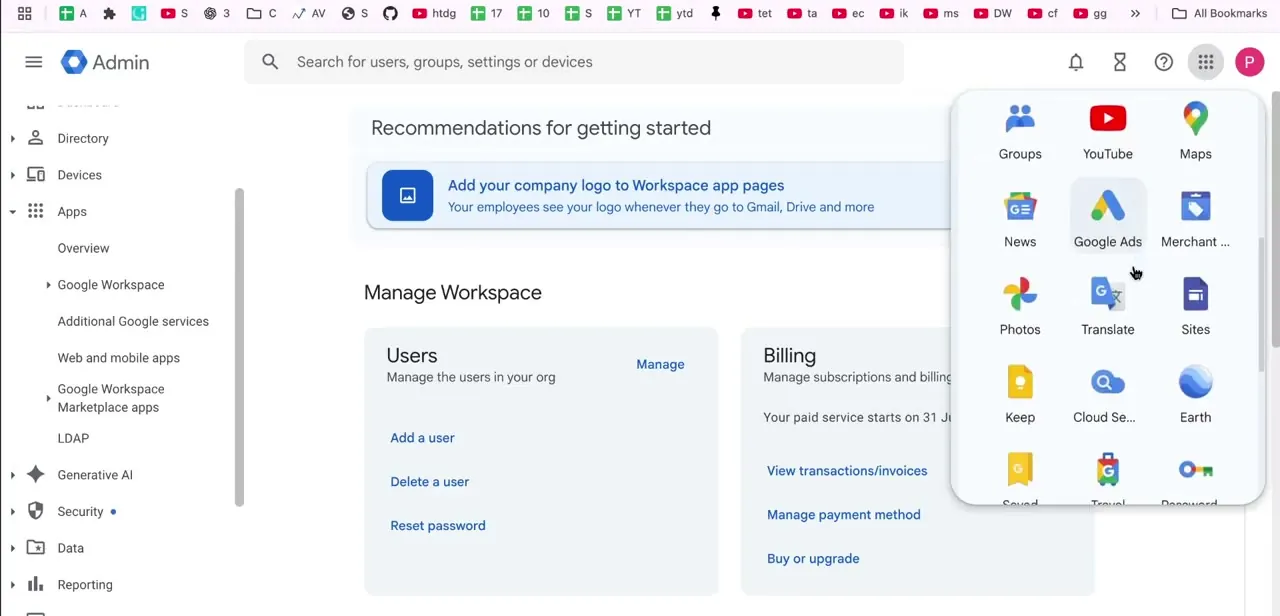
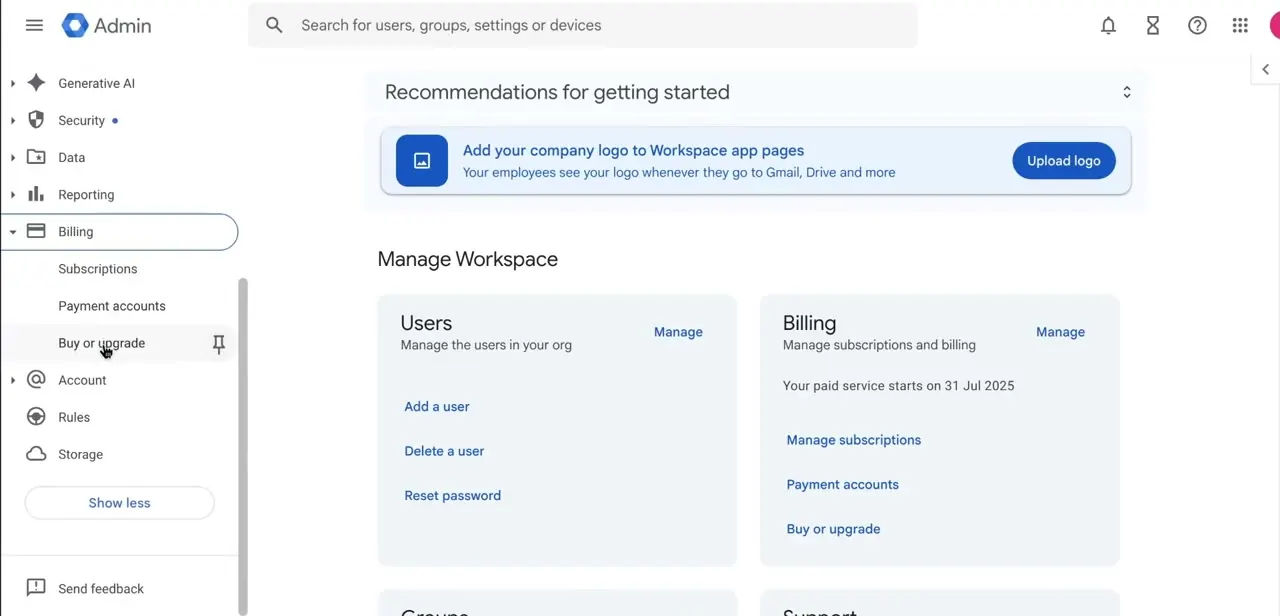
Sign in to admin.google.com with an account that has billing permissions, then open Billing from the left-hand menu. Expanding it shows Subscriptions, Payment accounts, and Buy or upgrade as sub-items. The Billing card on the Admin console home offers a shortcut version of the same links, including the date your paid service started and a quick path to Manage subscriptions.
02Open your subscription and find Change payment plan
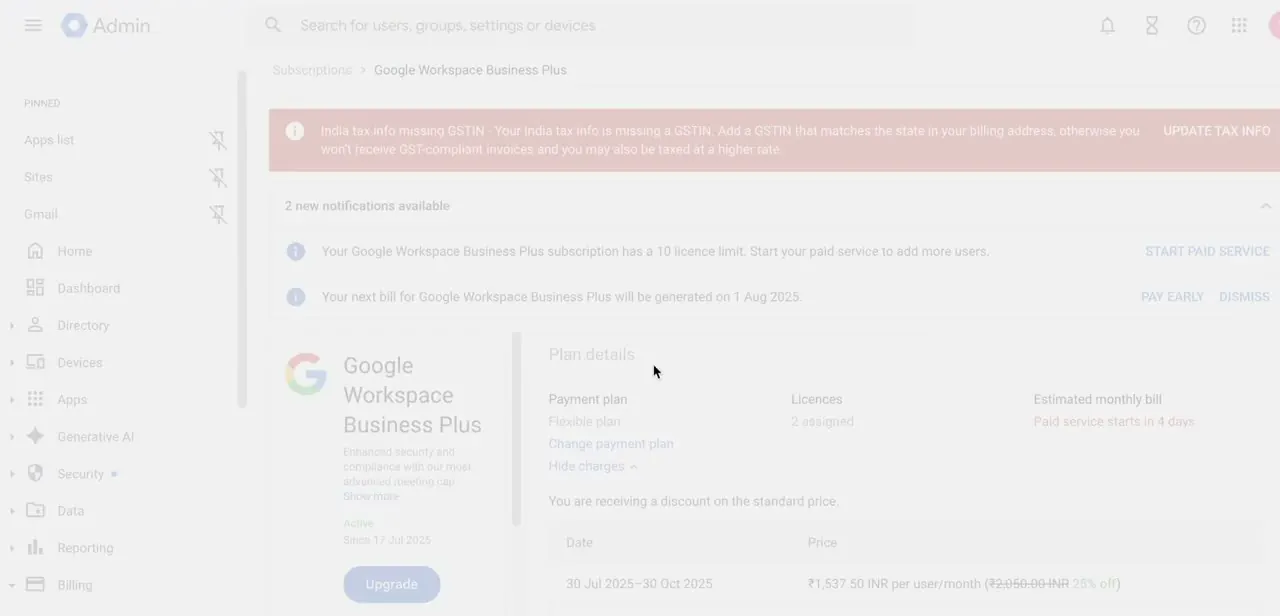
Click into Subscriptions, then select your active plan (for example, Google Workspace Business Plus) to open its details page. Under Plan details you'll see your current Payment plan labeled Flexible plan, plus your licence count and estimated monthly bill. Change payment plan sits right next to that label, styled as plain text instead of a button, which is why it's easy to scroll past.
03Compare the plans and review pricing
Clicking Change payment plan opens a comparison. Flexible lets you add or remove licences and cancel at any time, with no commitment.
The Annual/Fixed-Term plan locks in a lower per-user rate for a 12-month term on however many licences you select, and Google's comparison page puts that saving at around 17% per user, per month, on the Business tiers. Click Review Pricing Details to see the exact annual terms for your account before you continue.
04Choose a payment schedule, set your licence count, and check out
The Annual/Fixed-Term plan is not automatically a single lump-sum charge. Google lets you pay for it monthly or yearly, so the word "annual" refers to the 12-month commitment, not the billing frequency.
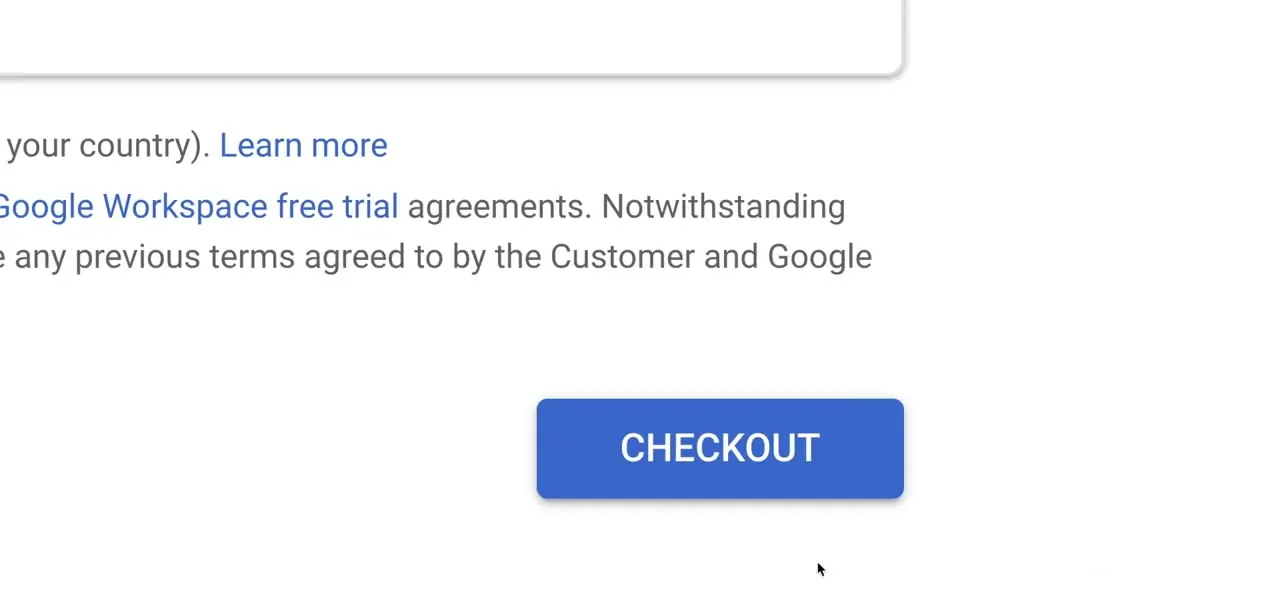
Confirm the number under Total users; it defaults to your current assigned users, and raising it means paying for seats nobody is using yet. Click Checkout when the terms look right. There is no confirmation email to click through afterward, so the switch takes effect as soon as you submit.
05Confirm your new billing plan and next charge
Head back to Subscriptions and open your plan again. Payment plan should now read Annual plan, and the estimated bill and next billing date will reflect the new schedule.
Licence reductions only take effect at renewal under this plan. You can still add users mid-term, but each one is billed as an extra monthly cost rather than folded into the per-user rate you locked in at checkout.
When it doesn't work
Change payment plan isn't visible on the subscription page
Why: The signed-in account doesn't have billing permissions in the Admin console. Not every admin role includes access to Billing.
Fix: Sign in with a super admin account, or have one grant your admin role the Billing privilege.
Removed licences after switching to annual, but the bill didn't drop
Why: Under the Annual/Fixed-Term plan, licence counts can only be reduced when the contract renews. Until then, you're billed for every licence in the commitment.
Fix: Wait for the renewal date, or contact Google Workspace support if you need to exit the commitment early.
The bill went up after adding users mid-term
Why: New users added during an annual commitment are billed as an extra monthly cost, separate from the annual per-user rate you originally locked in.
Fix: Check the current per-user monthly rate in Billing before adding users if you need to budget precisely.
Frequently asked questions
Where do I switch a Google Workspace subscription from monthly to annual billing?
In the Admin console, open Billing, then Subscriptions, and select your active plan. Click Change payment plan next to the Payment plan label, then Review Pricing Details to see the Annual/Fixed-Term terms before confirming.
Does the annual plan mean I pay the whole year up front?
Not necessarily. The Annual/Fixed-Term plan is a 12-month commitment, but Google lets you pay for it monthly or yearly. "Annual" describes the commitment length, not the billing frequency.
How much cheaper is the annual plan than flexible billing?
Google's own plan comparison shows roughly 17% lower per-user, per-month pricing on the Business tiers under the Annual/Fixed-Term plan versus Flexible billing.
Can I still add or remove users after switching to annual?
You can add users at any point, each billed as an extra monthly cost. Removing licences only reduces your committed cost at contract renewal, not immediately.
Does switching to annual lock me in for a year?
Yes. It's a 12-month commitment for the licence count you confirm at checkout.
Will I get a confirmation email before the plan change takes effect?
No. Clicking Checkout submits the switch immediately, so check the licence count and payment schedule before confirming.
Sources and last check
Click path and screens come from a recorded walkthrough. The payment-timing detail, the 17% savings figure, and the licence add/remove rules were re-checked in September 2026 against Google's own Workspace Help pages on payment plans. The original draft didn't mention that Annual/Fixed-Term billing can still be paid monthly, and implied removing licences was merely less convenient rather than blocked until renewal.
About the author

Impran M N
I've been hooked on technology for as long as I can remember — especially the new tools and AI apps that seem to land every other week. Easy Tech Tuts is where I write up whatever I've just worked out: I do the task in the real product, record the screen, and turn it into the guide I wish I'd found first.