Easy Tech Tuts
Marketing & CRM

GoHighLevel tutorials

81 free, step-by-step GoHighLevel guides covering setup, common tasks, fixes, and best practices — each with a full video walkthrough.

How to Set Up an Email Campaign in GoHighLevel

By Impran M N

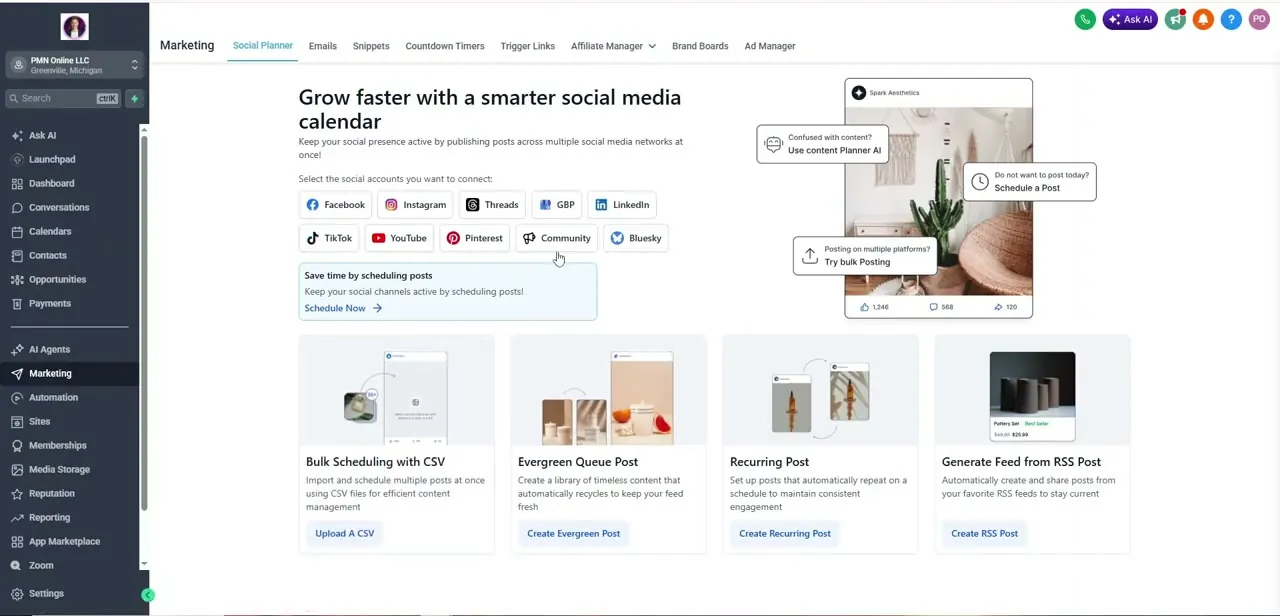
Setting up an email campaign in GoHighLevel takes you from the Marketing section's Emails tab to a fully designed template, with an AI assistant sitting inside the builder to…

How to Get a Phone Number on GoHighLevel Easily

By Impran M N

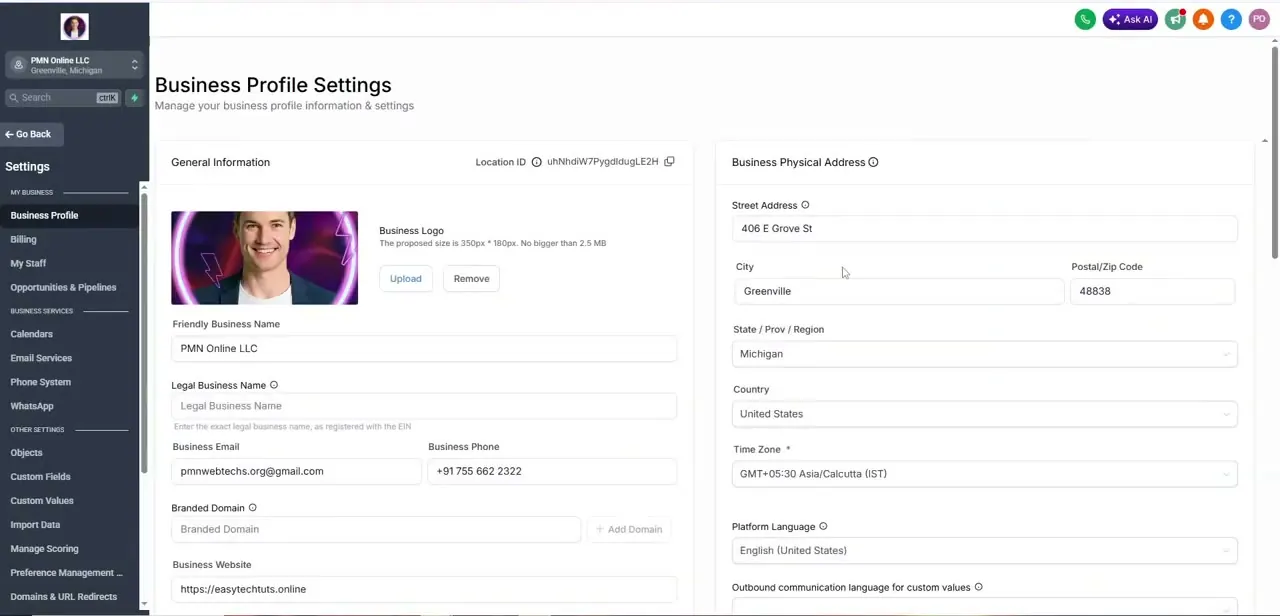
A dedicated phone number in GoHighLevel gives your business a direct line for calls and texts, tied to your account rather than a personal cell number. This guide walks through…

How to Use the GoHighLevel Media Library Easily

By Impran M N

The GoHighLevel Media Library — labeled Media Storage inside the app — is where every image, logo, and asset you upload lives once, ready to be reused across funnels, emails, and…

How to Use Appointment Reports in GoHighLevel

By Impran M N

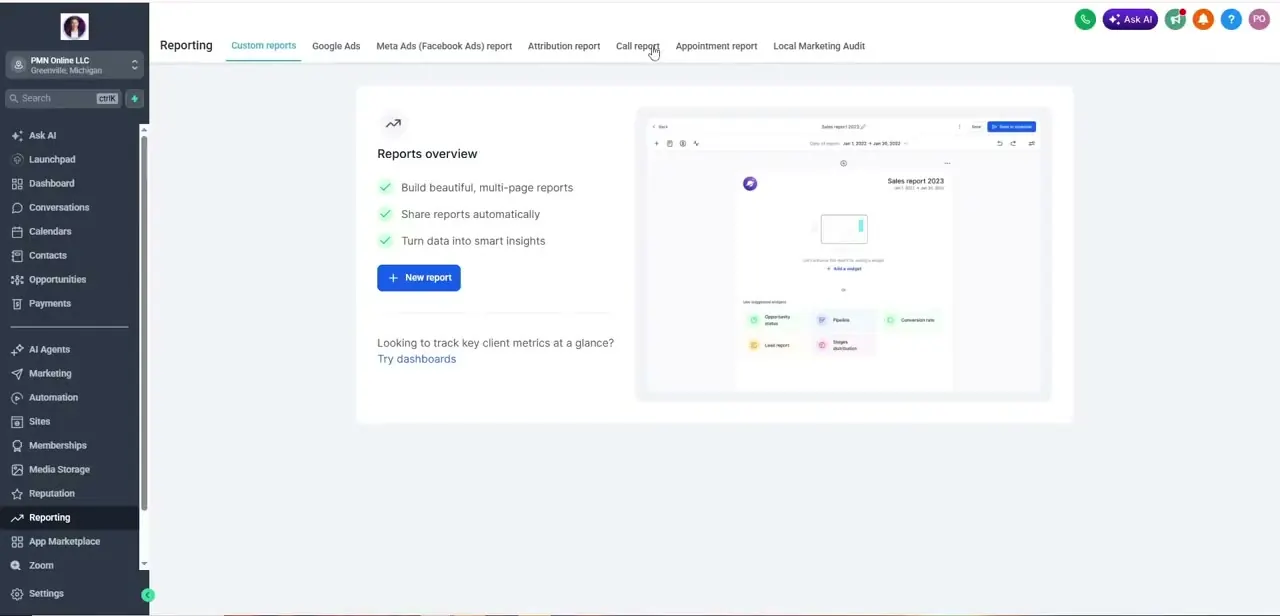
Appointment reports in GoHighLevel give you a clear picture of how your scheduling is actually performing, from bookings to cancellations to no-shows, once you know where the…

How to Use Contact Tags in GoHighLevel Easily

By Impran M N

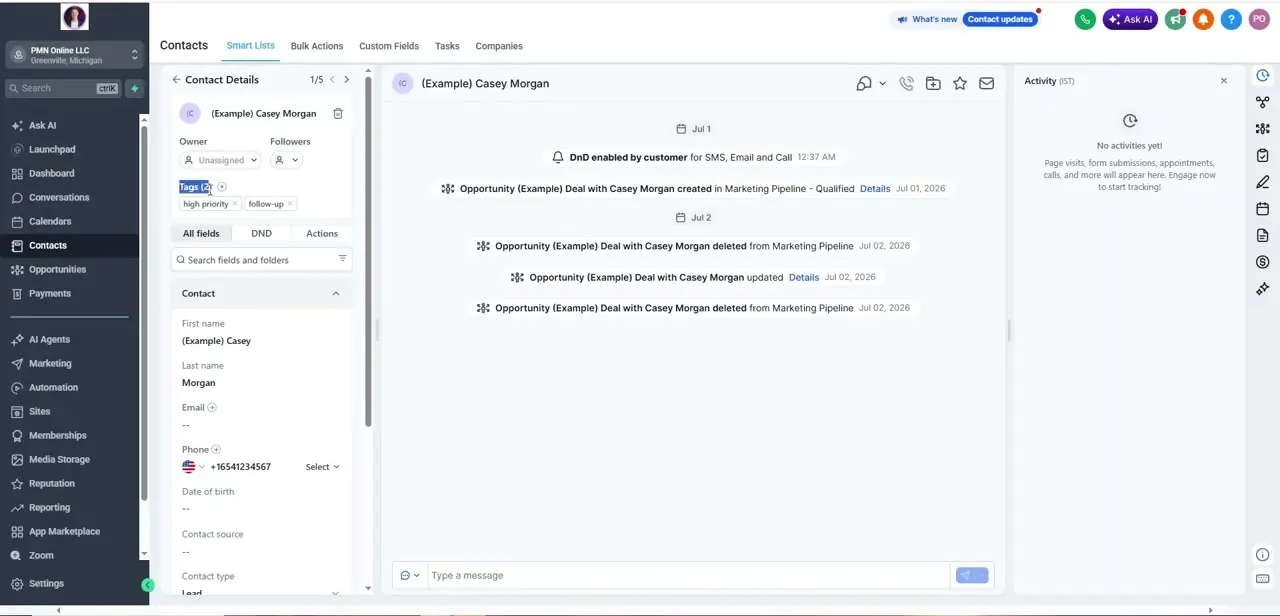
Contact tags in GoHighLevel let you label each person in your list — high priority, follow-up, client, vip, and anything else that matters to your workflow — so your outreach can…