Easy Tech Tuts
How to Transfer Domain From Godaddy to Squarespace 2026 Easily
By Impran M NLast checked against official docs
Running a website on Squarespace while your domain sits on a GoDaddy account you barely log into splits renewals, DNS records, and support across two providers instead of one. Squarespace lets you connect a GoDaddy domain to your site without a full registrar transfer, and for most people that's the option to use.
The part that trips people up is where the process starts. It isn't a setting you find inside GoDaddy first; you begin in Squarespace's own Domains panel, which then prompts you to sign into GoDaddy partway through. This guide follows that real order, plus the DNSSEC check that will block the connection if you skip it and the actual propagation window, which is longer than most guides say.
Before you start
- The domain already registered and active in your GoDaddy account
- GoDaddy's default nameservers still in place (removing them before you start causes an error)
- Your GoDaddy login handy, since Squarespace prompts you to sign in mid-flow
01Confirm the domain in GoDaddy and check for DNSSEC
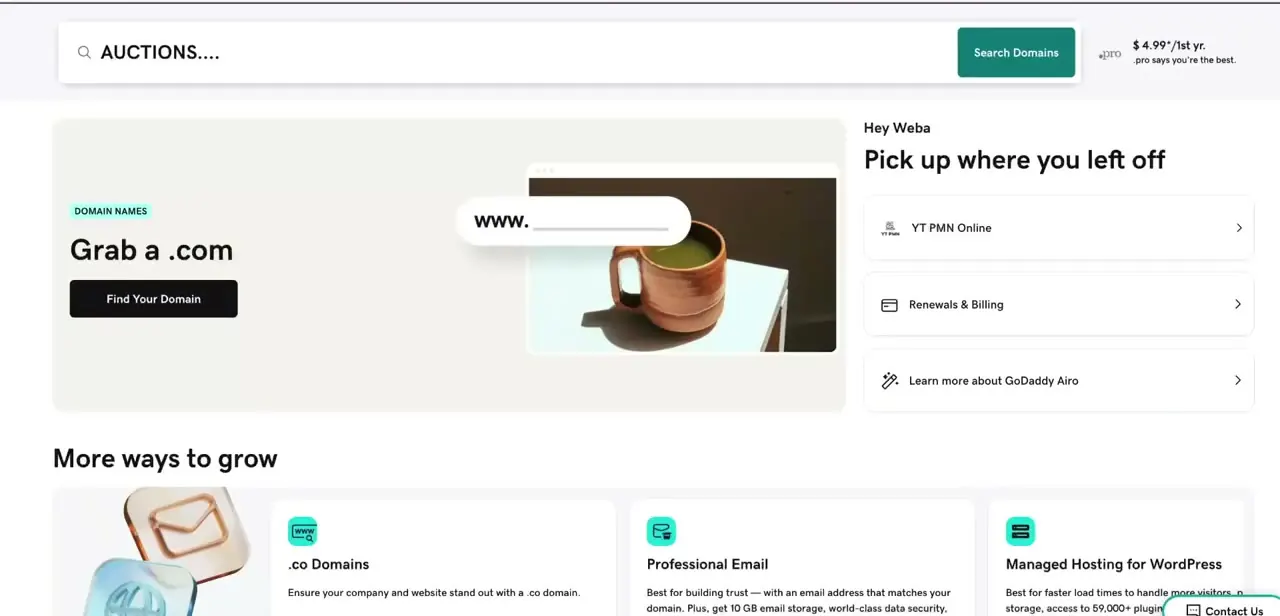
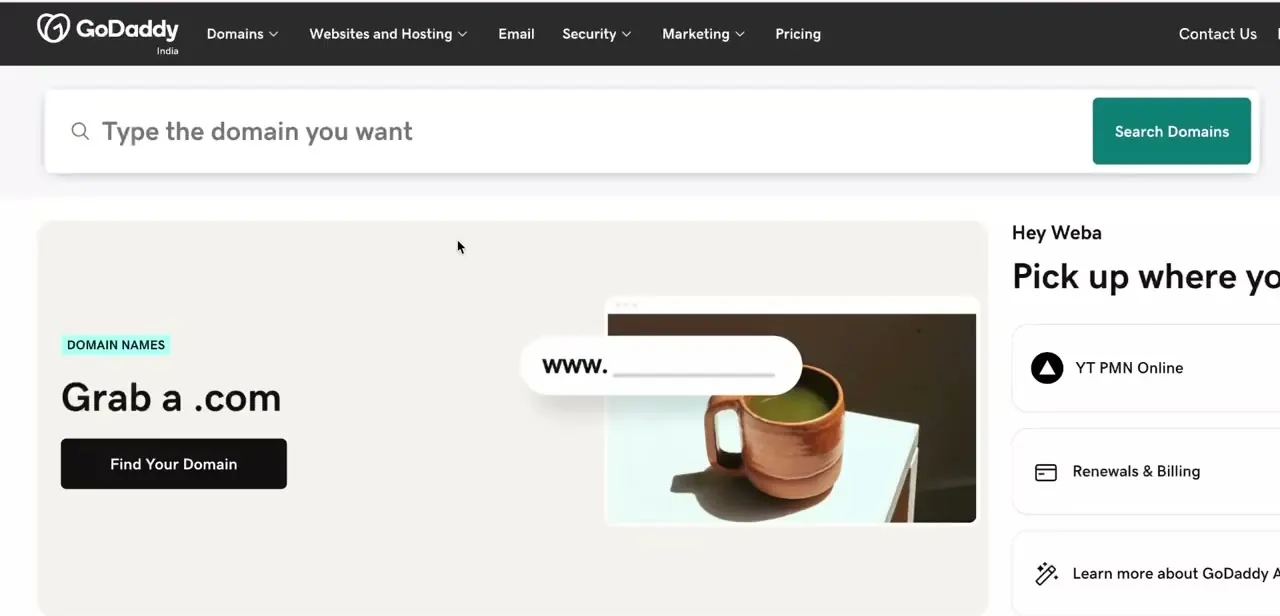
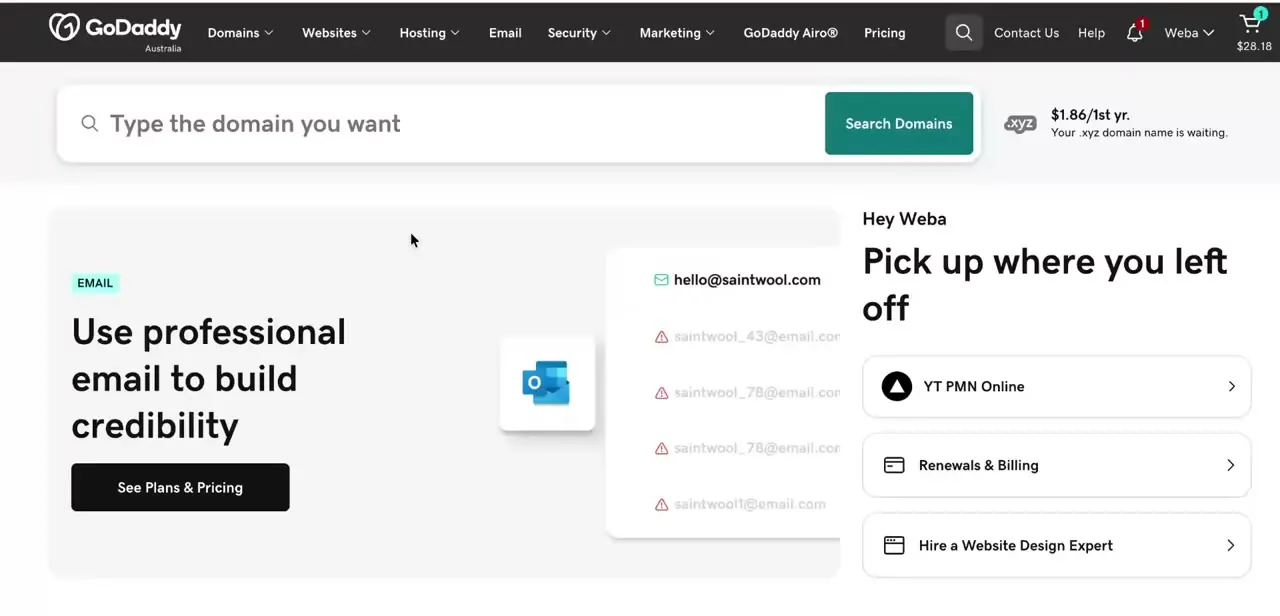
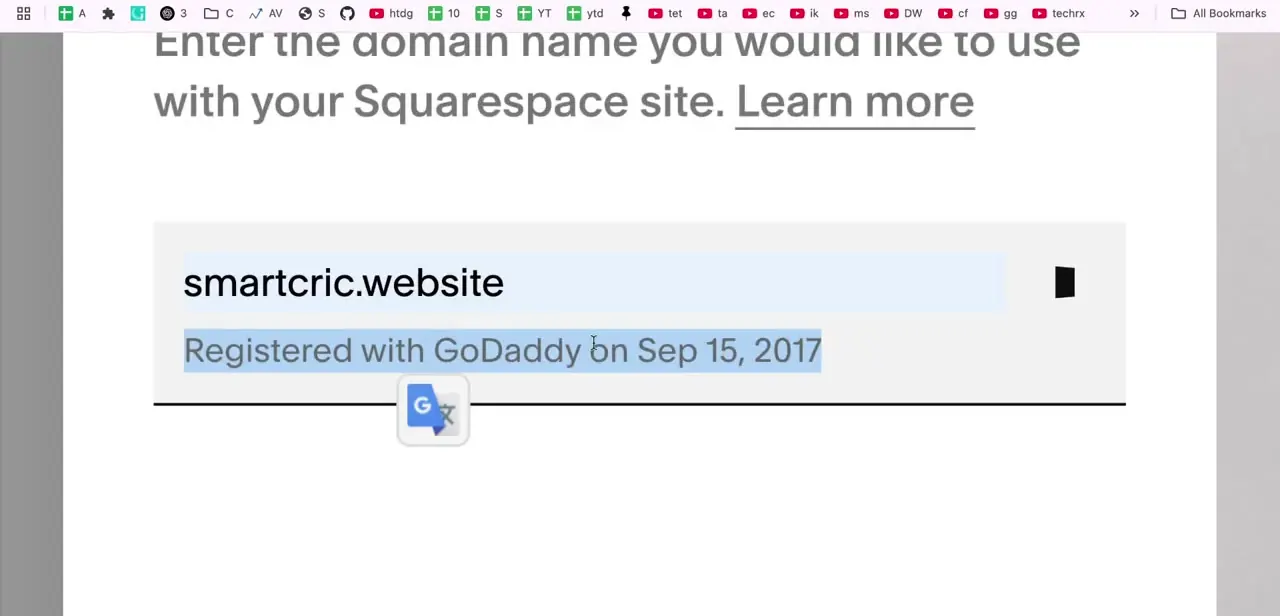
In GoDaddy, open My Products and find the domain you want to connect. Its listing shows the registration date and registrar, which is worth a glance if your account holds more than one domain.
While you're there, check whether DNSSEC is enabled on this domain. Squarespace's connection process fails if it is, so turn it off in GoDaddy's DNS settings now rather than troubleshooting a failed connection later.
02Start the connection from your Squarespace dashboard
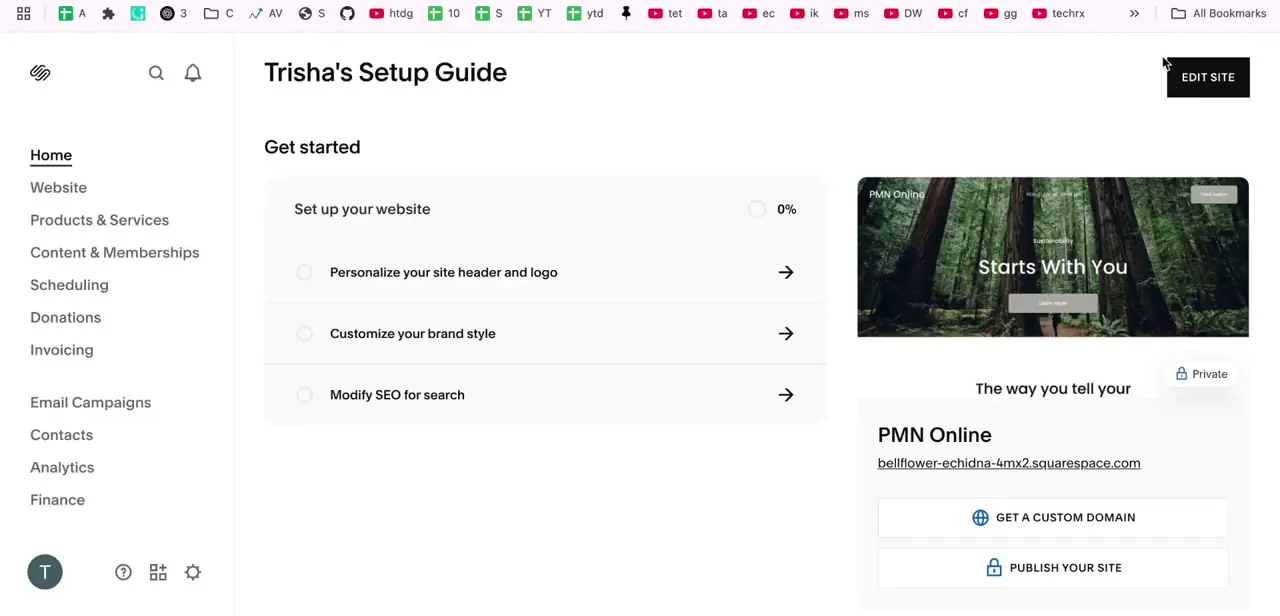
Log in to Squarespace and open the site you want the domain attached to. The site's home panel shows a "Get a custom domain" prompt when no custom domain is attached yet; that leads to the same place as opening Settings, then Domains, directly.
Either route lands you in the Domains panel, where the actual connection begins. This is a Squarespace-side flow from here on, not something you drive from GoDaddy.
03Enter the domain, then sign in to GoDaddy when prompted
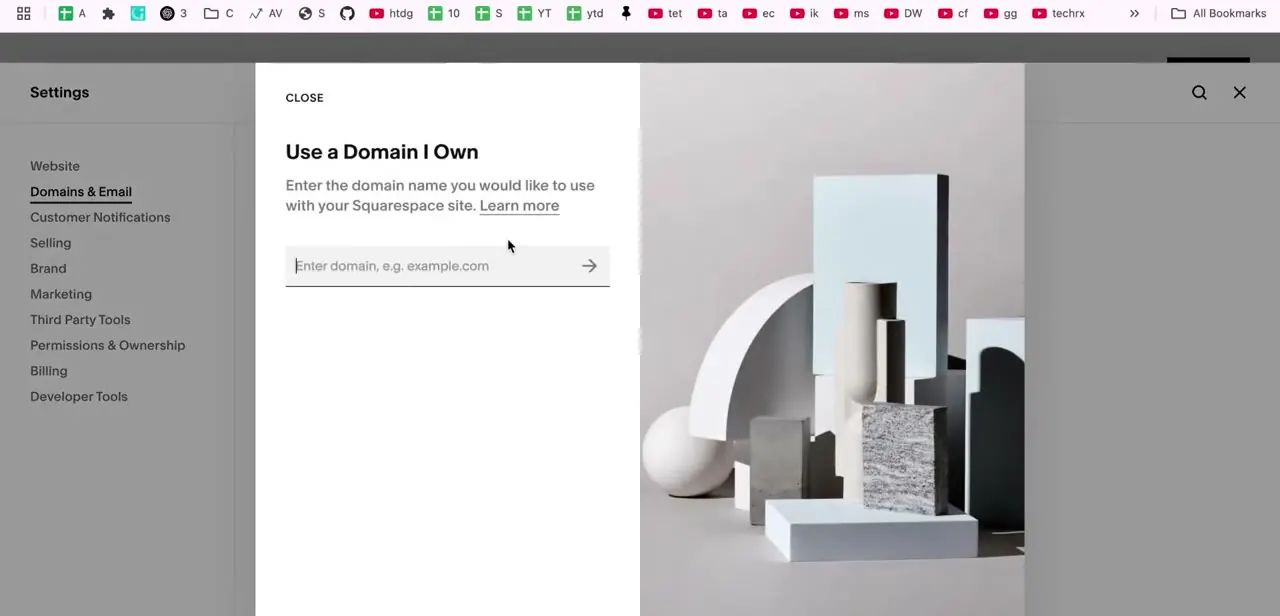
In the Domains panel, click "Use a domain I own," type the exact domain name, and click the arrow. Click Connect domain to continue.
Squarespace then opens a "Sign in to GoDaddy" panel and asks you to log into your GoDaddy account right there, which is how it authorizes the nameserver change without you having to touch GoDaddy's DNS settings by hand. Once you approve it, Squarespace sets two nameservers on the domain: connect1.squarespacedns.com and connect2.squarespacedns.com. This is called nameserver connect, and it's the method Squarespace recommends for GoDaddy domains that don't have custom DNS records already in place.
04Wait for propagation
Squarespace states the connection can take 24 to 48 hours to start working fully, longer than the few minutes some guides suggest. Seeing errors in the Domains panel, or when you load the domain directly, is normal during this window and isn't a sign that anything went wrong.
Leave the settings alone on both sides while you wait. Making further changes on top of an unpropagated one is a common way to turn a normal wait into a genuine problem.
05Verify the connection
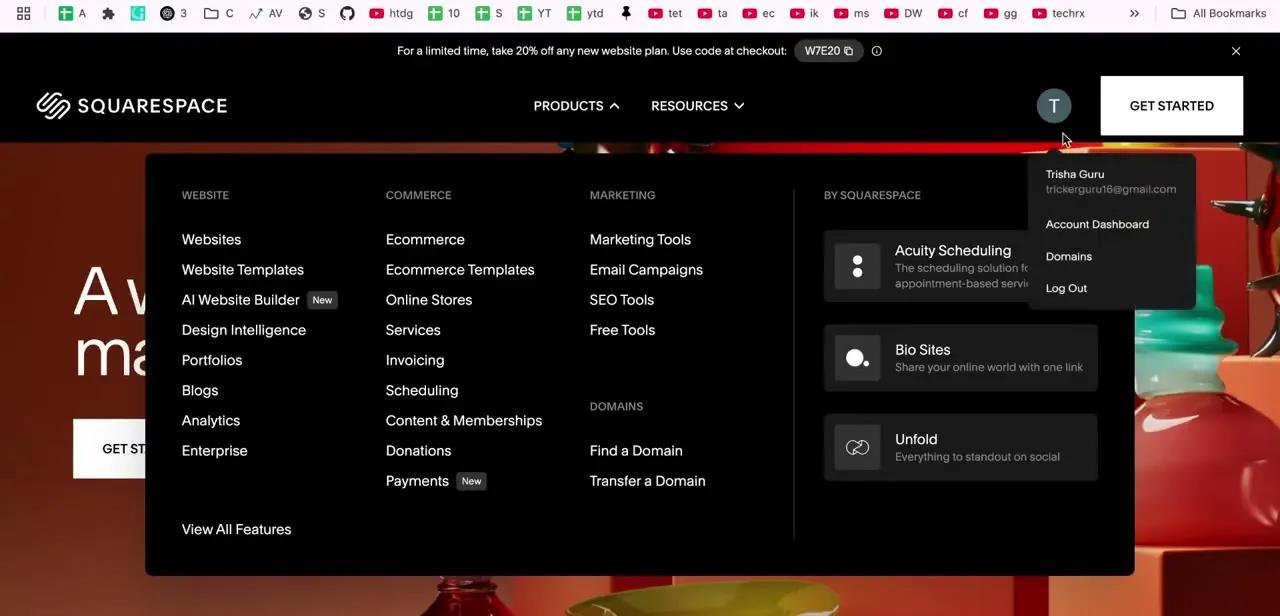
Once the wait is over, load the domain directly in a browser and confirm it reaches your Squarespace site instead of a GoDaddy parking page. You can also reach domain settings again later from the account menu in Squarespace's top navigation, which lists Account Dashboard and Domains as a shortcut separate from Settings.
06Contact GoDaddy support if it still isn't resolving
If the domain still doesn't reach Squarespace 48 hours after you completed the connection, GoDaddy's support team can check the DNS records on their end by phone, text, or chat. A leftover DNS record from before you started is the most common cause, and it's faster for GoDaddy to spot than to diagnose by guessing.
| Method | Where DNS records live | Best for |
|---|---|---|
| Nameserver connect | Squarespace | Most GoDaddy domains with no custom DNS records; simplest, guided setup |
| DNS connect | Stays with GoDaddy | Domains with custom email, DNSSEC, multiple subdomains, or a service like Cloudflare |
Squarespace recommends nameserver connect for GoDaddy domains unless custom DNS records are already in use. Nameserver connect only supports A, AAAA, CNAME, MX, SRV and TXT records afterward, and custom setups outside that list can break.
When it doesn't work
The connection fails immediately with an error
Why: GoDaddy's default nameservers were removed or changed before the Squarespace connection process started.
Fix: Restore GoDaddy's default nameservers, then restart the connection from Squarespace's Domains panel.
Squarespace won't complete the connection
Why: DNSSEC is still active on the domain in GoDaddy.
Fix: Turn off DNSSEC in GoDaddy's DNS settings, then retry the connection.
Custom email or another GoDaddy-hosted service stops working after connecting
Why: Nameserver connect moves DNS records to Squarespace, which supports only a limited set of record types, so custom records outside that set don't carry over.
Fix: Reconnect using DNS connect instead, which keeps DNS records at GoDaddy and preserves custom setups.
Frequently asked questions
Do I need to fully transfer the domain, or can I just connect it?
Connecting is enough for most people. It points the domain at Squarespace without moving the registration off GoDaddy, and it's the process this guide covers.
Where does the connection process actually start?
In Squarespace, not GoDaddy. Open the Domains panel, choose "Use a domain I own," and Squarespace prompts you to sign in to GoDaddy partway through to authorize the change.
How long does the domain take to start working?
Squarespace states 24 to 48 hours. Seeing errors during that window is expected, not a sign of a failed connection.
What is DNSSEC, and why does it matter here?
It's a domain security feature. If it's active on the GoDaddy side, Squarespace's connection process fails until you turn it off.
Will connecting break my GoDaddy email?
It can, if that email relies on custom DNS records. Nameserver connect only keeps a limited set of record types; if you need custom records preserved, use DNS connect instead.
What if the connection still isn't working after two days?
Contact GoDaddy support by phone, text, or chat. A leftover DNS record from before you started is the most common cause, and they can identify it faster than trial and error.
Sources and last check
Click path and screens come from a recorded walkthrough. The starting point of the flow, the DNSSEC prerequisite, the 24-48 hour propagation window, and the nameserver/DNS connect distinction were checked against Squarespace's official help articles in September 2026, correcting this guide's earlier claim that the process starts in GoDaddy and resolves within a few hours.
About the author

Impran M N
I've been hooked on technology for as long as I can remember — especially the new tools and AI apps that seem to land every other week. Easy Tech Tuts is where I write up whatever I've just worked out: I do the task in the real product, record the screen, and turn it into the guide I wish I'd found first.