Easy Tech Tuts
How to Install SSL Certificate from Godaddy, Add & Setup SSL in Website Domains Easily 2026
By Impran M NLast checked against official docs
A website showing a Not Secure warning usually means its SSL certificate isn't active, and GoDaddy sells and manages certificates from the same account dashboard you already use for domains and hosting. What the sales pages don't lead with: if you're on GoDaddy's own Web Hosting (cPanel), a free certificate may already be installing itself in the background. This guide covers checking that first, then finding the SSL Certificates section, the real difference between Managed and Do-It-Yourself SSL, and how a certificate actually connects to your hosting once you've bought one.
01Start from your GoDaddy account dashboard
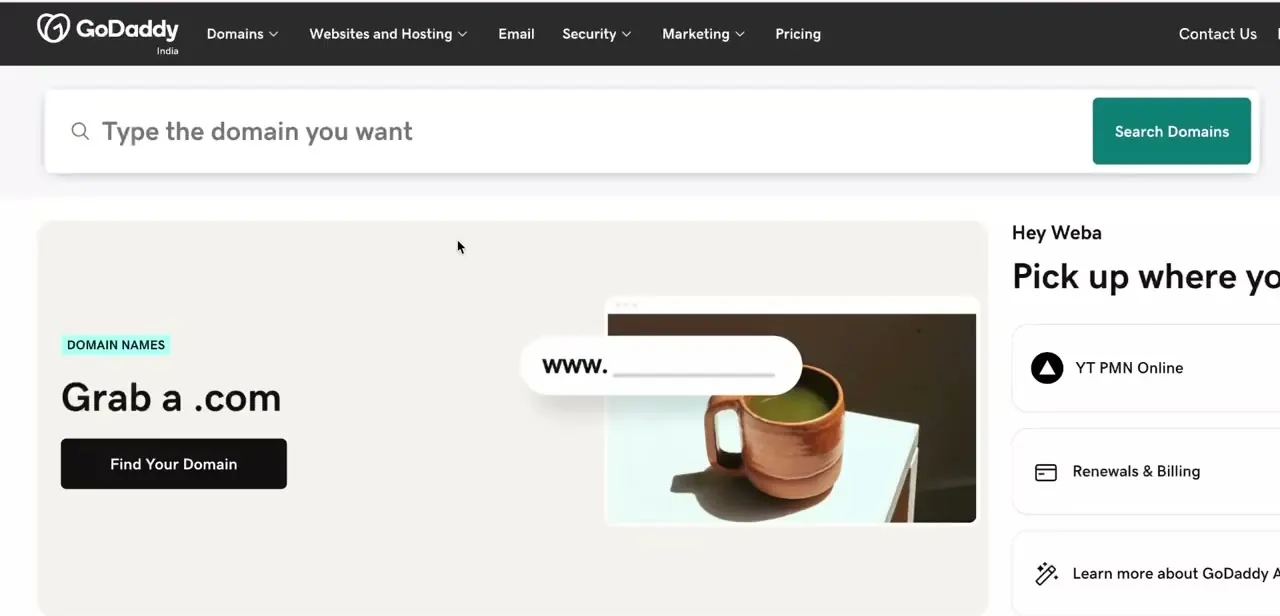
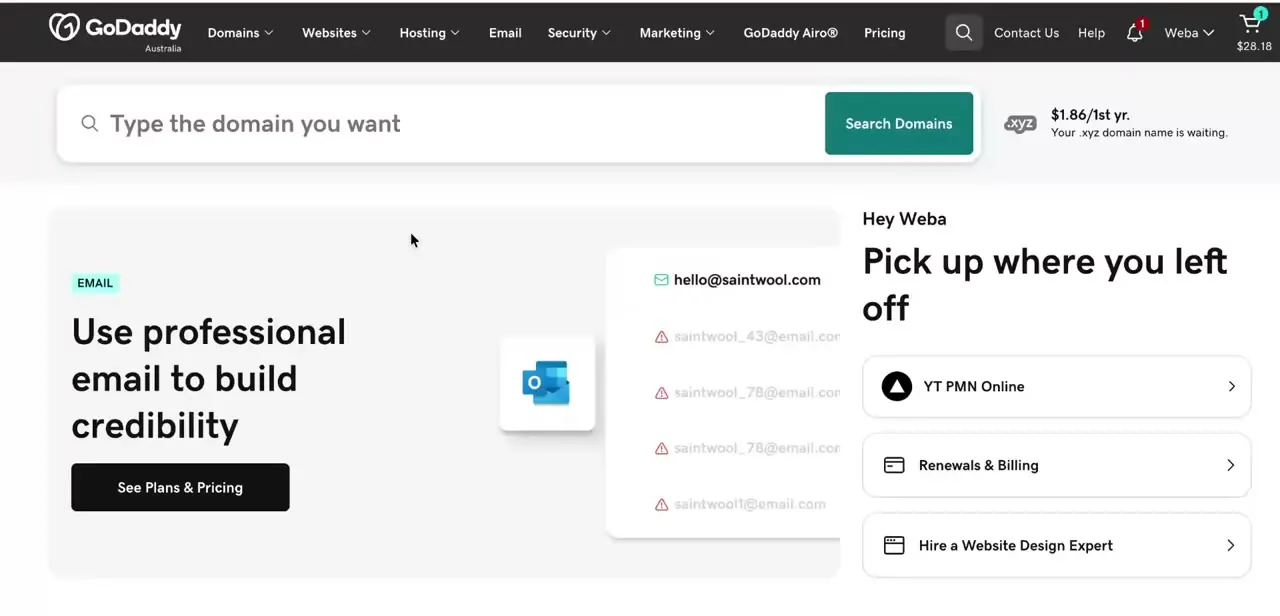
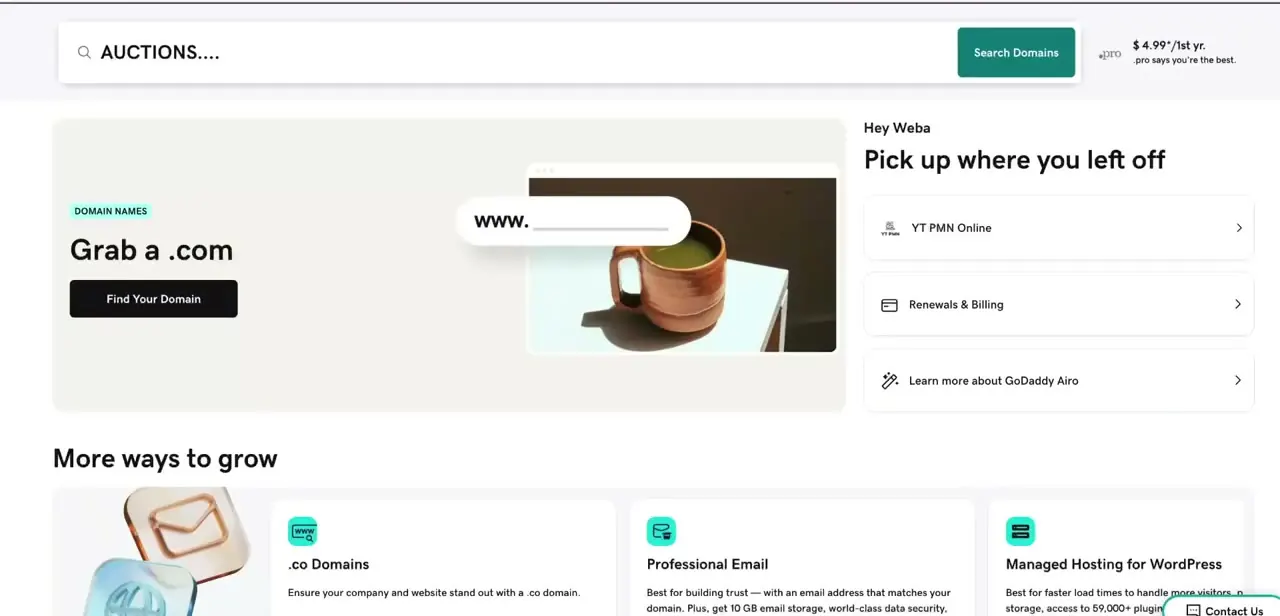
Log into GoDaddy and you'll land on your account home, with a "Pick up where you left off" panel showing recent items like your hosting plan, plus quick links to Renewals & Billing. SSL isn't managed from this dashboard directly — it's a product you navigate to from the top menu — but this is your starting point if you're not sure which domain or hosting plan you're adding SSL to.
02Check whether you already have free SSL before buying one
If your site is on GoDaddy's Web Hosting (cPanel), it likely already includes AutoSSL: a free Domain Validated certificate that installs itself once your domain is added to the account and its DNS points at your hosting. AutoSSL runs on a daily scan rather than instantly, so a brand-new domain can take up to a day to pick one up. If you just want the padlock and the Not Secure warning gone on a single ordinary site, check your hosting's cPanel for an existing certificate before paying for one — the SSL Certificates store covers cases AutoSSL doesn't, like wildcard, multi-domain, or business-verified (OV/EV) certificates.
03Open the SSL Certificates section
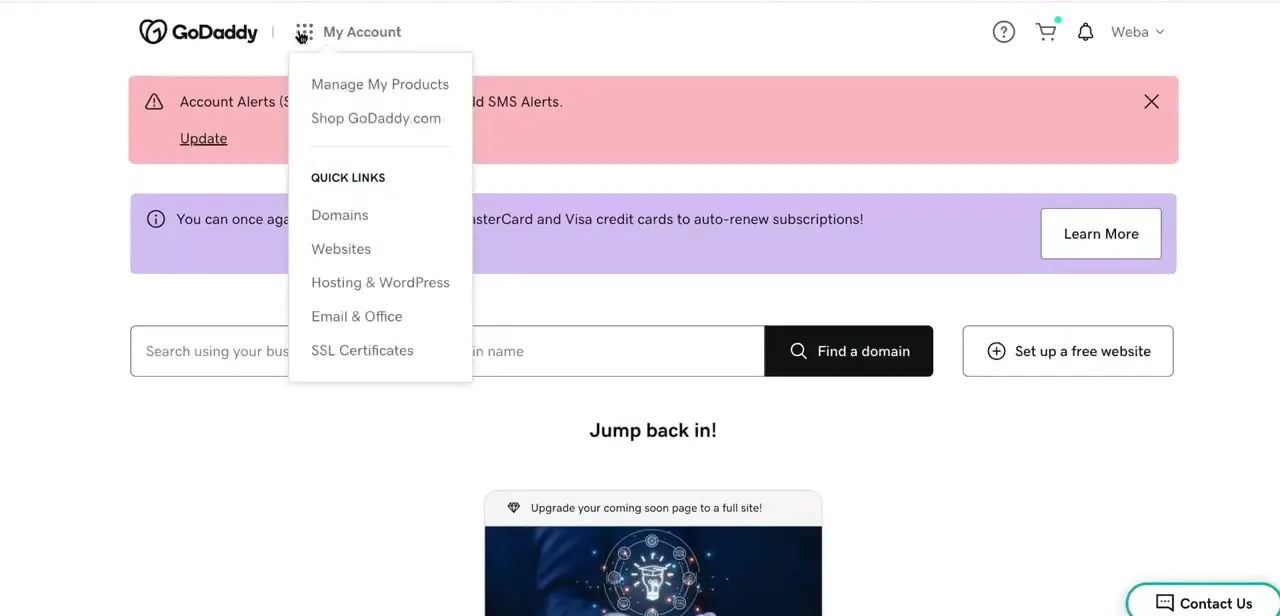
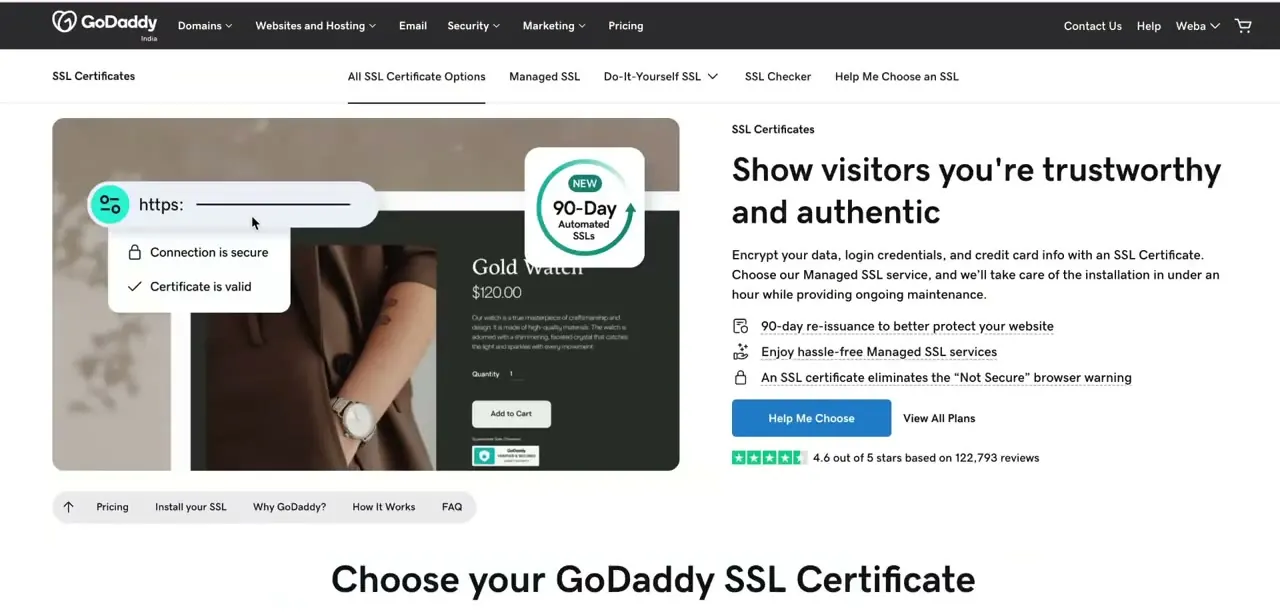
From the main GoDaddy navigation, go to Security → SSL Certificates. The page is organized into tabs: All SSL Certificate Options, Managed SSL, Do-It-Yourself SSL, SSL Checker, and Help Me Choose an SSL. Its own pitch is straightforward — an SSL certificate encrypts data, login credentials, and payment info, and removes the "Not Secure" browser warning that can undermine visitor trust.
04Decide between Managed SSL and Do-It-Yourself SSL
This is the real fork in the process. Managed SSL means GoDaddy handles installation for you, plus ongoing maintenance and re-issuance to keep the certificate current.
Do-It-Yourself SSL costs less but puts the installation step on you: generating a certificate signing request, verifying your domain, and installing it through your host's control panel. If cPanel and DNS records aren't familiar territory, the time Managed SSL saves is usually worth the price gap.
05Compare certificate types and pick one for your setup
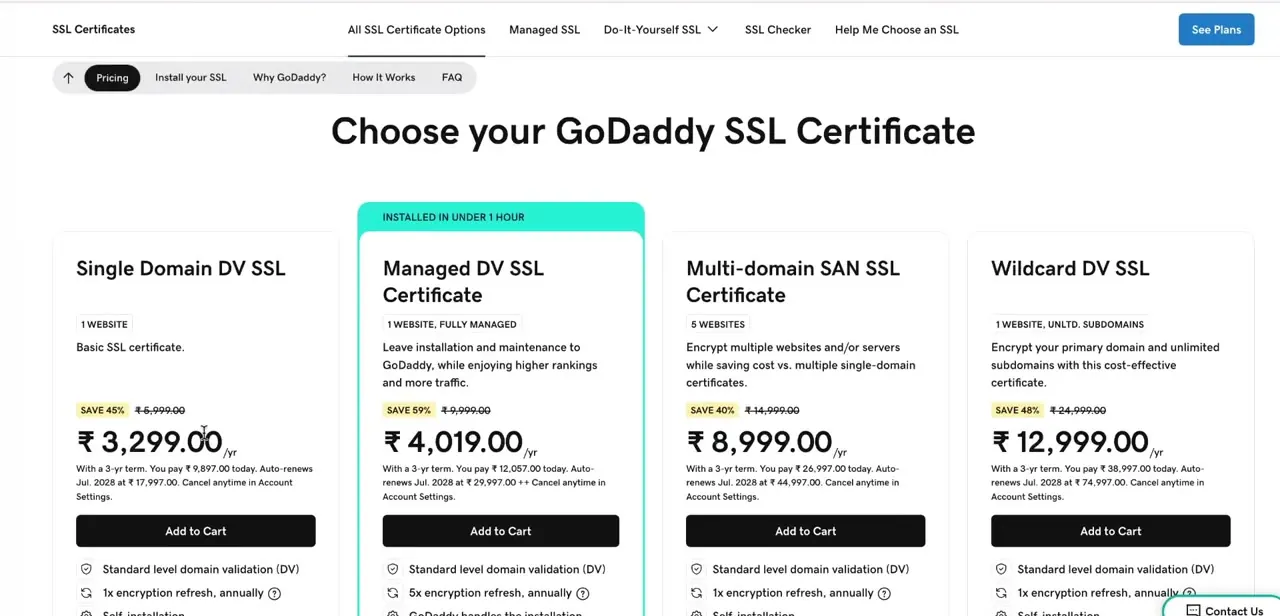
GoDaddy's certificate lineup splits by how many sites you're covering: Single Domain DV for one website, Managed DV for one site with GoDaddy handling everything end to end, Multi-domain SAN for several separate domains under one certificate, and Wildcard DV for one domain plus its subdomains. The table below has the shape of it; exact domain counts and pricing shift by tier and term, so treat the numbers on GoDaddy's own SSL page as the final word before you buy.
06Verify your domain before the certificate issues
After adding a certificate to your cart and completing checkout, GoDaddy needs to confirm you actually control the domain before it issues anything — usually through a DNS record it asks you to add, or an email sent to an address associated with the domain's registration. Do this immediately after checkout rather than letting it sit, especially if visitors are already seeing the Not Secure warning.
07Connect the certificate to your hosting
A Managed SSL plan installs itself against GoDaddy-hosted sites once verification clears. If you're self-installing on cPanel, the certificate has to be generated against a CSR made on the same server, downloaded as a .crt file, uploaded under Security → SSL/TLS, then applied from Manage SSL Sites by selecting the certificate and clicking Install Certificate — cPanel auto-fills most of the fields once you pick the right file. After installing, reload your site and confirm the padlock shows and HTTPS loads without a warning; that's your signal the certificate is connected, not just issued.
| Certificate | Covers | Installation |
|---|---|---|
| Single Domain DV | One website | Self-installed (Do-It-Yourself) |
| Managed DV | One website | GoDaddy installs and maintains it |
| Multi-domain SAN | Several separate domains under one certificate — count varies by tier | Self-installed or managed, depending on plan |
| Wildcard DV | One domain plus its subdomains | Self-installed or managed, depending on plan |
Exact domain counts and current pricing vary by tier and term; confirm both on GoDaddy's SSL pricing page before buying.
When it doesn't work
Not Secure warning on a GoDaddy-hosted site, but nothing has been bought yet
Why: AutoSSL only installs once the domain is added to the hosting account and its DNS points at GoDaddy's hosting IP, and it runs on a daily scan rather than instantly.
Fix: Confirm the domain's DNS points to your GoDaddy hosting, then either wait for AutoSSL's next scan or trigger it manually from cPanel's SSL/TLS section before buying a certificate you may not need.
Site still shows Not Secure after buying and "installing" a certificate
Why: Purchase, domain verification, and installation are three separate steps — a certificate can be paid for and verified but never actually applied to the hosting.
Fix: Open the SSL Certificates section and check the certificate's status specifically for installation, not just issuance.
cPanel's SSL/TLS manager won't let the certificate install
Why: The downloaded .crt file doesn't match the CSR generated on that server, or the wrong certificate was selected under Manage SSL Sites.
Fix: Re-download the certificate from GoDaddy's SSL manager and regenerate the CSR from the same server you're installing on if the fields won't auto-fill.
Frequently asked questions
Do I need to buy an SSL certificate if I already have GoDaddy hosting?
Often not. Web Hosting (cPanel) plans include AutoSSL, a free certificate that installs itself once your domain points at the hosting. The paid SSL Certificates store is for cases AutoSSL doesn't cover, like wildcard, multi-domain, or business-verified certificates.
What's the difference between Managed SSL and Do-It-Yourself SSL?
Managed SSL has GoDaddy install and maintain the certificate for you. Do-It-Yourself SSL costs less but requires you to verify your domain and install the certificate through your own hosting control panel.
Can I install SSL through cPanel?
Yes. Under Security → SSL/TLS, upload the certificate file, then use Manage SSL Sites to select it and click Install Certificate — cPanel fills in most fields automatically once the right certificate is picked.
Which SSL plan do I need if I have several subdomains?
Wildcard DV covers one domain plus its subdomains under a single certificate, which is usually cheaper than buying one per subdomain — confirm the current terms on GoDaddy's SSL page, since coverage details can change.
Sources and last check
Click path and screens come from an existing walkthrough recording. GoDaddy's own help center blocked automated fetching in this session (every godaddy.com/help URL returned 403), so the SSL Certificates and Managed-vs-DIY claims were checked against two independent third-party sources instead, and the cPanel install sequence and AutoSSL details reflect those sources rather than a direct read of GoDaddy's pages. AutoSSL — the free certificate on Web Hosting (cPanel) plans — wasn't mentioned in the article at all before this pass; it's the biggest addition here. Exact domain counts for Multi-domain SAN and current pricing are flagged as varying rather than stated as fixed numbers, since sources on them disagreed and GoDaddy's own pricing page couldn't be read directly to settle it.
About the author

Impran M N
I've been hooked on technology for as long as I can remember — especially the new tools and AI apps that seem to land every other week. Easy Tech Tuts is where I write up whatever I've just worked out: I do the task in the real product, record the screen, and turn it into the guide I wish I'd found first.