Easy Tech Tuts
(100% Working) How to Add ALIAS Record in GoDaddy, Cloudflare, Namecheap Easily 2026
By Impran M NLast checked against official docs
An ALIAS record (sometimes called ANAME) exists to solve one specific problem. The DNS spec won't let you put a CNAME on a bare root domain, but almost every modern host hands you a hostname instead of an IP address.
You're told to point example.com at something like ingress-bonde.easywp.com, and your registrar's record list has no obvious field for that. This guide covers the record itself, then the real add-record screens in Namecheap, Cloudflare and GoDaddy.
All three solve the same problem differently, and only one of them ships a record named ALIAS. It ends with the A-record fallback that works on any registrar, plus how to confirm a change has taken effect instead of guessing at propagation.
01What an ALIAS record does
An ALIAS record behaves like a CNAME. It points a name at another name instead of at an IP address, but unlike a CNAME it's legal on the root of a domain.
The restriction on root CNAMEs exists because a CNAME has to be the only record on its name, and a root already carries NS records and usually MX records too. A root CNAME would break both mail and delegation.
Registrars that offer ALIAS work around this by resolving the target hostname on their own nameservers, then answering visitors with the resulting IP addresses, refreshed as the target changes. That's the real benefit: when a host moves your site to a different IP, an ALIAS follows automatically, while a hardcoded A record keeps sending traffic to an address you no longer own until someone notices. Use ALIAS when a service hands you a hostname for the root domain, and a plain CNAME when it hands you one for a subdomain like www or shop.
02Copy the exact target hostname from your host
Before touching DNS, get the destination string from the service you're connecting, and copy it instead of typing it. One wrong character produces a domain that resolves to nothing and an hour of confused troubleshooting.
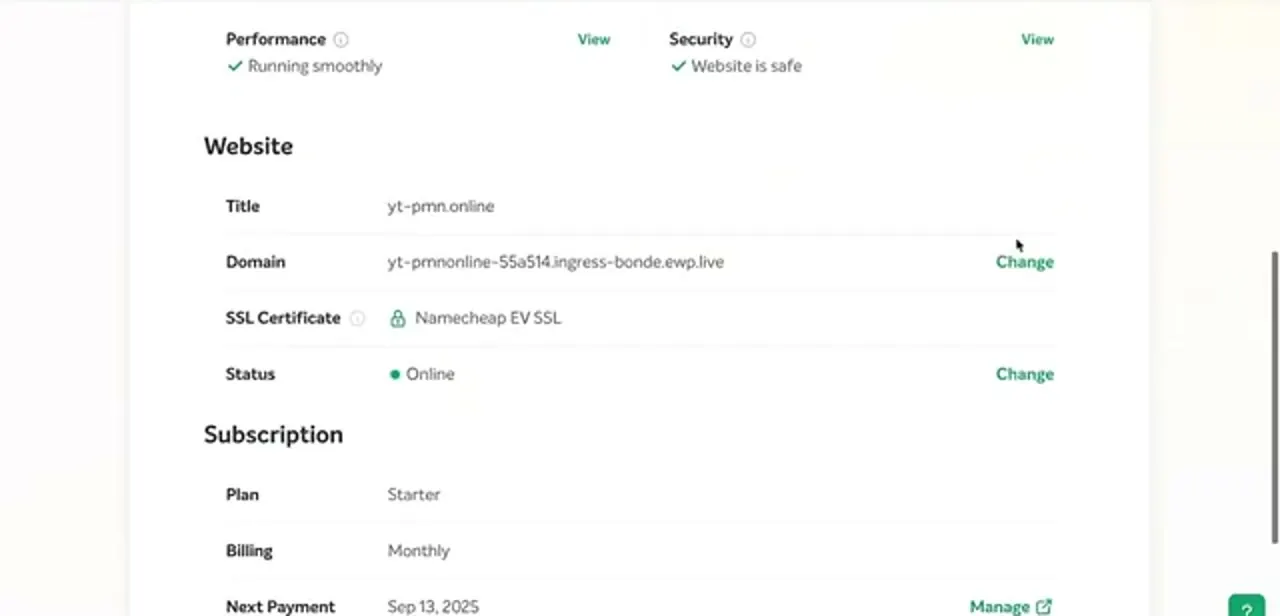
Most hosts show it on the site or domain panel for your plan, next to the temporary system URL your site currently answers on. In the panel shown here, the site is live on a long ingress hostname under ewp.live, with its SSL certificate and status listed beside it, and the Change link next to Domain is where you tell the host a custom root domain is on its way.
Note the ingress name in that URL: that's the family of hostnames the ALIAS record needs to target. Also check whether the host wants the domain added on its side first. Many providers won't issue an SSL certificate for a domain they haven't been told about, so you can end up with a correct DNS record and a browser warning anyway.
03Use Namecheap's Advanced DNS ALIAS type
Namecheap is the registrar of the three that genuinely offers the record type. Open Domain List, click Manage on the domain, go to the Advanced DNS tab, and choose Add New Record.
ALIAS Record appears in the type dropdown. Set Host to @ and Value to the hostname your provider gave you, then save with the green tick, which is easy to miss because the row looks saved before you click it.
Two constraints catch people out. First, Namecheap won't let an ALIAS record share a host with an existing CNAME, URL Redirect, A or AAAA record, so delete any of those on @ before adding it.
Second, this only works while the domain sits on Namecheap's own BasicDNS, FreeDNS or PremiumDNS nameservers; if you've pointed the domain at Cloudflare or your host's nameservers instead, the Advanced DNS tab is inert and the record has to be created wherever the nameservers point. Namecheap caps the value at 255 characters and offers a TTL of 1 or 5 minutes, defaulting to 5.
04Get the same result in Cloudflare with CNAME flattening
Cloudflare has no record type called ALIAS, and it doesn't need one. Add an ordinary CNAME with the name set to your root domain and the content set to the target hostname.
Cloudflare's CNAME flattening resolves that target and returns A records to visitors, which is functionally the same outcome as an ALIAS under a different name. Flattening applies to root records by default, so there's nothing extra to switch on for a bare-domain CNAME.
The one setting worth a moment's thought is the orange cloud. Proxied means traffic runs through Cloudflare's network and visitors see Cloudflare's IPs; DNS-only passes them straight to your host. Proxied is usually what you want, but switch it to DNS-only if your host needs to issue its own certificate or see the real visitor IP during setup, then turn the proxy back on once the site loads.
05Add the record in GoDaddy's DNS manager
GoDaddy's Type dropdown has no ALIAS or ANAME option, and none is coming under that name; GoDaddy's own DNS team has said publicly that it considers ALIAS/ANAME a workaround it doesn't intend to add. On a GoDaddy-hosted zone the root instead takes a CNAME on www plus a domain forward, or A records pointed at the IPs behind your target (the fallback covered next).
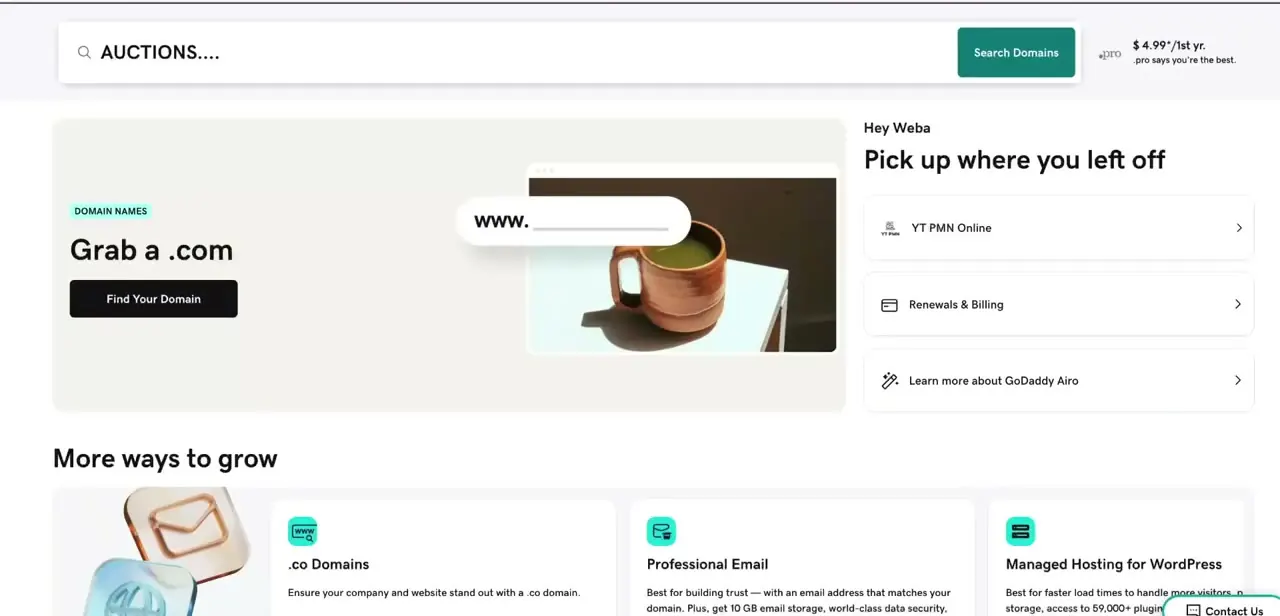
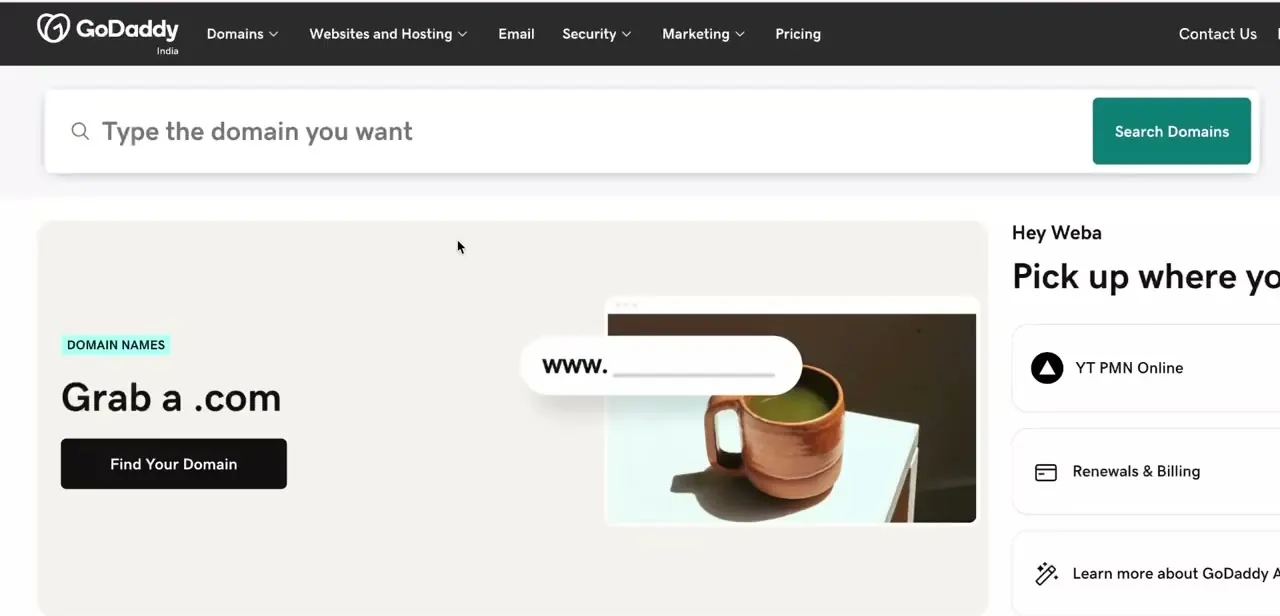
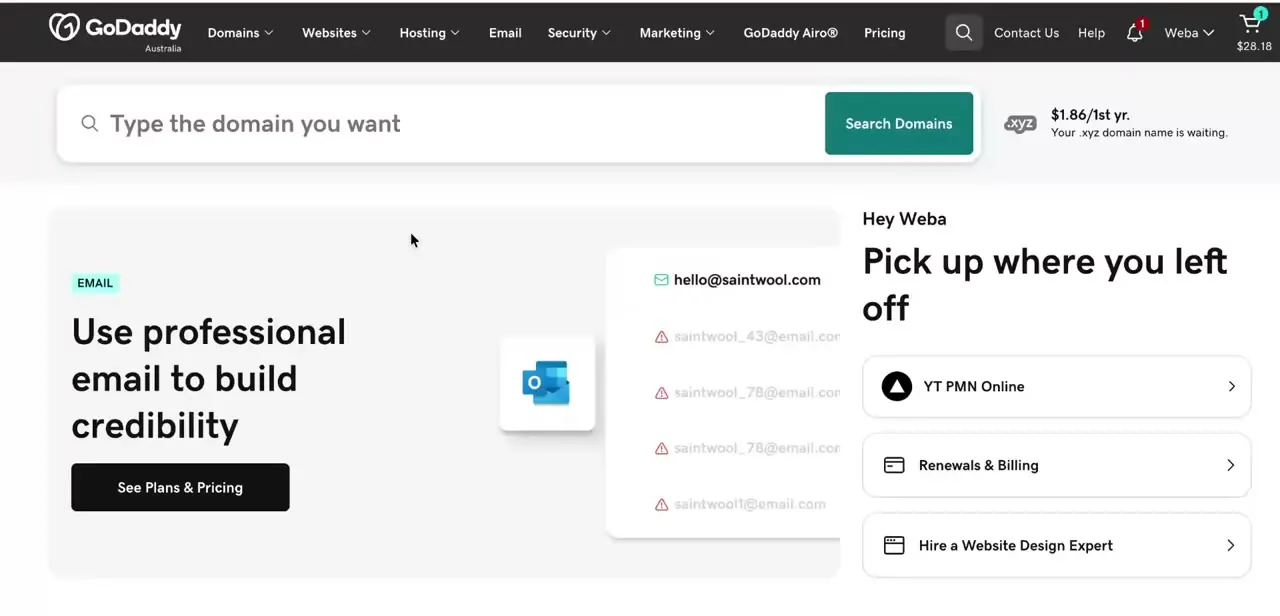
For a plain A record, open your account, go to Domains, pick the domain and choose DNS. The add-record form has four fields: Type, Name, Value and TTL.
Name is where the root goes: enter @, which is DNS shorthand for the domain itself, not the word www and not the full domain name. Drop the IP into Value and leave TTL at its default while you're testing, since a short TTL means a mistake expires quickly instead of sitting in caches all day.
GoDaddy's record list sits directly under the form, so you can confirm the new row saved and the existing NS entries are untouched. GoDaddy has also started supporting HTTPS records in alias mode (priority 0, RFC 9460) on some zones, which behave like flattening for services that publish one, but A records remain the option that works everywhere.
06Fall back to A records when neither applies
If your registrar has no ALIAS type and you're not on Cloudflare, you can reach the same destination with plain A records. You take on the maintenance yourself in exchange.
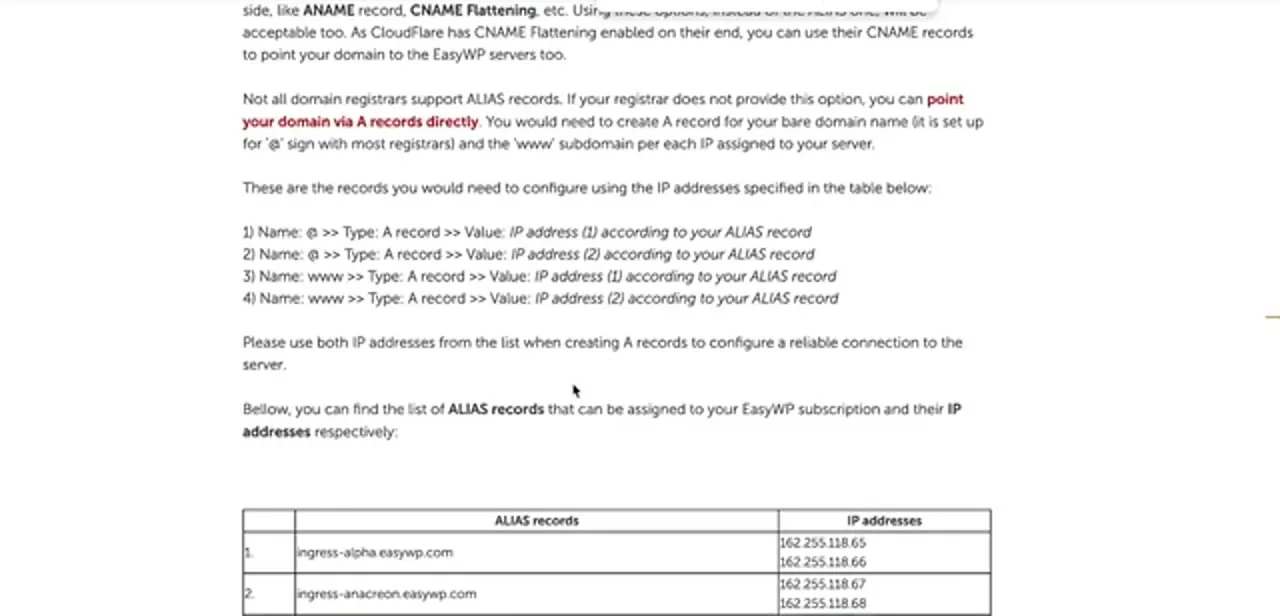
Ask your host for the IP addresses behind the target hostname; providers that expect this usually publish a table mapping each ingress hostname to its addresses, as in the reference page shown here, which pairs names like ingress-alpha.easywp.com with a pair of IPs. Create an A record on @ for each address, then repeat the same set for the www host so both versions of your domain resolve.
Using both IPs instead of just one matters: it's what gives you a second path if the first server stops answering. The trade-off is that this is a snapshot. If your host ever changes those addresses, your site goes dark until you edit the records by hand, so set a reminder to re-check them, or move the zone to a registrar that supports ALIAS and stop thinking about it.
07Verify the record instead of waiting on propagation
Propagation is mostly a myth in the way people use the word. What happens is that resolvers hold the old answer until its TTL expires, which is why lowering TTL before a change is worth the extra minute.
Instead of refreshing your browser, query the record directly: run dig example.com or nslookup example.com against a public resolver like 1.1.1.1, and check the addresses coming back match what your host expects. If you still see an old value, clear your local DNS cache and try a resolver you haven't queried yet, since your own machine caches aggressively too.
Two mistakes account for most failures here: a leftover A record on @ competing with the new one, and the domain still pointed at nameservers other than the panel you edited. Delete the stale record, confirm the nameservers, and the root resolves within the TTL window.
When it doesn't work
Namecheap's Add New Record won't save the ALIAS row
Why: An ALIAS record can't share a host with an existing CNAME, URL Redirect, A or AAAA record, and one of those is already set on @.
Fix: Delete the conflicting record on that host first, then add the ALIAS record.
The ALIAS Record type doesn't appear at all in Namecheap
Why: The domain's nameservers aren't Namecheap's own BasicDNS, FreeDNS or PremiumDNS — often because the domain was pointed at Cloudflare or the host's nameservers.
Fix: Check the nameservers on the Domain List page. If they're not Namecheap's, create the equivalent record at whichever provider actually holds the zone.
GoDaddy's Type dropdown has no ALIAS or ANAME option
Why: GoDaddy has never implemented ALIAS/ANAME as a record type.
Fix: Use A records pointed at the IPs behind your target hostname, or an HTTPS record in alias mode where GoDaddy and your target support it.
Frequently asked questions
What's the difference between an ALIAS record and a CNAME?
Both point one name at another name, but a CNAME can't legally coexist with the NS and MX records that live on a root domain, so it's only valid on subdomains. An ALIAS is a registrar-side workaround that resolves the target for you and returns IP addresses, making it safe to use on the root.
Do GoDaddy, Cloudflare and Namecheap all support ALIAS records?
Not under the same name. Namecheap offers an actual ALIAS Record type in Advanced DNS. Cloudflare gets the same result automatically through CNAME flattening on a root CNAME. GoDaddy has no ALIAS type at all, so on GoDaddy you use A records, or its newer HTTPS-record alias mode where it applies.
Why not just use an A record?
You can, and it works, but it pins your domain to specific IP addresses. If your host migrates your site to different servers, the A record keeps sending visitors to the old address until you notice and update it, while an ALIAS re-resolves the target on its own.
Can I have an ALIAS record and MX records on the same domain?
Yes, that's exactly the situation ALIAS was designed for. Because it isn't a true CNAME, it coexists with the MX, TXT and NS records on your root, so email keeps working while the root domain points at your web host.
Why did Namecheap reject my ALIAS record?
Either a CNAME, URL Redirect, A or AAAA record already exists on the same host and needs deleting first, or the domain isn't using Namecheap's own nameservers, which makes the Advanced DNS tab inert.
How long before the ALIAS record starts working?
New records usually resolve within minutes; changes to an existing record take up to the old record's TTL, which for Namecheap's ALIAS type is 1 or 5 minutes. Check with dig or nslookup against a public resolver instead of your browser, since browsers and operating systems cache DNS separately.
Sources and last check
Click paths and screens come from a walkthrough recorded in August 2025. Re-checked against Namecheap's, Cloudflare's and GoDaddy's own documentation in September 2026. That check added the Namecheap conflicting-record and FreeDNS constraints (previously stated as BasicDNS/PremiumDNS only) and the TTL/value-length limits, and confirmed GoDaddy still has no ALIAS/ANAME type but now offers an HTTPS-record alias mode as a newer alternative to the A-record fallback.
About the author

Impran M N
I've been hooked on technology for as long as I can remember — especially the new tools and AI apps that seem to land every other week. Easy Tech Tuts is where I write up whatever I've just worked out: I do the task in the real product, record the screen, and turn it into the guide I wish I'd found first.