Easy Tech Tuts
How To Change Feedback on ebay 2025 Easily
By Impran M NLast checked against official docs
A piece of feedback left in a hurry, before an issue got resolved, can follow an eBay account for a long time. eBay gives both sides a narrow, rule-bound window to fix it, not an open-ended one. This guide covers the process from both directions: how a buyer responds when a seller asks for a revision, and how a seller sends that request after sorting out a shipping delay or a dispute. It also covers where feedback numbers live in the account, since that's the part most people never look at until they need it.
Before you start
- A resolved order with feedback already left on it, if you're sending a revision request as a seller
01Find your feedback profile and revision requests
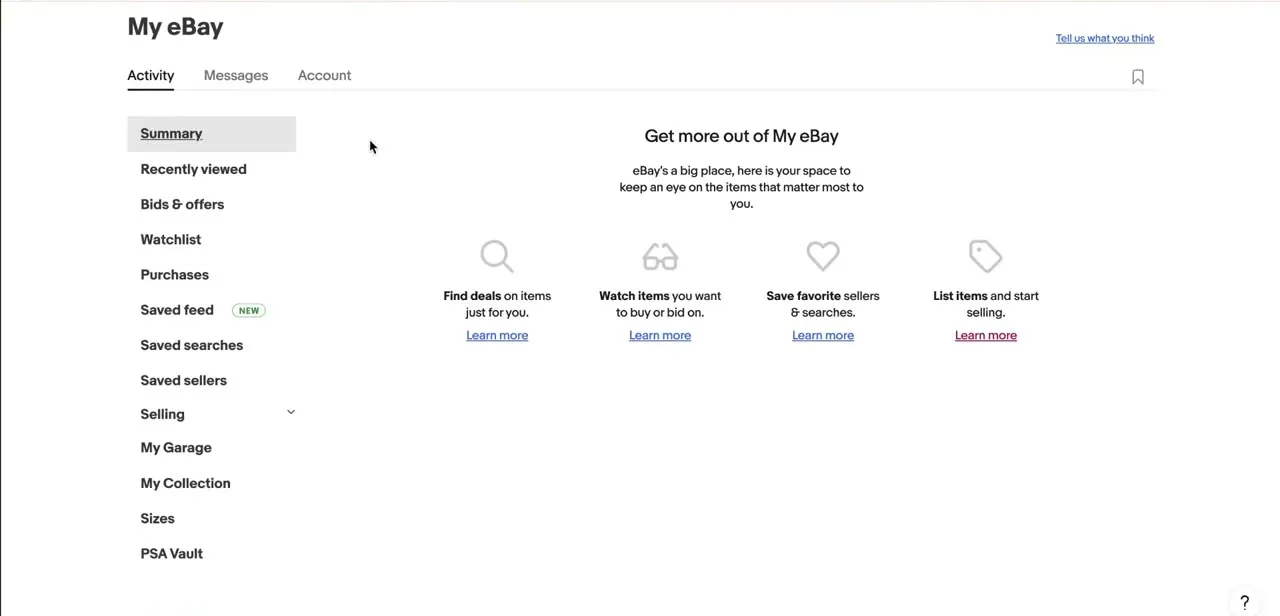
Your feedback profile tallies everything: positive, neutral, and negative ratings broken out by the last 1, 6, and 12 months, plus a separate box for detailed seller ratings once you've crossed 10 of them. The number that matters most for this guide sits just above the feedback table: "Feedback revision requests available," a counter showing how many you have left to send. eBay caps this at 5 per calendar year, plus 5 more for every 1,000 feedback ratings received that year, so check the counter before assuming you can ask again on the next order.

02Understand what a feedback profile page shows
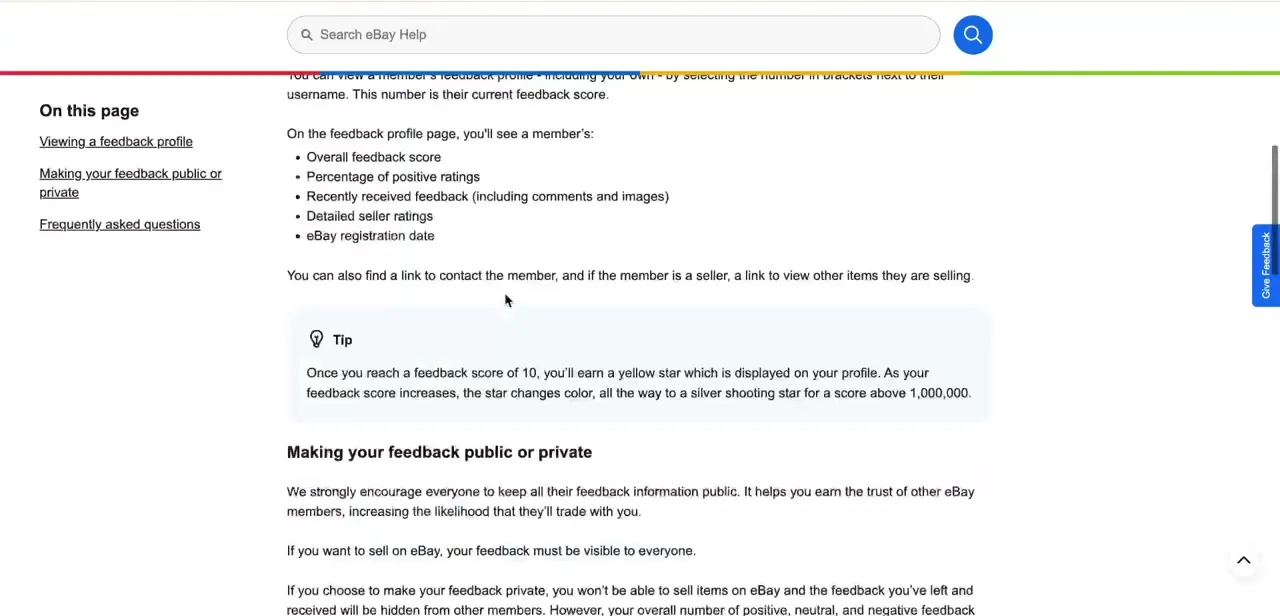
eBay's help documentation lists what appears on any member's feedback profile: overall score, percentage positive, recent comments and photos, detailed seller ratings, and the date they registered. It's the same page whether you're checking your own history or a seller's before buying from them. One detail: reach a feedback score of 10 and you get a colored star badge, climbing to a silver shooting star past a million, which is eBay's shorthand for how established an account is.
03As a buyer, respond to a revision request
If a seller resolves an issue after you've already left feedback, they can send a formal revision request instead of just messaging you directly. It arrives by email with a link, and you have two options: revise the star rating and comment you originally left, or decline and keep it as is.
If you revise it, your original comment becomes invisible and is replaced by the new one. You're not obligated to change anything, but if the seller genuinely fixed the problem (reshipped an item, issued a refund, cleared up a mix-up), updating the feedback keeps your own history accurate. If you take no action, eBay sends a reminder after 7 days and closes the request after 10 with no change made.
04As a seller, send a feedback revision request
Send this from Seller Hub > Orders > Feedback: find the order tied to the rating you want revisited and select Request Feedback Revision. You can also start it from your own feedback profile by selecting Request a feedback revision and picking the order from there. eBay only allows a request on feedback that's less than 30 days old, so this only works if you act fairly soon after the rating goes up. It also only makes sense once you've resolved whatever prompted the negative or neutral rating; sending a request before the issue is fixed spends one of your limited requests and rarely changes the buyer's mind.
05Check your purchases for feedback you still owe
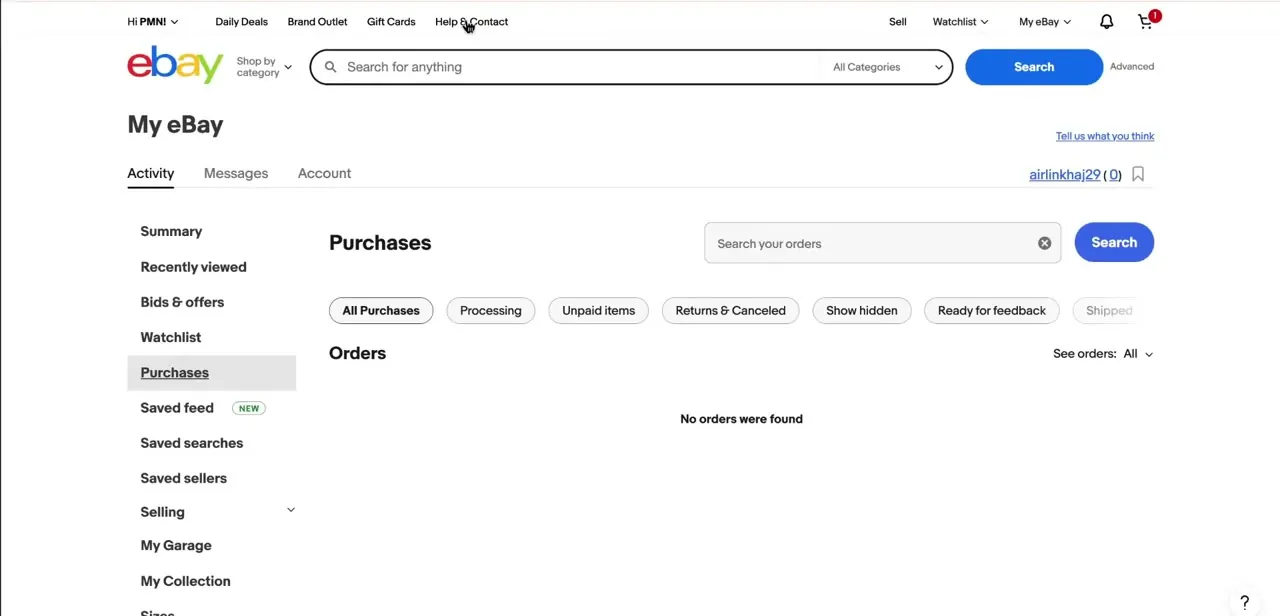
The flip side of revision requests is feedback you haven't left yet. My eBay's Purchases tab filters orders by status, and one of those filters is "Ready for feedback," a quick way to see which completed orders are still waiting on your review. Clearing this out regularly means you're less likely to leave a rushed, low-effort rating days later that you end up wanting to revise.
| Limit | Value |
|---|---|
| Feedback age to qualify for a revision request | Under 30 days old |
| Base revision requests | 5 per calendar year |
| Bonus revision requests | +5 for every 1,000 feedback ratings received that year (doesn't carry into the next year) |
| Buyer reminder email | Sent if no action after 7 days |
| Request expires | After 10 days with no response from the buyer |
Figures come from eBay's own help pages; eBay can change them, so check the counter on your feedback profile if a number here looks off.
Frequently asked questions
Can a seller ask me to change feedback I already left?
Yes. Sellers can send a feedback revision request, which arrives by email. Buyers can revise the rating or decline; there's no obligation to change anything.
How old can feedback be and still get revised?
Under 30 days. eBay won't let a seller request a revision on feedback older than that.
How many revision requests does a seller get?
5 per calendar year, plus 5 more for every 1,000 feedback ratings received during that year. The bonus requests don't roll over.
What happens if I don't respond to a revision request?
eBay sends a reminder after 7 days. If there's still no action after 10 days, the request expires and the original feedback stays exactly as written.
Can sellers change feedback on their own, without buyer approval?
No. Sellers can only send a request; the buyer has to actually revise it for anything to change.
Where do I see if I still owe a buyer feedback?
Open My eBay, go to Purchases, and use the "Ready for feedback" filter to see which completed orders you haven't rated yet.
Sources and last check
Click path and screens come from a recorded walkthrough. Revision-request numbers were re-checked against eBay's official help pages in September 2026: the original draft described the yearly cap only vaguely as "eBay caps this," which is now replaced with the actual figures (5 per calendar year, plus 5 per additional 1,000 feedback ratings, a 30-day age limit, and a 7-day reminder before a 10-day expiry). The feedback-profile contents and star-badge thresholds matched eBay's documentation and were left as written.
About the author

Impran M N
I've been hooked on technology for as long as I can remember — especially the new tools and AI apps that seem to land every other week. Easy Tech Tuts is where I write up whatever I've just worked out: I do the task in the real product, record the screen, and turn it into the guide I wish I'd found first.