Easy Tech Tuts
How to Create Stickers on Canva to Sell on Etsy Easily 2026
By Impran M NLast checked against official docs
Turning a Canva habit into an Etsy side income starts with picking the right canvas for the job. Stickers have their own dedicated design types in Canva, separate from a regular square post or print document.
This walkthrough covers finding those sticker-specific canvases, browsing sticker templates, and customizing one into something that would stand out in a crowded Etsy sticker shop. It's built for anyone considering a sticker shop, whether as a creative outlet or a small side business.
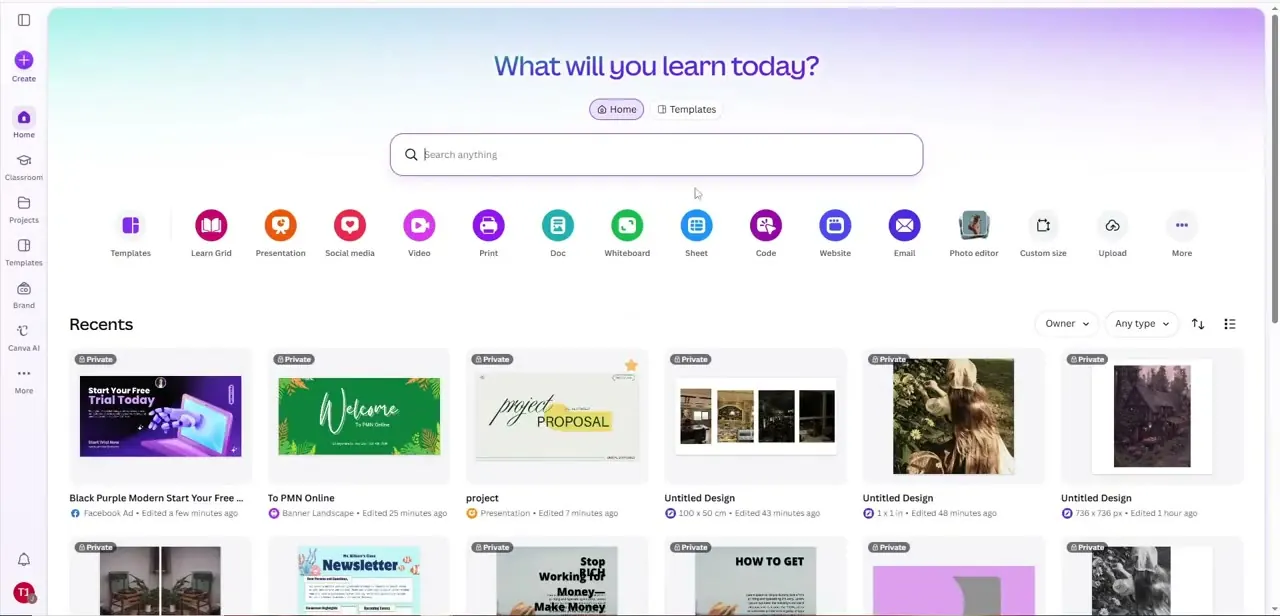
01Start from your Canva home screen
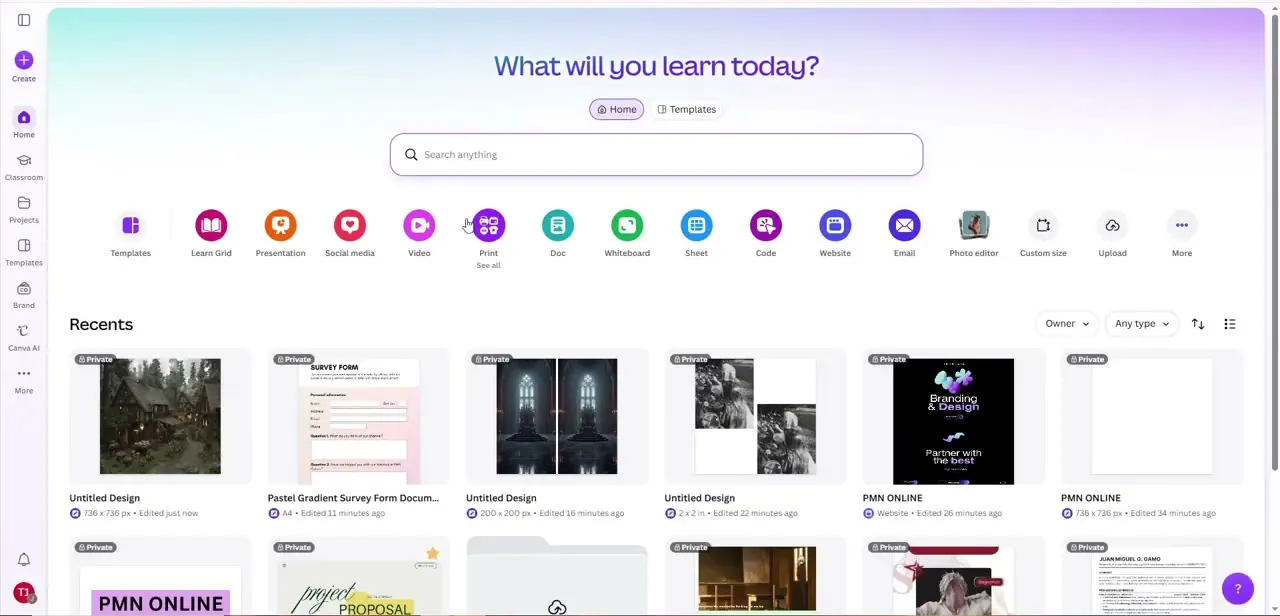
From the home dashboard, you can jump straight into a new design using the format shortcuts across the top, or search directly for what you need. Your Recents row also shows whatever you've worked on lately, a handy way to jump back into a sticker design without hunting for it once you're producing more than one design for a shop.
02Choose the right sticker canvas size
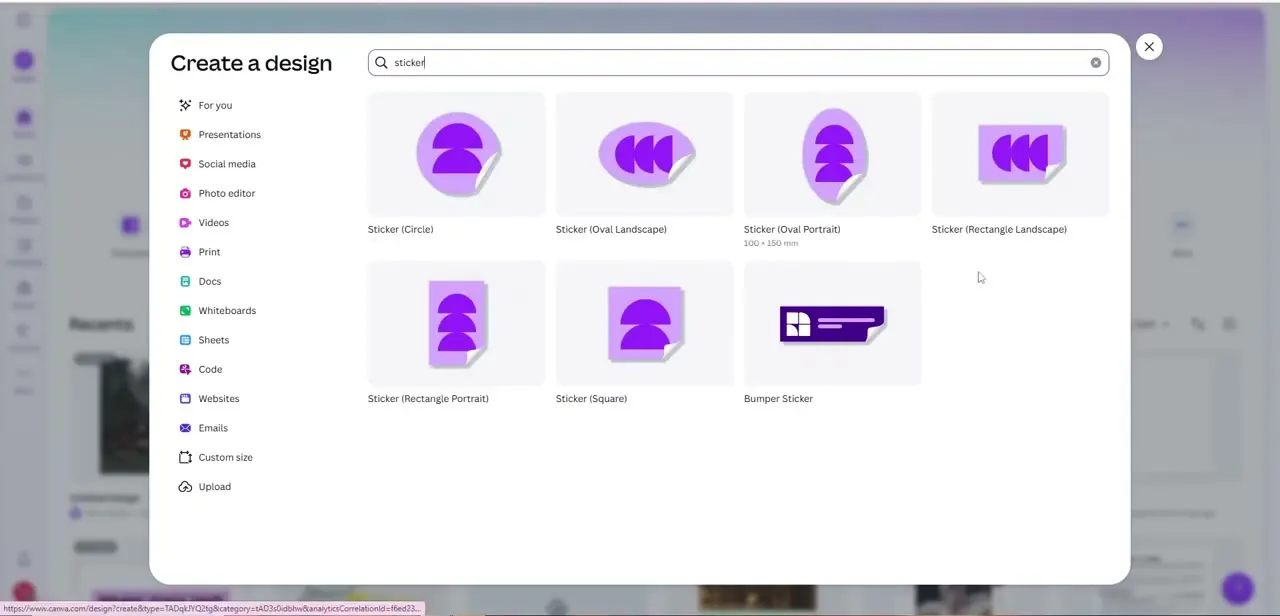
Search "sticker" from the Create a design menu and Canva shows several distinct sticker canvas types instead of one generic option: Circle, Oval Landscape, Oval Portrait, Rectangle Landscape, Rectangle Portrait, Square, and Bumper Sticker, each pre-sized to a real print format. Picking the matching shape up front matters more for stickers than for most design types, since a circle design cropped down from a square canvas rarely looks as clean as one built for a circle from the start.
03Browse sticker templates for your shape
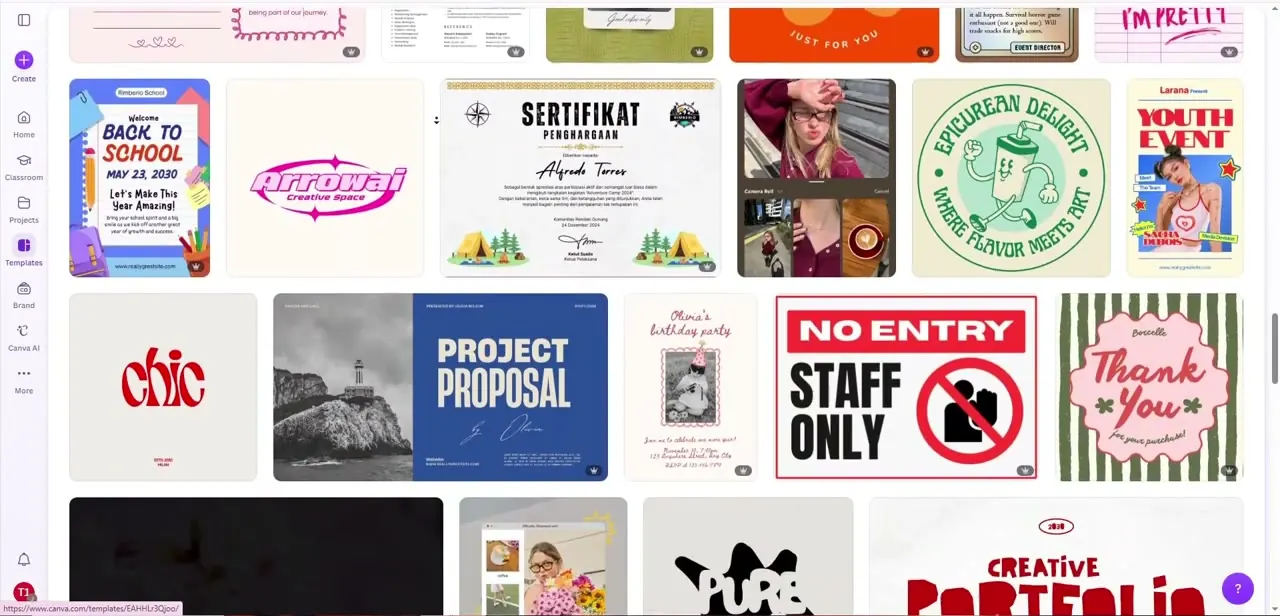
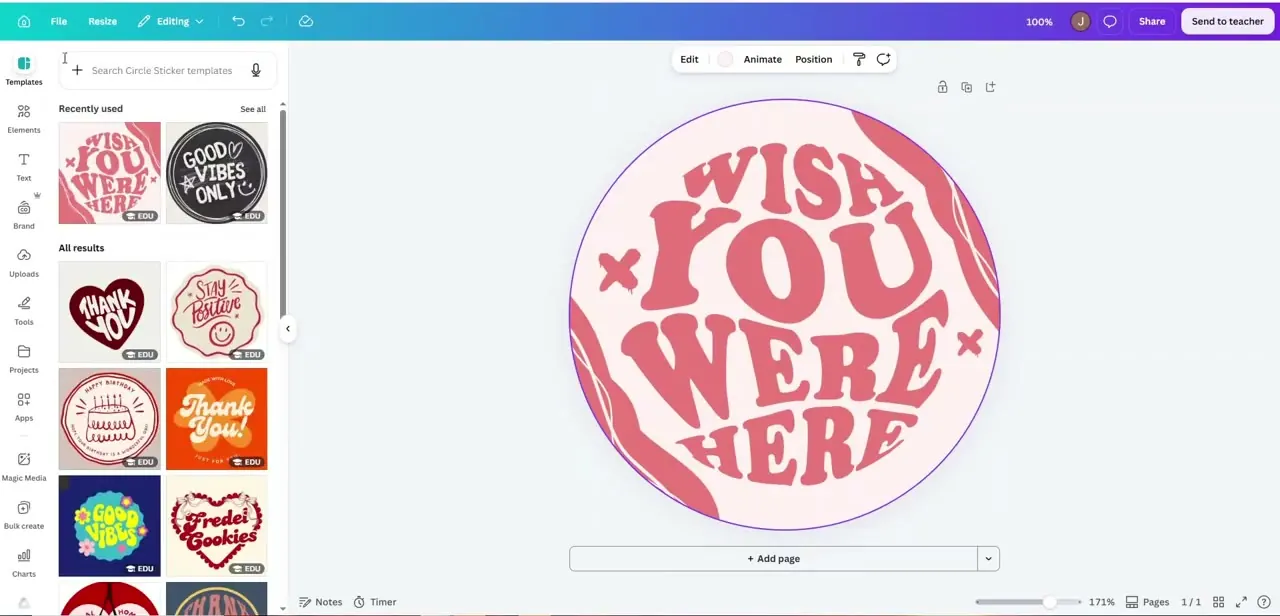
Once inside a shape-specific canvas, the left panel fills with templates built for exactly that format: bold lettering treatments like "Wish You Were Here," badge-style "Good Vibes Only" designs, and other retro, sticker-shop-style artwork. Scanning a few of these is worth it even if you plan to design from scratch, since Etsy's best-selling stickers lean heavily on a handful of recognizable styles: bold outlined type, a punchy two- or three-color palette, and enough contrast to read clearly at a couple of inches wide.
04Customize the design to make it yours
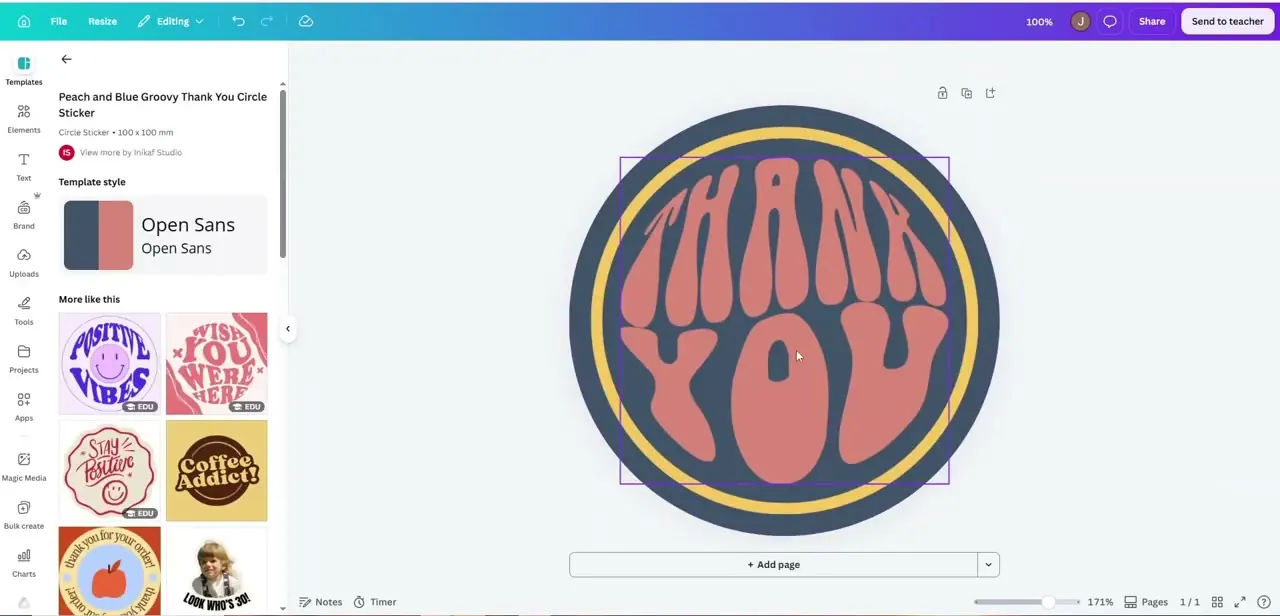
Opening a specific template, like a "Peach and Blue Groovy Thank You Circle Sticker," shows its details on the left: the exact print size, the font pairing used, and a "More like this" section for similar styles. Change the wording, swap the color palette, and consider a different font if the template's default doesn't fit your shop's voice. The goal is a design recognizably different from the template it started as, since a sticker identical to a stock Canva template is easy for buyers to spot and skip in favor of the original.
05Export at the right resolution
Once the design is finished, download it at the highest resolution Canva offers for that file type instead of the default. Stickers get viewed and printed at close range, so any softness or compression shows up immediately. If you're using a print-on-demand fulfillment service, check what file format and bleed size it requires before exporting; specs vary by printer, and a mismatched file can get your listing rejected or printed with the wrong crop.
06Prepare your Etsy shop around the design
With exported files ready, build the listing around clear, well-lit mockup photos of the sticker, not just the flat design file, since buyers judge printed size and finish visually. Group related designs into a cohesive shop theme instead of scattering unrelated styles; a shop with a recognizable aesthetic tends to convert repeat buyers better than a grab-bag of one-off designs. Price with your printing or fulfillment cost, Etsy's fees, and a competitive glance at similar sticker shops all factored in before you publish.
When it doesn't work
The exported sticker looks soft or pixelated once printed
Why: The file was downloaded at a lower or default resolution instead of the highest quality option Canva offers for that file type.
Fix: Re-download at the highest resolution setting available, and check the file at full zoom before sending it to print.
A print-on-demand order comes back with the wrong crop, or the listing gets rejected
Why: The exported file didn't match the fulfillment service's required format or bleed size. These specs vary from one printer to the next.
Fix: Check that specific service's file requirements before exporting, then re-export to match instead of reusing a generic Canva download.
Frequently asked questions
Do I need special design skills to make stickers in Canva?
No. Canva's sticker-specific templates give you a properly sized starting point, so most of the work is customizing wording and color instead of building layout and typography from scratch.
What sticker shape should I start with?
Match the canvas to the product you're selling. Circle and Square are the most common for standalone stickers, while Bumper Sticker and Rectangle options suit longer text-based designs.
What file format should I export my stickers in for Etsy?
Export at the highest resolution available and match whatever format your print-on-demand or fulfillment service specifies, since requirements vary by printer.
Can I sell both digital and physical stickers made in Canva?
Yes. The same exported design file works for physical sticker printing through a fulfillment service or as a digital download listing on Etsy.
How do I make my Canva sticker design look less like a template?
Change the wording, swap the color palette, and consider a different font pairing than the template's default. Changes this small are usually enough to make it distinct from the original.
Sources and last check
Click path and screens come from a walkthrough recorded in July 2025. Canva's own site (canva.com/stickers and its help pages) returned HTTP 403 to automated fetching in September 2026, so this pass could not confirm exact print dimensions for each sticker canvas type against a fetched official source; the earlier draft's specific "100 x 150 mm" example has been removed instead of being replaced with another unverified number. The sticker-shape lineup (Circle, Oval, Rectangle, Square, Bumper Sticker) matches Canva's publicly listed sticker product types found via search, but no reference link is included here since no Canva page could be directly read in this session.
About the author

Impran M N
I've been hooked on technology for as long as I can remember — especially the new tools and AI apps that seem to land every other week. Easy Tech Tuts is where I write up whatever I've just worked out: I do the task in the real product, record the screen, and turn it into the guide I wish I'd found first.