Easy Tech Tuts
How to Buy Coursera Plus | Plans & Pricing Explained | Easily 2026
By Impran M NLast checked against official docs
Coursera Plus bundles thousands of courses, Specializations, and Professional Certificates into one subscription, but the buying process has a few decision points that aren't obvious the first time through. You need to find the right entry point on Coursera, understand what the subscription covers before paying for it, and choose between monthly and annual billing. This guide walks through each of those using the real Coursera pages you land on, from the initial search through checking your account once the subscription is active.
01Search for Coursera and open the official site
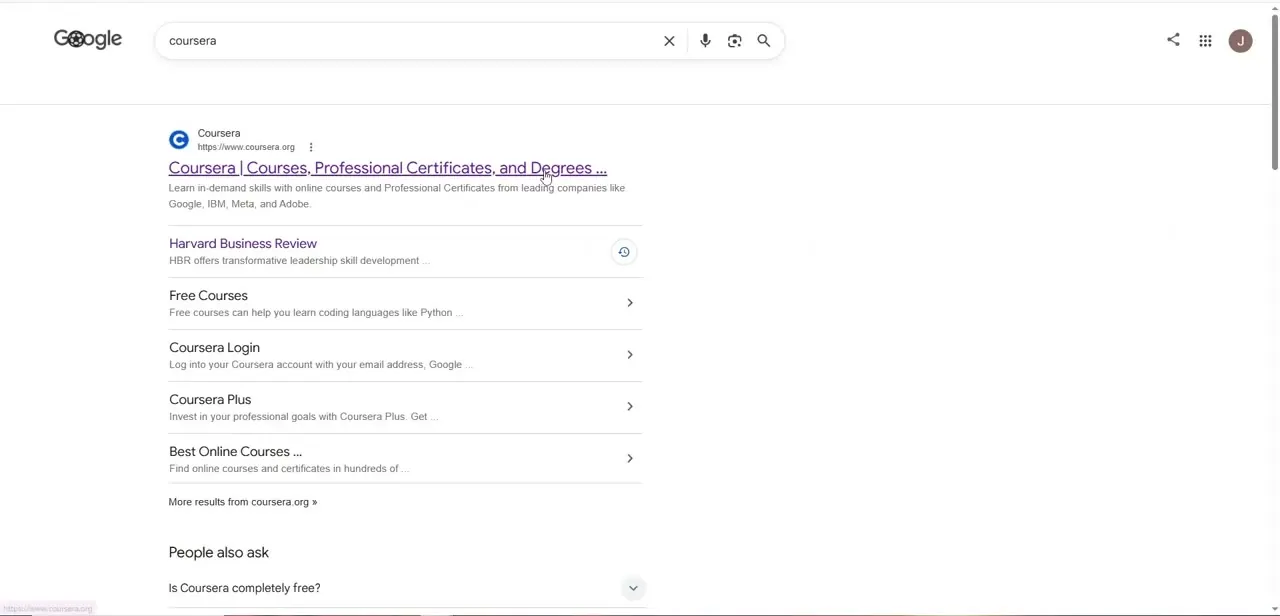
Start with a plain search for "coursera" instead of following a link from an ad or a random article; that's the safest way to land on the real coursera.org domain. The results page surfaces useful shortcuts straight away: a direct link to Coursera Plus, a link for logging into an existing account, and a Free Courses result if you're not ready to commit to a paid plan. Click through to the main Coursera link, or go straight to the Coursera Plus result if that's already the one you want.
02Sign in and check your account menu first
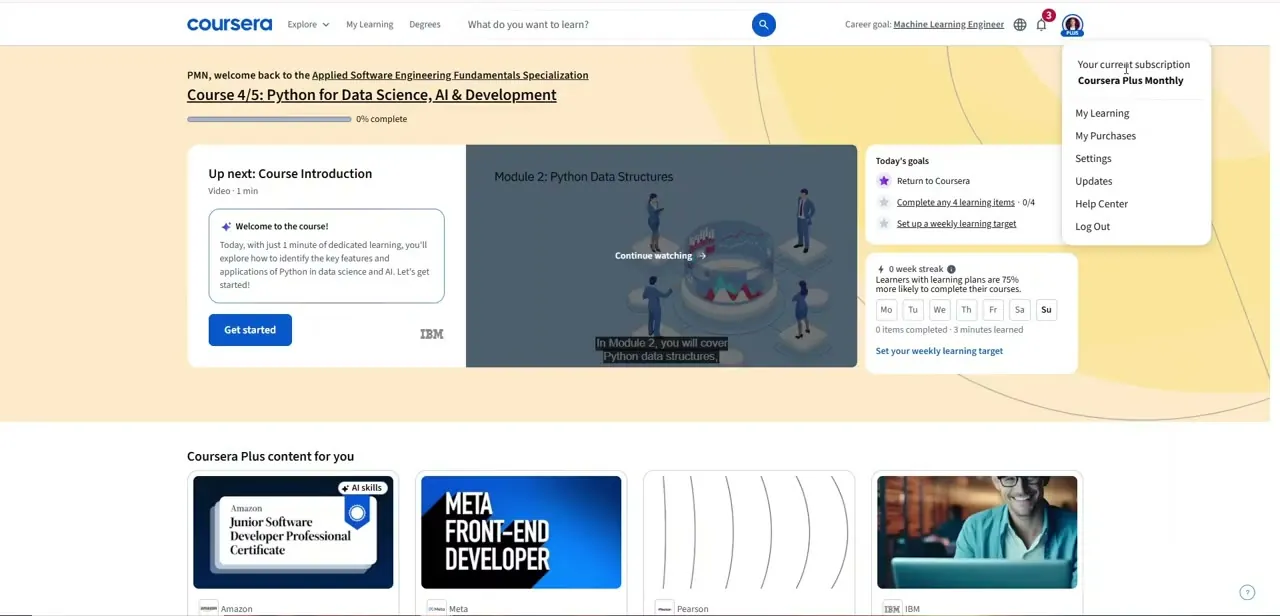
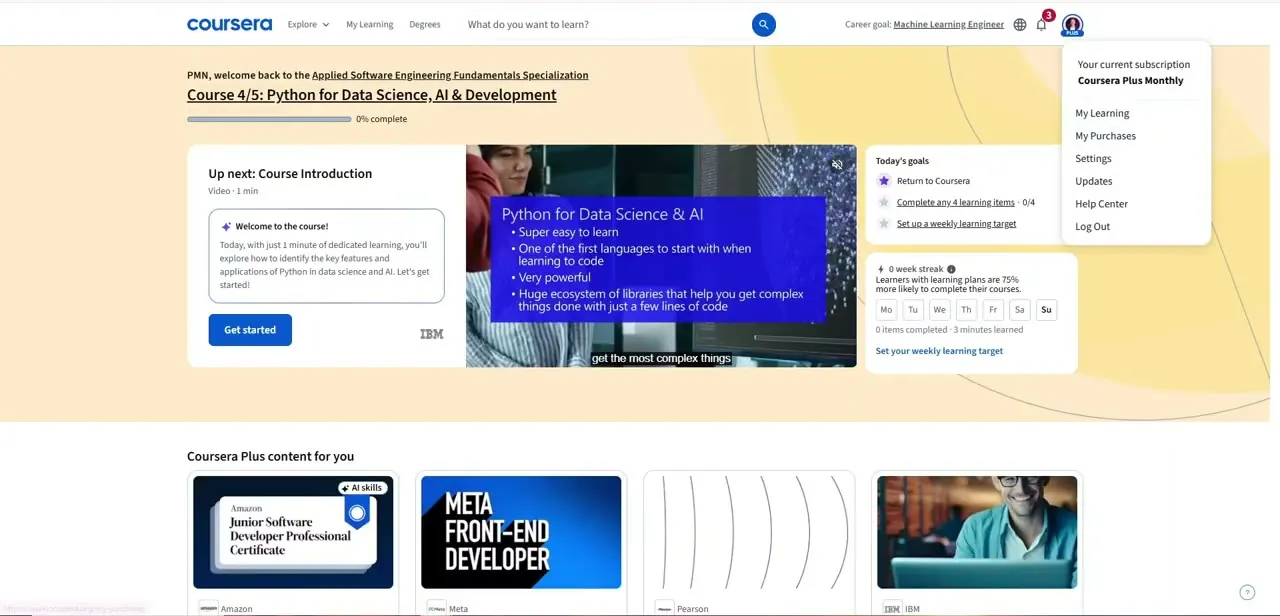
Log into Coursera with your email or a connected account like Google. The profile icon in the top-right corner opens a menu listing My Learning, My Purchases, Settings, Updates, and Help Center, and it also displays any active subscription right at the top. Checking here before buying anything is worth doing if you're not sure whether you already have Coursera Plus running under a different email or a trial you forgot about.
03Check what's included before paying
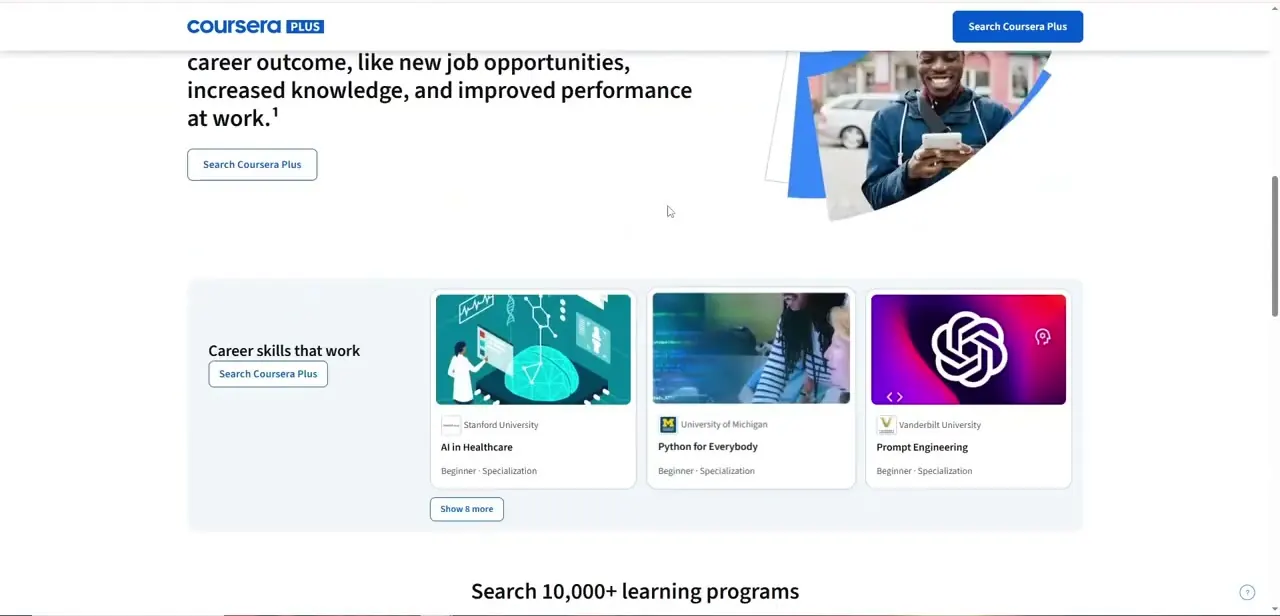
Coursera Plus bundles access to most courses, guided projects, and Specializations from its university and industry partners, and lets you switch between courses without paying again if one isn't a good fit. Some standalone Professional Certificates and full online degree programs sit outside the subscription and are priced separately.
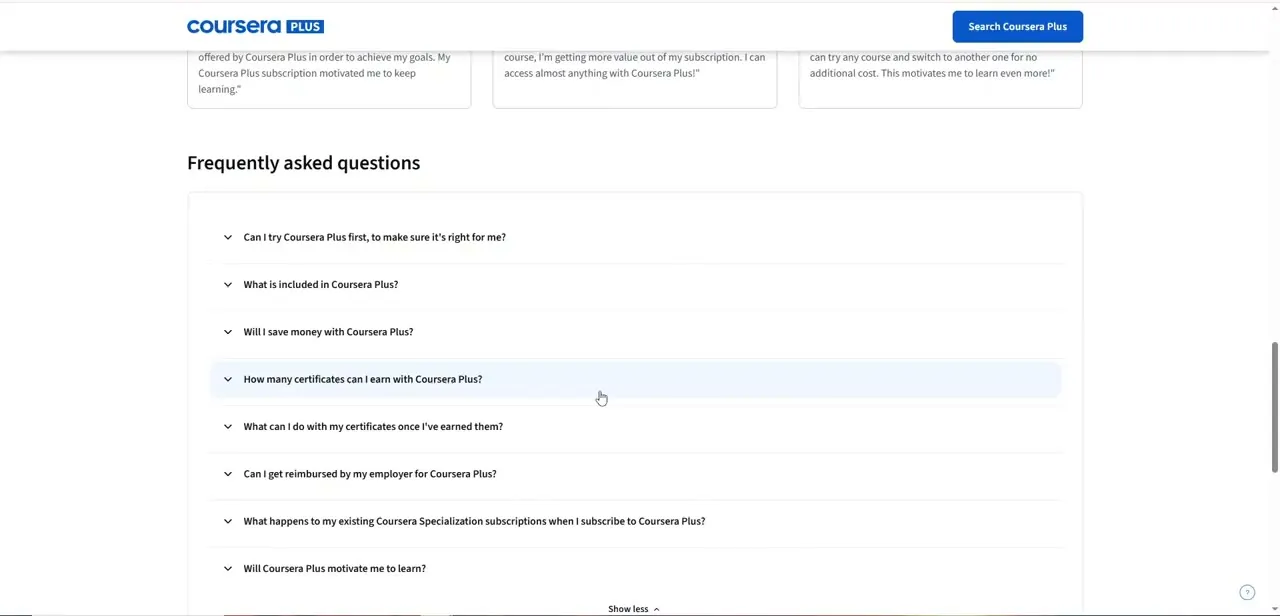
Coursera's own Coursera Plus page runs a Frequently Asked Questions section directly below the plan comparison, covering exactly the kind of things worth checking before you pay: whether you can try it first, what's included, how many certificates you can earn, whether you can get reimbursed by an employer, and what happens to a Specialization you were already paying for individually. Read that section on the live page instead of relying on a summary, since these terms are the kind that change.
04Compare monthly and annual billing
Coursera Plus is sold as either a monthly or an annual subscription, with the annual option working out cheaper per month in exchange for paying upfront. If you're only testing the waters with one or two courses, monthly limits the commitment and is easy to cancel.
If you already know you'll work through several Specializations, annual is usually the better value. Check the current price and any trial or guarantee terms on the pricing page itself; Coursera adjusts these periodically, so a number quoted elsewhere may be stale by the time you check out.
05Select a plan and complete checkout
Once you've picked monthly or annual, proceed to checkout and enter payment details. Coursera confirms the plan, price, and billing cycle before you finalize the purchase, so check the renewal date and price shown there match what you intended to sign up for. After payment goes through, the subscription activates immediately and the account menu reflects the new plan.
06Start browsing your unlimited course access
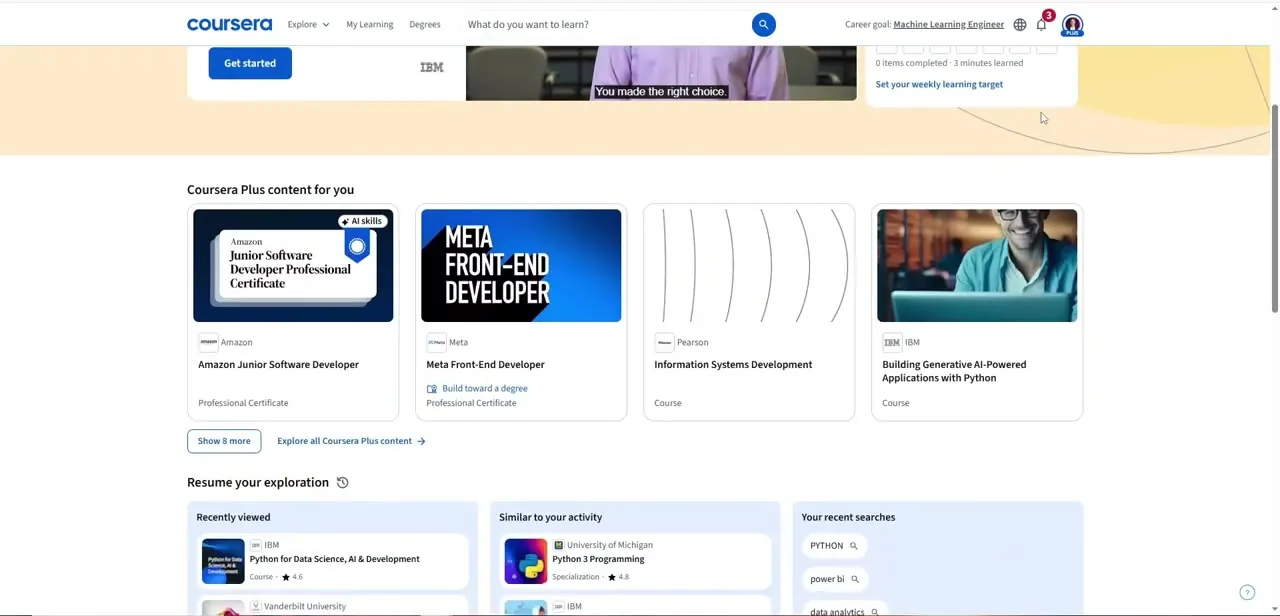
With Coursera Plus active, head to My Learning or the course catalog to start enrolling. There's no extra checkout step for individual courses covered by the subscription; you enroll directly and start immediately. Since switching between courses costs nothing extra, it's reasonable to sample the first module of a few options before committing your full attention to one, especially when weighing multiple Specializations against each other.
When it doesn't work
Not sure whether you already have Coursera Plus
Why: Signing in with a different email, or a different method (password versus Google) than the one used originally, lands you on what looks like a fresh account.
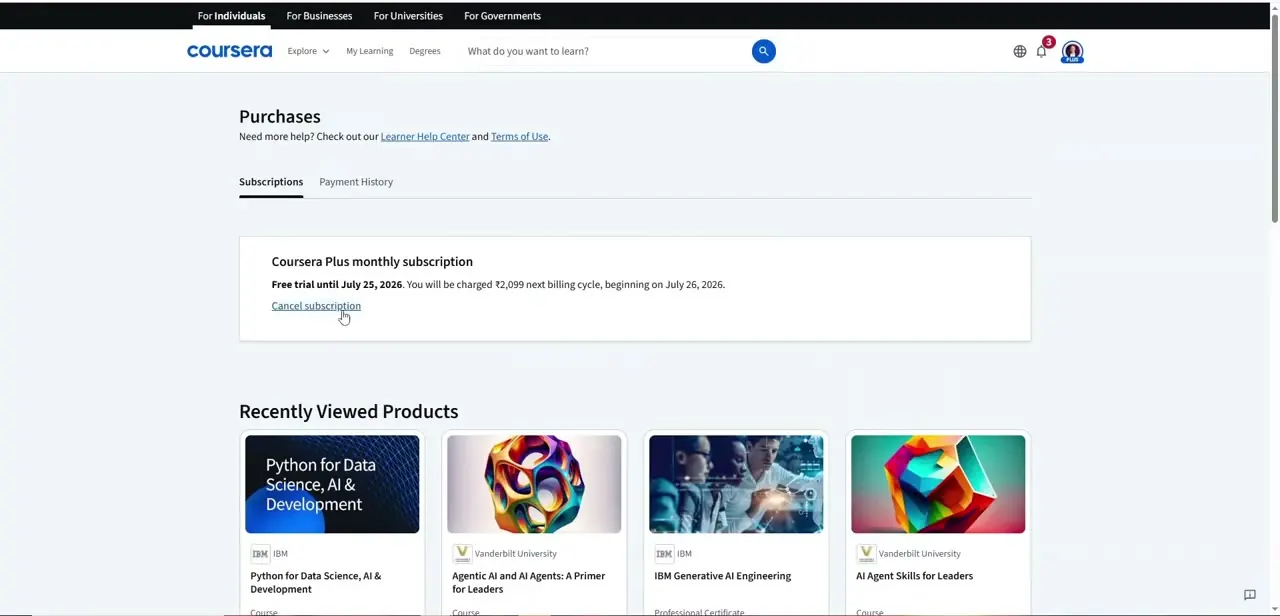
Fix: Open the account menu in the top-right corner before buying again; an active subscription shows at the top of that menu.
The price at checkout doesn't match what you expected
Why: Monthly and annual billing show different totals, and promotional or regional pricing can differ from a number seen elsewhere.
Fix: Check the plan, price, and billing cycle Coursera shows on the confirmation step just before you pay; that screen reflects the actual charge, not the marketing page you started from.
Frequently asked questions
What's included with a Coursera Plus subscription?
Unlimited access to most courses, guided projects, and Specializations on the platform. Some standalone Professional Certificates and full degree programs are sold separately; Coursera Plus's own FAQ lists the current exceptions.
Is Coursera Plus billed monthly or annually?
Both options exist. Annual billing works out cheaper per month in exchange for paying the full year upfront; monthly limits the commitment if you're not sure yet.
Is Coursera Plus worth it for someone taking just one course?
If you only need a single course, a one-off purchase may cost less than a subscription. Coursera Plus pays off once you plan to take several courses or switch between Specializations.
What happens to a Specialization I was already paying for separately?
Coursera's own Coursera Plus FAQ addresses this directly. Check that section before subscribing if you're mid-course on something you're already paying for individually.
How do I check whether I already have a Coursera Plus subscription?
Sign in and open the account menu in the top-right corner of any Coursera page; an active subscription is displayed at the top of that menu.
Sources and last check
Click path and all three screenshots come from the original recording of coursera.org, including the live Coursera Plus FAQ section shown in step 3. Automated fetches of Coursera's help center pages in September 2026 returned script-loading error pages instead of article text, so specific pricing figures that couldn't be independently confirmed were removed in favor of pointing readers to Coursera's own pricing and FAQ pages, which change these terms periodically.
About the author

Impran M N
I've been hooked on technology for as long as I can remember — especially the new tools and AI apps that seem to land every other week. Easy Tech Tuts is where I write up whatever I've just worked out: I do the task in the real product, record the screen, and turn it into the guide I wish I'd found first.