Easy Tech Tuts
How to Use Monday.com for Microsoft Teams Easily 2026
By Impran M N
Switching between Monday.com and Microsoft Teams all day breaks focus and slows communication. This guide shows how to install the Monday.com app inside Teams, embed live boards as channel tabs, and use the built-in bot to create and update tasks without leaving your chat. It's aimed at teams who want project updates to live where their conversations already happen.
01Install the Monday.com app in Teams
Search for and install the official Monday.com app from the Microsoft Teams App Store.
02Authenticate your workspace
Link your Monday.com account and approve the integration permissions inside Teams.
03Add a board as a channel tab
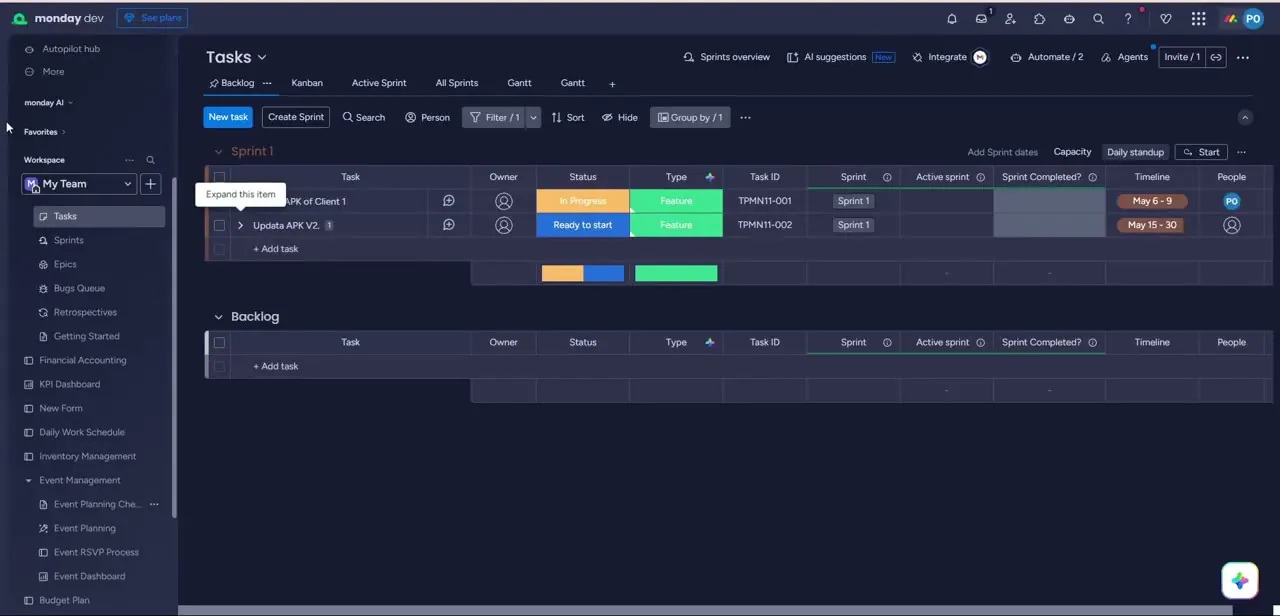
Embed a specific Monday.com board as an interactive custom tab so your team can view and edit it directly in the channel.
04Set up notification recipes
Configure low-code automations to broadcast channel messages when an item's status changes or a deadline is missed.
05Use the Monday bot in chat
Interact with the Monday.com bot to create, look up, and modify tasks using quick commands directly in your conversations.
06Tune notification scopes
Adjust notification triggers so channels stay useful without becoming cluttered with updates no one needs.
Frequently asked questions
Can I edit Monday.com boards directly inside Teams?
Yes, once a board is added as a channel tab, you can view and collaboratively edit it without leaving Teams.
Can I create tasks from a Teams chat message?
Yes, the Monday.com bot lets you create, look up, and modify tasks using quick commands right inside your conversations.
Will my channel get flooded with notifications?
You can customize notification triggers so only relevant events, like status shifts or missed deadlines, get broadcast.
Do I need admin permissions to install the app?
The tutorial covers authenticating your own account, but installing apps organization-wide in Teams may require IT or admin approval depending on your setup.
Watch the full walkthrough
The same steps, demonstrated on screen from start to finish.