Easy Tech Tuts
Google Sheets vs Excel, Best Google Sheets Alternatives in MS Excel, Smartsheet, Notion in AI ERA
By Impran M NLast checked against official docs
Google Sheets and Excel both do rows, columns and formulas. They split on where your files live, how sharing works, how much data a sheet can hold, and what the free tier includes.
This comparison goes through both products screen by screen: Excel for the web's template gallery and workbook list, then the Sheets sharing dialog and file list. The free-tier figures and grid limits here come from Google's and Microsoft's own documentation, gathered in one table so you don't have to piece them together. The last two sections cover Smartsheet and Notion, the tools teams usually reach for once a shared spreadsheet has turned into a project tracker or a knowledge base.
01Excel for the web starts from templates
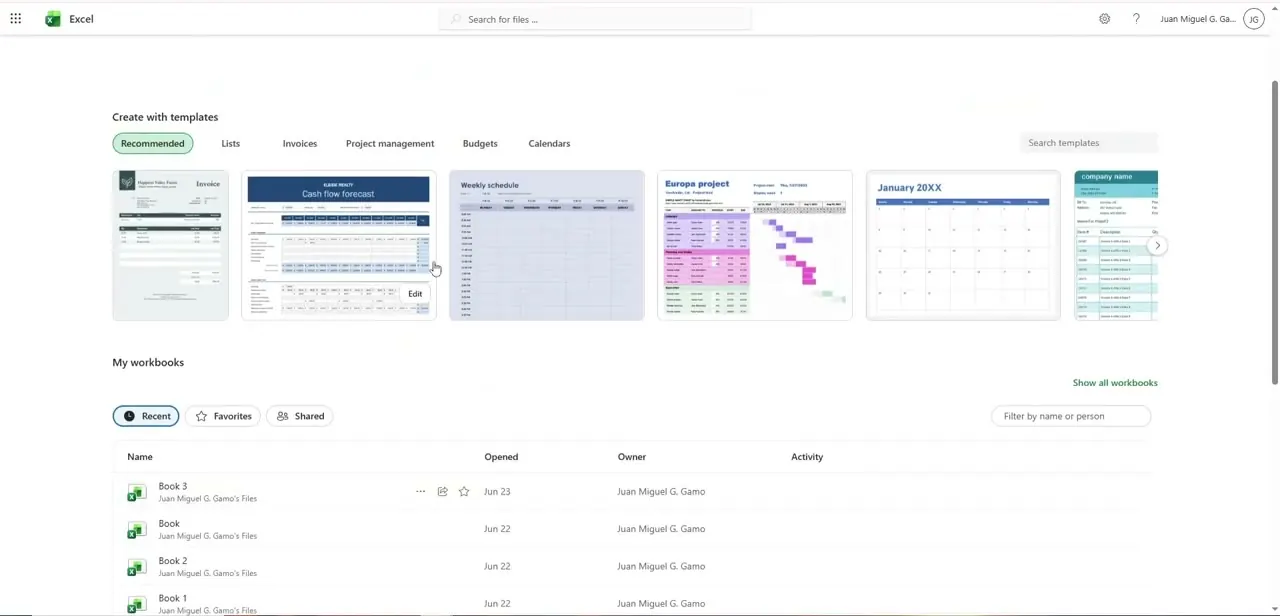
Excel for the web opens on a home screen built around Create with templates, with tabs for Recommended, Lists, Invoices, Project management, Budgets and Calendars above a row of thumbnails. Below that, My workbooks lists recent files with Opened, Owner and Activity columns, plus Recent, Favorites and Shared filters.
It's free with a Microsoft account, but the browser version isn't the full desktop app. Macros in an .xlsm workbook don't run in the browser, and protected worksheets can only be viewed there. If your workflow depends on VBA, budget for the desktop app.
02Google Sheets puts sharing one click away
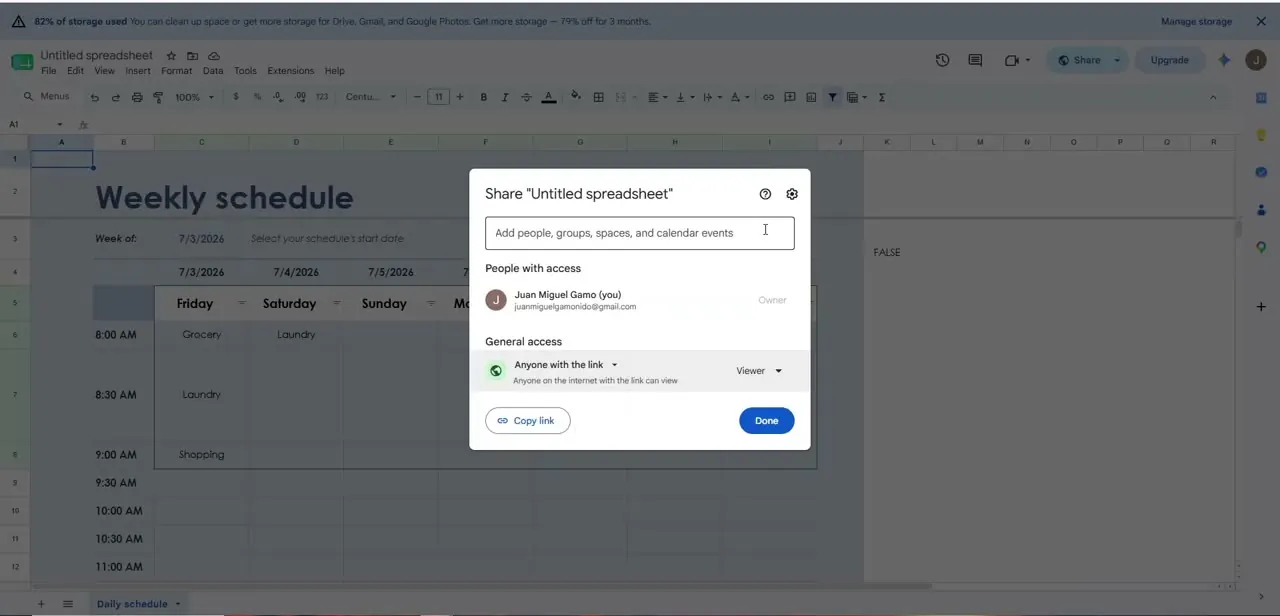
In Sheets, the Share dialog opens over the spreadsheet itself. It lists People with access and a General access setting, here Anyone with the link as Viewer, with a Copy link button beside Done.
Several people can edit the same sheet at once without sending versions back and forth. Excel for the web shares files through OneDrive or SharePoint instead.
The practical difference is where your team already works. If everyone lives in Gmail and Drive, a Sheets link is the lowest-friction way to share.
03Where the files live
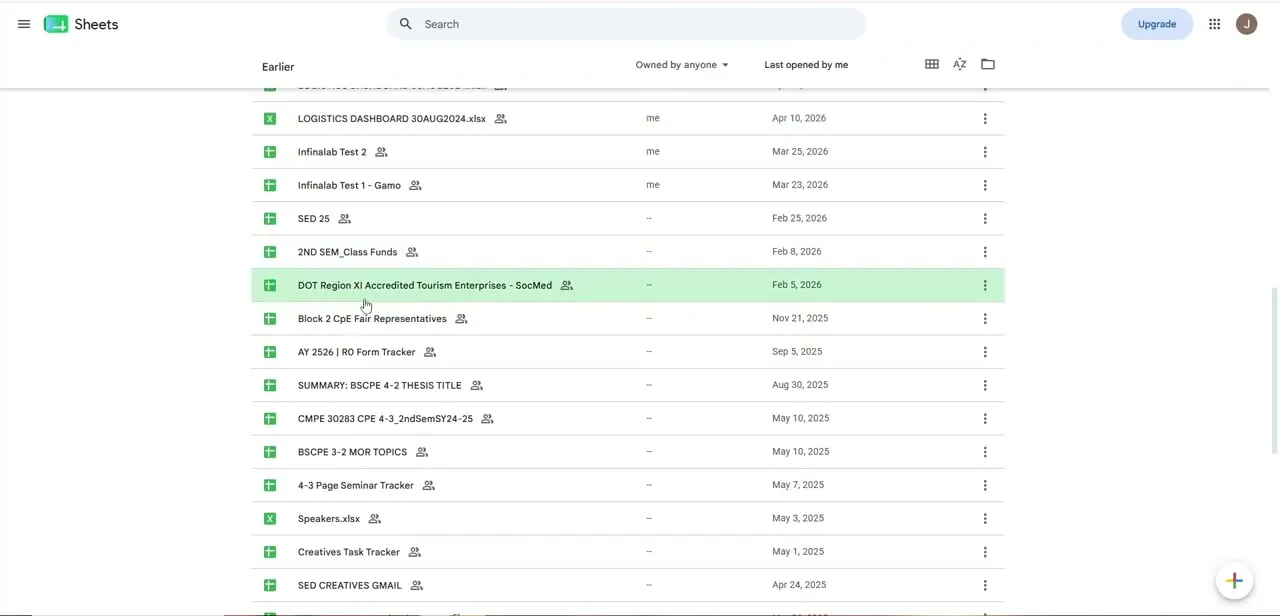
The Sheets home screen lists every spreadsheet you've opened in a searchable table, sortable by owner or by Last opened by me. Those files sit in Google Drive next to Docs and Forms, and they use your Drive storage.
Anything created or edited in Sheets since 1 June 2021 counts toward the 15 GB a free Google Account shares across Gmail, Drive and Photos. Excel for the web's My workbooks list draws on OneDrive and SharePoint. A free Microsoft account gets 5 GB of OneDrive, a third of Google's free allowance, although spreadsheets rarely take up much of either.
04Moving between the two
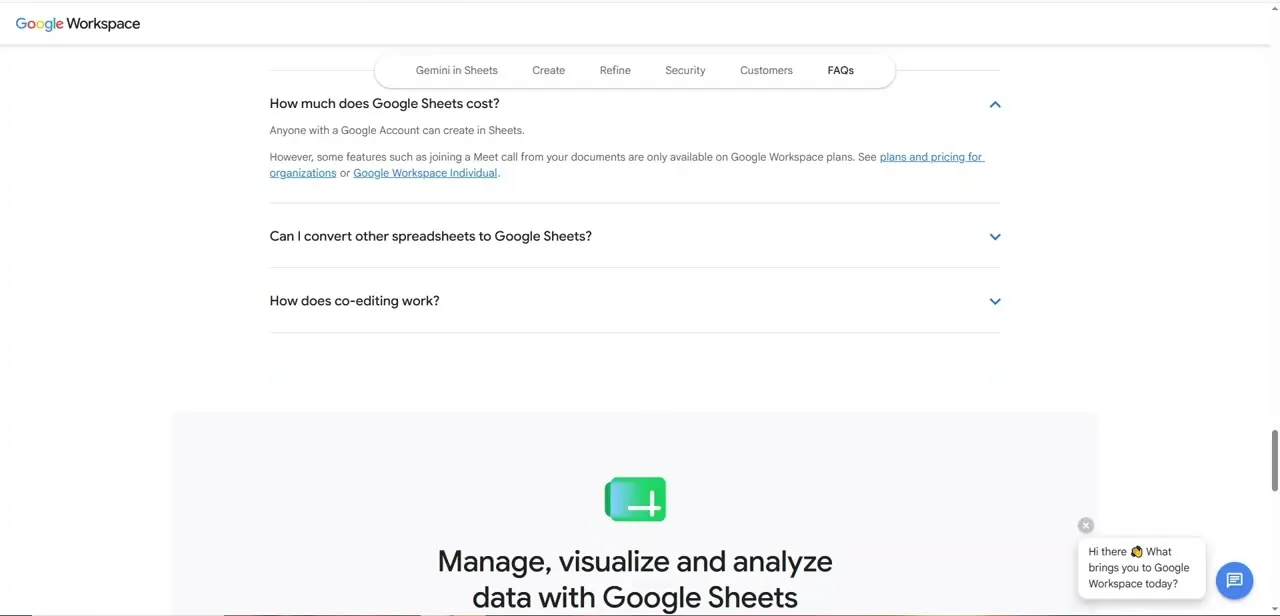
Google's Sheets FAQ covers the two questions people ask most in this comparison. Sheets is free for anyone with a Google Account.
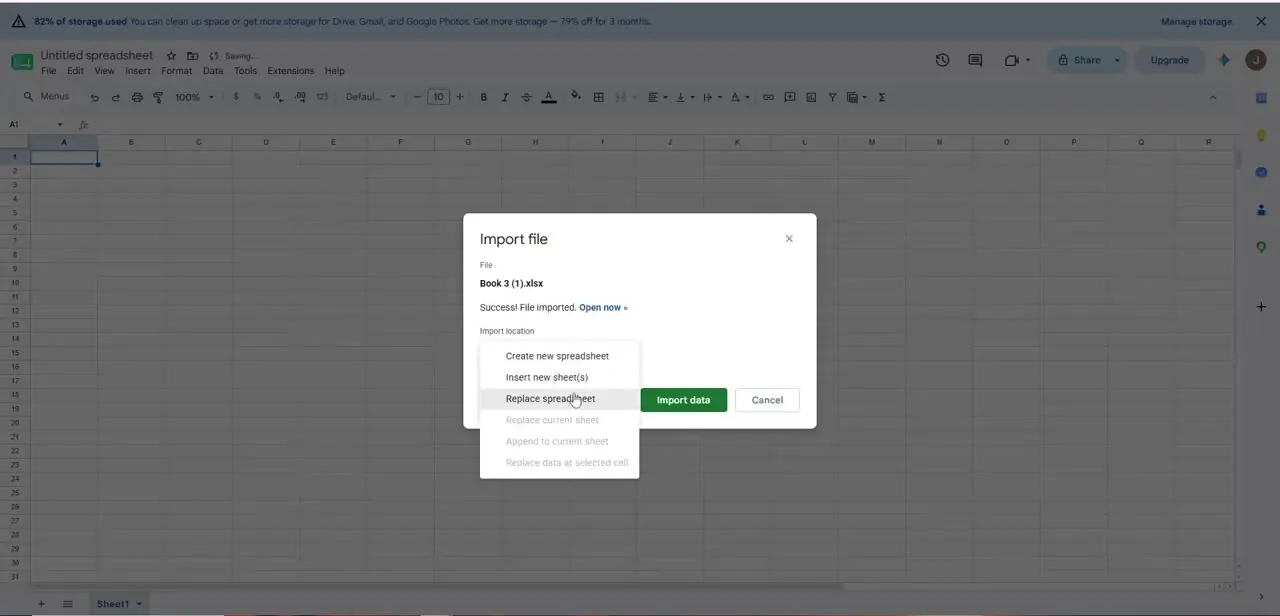
You also don't have to convert an Excel file to use it: Sheets can edit .xlsx files directly and leaves the original intact. Converting is only needed for Gemini features such as Fill with Gemini.
When you do convert, any cell holding more than 50,000 characters is removed, which matters for sheets that store long notes or pasted text. Google has reworded that FAQ since this recording. The cost answer used to name joining a Meet call as a Workspace-only feature; it now says some Gemini in Sheets features need a Workspace plan.
05Where Smartsheet fits
Smartsheet looks like a spreadsheet but is built for scheduling projects. Its Gantt view puts the task grid on the left and a timeline of bars and milestones on the right.
Turn on dependencies in Project Settings and a task can name its predecessor. Move the predecessor's dates and the dependent task's dates shift with it, and duration, start and end date calculate from one another.
That's the job a colour-coded Sheets tracker does badly. Dependencies are available on Smartsheet's Pro, Business and Enterprise plans, and the sheet's Owner or an Admin has to switch them on.
06Where Notion fits
Notion starts from pages and databases. A table is one way to look at a database.
The same data can also be shown as a board, list, calendar, timeline, gallery or chart, each with its own filters and sorts. That makes Notion good at keeping tracked items next to the notes and documents about them.
It isn't a calculation tool, though. Teams that need heavy formulas or large datasets usually keep a spreadsheet alongside Notion instead of replacing one with the other.
| Google Sheets | Excel | |
|---|---|---|
| Free access | Any Google Account | Excel for the web with a Microsoft account |
| Free cloud storage | 15 GB, shared with Gmail and Photos | 5 GB OneDrive |
| Size limit | 20 million cells or 100 MB per spreadsheet | 1,048,576 rows by 16,384 columns per worksheet |
| Text per cell | Cells over 50,000 characters are dropped when converting from Excel | 32,767 characters |
| What paying adds | Some Gemini in Sheets features (Workspace plans) | Desktop Excel and 1 TB storage (Microsoft 365) |
From Google Drive Help, the Google Workspace Sheets page, and Microsoft Support's Excel limits and Microsoft 365 plan pages, checked September 2026.
Frequently asked questions
Do I need to pay for Google Sheets?
No. Anyone with a Google Account can use Sheets. Google Workspace plans add some Gemini in Sheets features, but spreadsheets, formulas and sharing work on a free account.
Can I edit an Excel file in Google Sheets without converting it?
Yes. Sheets can edit Excel files directly and keep the original file intact. You only need to convert if you want Gemini features such as Fill with Gemini.
Which one handles bigger datasets?
Excel. A single worksheet holds up to 1,048,576 rows by 16,384 columns, while a whole Google Sheets spreadsheet is capped at 20 million cells or 100 MB.
Do my macros work in Excel for the web?
You can open a macro-enabled workbook in the browser, but the macros don't run there. You need desktop Excel for VBA.
When should I move a tracker to Smartsheet?
When tasks depend on each other and you're updating dates by hand every time one slips. Smartsheet's dependencies shift dependent dates automatically, on its Pro plan and above.
Can Notion replace a spreadsheet?
Not for heavy calculation. Notion is strong at showing the same data as a table, board, calendar or timeline next to your notes, but most teams keep a spreadsheet for number work.
Sources and last check
The Excel and Sheets screens come from the original screen recording. Free-tier storage, size limits, Excel-file handling in Sheets, Excel for the web's macro limits, Smartsheet dependencies and Notion's view types were re-checked against Google, Microsoft, Smartsheet and Notion documentation in September 2026. That check caught that Google has reworded its Sheets cost FAQ since the recording (Meet calls are no longer the example; Gemini features are), and added that Sheets can edit Excel files without converting them.
- Google Workspace: Google Sheets product page and FAQ (official)
- Google Drive Help: Files you can store in Google Drive (official)
- Google Drive Help: How storage works (official)
- Microsoft Support: Excel specifications and limits (official)
- Microsoft Support: Differences between using a workbook in the browser and in Excel (official)
- Microsoft Support: Microsoft 365 subscription vs free web apps (official)
- Smartsheet Learning Center: Activate dependencies and use predecessors (official)
- Notion Help: Database views, filters, sorts & groups (official)
About the author

Impran M N
I've been hooked on technology for as long as I can remember — especially the new tools and AI apps that seem to land every other week. Easy Tech Tuts is where I write up whatever I've just worked out: I do the task in the real product, record the screen, and turn it into the guide I wish I'd found first.