Easy Tech Tuts
How to Find Your Freshdesk API Key
By Impran M N
If you're setting up an integration or script that talks to Freshdesk, you'll need your API key to authenticate. This guide shows exactly where to find it in your account.
01Sign in to Freshdesk
Log in with the account you want the API key for.
02Open your profile settings
Click your avatar or name in the top corner to access your profile.
03View the API key field
Scroll to the section showing your API key, usually near your contact details.
04Copy the key for use
Copy the key and paste it into the integration or script that needs it, keeping it private.
Frequently asked questions
Is the API key visible right away in my profile?
Yes, once you navigate to your profile settings, the API key is typically displayed or revealed with a click.
Can I have more than one API key?
Each user account generally has a single API key tied to it, rather than multiple keys.
What if I can't find the API key section?
Check that you're viewing your own profile settings and not a different admin page, since the key is user-specific.
Can I regenerate the key if needed?
Yes, Freshdesk typically allows you to regenerate your API key from the same profile page.
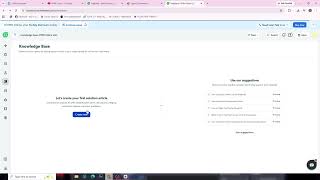
Watch the full walkthrough
The same steps, demonstrated on screen from start to finish.