Easy Tech Tuts
How to Get Your Udemy Certificate | Download in Minutes | Easily 2026
By Impran M N
After finishing a Udemy course, grabbing your certificate takes just a few clicks, but it's easy to miss if you don't know exactly where to look. This covers finding the right course, opening the certificate, and downloading it so you have a record of your completed learning.
01Find the course you completed
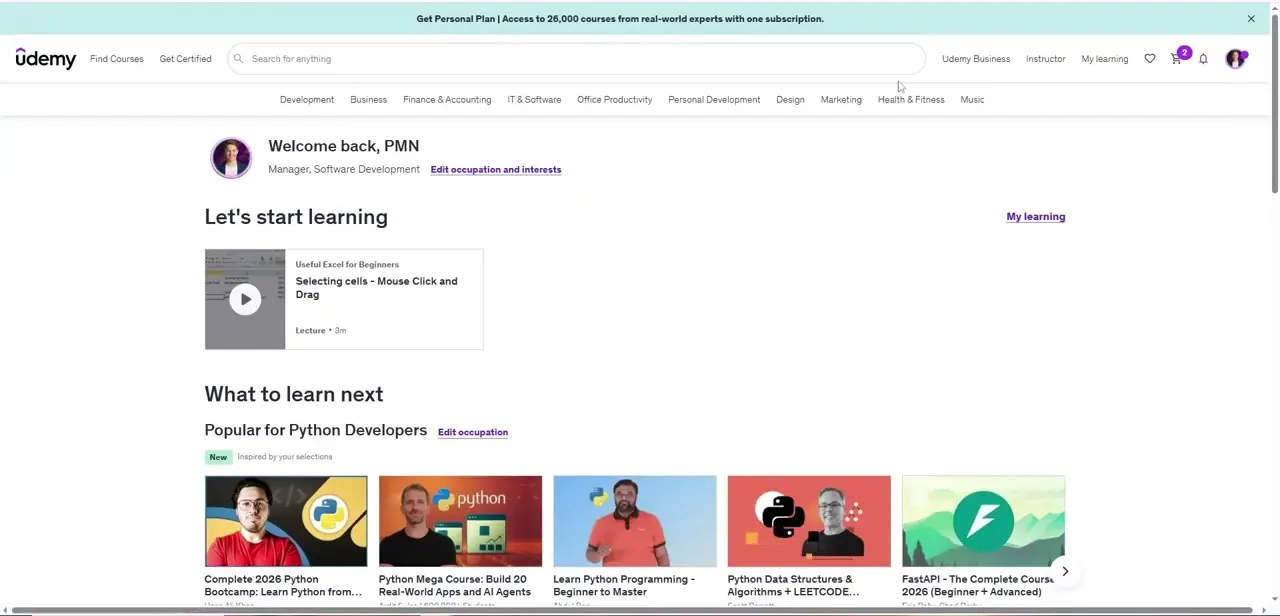
Go to your Udemy account and locate the course from your list of completed courses.
02Access the certificate for that course
Open the certificate of completion associated with the course you finished.
03Download the certificate
Save the certificate so you have your own copy to keep or share.
04Add it to your professional materials
Use the certificate to support job applications, a portfolio, or a professional profile showing your completed coursework.
Frequently asked questions
Does every Udemy course give you a certificate?
Only courses eligible for a certificate of completion will have one to download, so check the course details if you're unsure.
How long does it take to get the certificate after finishing?
Certificates are generally available to download as soon as the course is marked complete.
Can I manage certificates from multiple completed courses?
Yes, each completed course has its own certificate, so you can build up a collection as you finish more courses.
Is a Udemy certificate recognized by employers?
It serves as documentation of the specific skills and coursework you completed, which can support your qualifications even if it's not a formal accreditation.
Watch the full walkthrough
The same steps, demonstrated on screen from start to finish.