Easy Tech Tuts
How to Manage Teams With Trello Easily 2026
By Impran M N
Overseeing multiple department pipelines shouldn't mean an endless string of meetings and status updates. This guide covers using Trello's team management framework to organize a unified workspace, assign accountability, and monitor performance across your organization.
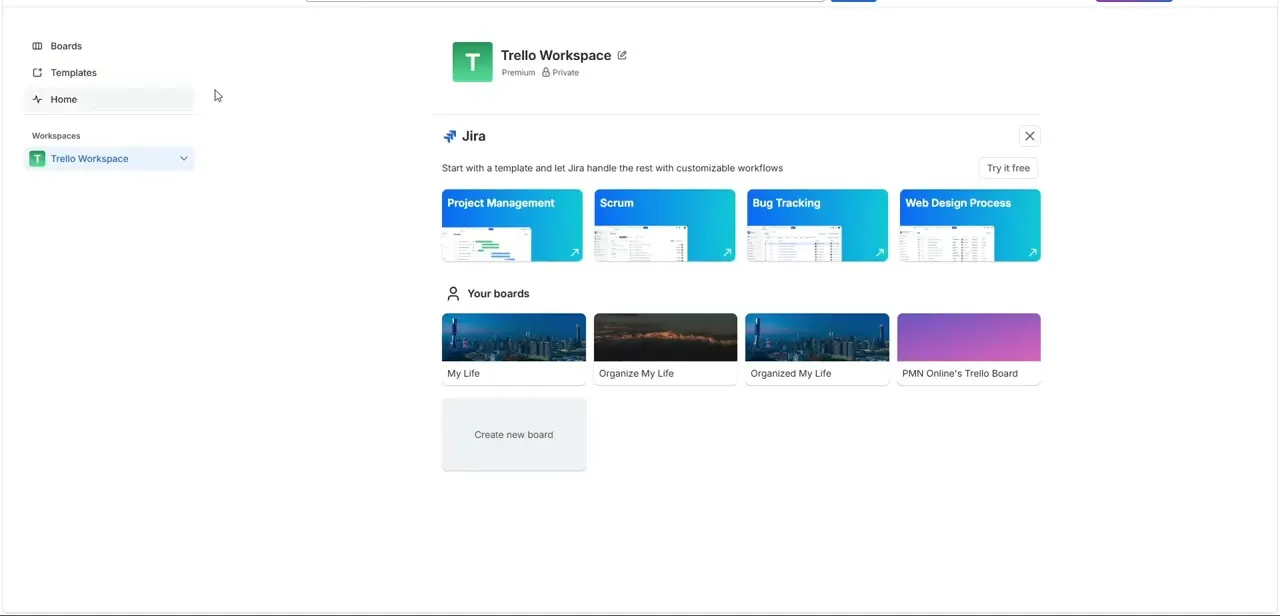
01Set up a unified workspace
Cluster your operational boards together under one Workspace to unify distributed team assets.
02Structure a department task architecture
Set up dedicated lists for seamless cross-department task delegation.
03Invite team members with permission tiers
Use the administrative profile panel to securely invite team members and enforce custom permission levels.
04Map accountability clearly
Assign multiple members, add priority labels, and track deadlines to keep accountability explicit.
05Use Table and Timeline views
Leverage built-in Workspace Views to track your team's workload balance effectively.
06Set communication guidelines
Establish comment guidelines and review activity logs to keep team communications organized.
Frequently asked questions
Can I manage multiple departments in one Trello Workspace?
Yes, clustering multiple operational boards together under a single Workspace helps unify distributed team assets.
How do I control what different team members can do?
The administrative profile panel lets you invite members and enforce custom collaborator permission tiers.
How can I see if my team is overloaded?
Built-in Workspace Views like Table and Timeline can help you track and balance workload across your team.
How do I keep team communication from getting messy?
Setting up comment guidelines and periodically reviewing activity logs helps keep discussions organized and on-topic.
Watch the full walkthrough
The same steps, demonstrated on screen from start to finish.