Easy Tech Tuts
How to Create a New Trello Workspace Easily 2026
By Impran M N
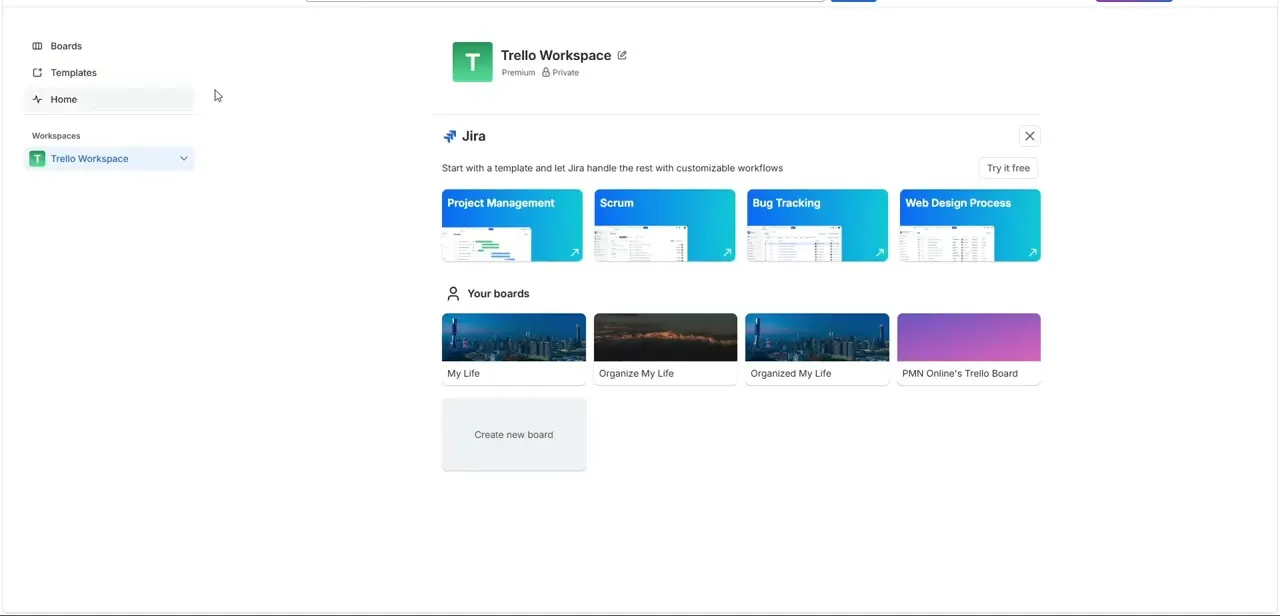
A dedicated Workspace container keeps your boards, templates, and department workflows from turning into a chaotic pile of unrelated projects. This guide covers building a new Workspace from scratch, from naming it to inviting your first collaborators.
01Find the creation panel
From your dashboard header, locate the master creation matrix for building a new workspace.
02Name and categorize your workspace
Assign a precise tracking name and choose an appropriate category or industry template.
03Write a workspace description
Add relevant context in the description field so members understand its purpose at a glance.
04Invite initial members
Generate a shareable onboarding link or enter team email addresses to add collaborators.
05Skip invites if you're building privately
Use an alternative layout command to bypass early member steps and polish your space before opening it up.
06Add branding
Upload a custom logo to help distributed teams quickly identify your project dashboard.
Frequently asked questions
Do I have to invite people right when I create a workspace?
No, you can bypass the invite step and build out your workspace privately before adding collaborators.
Can I categorize my workspace by industry?
Yes, you can assign a functional workspace industry field when setting it up.
How do I invite team members later?
You can generate a shareable onboarding link or enter email addresses whenever you're ready to add collaborators.
Can I customize how my workspace looks to others?
Yes, adding a custom branding logo helps distributed teams quickly recognize the workspace.
Watch the full walkthrough
The same steps, demonstrated on screen from start to finish.