Easy Tech Tuts
How to Create a Habit Tracker Using a Plugin in Trello Easily 2026
By Impran M N
Trello's Kanban boards can double as a habit tracker once you add the right Power-Up plugin. Instead of downloading a separate app, you organize daily and weekly routines as cards and let a habit-tracking plugin log your completions and streaks. This walkthrough covers building the board structure and wiring up the plugin so your progress updates automatically.
01Create the board and core lists
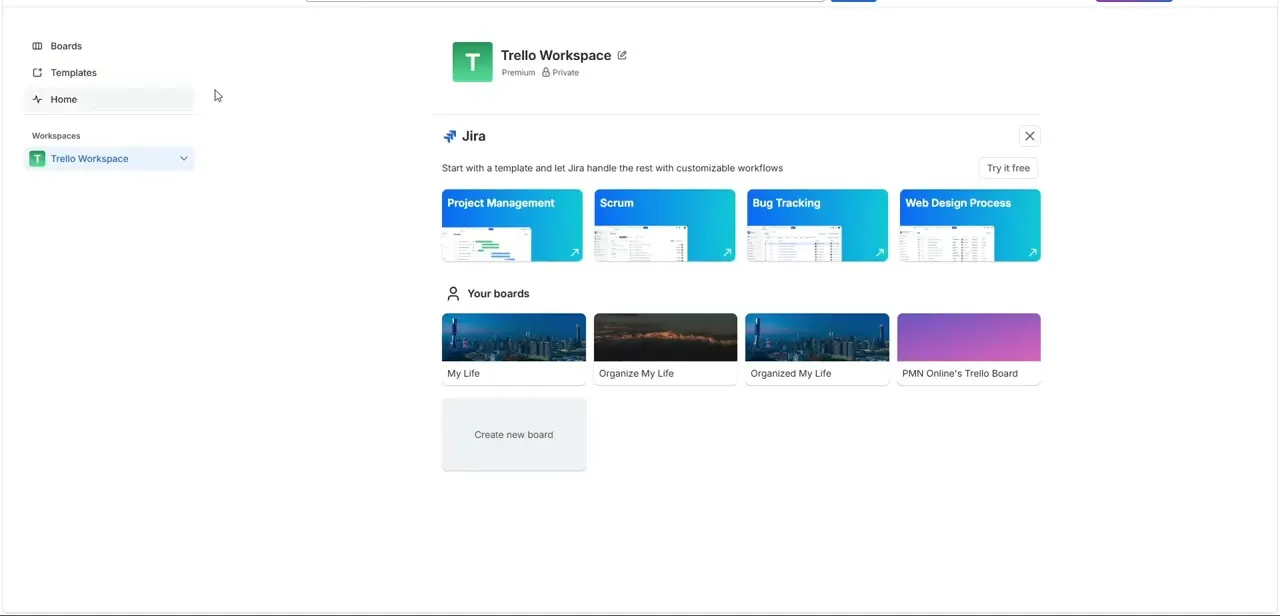
Start a new Trello board and set up lists to separate daily habits, weekly rituals, and an analytics view, giving each routine type its own lane.
02Add a habit-tracking Power-Up
Open the board's Power-Ups (Apps) directory, search for a habit or daily tracker plugin, and add it to the board so it can attach tracking data to your cards.
03Authorize and configure the plugin
Open the plugin's settings icon and authorize your account so it can read and write completion data on your cards.
04Build your first habit card
Create a card for a specific habit, open its back panel, and enable the plugin so you can set a target goal and add checklist items for daily logging.
05Track streaks and view your dashboard
Mark tasks complete to populate streaks, then open the plugin's analytics dashboard to see completion charts and how consistent you've been.
Frequently asked questions
Do I need a paid Trello plan to use a habit-tracking plugin?
Many habit-tracking Power-Ups work on Trello's free tier, though some advanced analytics or unlimited Power-Ups per board may require a paid plan.
Will my checkboxes reset automatically each day?
Some habit plugins include an automated rollover feature that refreshes checkboxes daily so you can start a fresh streak count without manual resets.
Can I track more than one habit on the same board?
Yes, you can create a separate card for each habit and use labels to group them by category, like health, business, or education.
How do I see my long-term progress?
The plugin's dashboard view typically includes charts that visualize your completion percentage and streak history over time.
Watch the full walkthrough
The same steps, demonstrated on screen from start to finish.