 Easy Tech Tuts
How to Get Semrush Premium for Free Easily 2026
By Impran M NLast checked against official docs
Semrush's paid toolkits cover keyword research, competitor analysis, backlink audits, and site audits, but you don't have to commit financially just to test them out. This guide walks through the legitimate free-trial route from the moment you search for Semrush to the dashboard you land on once the trial is live, plus how to cancel cleanly before billing starts. It's built for anyone who wants a real look at the paid tools without paying upfront or risking a cracked-version scam.
Before you start
- A card or other payment method — Semrush asks for billing details before starting the trial, even though it won't charge you until the trial ends
- An email not already tied to a current or past trial or paid subscription for the toolkit you want, since each trial is limited to once per account
01Search for Semrush and go to the official site
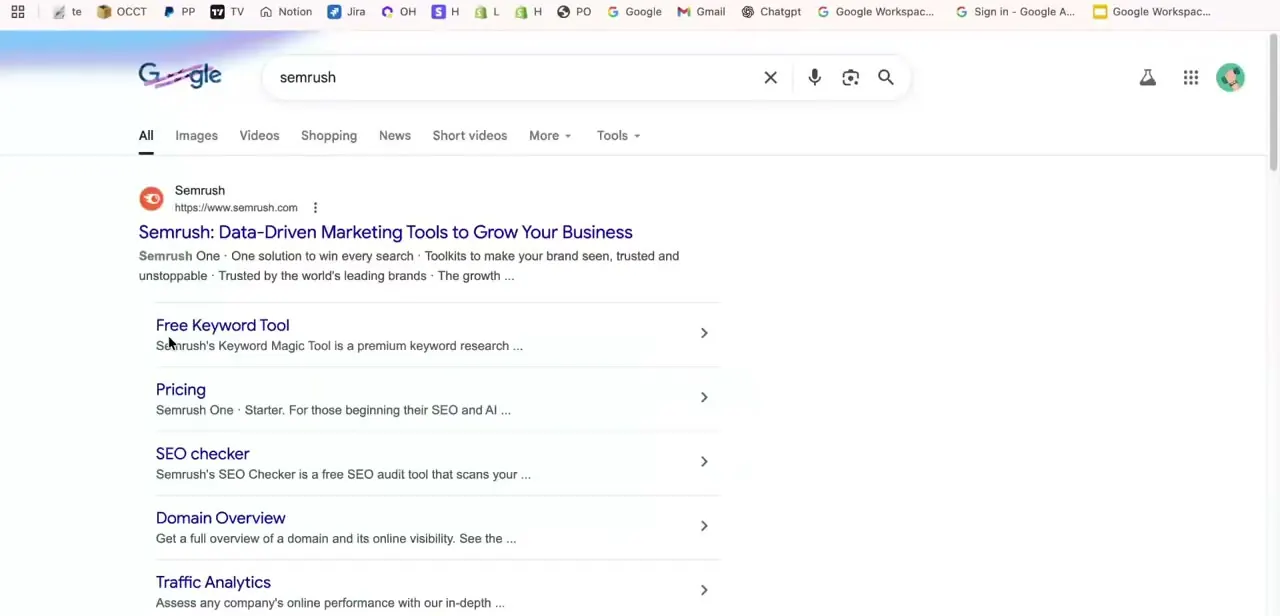
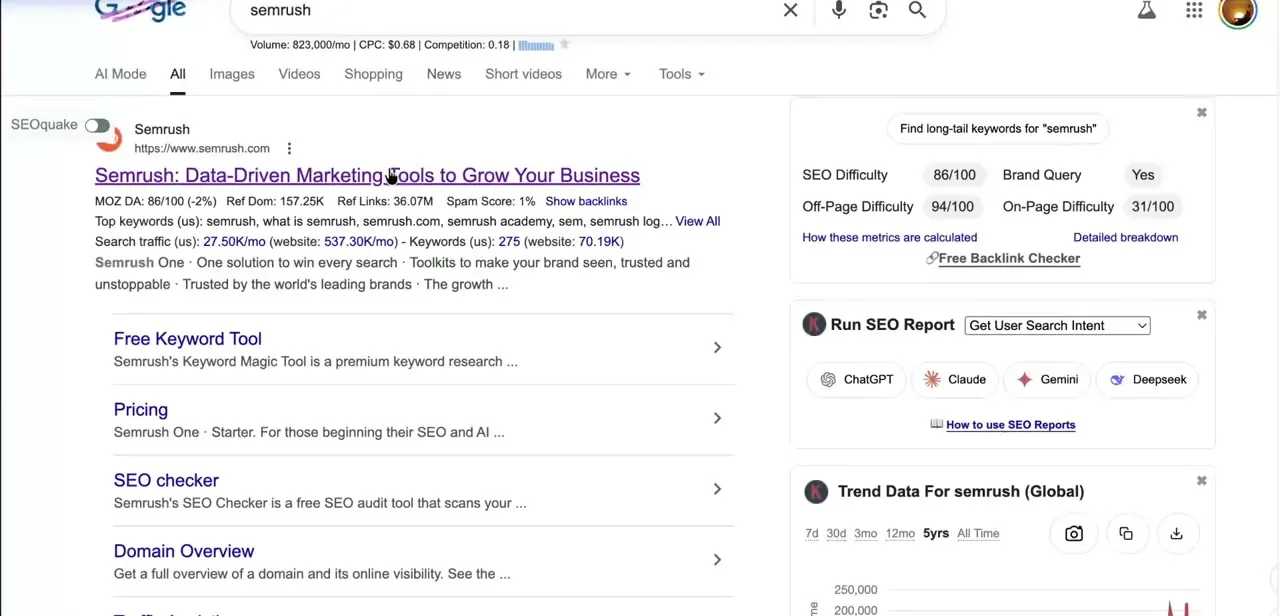
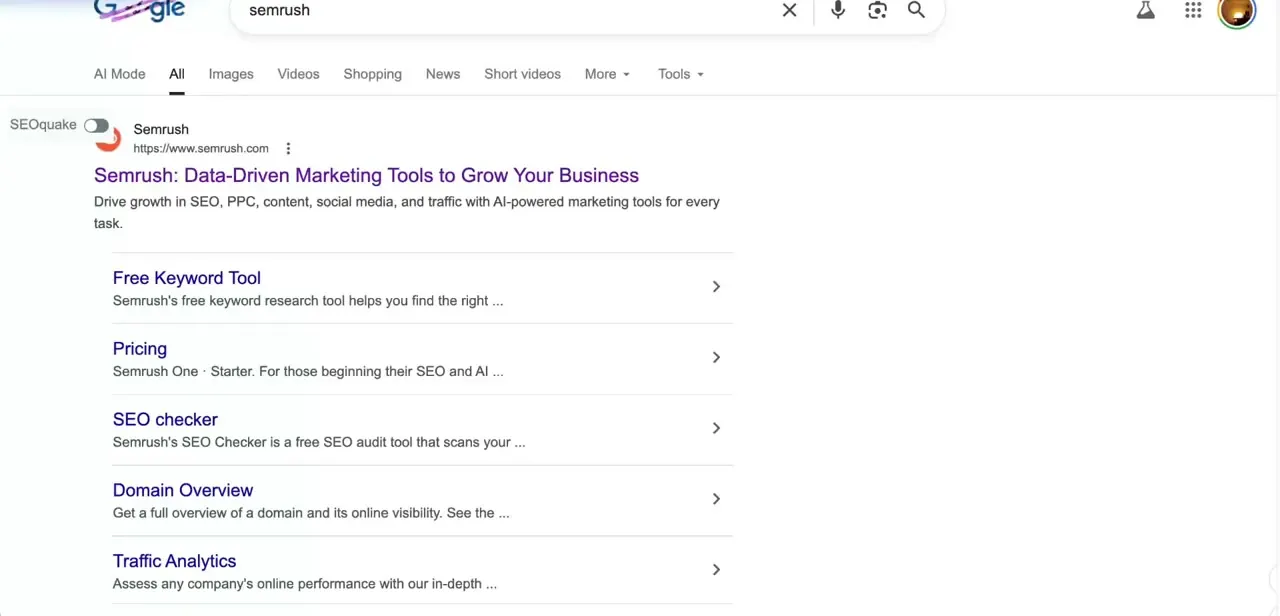
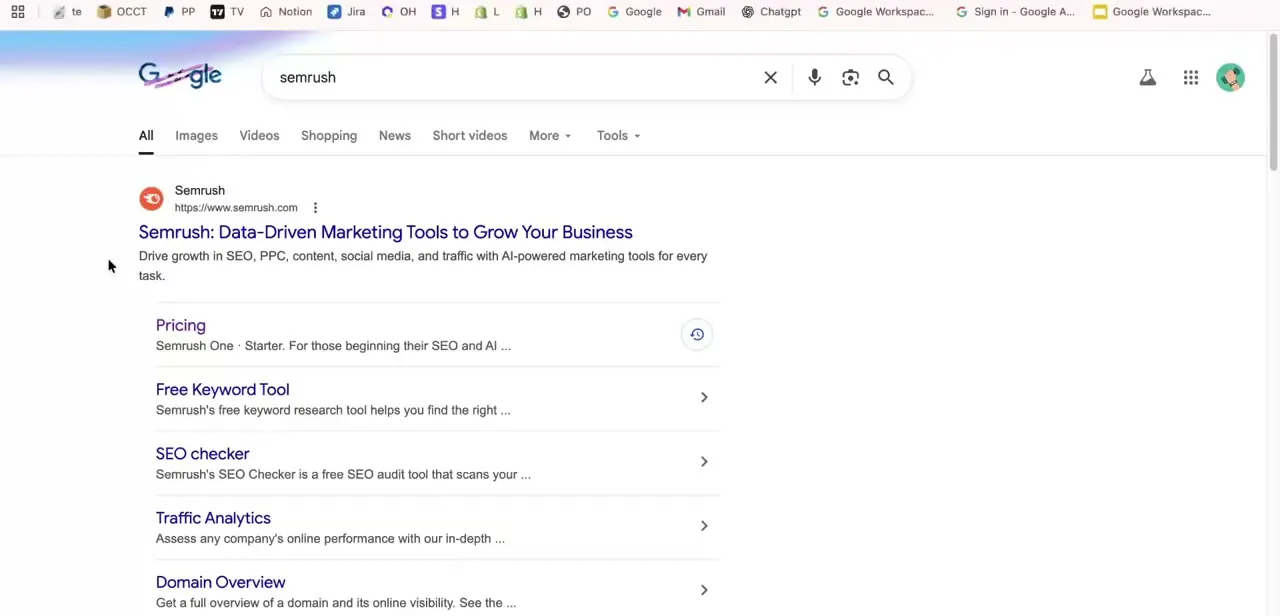
Start with a plain search for "semrush" instead of clicking a random ad or a link from a forum post. The official result takes you straight to semrush.com, the only place a free-trial signup is safe: every other "free premium" offer floating around outside that domain is expired, fake, or built to harvest login details. Bookmark the real domain once you're there so future visits skip the search step.
02Find the free trial offer
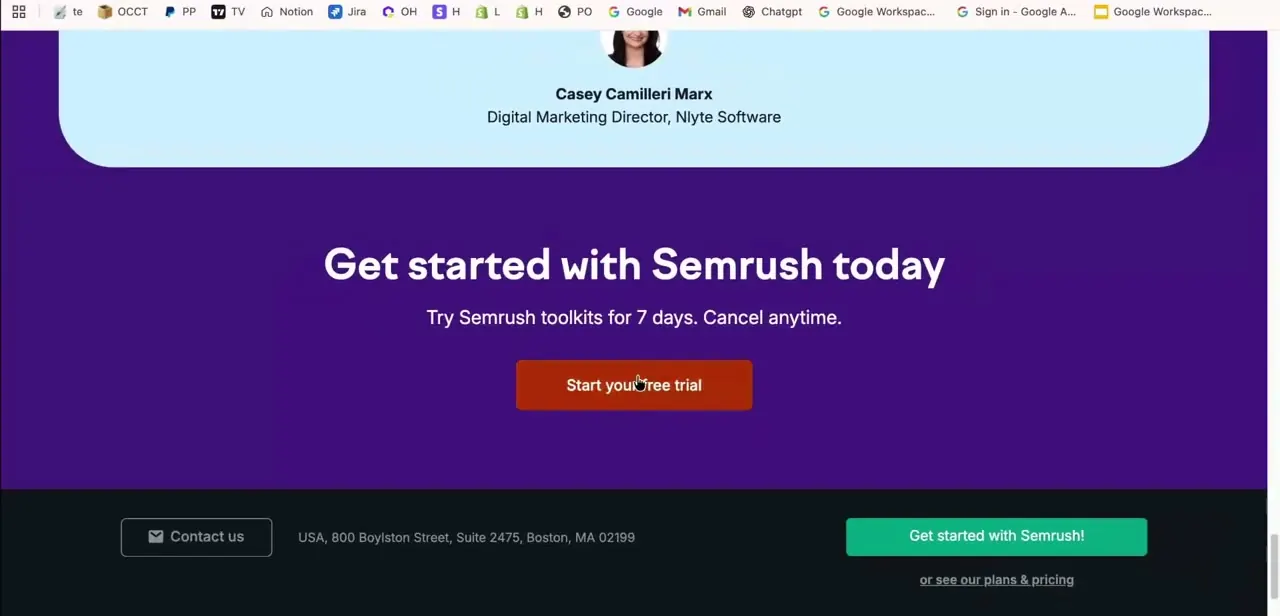
Semrush states the trial terms plainly on its own marketing pages. The banner reads "Try Semrush toolkits for 7 days.
Cancel anytime," usually next to a customer testimonial and a large "Start your free trial" button. Confirm the terms on the page instead of assuming an older guide's numbers still apply — Semrush rebuilt its plan lineup and pricing in 2026, so names and terms you find elsewhere may be out of date.
03Activate the trial with your account details
Clicking through opens a signup form: create an account with an email and password, or continue with an existing Google account. Semrush asks for payment details even on a free trial, since it's built to convert automatically into a paid subscription once the trial window closes.
The offer is once per toolkit per account — if the email you use already has, or previously had, a trial or paid subscription for that toolkit, the trial won't be offered and you'll need a different email. Use a card you're comfortable monitoring, and note the exact end date before going further.
04Explore the tools inside your dashboard
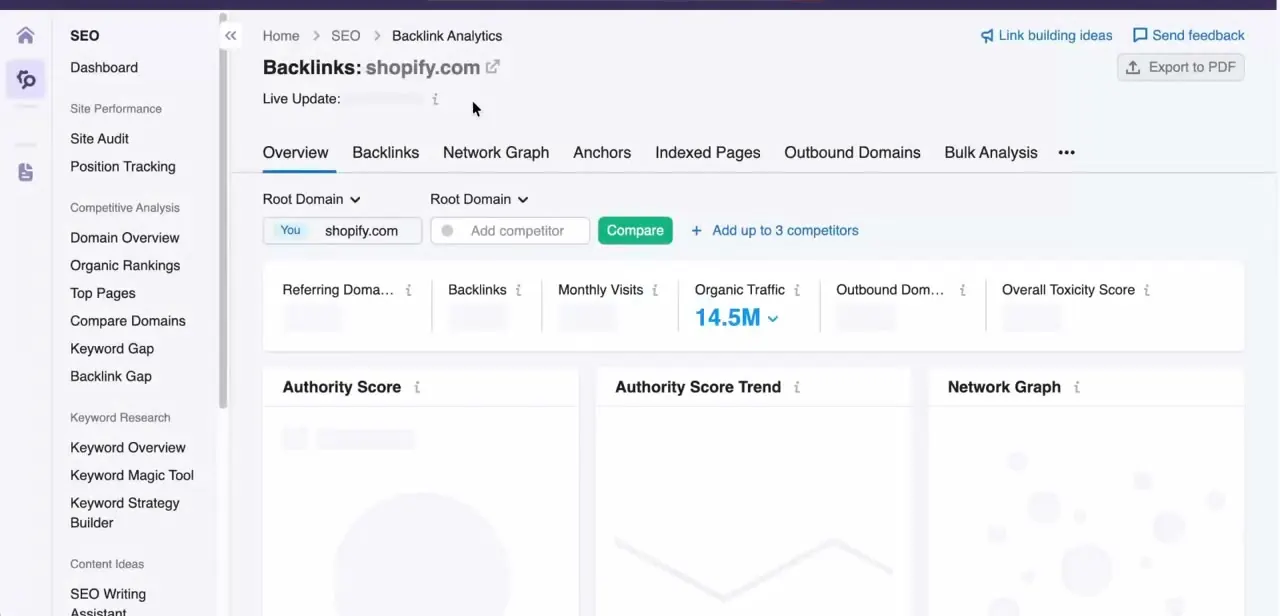
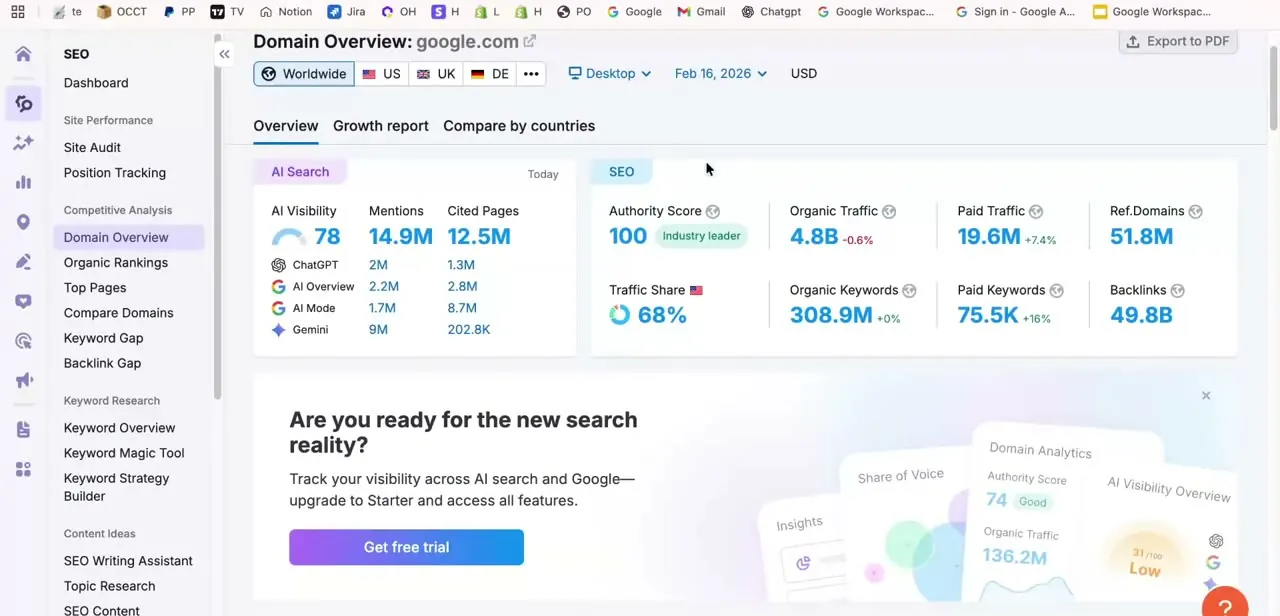
Once activated, you land in the Semrush dashboard. A Domain Overview search now returns classic SEO metrics — Authority Score, organic and paid traffic, keyword counts, backlink totals — alongside an AI Search panel showing AI Visibility, mentions, and cited pages across tools like ChatGPT and Google's AI Overview.
Entering a competitor's domain returns the same numbers for their site, which is the comparison paid access exists for. One limit worth knowing before you dig in: Semrush disables data exports during the trial, so keep what you find by screenshotting or copying it out manually; the export buttons only unlock on a paid plan.
05Cancel before billing if you don't plan to continue
If the trial isn't turning into a subscription for you, cancel before its end date, not after. Cancelling isn't a single toggle: log in and submit Semrush's cancellation form, then watch your inbox and click the confirmation link inside the follow-up email within 24 hours.
Miss that window and the request doesn't process, even though you submitted the form. For an unpaid trial, Semrush completes cancellation within three business days of receiving it. Set a reminder two or three days before the deadline so there's time to finish both steps, not just the first one.
06Steer clear of cracked or third-party "free forever" versions
Search results and forum posts sometimes advertise a permanently free or cracked Semrush login. These aren't legitimate: Semrush doesn't distribute its tools that way, and sites offering shared logins or modified apps are typically phishing pages or malware built to steal credentials or payment information.
The official trial above is the only sanctioned free access. Anything claiming to bypass it entirely is a red flag, not a shortcut.
When it doesn't work
Billed right after the trial, even though I meant to cancel
Why: Cancellation needs two steps, not one: submitting the form, then clicking a confirmation link in the follow-up email within 24 hours. Skipping the email step leaves the cancellation unprocessed and billing goes ahead.
Fix: Resubmit the cancellation form and confirm through the email immediately. If billing has already happened, contact Semrush support with your account details.
Sign-up says I'm not eligible for a free trial
Why: Semrush limits each toolkit's trial to once per account. The email has a current or past trial or paid subscription on record for that toolkit.
Fix: Use a different email, or check whether the account already has a free-tier plan active instead of trying to start a new trial on it.
Can't export the data I pulled during the trial
Why: Semrush disables export buttons for trial accounts by design; exports are a paid-plan feature.
Fix: Copy figures out manually or take screenshots during the trial. Exporting requires upgrading to a paid plan first.
Requested a refund and it was denied
Why: Semrush's money-back guarantee only covers annual subscriptions bought directly through semrush.com within 7 calendar days of purchase. Monthly plans and trial conversions are excluded.
Fix: Check the plan type and purchase channel before assuming a refund applies; cancelling before the trial bills you is the more reliable route.
Frequently asked questions
Is there a truly free version of Semrush Premium?
No permanent free version of the paid toolkits exists — Semrush's separate Free plan is a limited tier, not the premium one. The legitimate way to use paid features without paying is the official 7-day trial.
What happens if I forget to cancel my trial?
You're billed automatically once the trial ends. Cancelling takes two steps: submit the cancellation form, then click the confirmation link in the follow-up email within 24 hours, or the request won't go through.
Can I sign up for the free trial more than once?
No. Semrush limits each toolkit's trial to once per account — if your email has ever had a trial or paid subscription for that toolkit, the trial option isn't offered.
Are cracked or 'free forever' Semrush tools safe to use?
No. These aren't official and can expose your login credentials or device to security risks. The only safe free access is Semrush's own trial through semrush.com.
Do I need to enter payment details to start the trial?
Yes. Semrush's trial is built to convert automatically into a paid plan, so it asks for card details upfront even though you aren't charged until the trial ends.
Did Adobe's acquisition of Semrush change the trial or sign-up process?
Not so far. Adobe completed its acquisition of Semrush in April 2026, and Semrush's own customer FAQ says there were no immediate changes to product access, billing, or support. The visible change is in the dashboard itself, which now shows AI-search visibility metrics next to the classic SEO numbers.
Sources and last check
Click path and dashboard screens come from a walkthrough recorded in 2026. Trial length, the cancellation process, export limits, trial eligibility, and refund terms were re-checked against Semrush's official Knowledge Base (cancelling-your-account, subscriptions) and legal refund policy in September 2026. That check corrected the cancellation step, which previously described a single subscription-settings toggle instead of the form-plus-email-confirmation process Semrush actually requires, and added the once-per-account trial limit and export restriction the original version left out. The Adobe note reflects Semrush's own April 2026 acquisition announcement and customer FAQ.
About the author

Impran M N
I've been hooked on technology for as long as I can remember — especially the new tools and AI apps that seem to land every other week. Easy Tech Tuts is where I write up whatever I've just worked out: I do the task in the real product, record the screen, and turn it into the guide I wish I'd found first.