Easy Tech Tuts
How to Check Keyword Ranking in Semrush Easily 2026
By Impran M NLast checked against official docs
Before setting up dedicated tracking for a handful of target keywords, it helps to see the full picture first: every keyword a domain already ranks for, its position, and how much traffic it pulls. Semrush's Organic Research tool does that from a single domain lookup, no keyword list required upfront. This guide covers getting from a plain domain search to a full ranking table, reading the columns that matter, and knowing when to move to ongoing Position Tracking.
01Sign in to Semrush
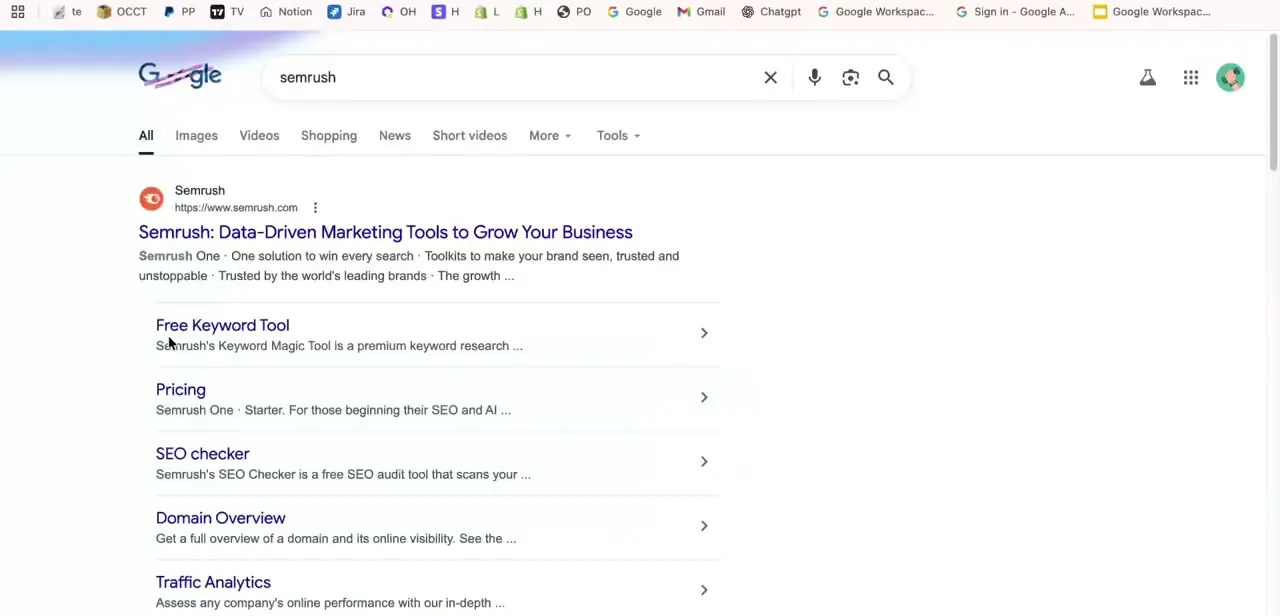
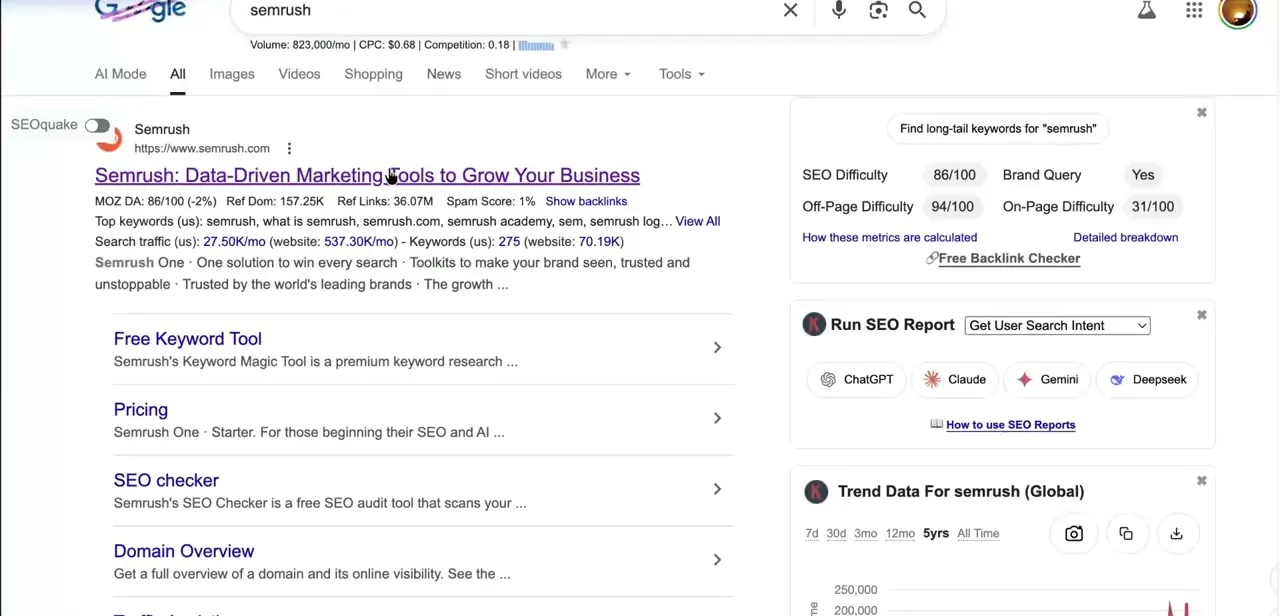
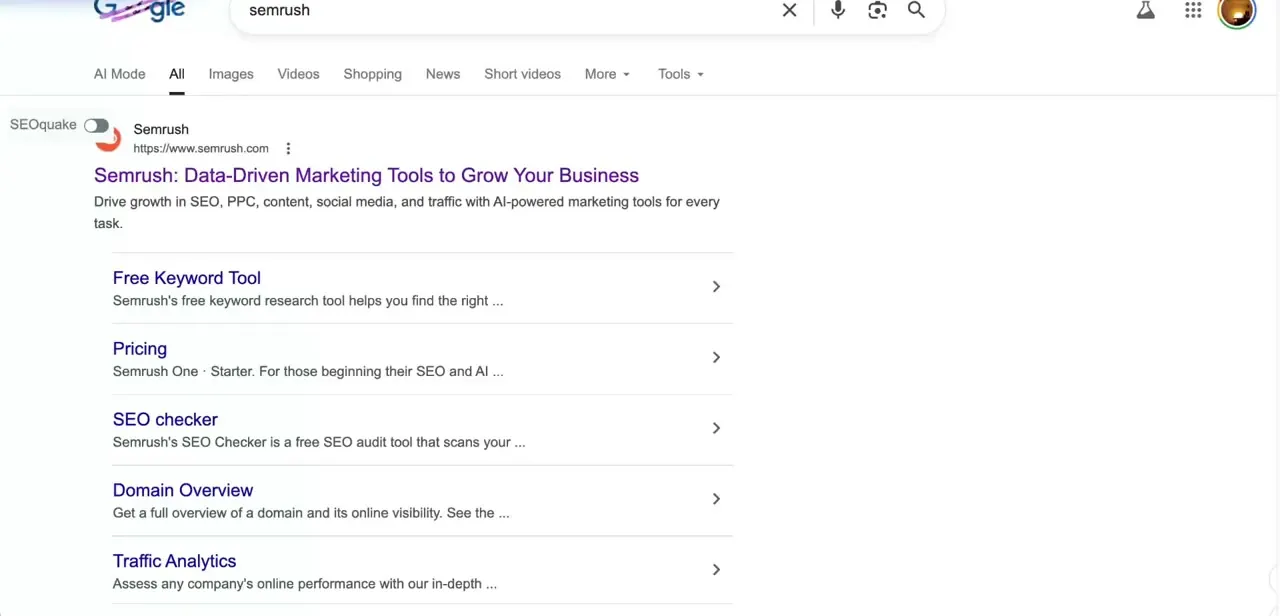
A quick search for "semrush" gets you to the official site fastest. Log in or sign up; ranking data needs an account, and the fuller reports need a paid plan (more on that below).
02Enter your domain and land in the SEO toolkit
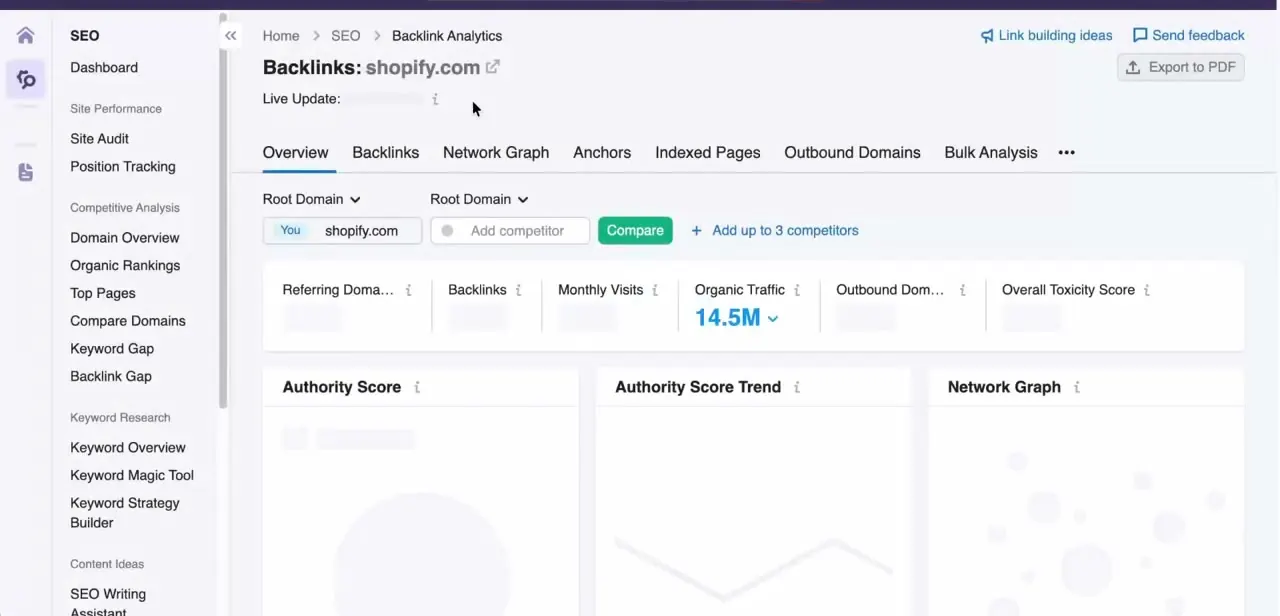
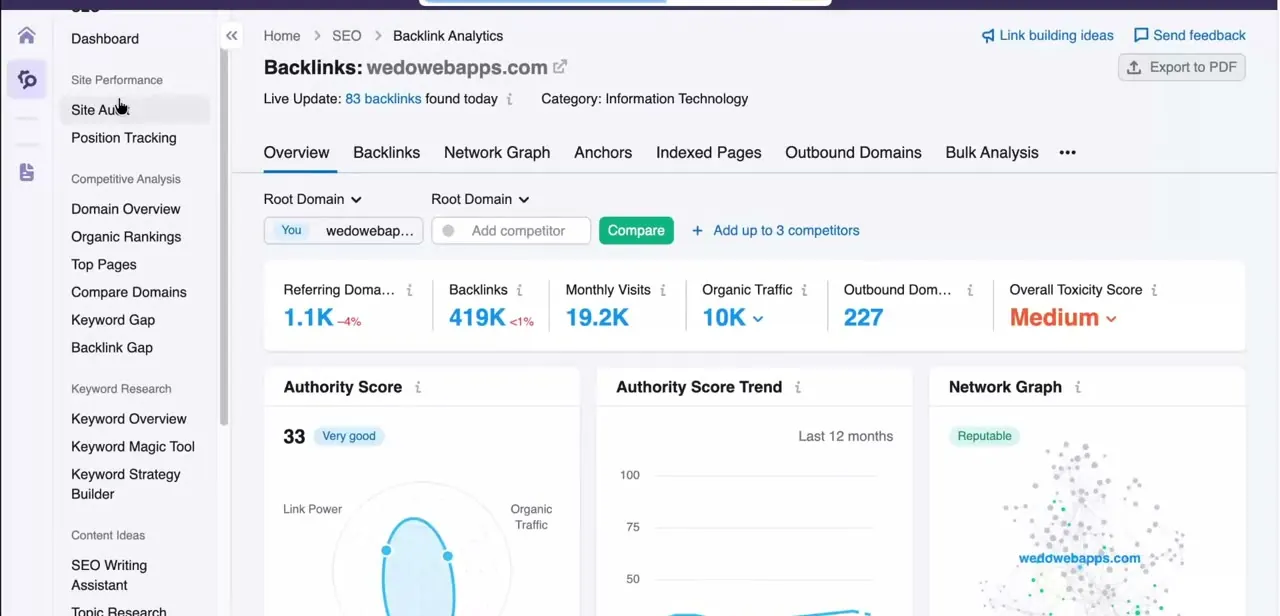
Type your domain into Semrush's search bar to open its domain overview. You'll land on a dashboard with the full SEO toolkit sidebar on the left, covering Site Audit, Position Tracking, Domain Overview, Organic Research, and more, plus summary cards for Authority Score, referring domains, backlinks, and monthly visits. This overview is a useful gut check on the domain's overall strength before drilling into individual keywords.
03Open Organic Research for the full keyword list
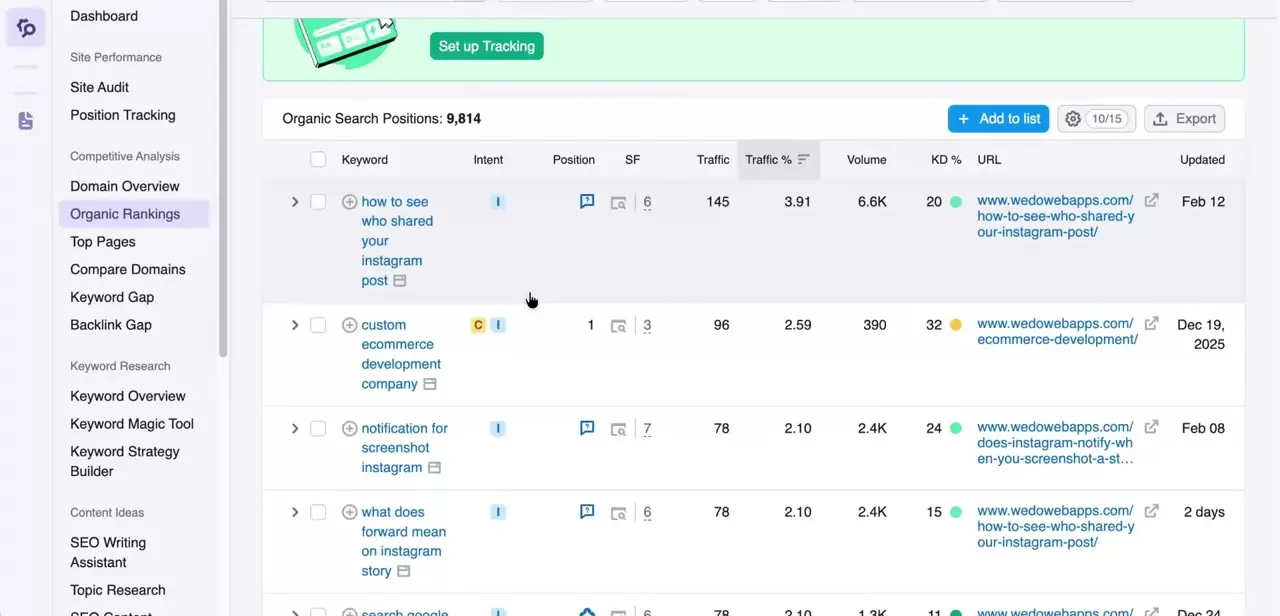
Click Organic Research in the sidebar, under Competitive Research, to see every keyword the domain currently ranks for in Google's top 100 results. In a mid-size site this can run into the thousands, shown as a running total at the top of the report.
It's the fastest way to answer "what am I ranking for right now" without knowing your keywords in advance. Semrush's own tool listings also refer to this report as Organic Rankings, so don't be thrown if a menu or an older screenshot uses that name instead.
04Read the Position, Volume, KD, and Intent columns
Each row shows the keyword, its current ranking Position, the Traffic percentage it drives to the site, monthly search Volume, Keyword Difficulty (KD%), and an Intent tag (transactional, commercial, informational, or navigational). Together these tell you not just where you rank, but whether ranking higher is worth the effort. A keyword at position 78 with high volume and low KD is a far better target than one at position 1 with only a handful of monthly searches.
05Sort and filter to find what matters
Click any column header to sort. Sorting by Position ascending surfaces your strongest rankings first; sorting by Volume descending highlights your highest-opportunity keywords regardless of where they currently sit. Use the search and filter controls above the table to narrow to a specific keyword theme or URL when the full list is too broad to scan.
06Move priority keywords into Position Tracking
Organic Research is a snapshot, refreshed periodically instead of continuously, and it isn't built for watching day-to-day movement on a specific set of terms. Use the "Set up Tracking" option above the report to add priority keywords into Position Tracking, which monitors those terms over time, filterable by country and device. Both Organic Research and Position Tracking let you add competitor domains alongside your own, so you can see at a glance whether a keyword you're targeting is one a competitor already owns.
| Organic Research | Position Tracking | |
|---|---|---|
| Setup needed | None: pulls every ranking keyword automatically | You choose which keywords to add |
| Update frequency | Refreshed periodically as Semrush recrawls the SERPs | Refreshed on a schedule tied to your campaign |
| Scope | Every keyword Semrush has found the domain ranking for, up to your plan's row cap | Only the keywords you added |
| Best for | Discovering what a domain already ranks for | Watching specific priority keywords move over time |
Frequently asked questions
How often does Semrush update keyword rankings?
Organic Research refreshes on Semrush's own recrawl schedule, not continuously. Position Tracking updates on a schedule tied to your campaign, which can depend on your plan.
Can I track rankings for specific countries or devices?
Yes. Position Tracking lets you filter and monitor rankings by country and device for location-specific results.
Can I see how my competitors rank for the same keywords?
Yes. Both Organic Research and Position Tracking let you add competitor domains so you can compare their keyword positions against your own.
Is Organic Research different from Position Tracking?
Yes. Organic Research shows a snapshot of everything a domain already ranks for, no setup required. Position Tracking monitors a specific list of keywords you choose, over time.
Does checking rankings cost anything?
A free account can see a limited slice of a domain's rankings. Seeing the full Organic Research report or setting up Position Tracking needs a paid Pro plan or higher.
Sources and last check
Click path and screens come from a recorded walkthrough. Re-checked against Semrush's own knowledge base in September 2026: the sidebar section is Competitive Research (this guide previously said Competitive Analysis), the report is officially called Organic Research though Semrush's own materials also use the name Organic Rankings, and access to the full report requires a paid Pro plan or higher, which the original write-up didn't mention. The Intent column and the plan-based row caps were added for the same reason.
About the author

Impran M N
I've been hooked on technology for as long as I can remember — especially the new tools and AI apps that seem to land every other week. Easy Tech Tuts is where I write up whatever I've just worked out: I do the task in the real product, record the screen, and turn it into the guide I wish I'd found first.