Easy Tech Tuts
How to Find Broken Backlinks in Semrush Easily 2026
By Impran M N
Broken backlinks quietly drain link equity that could otherwise be boosting your rankings. This guide shows how to use Semrush's Backlink Audit tool to find broken links, spot 404 pages that still have backlinks pointing at them, and recover that lost value. It's aimed at anyone who wants a cleaner backlink profile without guessing where the problems are.
01Open the Backlink Audit tool
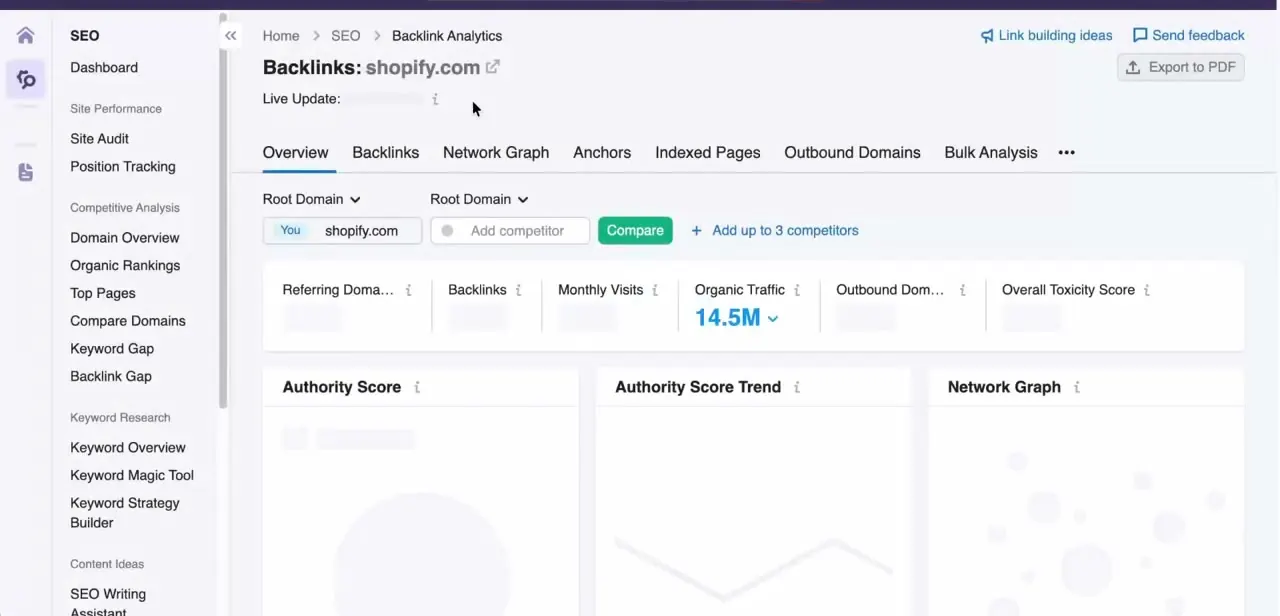
Log into Semrush and navigate to the Backlink Audit tool for the domain you want to analyze.
02Check for broken backlinks
Run the audit and filter for broken backlinks so you can see exactly which links are no longer working.
03Identify 404 pages with existing backlinks
Look specifically for pages returning 404 errors that still have external sites linking to them, since these represent recoverable link equity.
04Find lost and toxic backlinks
Use the audit results to separate lost backlinks worth recovering from toxic links that should be disavowed instead.
05Recover link equity
Redirect broken URLs to relevant live pages or reach out to site owners to update links, helping restore the SEO value those backlinks originally provided.
Frequently asked questions
What counts as a broken backlink in Semrush?
A broken backlink is a link from another site pointing to a URL on your domain that no longer exists or returns an error like a 404.
How do I fix a broken backlink once I find one?
Common fixes include setting up a redirect from the broken URL to a live, relevant page, or restoring the original page if possible.
Is the Backlink Audit tool available on all Semrush plans?
Access to the Backlink Audit tool depends on your Semrush subscription level, so check your plan's feature list to confirm availability.
Can broken backlinks hurt my SEO?
Broken backlinks don't directly penalize you, but they waste potential link equity that could otherwise support your rankings.
Watch the full walkthrough
The same steps, demonstrated on screen from start to finish.