Easy Tech Tuts
How to Sign Up for Claude AI | Free Account Setup | Easily 2026
By Impran M N
Setting up a free Claude AI account is the first step before you can start using it for anything, whether that's automating tasks or exploring its features for a business. This covers accessing the signup page, completing registration, verifying your account, and getting an overview of what's available once you're in.
01Access Claude AI's signup page
Go to Claude AI and find the option to create a new account.
02Fill out the registration
Enter the required information to complete the signup process.
03Verify your account
Complete any verification step required to activate your new Claude AI account.
04Explore Claude AI's features
Once verified, take a look at what's available so you know how to start using the platform.
Frequently asked questions
Is signing up for Claude AI free?
Yes, the setup covered here focuses on creating a free account, which gives you access to get started with the platform.
Do I need any technical background to sign up?
No, the registration process is designed to be accessible for beginners as well as tech enthusiasts and business professionals.
What can I do once my account is verified?
You can begin exploring Claude AI's features, from automating routine tasks to using it for marketing, customer service, or project management.
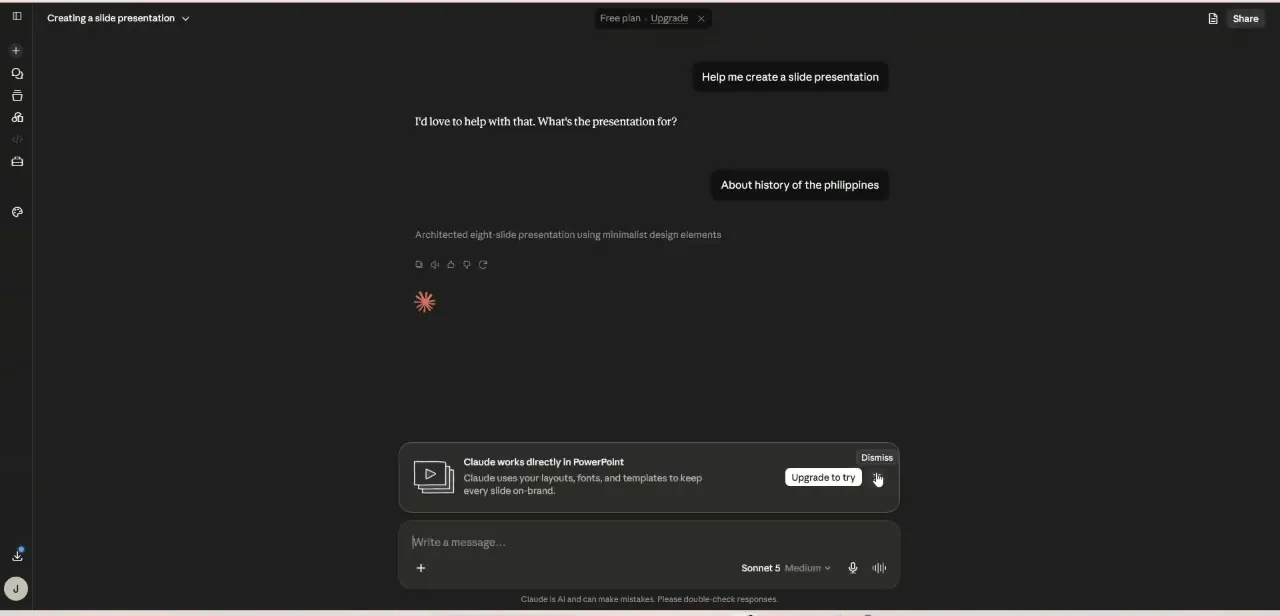
Is Claude AI useful for teams as well as individuals?
Yes, both individual users and teams looking to enhance their capabilities can benefit from setting up an account.
Watch the full walkthrough
The same steps, demonstrated on screen from start to finish.