Easy Tech Tuts
How to Create Slide Presentations With Claude | Minutes, Not Hours | Easily 2026
By Impran M N
Putting together a strong presentation usually takes hours of formatting and design work, but Claude can compress that timeline significantly. This guide covers setting up your first presentation, using Claude's key features, and following best practices for slide design.
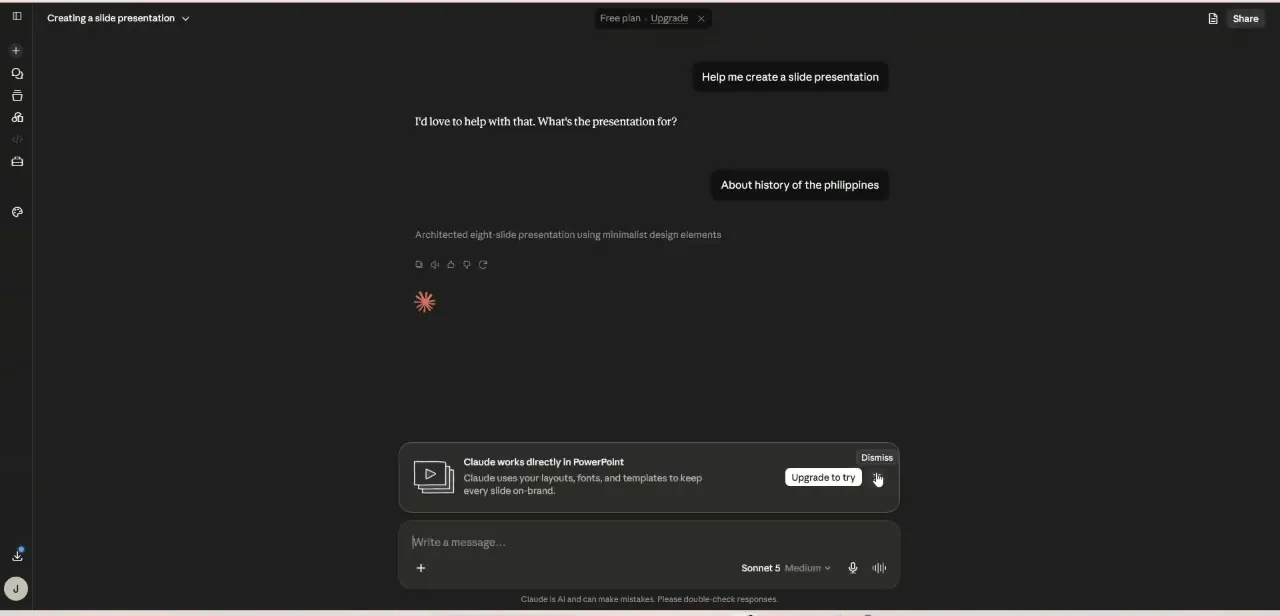
01Set up your first presentation
Begin creating your slide deck in Claude, establishing the starting point you'll build on with the tool's features.
02Explore key features for presentations
Get familiar with what Claude offers specifically for presentation creation, from structuring content to visual layout.
03Follow best practices for effective slide design
Apply the design guidance covered to make sure your slides are clear, structured, and visually compelling.
04Finalize your presentation
Review your completed slides and make any last adjustments before using them in a pitch, meeting, or lecture.
Frequently asked questions
How much time does Claude save on presentation creation?
The tutorial frames this as creating presentations in minutes rather than hours, which is the central benefit highlighted.
Do I need advanced technical skills to use Claude for this?
No, the tutorial is designed to be simple enough for anyone to follow, regardless of technical skill level.
Can Claude integrate with other tools for team collaboration?
Yes, the video covers integrating Claude with other software for efficiency, which is particularly beneficial for teams collaborating on projects.
Who is this tutorial useful for?
Students, educators, and business professionals who need polished presentations without spending hours on manual design.
Watch the full walkthrough
The same steps, demonstrated on screen from start to finish.