Easy Tech Tuts
Claude AI Tutorial for Beginners, What is Anthropic Claude & How to use Claude AI Like a Pro
By Impran M N
Claude AI from Anthropic has become a go-to tool for automating tasks and supporting decision-making, but getting started can feel unclear if you're new to it. This tutorial breaks down what Claude AI is, its main features, and how to start using it effectively in day-to-day work.
01Understand what Claude AI is
Learn the basics of Anthropic's Claude AI and where it fits within the broader AI landscape.
02Explore Claude AI's major features
Cover the key functionalities that make Claude useful for a range of professional tasks.
03Look at business use cases for automation
See practical examples of how Claude AI supports business automation and streamlines repetitive work.
04Integrate Claude AI into existing workflows
Learn approaches for fitting Claude into tools and processes you're already using.
05Pick up tips for advanced use
Get pointers for using Claude AI more effectively once you're comfortable with the basics.
Frequently asked questions
Do I need technical experience to use Claude AI?
No, this tutorial is built for beginners and explains Claude AI in accessible, beginner-friendly terms.
What can Claude AI help automate in a business?
The video covers practical use cases for automating mundane tasks and supporting decision-making within a professional setting.
Is Claude AI only useful for large organizations?
No, the tutorial is aimed at both individuals boosting productivity and organizations looking to innovate with AI.
How do I move from beginner to advanced use of Claude?
The video closes with tips and tricks for using Claude AI like a pro after covering the fundamentals.
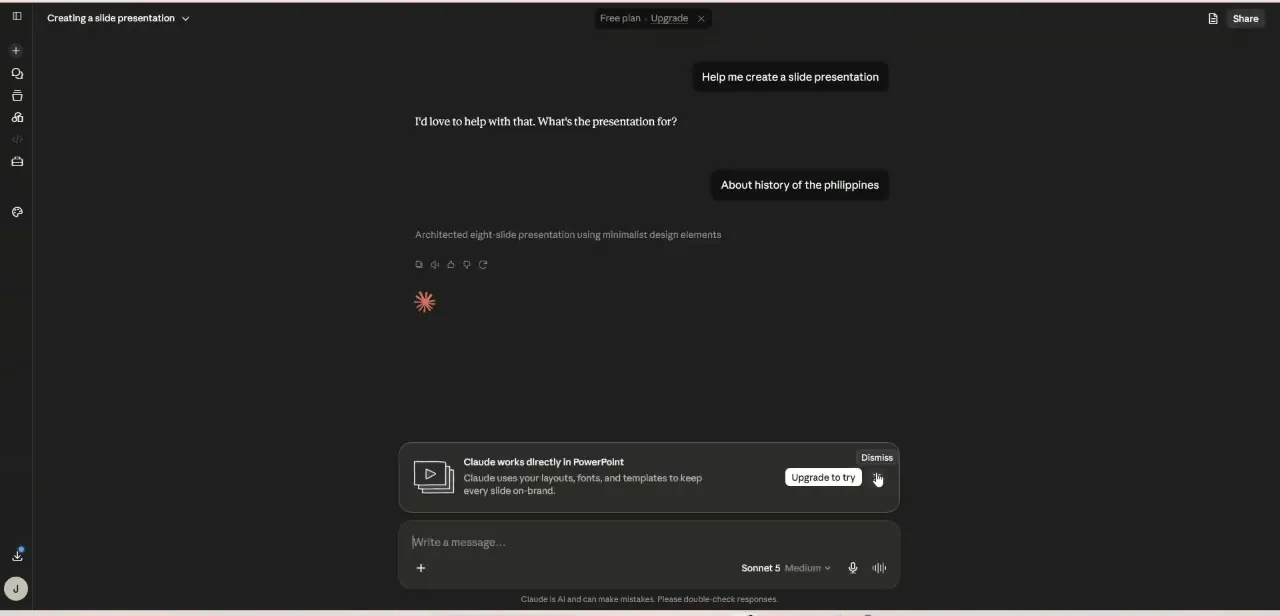
Watch the full walkthrough
The same steps, demonstrated on screen from start to finish.